TOOLNAVIA / BUYING GUIDE
pCloud Extended File History: Is 365-Day Recovery Worth It?
The short answer
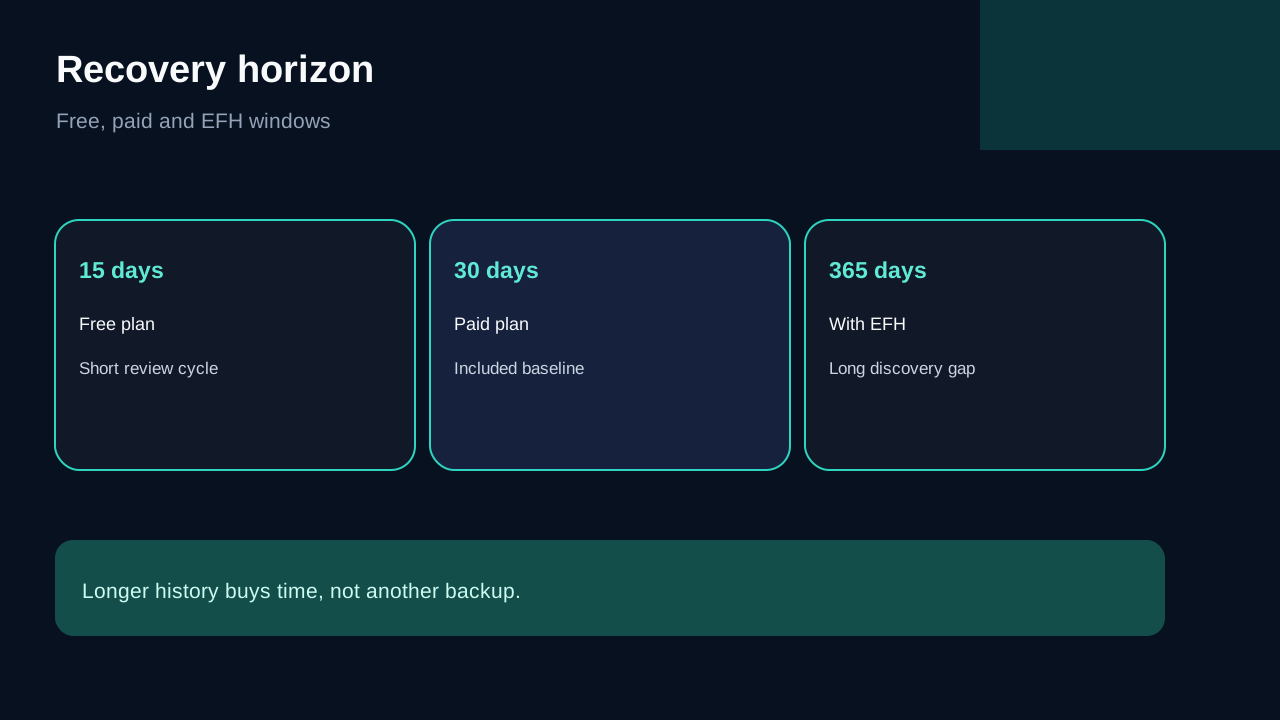
**Quick verdict:** pCloud Premium already gives personal paid accounts a **30-day** recovery window for Trash, file Revisions and Rewind. Extended File History (EFH) stretches those three tools to **365 days**, but only from the moment you activate it. It is worth considering when mistakes may remain unnoticed for more than a month; it is weak value when you review active files weekly or already keep a tested independent backup.
EFH is an add-on, not part of the approved Premium 500 GB offer used by this article. pCloud does not expose a stable, text-readable EFH price on the public pages reviewed, so the signed-in purchase screen controls the current amount. The commercial links below open only Toolnavia's approved Premium 500 GB route, not a promised EFH price.
*Affiliate disclosure: Toolnavia may earn a commission if you buy Premium 500 GB through the approved link, at no extra cost to you. This does not change the recommendation or make EFH an approved affiliate offer.*
At a glance
- Best for
- Premium buyers whose damaging changes may remain unnoticed for 31–365 days.
- Price model
- EFH authenticated purchase screen controls; Premium checkout terms vary by region and campaign.
- Check first
- EFH is not retroactive, cannot restore permanently deleted items and does not replace an independent backup.
What changes from 30 days to 365 days
Paid personal plans retain deleted items, earlier file versions and account Rewind states for up to 30 days. EFH changes the retention horizon to 365 days for the same three recovery mechanisms. It does not add storage capacity, client-side encryption, immutable snapshots or a second account.
That distinction matters. A 500 GB Premium buyer who adds EFH still has the same storage plan; the add-on buys more time to notice and reverse a recoverable event. [Check the live Premium 500 GB offer](/go/pcloud-premium-500gb-official-usd) only if the base storage plan fits first.
Trash, Revisions and Rewind solve different failures
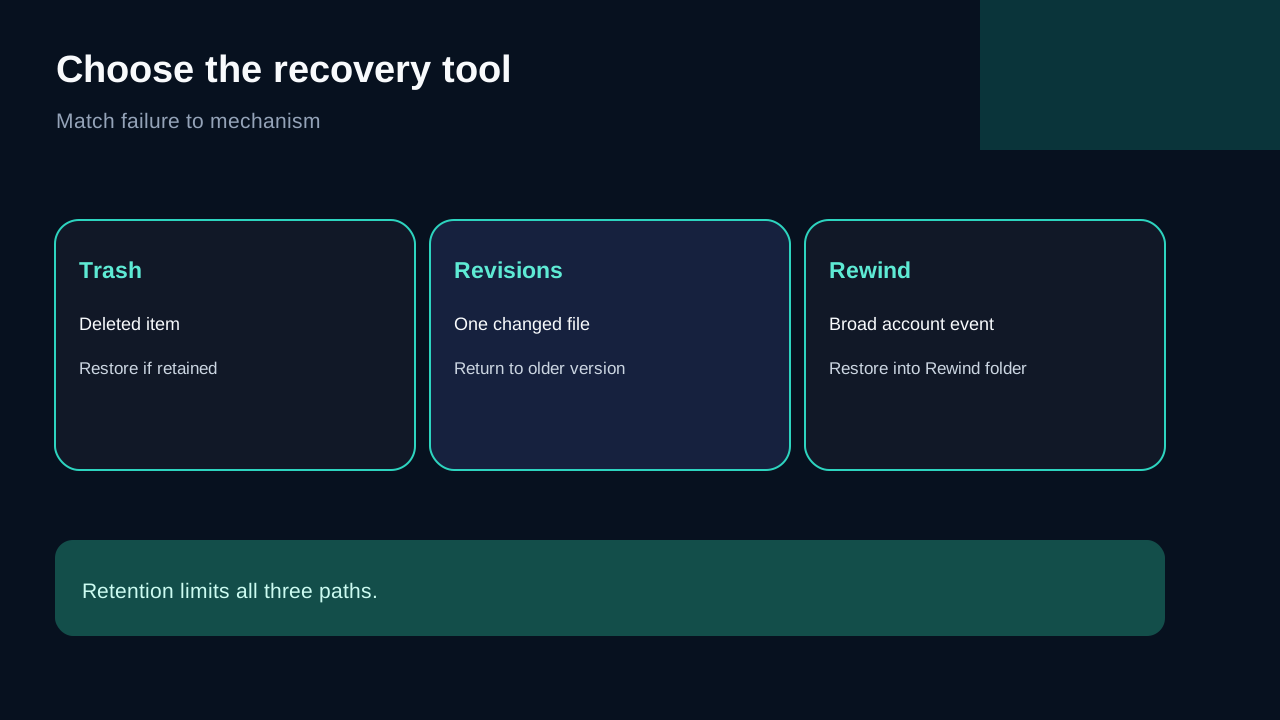
Use **Trash** when a file was deleted and still remains recoverable. Use **Revisions** when one file was overwritten, corrupted or encrypted and you need an earlier version. Use **Rewind** when a broad event changed many folders and you need to inspect the account at a past date. Restored Rewind content is placed in a Rewind folder rather than silently replacing the current account.
The shared retention period does not make the tools interchangeable. A single overwritten spreadsheet is a Revisions problem; an accidentally removed folder is a Trash problem; a large synchronized corruption is a Rewind problem. Practise all three with disposable files before relying on them.
The non-retroactive trap
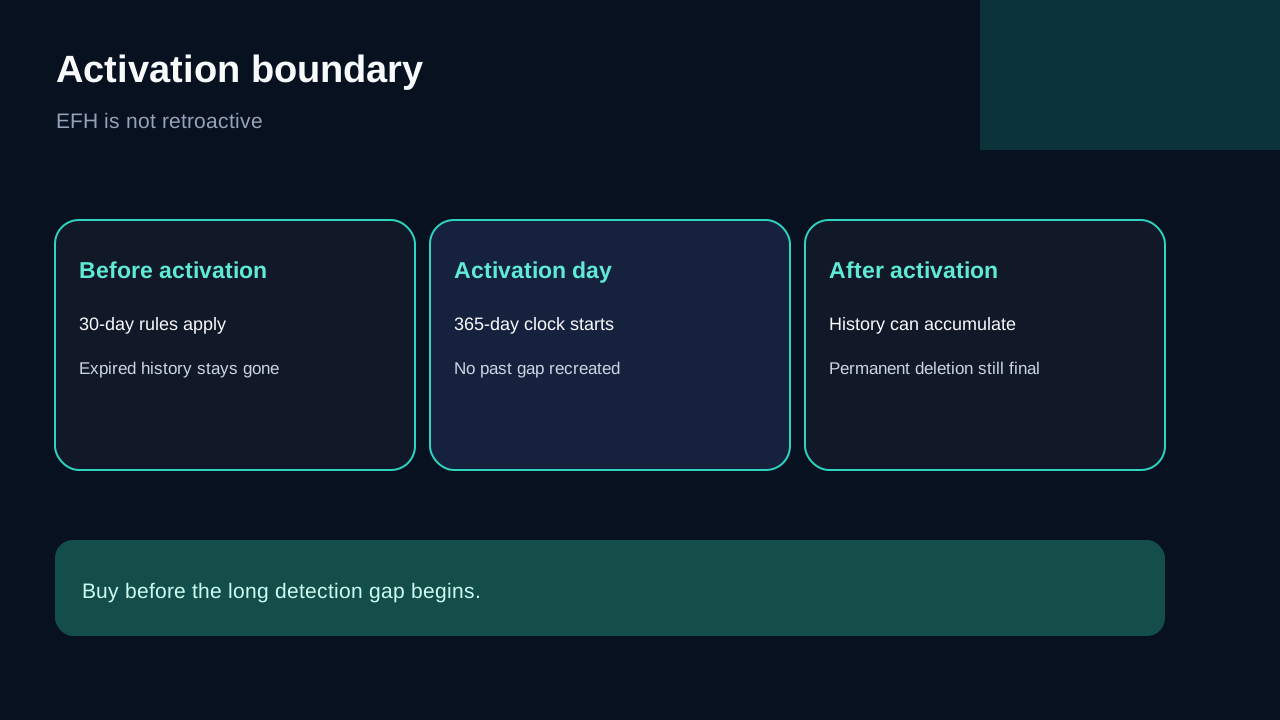
EFH starts when it is activated. It cannot reach backward and revive history that had already expired under the 30-day window. If a file was deleted 45 days ago and EFH is purchased today, that purchase does not recreate the missing 15 days. pCloud also says EFH cannot restore items that were permanently deleted from Trash.
This is the most important purchase boundary: buy before the long detection gap begins, not after a loss is discovered. Enabling it just before a yearly archive audit does not protect the prior year.
Decide by detection lag, not file count
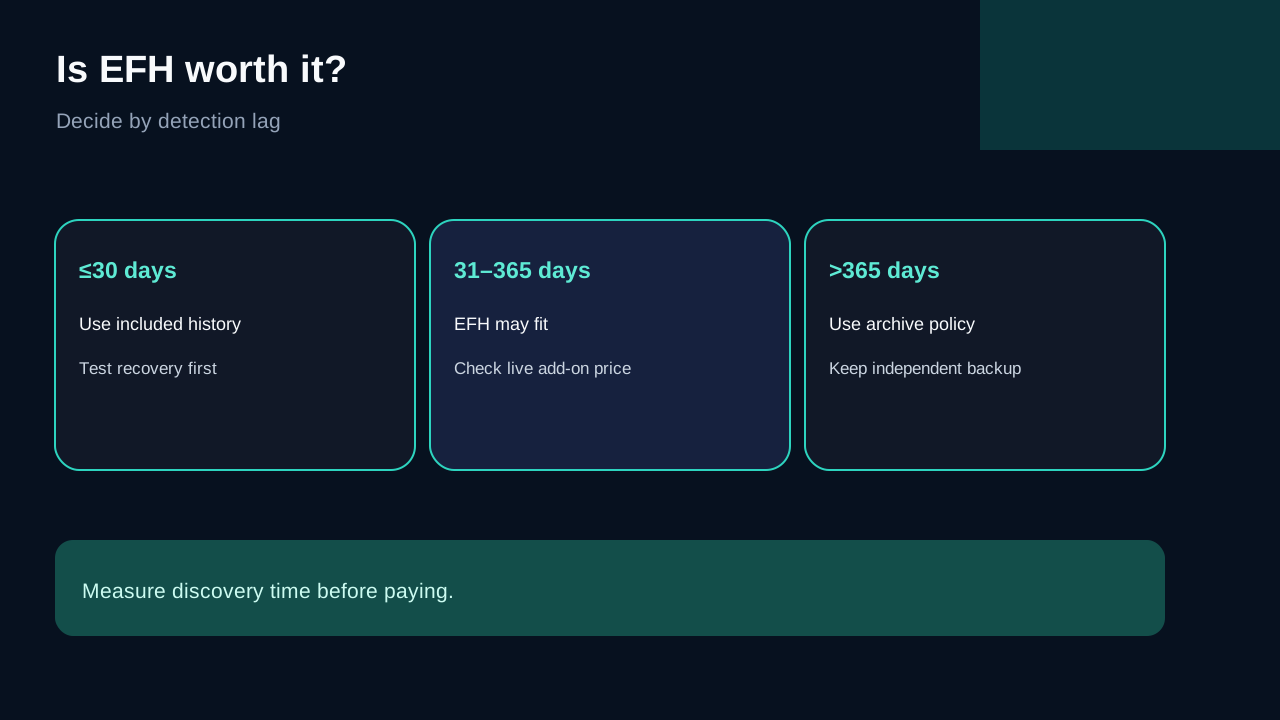
Estimate the longest realistic time between a damaging event and discovery:
- **Under 30 days:** the included paid-plan window may be enough if you check projects frequently and test recovery. - **31–365 days:** EFH can cover a real gap for quarterly reviews, seasonal photo libraries, client archives or folders touched only a few times per year. - **Over 365 days:** EFH still leaves a gap; use a separate archival or backup policy.
File count is a poor proxy. Ten rarely opened legal or creative files may justify longer history more than 100,000 actively monitored cache files. Cloudwards, TechRadar, 01net and Listiak consistently describe EFH as an optional paid extra, so compare its live cost with the value of one delayed-discovery incident rather than treating it as a default bundle.
EFH is recovery history, not an independent backup
Longer version history can help after accidental deletion, corruption or synchronized ransomware encryption. It does not create an offline copy, an immutable vault or a separate administrator boundary. Permanent deletion, expired history, account compromise or service-side failure can still defeat a single-provider design.
For irreplaceable data, keep another copy with independent credentials and retention. A practical setup is a local working copy, pCloud for sync/access and a second backup that the same pCloud action cannot delete. Test restoration, not merely upload.
A five-step pre-purchase test
1. Create a disposable folder with several files. 2. Overwrite one file, delete another and move a subfolder. 3. Open Revisions, Trash and Rewind separately. 4. Restore the test data and verify names, contents and folder structure. 5. Record how quickly your real team would notice the event.
Then compare that detection time with 30 days. If the normal review cycle is weekly, EFH may add little. If detection routinely happens after month-end, the 365-day window addresses a measurable risk. Do not buy based only on “one year” marketing language.
Final recommendation
Choose the included 30-day history when projects are active, reviewed often and protected by another tested backup. Consider EFH when the same files can sit untouched for months and one late-discovered deletion or corruption would cost more than the live add-on price. Reject it as your only disaster-recovery plan.
Start with the base plan decision: storage capacity, platform fit and checkout terms must work without EFH. [View the current pCloud Premium 500 GB offer](/go/pcloud-premium-500gb-official-usd), then inspect the authenticated Rewind page for the current EFH amount and terms.