TOOLNAVIA / BUYING GUIDE
PC Fresh Power-Now: A Before-and-After Benchmark Guide
The short answer
At a glance
- Best for
- A Windows user who can freeze test conditions, repeat a representative workload, inspect required services, verify rollback and value guided maintenance convenience.
- Price model
- Observed EUR29.95; verify live checkout
- Check first
- Buyers expecting guaranteed speed, machines with failing storage, overheating, malware or insufficient memory, and production systems that cannot tolerate service interruption.
Quick verdict: prove a repeatable gain before you buy
PC Fresh Power-Now is worth paying for only if its 30-day trial produces a **repeatable improvement in the exact work you care about** and does not break printing, VPN, Bluetooth, audio, backup, sync, sleep or peripherals. Abelssoft says Power-Now automatically switches off services it considers unnecessary. That is a feature description, not a benchmark result. Across the pages reviewed for this guide, we found no independent percentage that proves a universal speed increase.
The practical decision is not “Does the button say maximum performance?” It is “Does the same machine finish the same task faster, consistently, after Power-Now—while every required function still works?” Use three baseline runs and three Power-Now runs, compare medians, record what changed, and test rollback. If the gain is small, unstable or accompanied by breakage, keep the money and use Windows’ own startup, background-app and power controls.
At the latest check, the English product page displayed **EUR29.95** and a **30-day trial**. The vendor page also described at least six months of updates, email support and an ad-free full version. The live checkout controls tax, currency, campaign and final license terms, so re-check the order before paying. Two fresh crawls showed different 2026 subversion strings; this article deliberately refers only to PC Fresh 2026 rather than asserting a precise build.
What Power-Now changes—and what it cannot prove
Power-Now is presented as a shortcut for temporarily disabling services judged unnecessary for the current performance session. Reviews also describe manual controls and service explanations. That can be convenient: Windows exposes many of these controls in different places, and a single dashboard may reduce the time needed to inspect them. Convenience, however, is not the same as throughput.
A stopped background service may free a little CPU time, memory or disk activity. On a machine constrained by a failing SSD, too little RAM, thermal throttling, malware, a slow network or an application bottleneck, service toggles may produce no useful improvement. PC Fresh is not a hardware repair, a malware guarantee or a replacement for application-specific tuning.
Microsoft already provides a free baseline: Task Manager shows startup impact; Windows lets you enable or disable startup apps; performance settings can reduce visual effects; and power mode can favor performance. Microsoft also warns that its Best performance mode may increase battery use and heat. Run those checks first, because a paid optimizer should beat the value of controls you already own—not merely expose them with different labels.
Freeze the test machine before measuring
A before-and-after test is useless if Windows Update, a game patch, cloud sync or a different power state changes between runs. Before opening Power-Now:
1. Finish pending Windows and driver updates, then restart. 2. Keep the laptop plugged in and use the same Windows power mode. 3. Pause scheduled backup and cloud sync only if that matches the workload; record the pause and restore it later. 4. Close unrelated applications and use the same network connection. 5. Let the machine sit idle for two minutes before every run. 6. Record Windows version, PC Fresh major version, CPU, RAM, storage type and free space. 7. Create a restore point and note how to reach System Restore before changing services.
Do not use a single synthetic score as the only result. Pick a task connected to a purchase decision: project export time, an application-launch sequence, spreadsheet recalculation, code build, game frame-time capture, or a repeatable batch operation. If the real pain is weak-network browsing, a local service switch is the wrong experiment.
Record the baseline and changed state
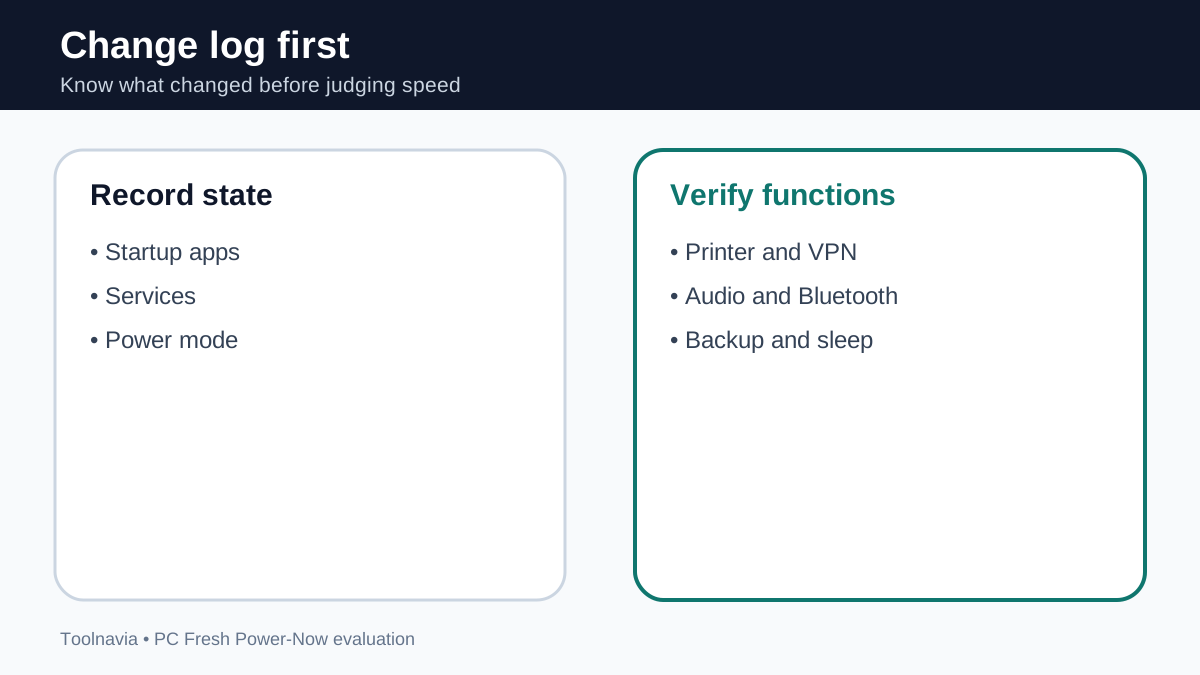
First capture startup state in Task Manager. Note every high-impact startup app you intentionally keep, especially security, password manager, backup, audio, GPU, input-device and VPN components. Microsoft’s startup-impact labels are context, not a promise that disabling an item will improve your workload.
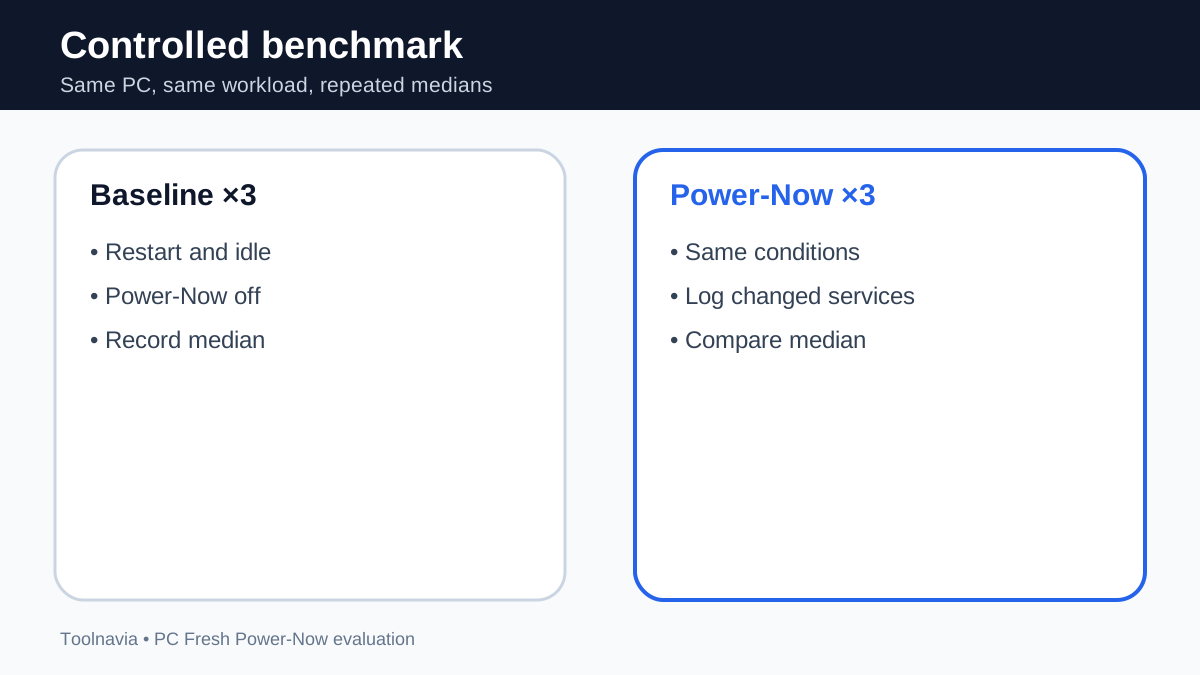
Run the workload three times **with Power-Now off** after a restart and idle period. Record task duration, launch time if relevant, average and peak CPU, memory and disk activity, frame-time or dropped-frame data where relevant, battery or temperature observations, and every error or missing function.
Then activate Power-Now, save or photograph the list of changed services and repeat the same workload three times under the same conditions. Do not add other tweaks. A median comparison reduces the influence of one unusually fast or slow run.
Use the practical gain formula: **gain = (baseline median − Power-Now median) ÷ baseline median × 100**.
Treat that percentage as a result for your machine and workload only. It is not a general PC Fresh speed claim.
Test the functions most likely to reveal breakage
A faster export is not a win if the printer disappears or the VPN fails the next morning. After measuring, run an acceptance checklist while Power-Now is active:
- print or open the print queue; - connect and disconnect the VPN; - pair or use a Bluetooth device; - play and record audio; - wake the PC from sleep; - mount an external drive; - confirm cloud sync and backup resume; - test webcam, controller or specialist peripherals; - open Windows Security and your security product; - repeat one normal restart.
Any required function that fails is a blocker. Do not accept a performance number by promising yourself you will remember which service to re-enable later. The value proposition is guided convenience; a configuration that requires continual troubleshooting defeats it.
Verify rollback before trusting the result
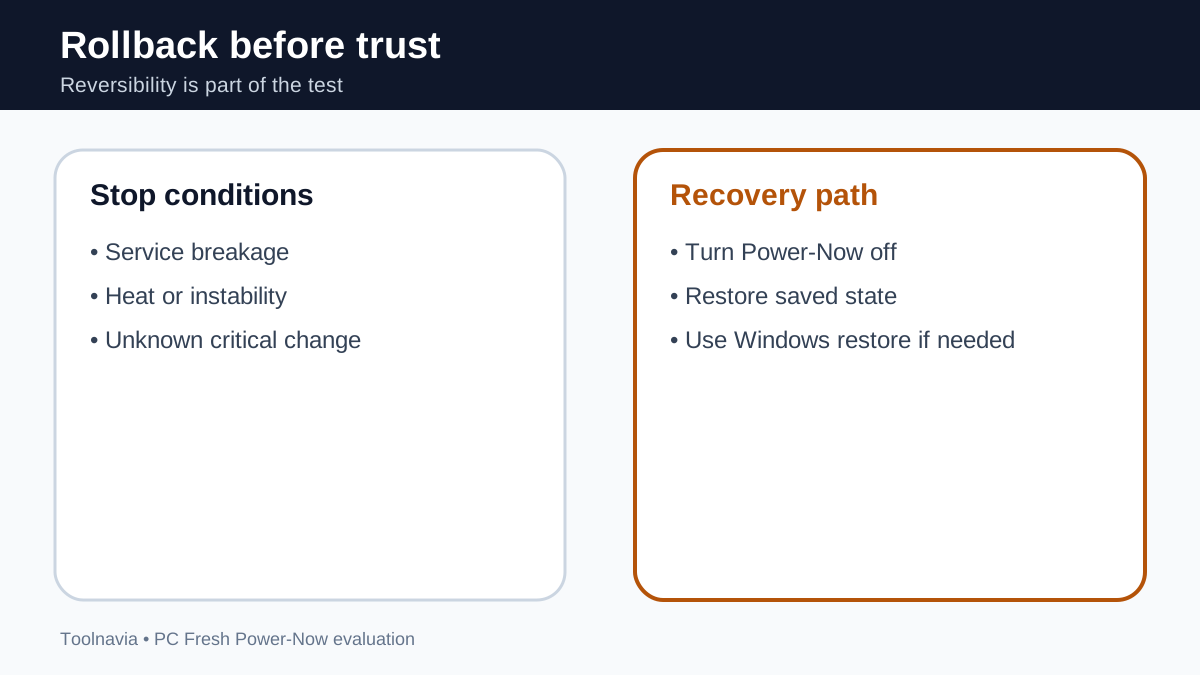
Turn Power-Now off and confirm that changed services return to their prior state. Repeat the critical printer, network, security, sync and sleep checks. If rollback is incomplete, use the saved settings log and, when appropriate, Windows System Restore. Microsoft says System Restore can roll system files, registry settings and installed programs back to a restore point without changing personal files, but that safety net is not a substitute for a clear change log.
System Restore is a Windows capability, not a PC Fresh feature. If you do not understand a service or the machine performs business-critical work, make fewer changes and verify them one category at a time.
Interpret the numbers with a purchase gate
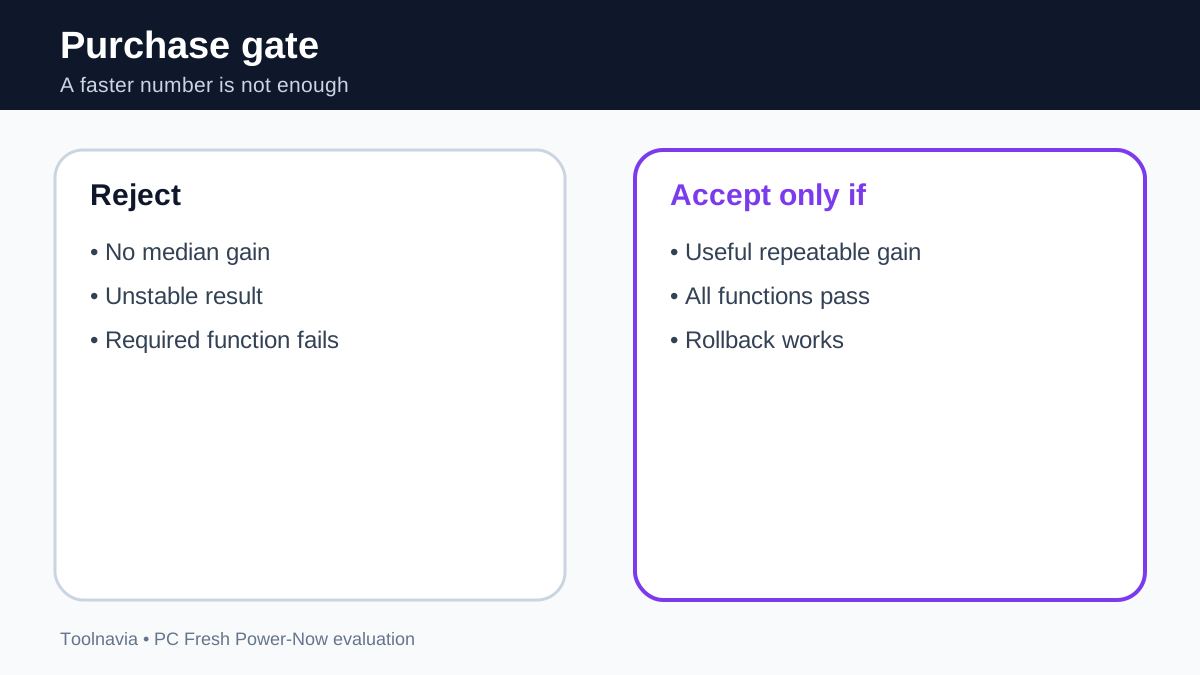
**Repeatable, useful gain with no breakage.** If the median improves by an amount you can feel, all required functions pass, and rollback works, PC Fresh may be worth buying for saved maintenance time.
**Small but consistent gain.** A 1–3% change may be measurement noise or irrelevant. Buy only if the dashboard and explanations save enough recurring administration time.
**Unstable gain.** If one run is much faster but the median barely changes, repeat after another restart. Do not purchase on the best single run.
**Breakage or no gain.** Restore the original state and do not buy for Power-Now. Hardware repair, more memory, storage replacement, malware investigation or application-specific tuning may be the correct next step.
The vendor and some reviews use strong performance language, but the reviewed sources do not supply a reproducible, independent Power-Now benchmark percentage. This unresolved evidence gap caps our confidence: PC Fresh can be evaluated as a control and convenience tool, not as a guaranteed accelerator.
Price, trial and who should buy
The observed English product page price was EUR29.95, with a 30-day trial. The trial is the key protection because value depends on your machine, required services and tolerance for manual Windows settings. Confirm final currency, tax, license duration and update entitlement in checkout.
PC Fresh is a reasonable candidate for someone who wants one guided dashboard for startup and service decisions, will run controlled before-and-after tests, values maintenance convenience, and confirms required functions and rollback before paying.
It is a poor fit for someone who expects guaranteed FPS, export-time or boot-time gains; has a failing drive, overheating, malware or insufficient RAM; cannot risk service interruption; or only needs to disable one obvious startup app once.
**Affiliate disclosure:** Toolnavia may earn a commission if you buy through the approved PC Fresh link, at no extra cost to you. That relationship does not change the test-first rule: use the trial, keep the result only if it is repeatable, and pay only after the acceptance checklist passes.
Bottom line
Power-Now deserves a controlled trial, not blind trust. Freeze the machine, record the services, run three matched baselines and three matched Power-Now tests, check every required function, and prove rollback. If the median improvement is useful and stable, the guided workflow may justify EUR29.95. If the benefit is negligible, inconsistent or disruptive, Windows’ own controls remain the better purchase decision.