TOOLNAVIA / BUYING GUIDE
Parallels Travel Mode: Check Battery and Disk Space Before You Buy
The short answer
Parallels Desktop Standard can be a practical way to carry one Windows workflow on a MacBook, but do not buy it because you expect Travel Mode to extend battery life. Parallels' own current documents conflict: one update notice says Travel Mode and the Free Up Disk Space menu were planned for removal, while a 2026 Standard-versus-Pro comparison still lists Travel Mode. Treat the feature as build-dependent, verify it during the trial, and make the purchase only after the same Mac passes a battery-and-storage test.
*Official-documentation analysis checked November 7, 2026 UTC. Toolnavia did not install Parallels, run a battery benchmark, or complete checkout.*
At a glance
- Best for
- A mobile MacBook buyer who can verify the build and run a controlled battery/storage trial.
- Price model
- No stable price quoted; verify checkout, tax, renewal and entitlement.
- Check first
- Travel Mode availability conflicts across official documents; battery life and VM growth are not guaranteed.
The Travel Mode listing is not a purchase guarantee
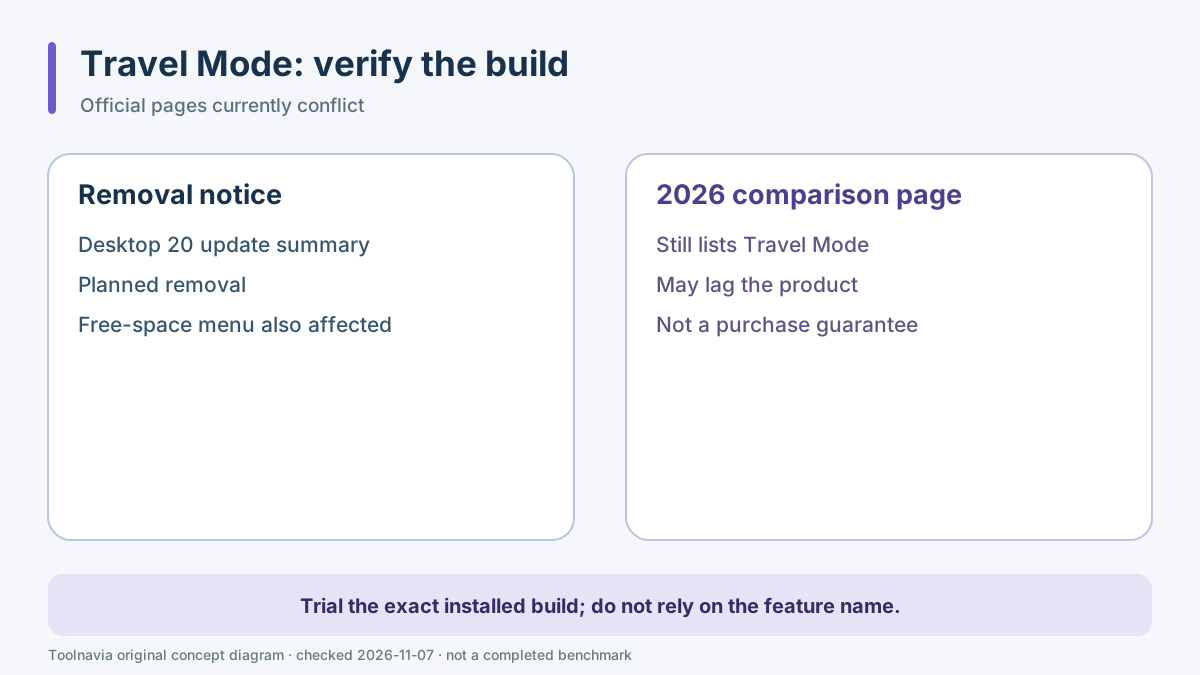
Travel Mode historically reduced selected Windows services when a Mac ran on battery. That sounds attractive for travel, but the present documentation does not support a blanket promise. The Desktop 20 update summary says Travel Mode and the Free Up Disk Space menu were no longer supported and were planned for removal in the next major version. A separate edition comparison last reviewed May 26, 2026 still includes Travel Mode among general Parallels capabilities.
Both pages are official, so the safe conclusion is not “included” or “removed everywhere.” Availability depends on the exact Parallels build and documentation can lag the product. During the current trial, search the VM configuration and Help menu on the Mac you will use. If Travel Mode is absent, judge Standard on its ordinary Windows integration, not on an old feature name.
Paying for Pro does not resolve an undocumented feature conflict. The approved Toolnavia link is associated with Standard; Pro is not presented as a workaround.
Run an A/B battery test on the same Mac
Battery life depends on more than the virtual-machine app. Apple exposes Automatic, Low Power and, on supported hardware, High Power energy modes. Screen brightness, external displays, network traffic, background sync, Windows Update and the Windows workload can move the result more than a single Parallels setting.
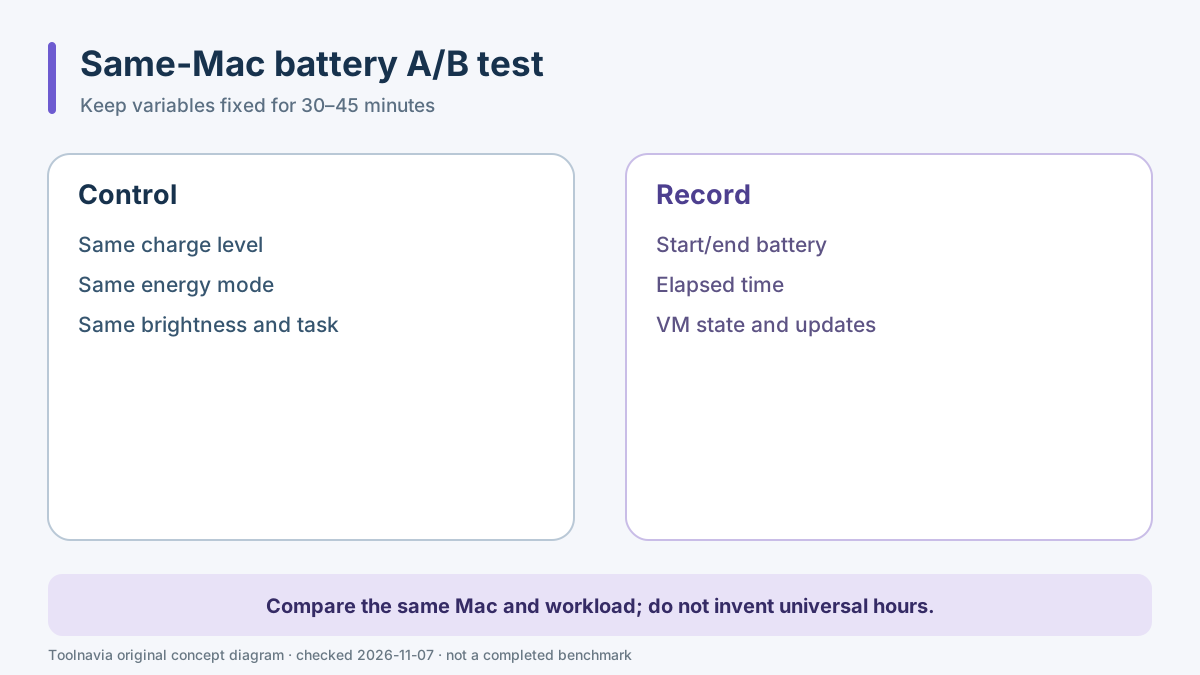
Use two repeatable 30- to 45-minute runs before the trial expires:
1. Charge to the same level, disconnect the charger and choose the same macOS energy mode. 2. Set the same display brightness and disconnect unneeded external devices. 3. Start with the same Windows state and no pending update. 4. Open the real Windows application and the same sample file. 5. Record starting and ending battery percentage, elapsed time, Mac energy mode, Windows task and whether the VM was suspended or shut down. 6. Repeat once with the VM closed, or with the relevant current-build power control enabled if it actually exists.
Do not convert one short run into an “hours saved” claim. The result is useful only for comparing the same Mac, workload and settings. If the Windows task consumes too much battery even after background activity is controlled, the correct answer may be to use the web or Mac version of the application for travel—not to buy a higher Parallels edition.
Budget SSD headroom beyond the 16 GB installation floor
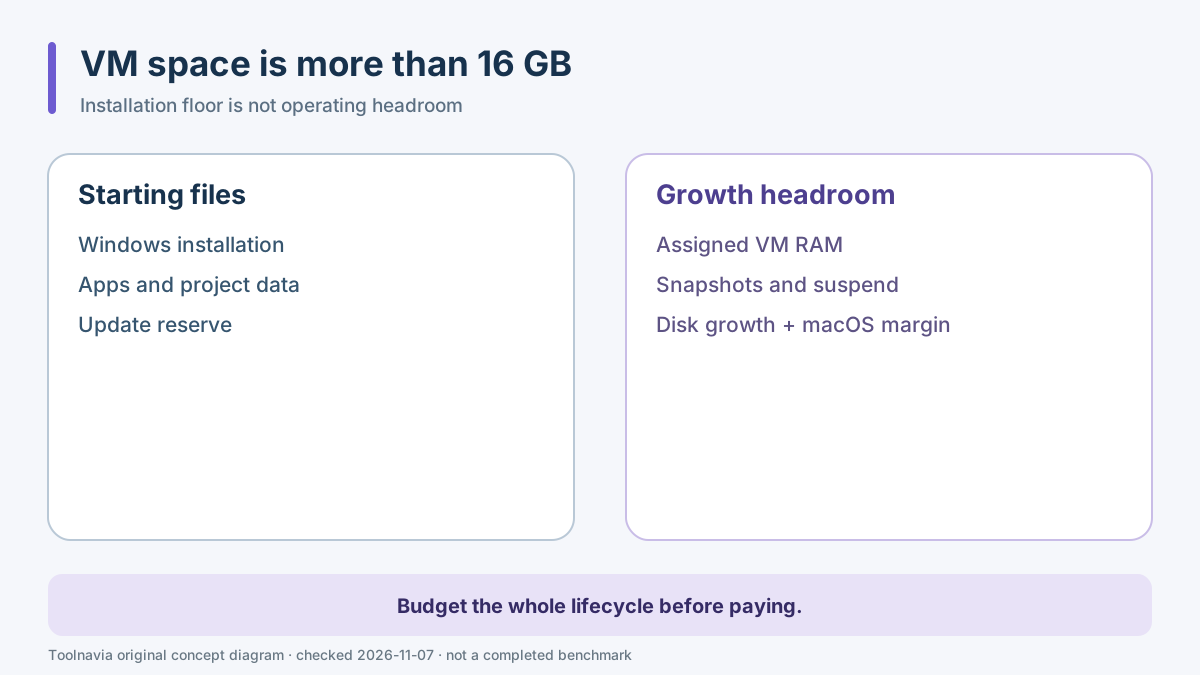
Parallels lists roughly 600 MB for the desktop application and at least 16 GB of additional space for Windows, with SSD storage recommended. That 16 GB is an installation starting point, not a safe operating budget for a working VM.
The virtual disk can grow as Windows updates, applications, caches and project files accumulate. A suspended VM also writes state to storage. Snapshots can preserve additional changed blocks, and deletion or consolidation may need temporary room. Parallels' low-space guidance says host free space should be at least equal to the RAM allocated to the VM and warns that snapshots increase pressure.
Build a realistic budget before purchase:
- Windows installation and update reserve; - the installed Windows application and local data; - the VM's allocated RAM as a minimum emergency headroom reference; - expected virtual-disk growth; - snapshot or suspend-state allowance; - a separate margin so macOS itself can update and swap safely.
For a Standard VM assigned 8 GB of guest RAM, “8 GB free” is not a recommended final target. It is only one floor inside a larger budget. If the Mac starts with little free space, remove or archive files first, then repeat the representative workload. Buying Parallels cannot create SSD capacity.
Keep the VM on fast, reliable storage
Parallels recommends internal SSD storage and warns that running from USB or network-attached storage can significantly reduce performance. External storage can still be useful, but it adds cable, enclosure, filesystem, sleep and disconnect risks that a mobile buyer must test.
If you intend to carry the VM on an external SSD, perform the full battery and storage test from that exact drive. Safely suspend or shut down the VM before disconnecting it. Do not assume a fast sequential benchmark means the VM will remain responsive during updates, snapshots or many small writes.
The [Parallels external-SSD workflow guide](/en/software/parallels-external-ssd-workflow) covers that separate setup decision. The [Standard-versus-Pro capacity guide](/en/software/parallels-standard-vs-pro-cpu-ram-cap-upgrade) explains the 4-vCPU and 8-GB plan ceiling; this article does not repeat that edition comparison.
Snapshots and suspend states can hide the real space cost
VMware Fusion's same-intent guidance budgets host free space for assigned VM RAM, potential virtual-disk growth and snapshots. UTM likewise notes that suspended state or snapshots can prevent space reclamation until the VM is shut down and the image is managed correctly.
Those products use different formats and controls, so their exact instructions are not Parallels instructions. The common buying lesson is that a VM is not a fixed-size app bundle. A clean trial image may fit today while a used image, suspend file and snapshots exceed the remaining capacity next month.
For the trial, record free host storage at four points: before installation, after Windows setup, after installing the real application, and after one representative work session plus a suspend or snapshot if you plan to use it. If free space falls close to the headroom budget, solve storage before paying.
Buy, wait or choose another route
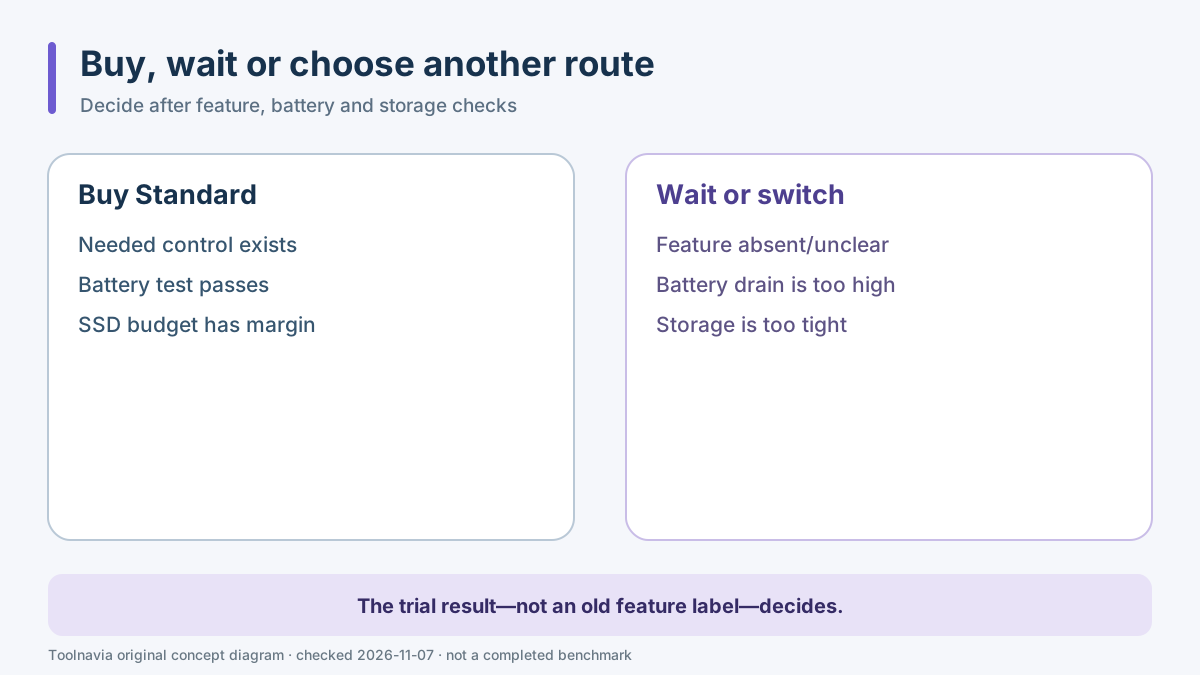
Buy Parallels Desktop Standard when the current build provides the controls you actually need, the same-Mac battery test is acceptable, and the VM plus growth reserve fits without squeezing macOS. It is a good fit for one necessary Windows application that has no adequate Mac or browser alternative and that you can verify during the trial.
Wait when Travel Mode is central to the purchase but the feature is absent or ambiguous in the installed build, when the Mac has little SSD headroom, or when Windows Update and the real workload have not yet been tested on battery.
Choose another route when the web or Mac version covers the travel task, when the Windows application is incompatible with the target environment, or when the buyer would need to carry a charger and external SSD only to make a light mobile workflow viable.
Use the approved Standard link only after the test. Checkout price, tax, renewal and entitlement can change by market; this article does not quote a stable price or promise a discount. Verify the current official buy page at checkout.
*Affiliate disclosure: Toolnavia may earn a commission if you buy through its approved Parallels Desktop Standard link. That does not change the recommendation to test the exact build first.*