TOOLNAVIA / BUYING GUIDE
Parallels on an External SSD: Save Mac Space Without Buying Blind
The short answer
An external SSD can make Parallels Standard more practical when your Mac's internal drive is crowded. The useful option is relocating the virtual machine's working files, not making storage costs vanish. Buy only after the attached-drive workflow and recovery plan make sense for how you use the Mac.
This is documentation analysis; no drive or connection was benchmarked.
At a glance
- Best for
- Users with a stable attached drive and a tested independent recovery copy.
- Price model
- Official USD reference: Standard $99.99/year or $219.99 perpetual; live cart controls; Windows and tax separate.
- Check first
- Users needing disconnect-anytime portability or assuming an external working VM is its own backup.
Separate the application from the Windows environment
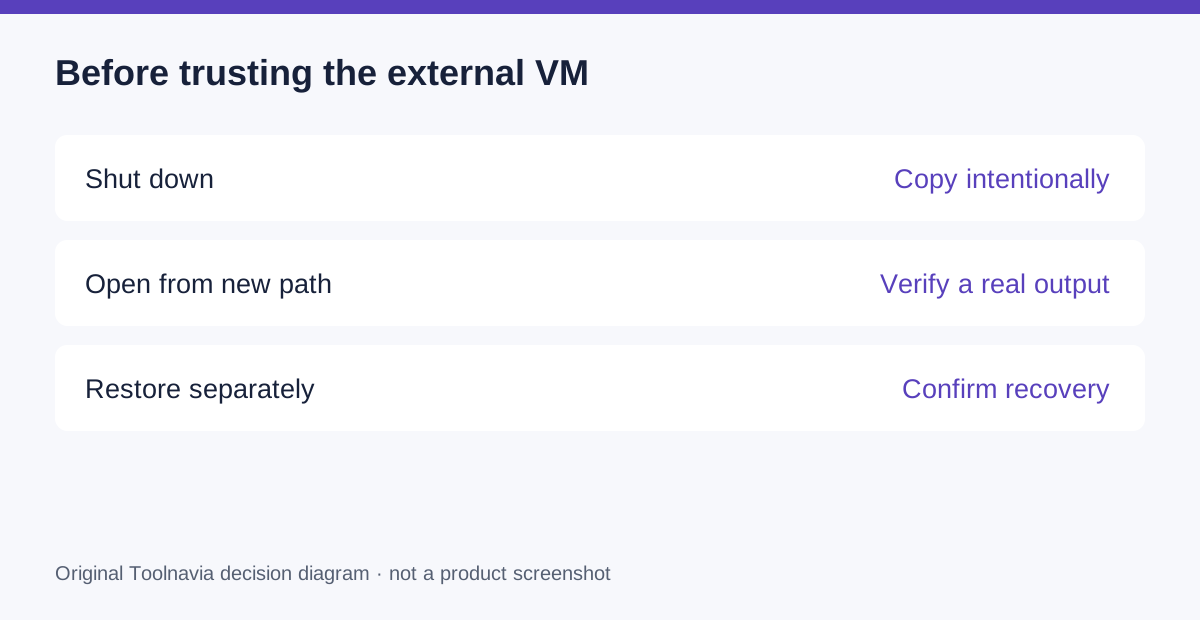
The virtual machine is stored as a .pvm bundle. Parallels documents moving or copying it to external storage while the VM is shut down, then opening it from the new location. Moving the guest is a different operation from merely moving a desktop shortcut.
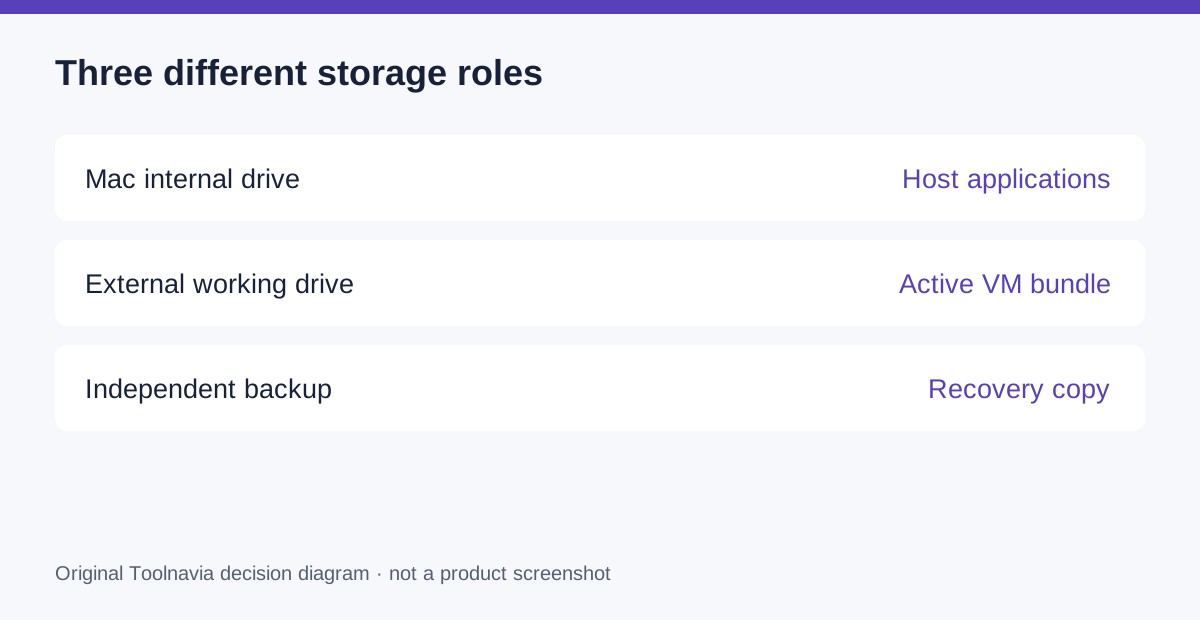
Before deciding, identify what consumes space: the guest operating system, installed applications, working projects and retained recovery material. Do not assume the bundle's current size is the maximum space you will ever need. Plan for the actual project and maintenance work rather than buying a drive that only fits today's file.
Know which conveniences are real
External placement can release internal capacity while keeping the VM available when the drive is attached. The vendor also documents an external-drive indication in Control Center. Standard is included in the external-storage guide's scope, so storage placement is not by itself a reason to buy a higher edition.
These benefits are useful for an infrequently used environment or a Mac with limited internal space. They do not imply identical speed to the internal SSD, and they do not raise Standard's resource ceiling. A disk-heavy workflow deserves its own test.
Budget the whole storage arrangement
The official Standard reference is $99.99 annually or $219.99 perpetual; current checkout and renewal terms control. Add separately required Windows licensing, the drive, any enclosure or cable, an independent backup destination and tax.
Use current quotes for those items. The vendor's external-drive blog dates from 2020, so its accessory prices and benchmark numbers are not evidence of what your modern setup will cost or how fast it will run. An existing suitable drive can change the economics, but it still needs acceptance testing.
Read the connection limits before trusting mobility
The dedicated storage guide warns about unstable connections and heavy I/O, and lists limitations around snapshots and suspend/resume on externally or network-stored VMs. Its broad scope is a reason to verify your exact local SSD configuration rather than assume every external arrangement behaves identically.
An attached working VM also creates a physical dependency. If your daily routine involves moving between rooms, docking and undocking, consider whether you can consistently shut down and handle the drive correctly. Convenience on a desk may become friction in a bag.
Copy, verify and recover before deleting anything
Start with a shut-down VM and an independent backup. For a cautious test, copy rather than immediately delete the internal working bundle. Open the intended external copy, confirm its location and complete a harmless real task. Save the result, shut down and reopen it.
Keep the two copies clearly named during evaluation, and avoid making divergent changes to both. Then test recovery from a separate backup rather than treating the external working drive as its own recovery system. Only reclaim the old working space after the new location and recovery procedure are accepted.
Buy for a storage layout you can maintain
Choose this route when the exact drive supports the real workload and the connection routine is manageable. Keep the VM internal when repeated disconnects or intensive disk work make that arrangement more dependable.
Check the current Standard option through the official Parallels purchase entry. Toolnavia may earn commission on qualifying purchases; the link includes no SSD, backup service or performance guarantee.