TOOLNAVIA / BUYING GUIDE
Parallels Cancellation & Refund Guide: Stop Renewal Without Losing Your VM
The short answer
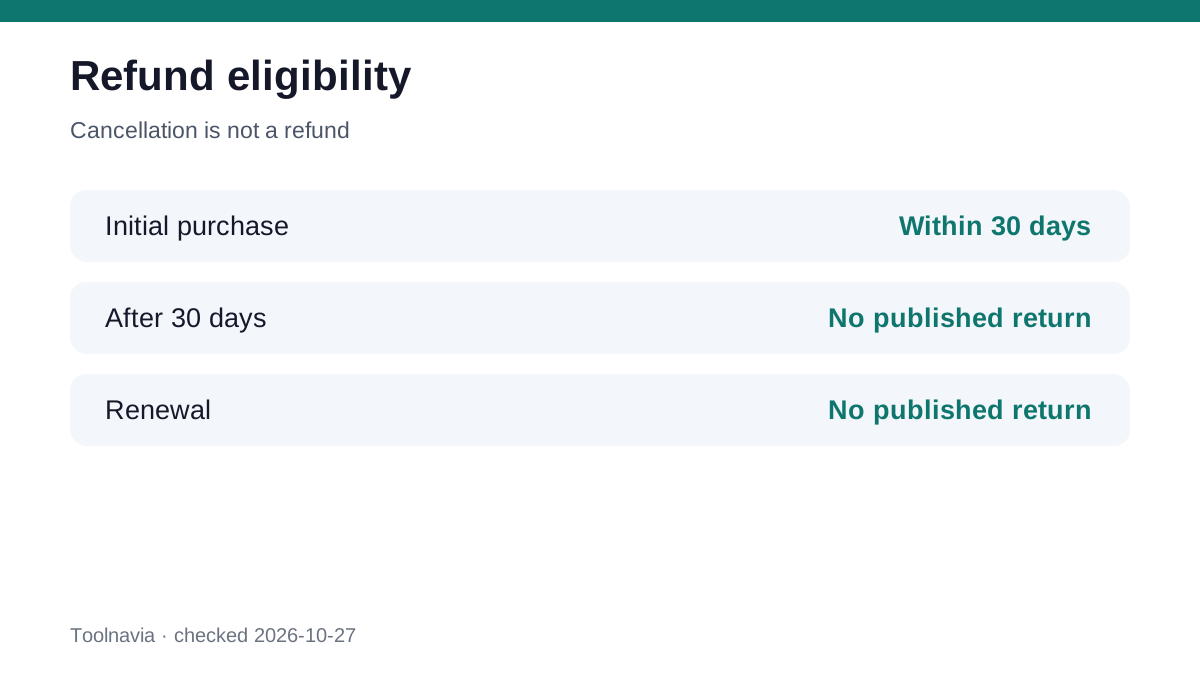
**Quick verdict:** turning off Parallels auto-renewal prevents a future charge; it does not itself create a refund. For a purchase made through the Parallels Online Store, the published return policy allows a full refund within 30 days of the **initial purchase**, but says returns are not accepted after 30 days or for renewal transactions. App Store purchases follow Apple's cancellation and refund process instead. Before any subscription expires, save the confirmation and back up the local virtual machine.
At a glance
- Best for
- Channel-specific cancellation, refund eligibility and VM preservation.
- Price model
- No price claim; verify the live seller policy and transaction.
- Check first
- Refunds depend on seller, timing, transaction type, jurisdiction and current policy.
First identify who billed you
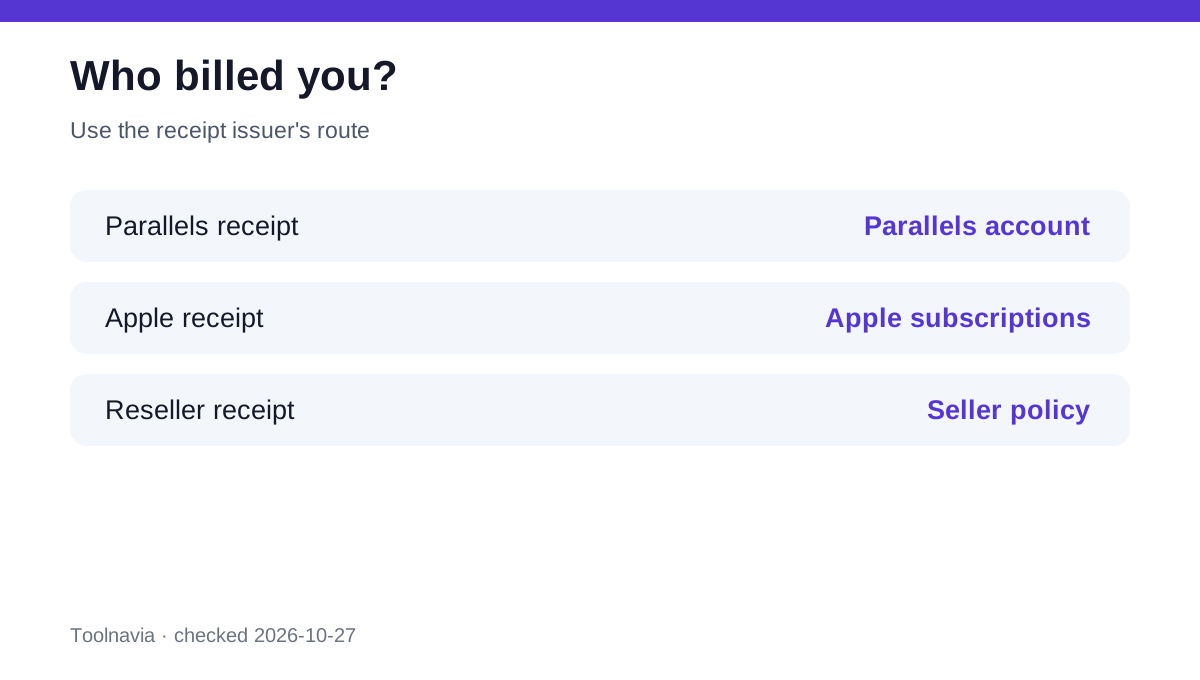
Open your receipt before clicking any cancellation link. A direct Parallels order belongs in the Parallels account and store-policy route. A Mac App Store subscription must be managed through Apple's subscription settings, and refund requests go through Apple's own billing channel. A reseller purchase can have different terms, so its receipt and seller policy control.
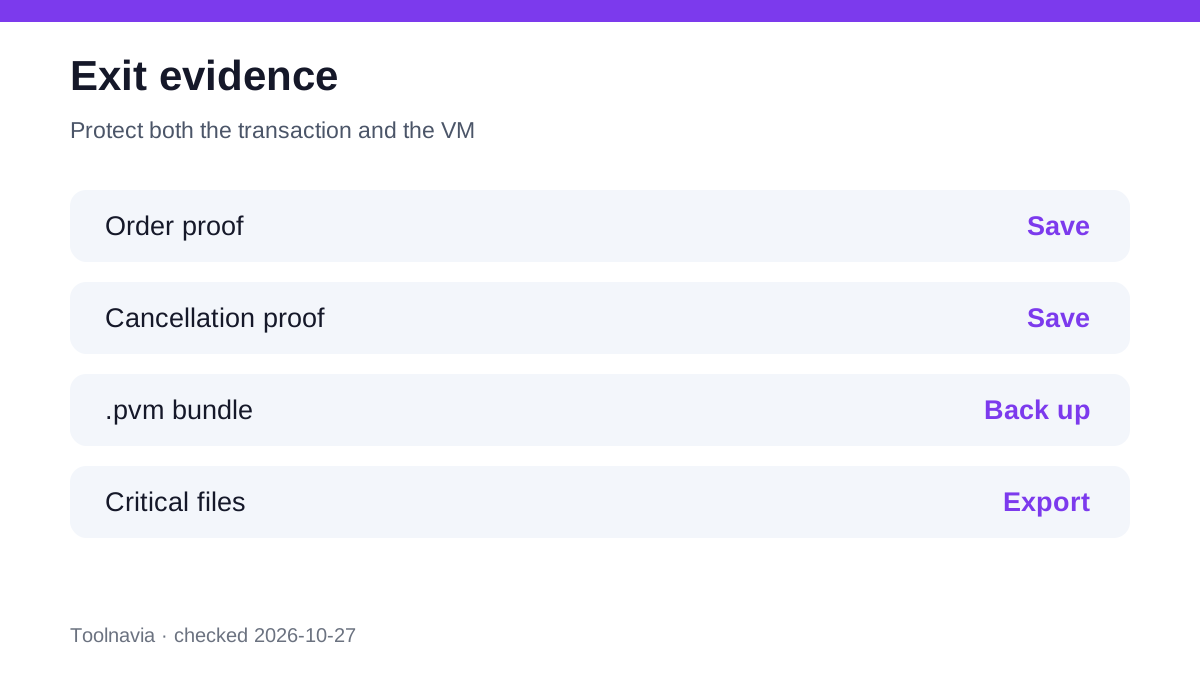
This channel check prevents the most expensive mistake: canceling in one account while another seller still owns the recurring charge. Record the order number, billing email, purchase date, renewal date, seller and plan. Take a dated screenshot of the current renewal status.
Separate cancellation from refund eligibility
For a direct Online Store purchase, Parallels publishes a 30-day full-refund window for the initial purchase. The same page says there is no return after 30 days and no return for renewal transactions. That is the safe planning baseline, not a promise that support will make an exception.
The general Parallels EULA says amounts are non-refundable subject to mandatory law, while the store return page states the more specific 30-day initial-purchase policy. Toolnavia therefore applies the specific store policy to qualifying direct-store purchases and treats jurisdiction, seller and transaction type as controlling details. Independent cancellation guides reach the same practical distinction between an initial purchase and an automatic renewal, but they are secondary evidence.
If a renewal already posted, contact the billing owner promptly with the order number and timeline, but do not budget on a refund. Public complaints and support anecdotes show that outcomes and response times vary; they do not override the published policy.
Turn off direct-store auto-renewal
For a qualifying direct purchase, sign in to your Parallels account, open **Active subscriptions and permanent licenses**, select the subscription, and use **Manage Subscription** to switch auto-renewal off. The account should then show the renewal status and expiration date. Save the resulting screen and any email confirmation.
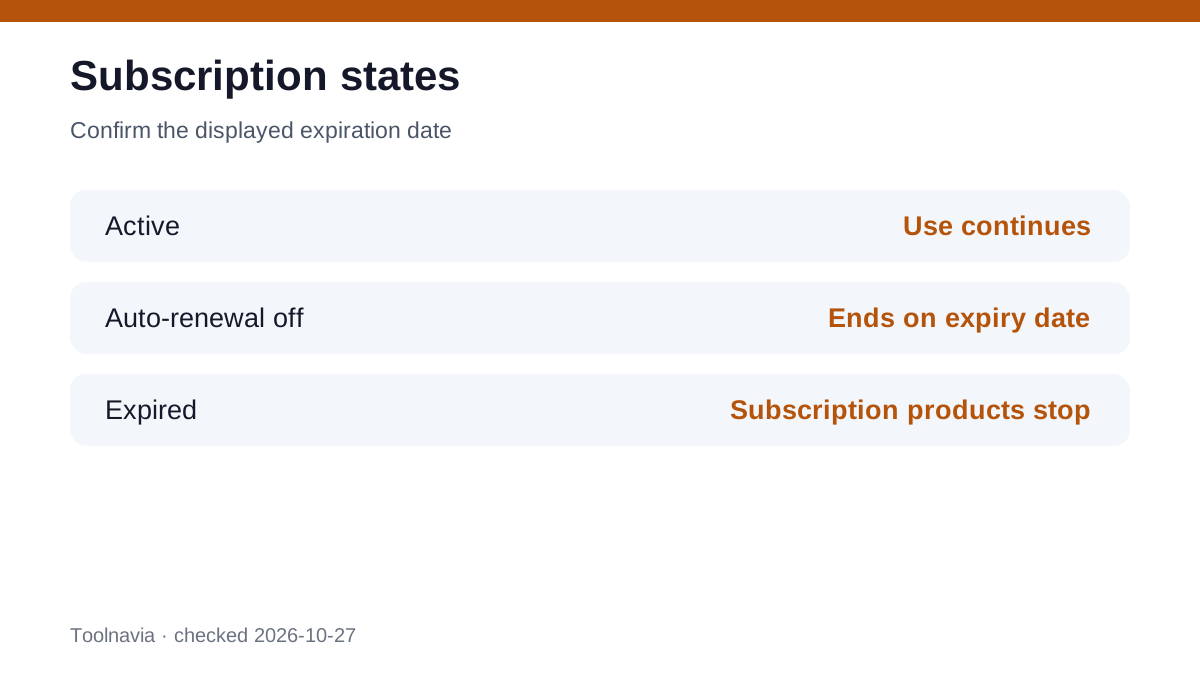
Parallels' account documentation distinguishes an active subscription, a canceled auto-renewal state and an expired subscription. With auto-renewal off, the expiration date is when the subscription ends; with it on, that date is the renewal point. Canceling renewal does not immediately erase the remaining paid term. Verify that the account displays the expected end date rather than assuming the button worked.
Use Apple's route for App Store billing
If Apple issued the receipt, cancel through Apple: System Settings or the App Store account, **Subscriptions**, then Parallels and **Cancel Subscription**. Parallels documents this route and points App Store customers back to Apple. A refund request is also submitted to Apple, whose billing page explains how to request and track it.
The Apple path is not interchangeable with the direct-store path. Parallels support cannot rewrite Apple's transaction record, and turning off renewal in a Parallels account is not proof that Apple billing stopped. Keep Apple's cancellation confirmation and check that the subscription shows an expiry date.
Plan for what happens at expiration
The Parallels account guide says products attached to an expired subscription can no longer be used. If a renewal payment fails, Desktop and Pro have a seven-day grace period before included products stop functioning; that grace period is a recovery window, not a free extension to plan around. A canceled subscription remains usable through its displayed expiration date, but it does not convert to another edition.
Your Windows virtual machine is a local asset separate from the Parallels application license. Uninstalling Parallels does not delete the `.pvm` virtual-machine bundle or its Windows files. Still, an intact bundle is not useful if you cannot open it. Before expiry, shut Windows down cleanly, locate the `.pvm`, copy it to a tested backup, export critical documents separately, and record the Windows and application license details. Do not choose **Move to Trash** when removing a VM unless deletion is intended.
Use a proof-first exit checklist
Seven days before the renewal date, verify the billing channel and renewal status. If the initial direct-store purchase is within 30 days, submit the refund request while the published window is open and retain the ticket. If it is an App Store transaction, use Apple for both cancellation and refund handling.
Before the subscription end date, test the backup and decide whether to renew, buy an eligible one-time Standard license, or move the workload. The one-time option may reduce recurring-billing risk, but it has its own upgrade and compatibility trade-offs; this page does not treat it as a universal replacement.
**Bottom line:** cancel at the billing owner, treat refund eligibility separately, and preserve the VM before access ends. A screenshot, order number and tested backup are stronger protection than an unsupported expectation that cancellation automatically reverses a charge.
Disclosure: Toolnavia may earn a commission from purchases through the affiliate link on this page.