TOOLNAVIA / BUYING GUIDE
Parallels Coherence Mode: Make a Windows App Fit Your Mac Workday
The short answer
Parallels Coherence mode can make Standard worth considering when you work mainly in macOS but repeatedly need Windows applications. Its appeal is keeping the relevant windows together. The purchase only makes sense if that arrangement helps your actual task; Coherence does not turn Windows software into native Mac software.
This is official-documentation analysis, not a hands-on usability review.
At a glance
- Best for
- People who repeatedly alternate between compatible Windows applications and Mac tools.
- Price model
- Official USD reference: Standard $99.99/year or $219.99 perpetual; live cart controls; Windows and tax separate.
- Check first
- Buyers expecting Coherence to convert a Windows application into native Mac software.
Understand the mode before buying the promise
Coherence hides the Windows desktop while presenting its applications alongside Mac applications. Windows is still running in a virtual machine. You still need a suitable guest environment, licensed software and sufficient host resources.
That distinction matters when a product screenshot looks like a Windows application simply belongs to macOS. The visual result may feel more convenient, but it does not remove operating-system maintenance or make an incompatible program work.
Look for four practical conveniences
Individual application windows let you keep a Windows tool beside a Mac reference. Dock access gives you a familiar way to launch the Windows application. The documented exit control restores a full Windows view when settings or troubleshooting need it. Clipboard and file integration can support moving work between environments.
The benefit is fewer awkward transitions in a real task, not a guaranteed number of minutes saved. If you prefer keeping Windows completely separate in one window, that preference may be more useful than Coherence. Test both layouts without treating one as inherently more professional.
Run a complete interaction, not a launch demo
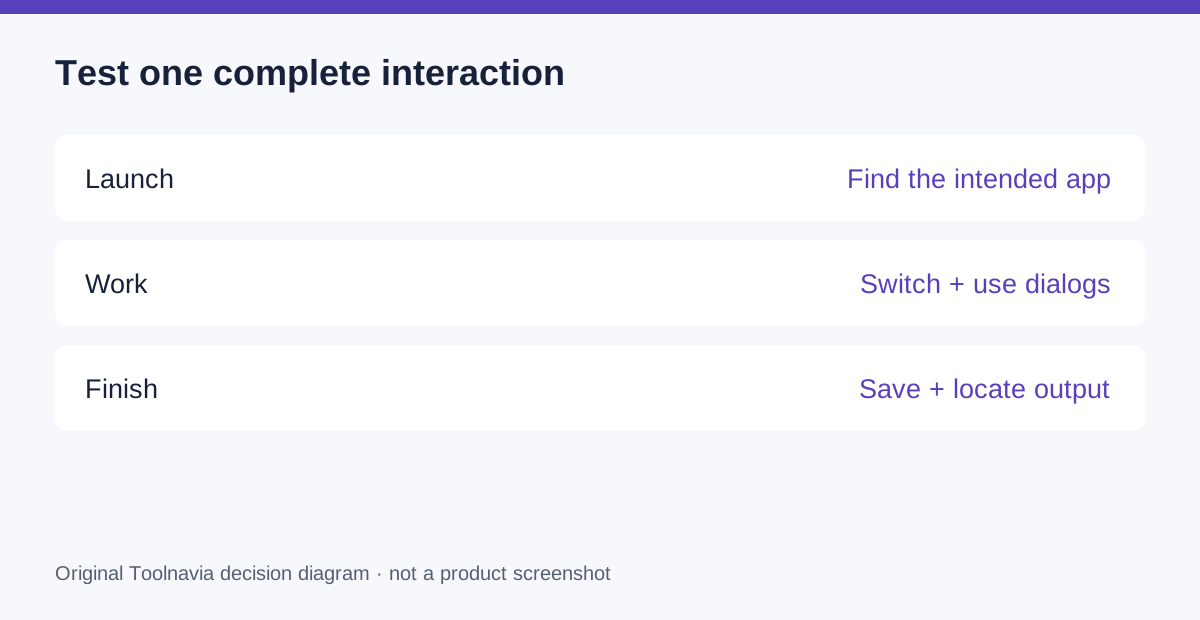
Choose a normal task such as reading a Mac document, entering information into a Windows application and saving an output for a colleague. Use a harmless sample. Launch the app from the intended entry point, place its window beside the reference and work through its dialogs.
Check keyboard shortcuts, pop-up windows, file selection and how you return to an application after switching away. Then save, close and find the output from the place where it will actually be used. These are proposed checks; Toolnavia has not run them on your software.
Finally, exit Coherence and locate Windows settings. A convenient everyday mode should not leave you unsure how to reach the underlying environment when needed.
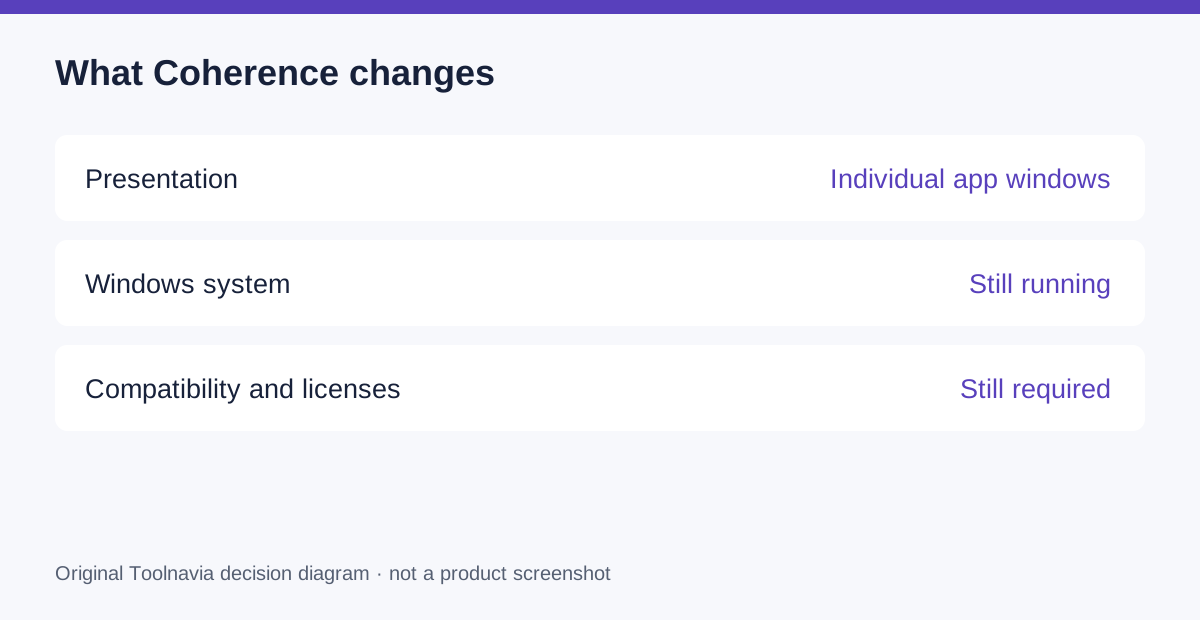
Keep interface fit separate from system fit
Current version-specific requirements remain controlling. Desktop 27 targets Apple silicon, while Intel support continues in Desktop 26. Check your actual macOS and guest configuration, not just the presence of a Coherence screenshot in a review.
Standard's resource ceiling also remains in force. A hidden Windows desktop still consumes resources. Linux Coherence is no longer supported in the cited mode guide. Do not buy for this presentation mode if your intended guest environment cannot provide it.
Compare the cost with the friction you remove
The official Standard reference is $99.99 per year or $219.99 for a perpetual license, before separately required Windows licensing and tax. Verify current checkout and renewal terms. A perpetual purchase covers its version; subscription terms and future compatibility should be checked before choosing the payment model.
The sensible comparison is your existing working method. If a separate Windows machine or a single VM window already lets you complete the task comfortably, Coherence alone may not justify spending. If constant transitions interrupt a recurring job, the convenience deserves a realistic trial.
Buy the workflow you prefer using
Choose Standard when the complete interaction works, the result is easy to retrieve and the license stack fits your budget. Keep another layout when it makes the boundaries clearer.
Use the official Parallels purchase entry to inspect current options after testing your task. Toolnavia may earn commission from qualifying purchases. No native conversion, special discount or measured productivity gain is promised.