TOOLNAVIA / BUYING GUIDE
ON1 Photo RAW 2027: Perpetual or MAX After Year One?
The short answer
ON1 gives photographers two genuinely different ways to pay for Photo RAW. The public visitor page lists **Photo RAW 2027 as a $99.99 one-time purchase** for two computers. The **Photo RAW MAX subscription is $89.99 per year** for three computers, all MAX features, updates and annual upgrades, plus 200 GB of Cloud Sync.
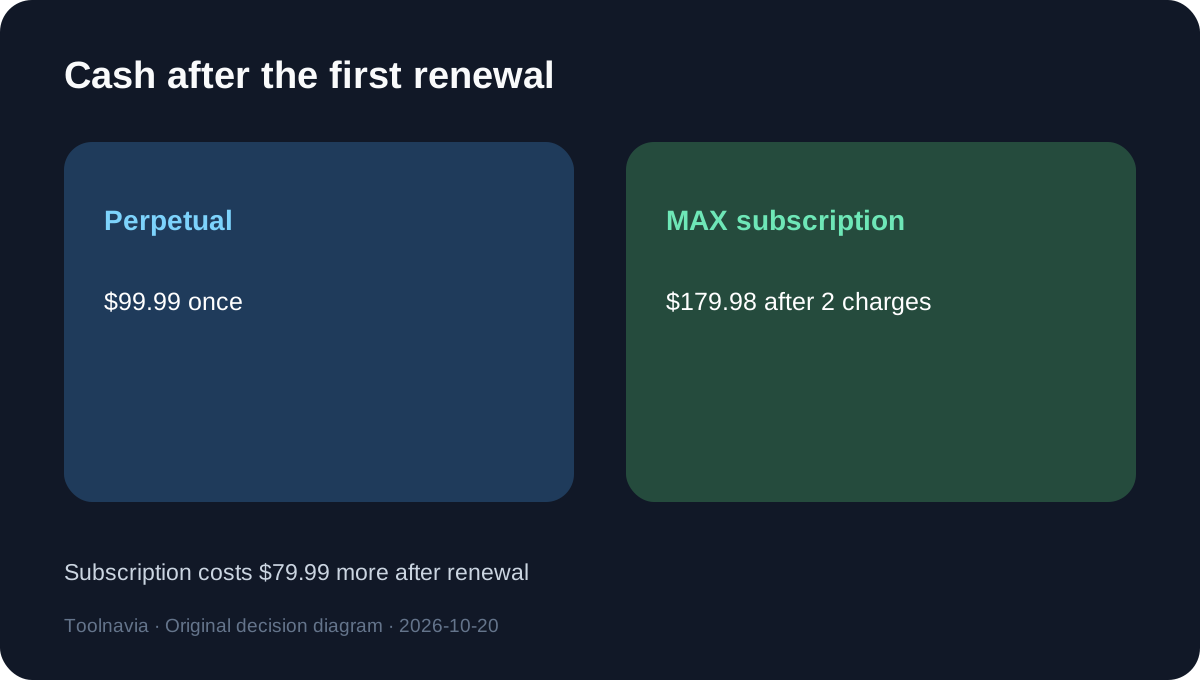
That means the subscription is $10 cheaper in year one, even though it includes the broader MAX feature set. The cash picture flips at the first renewal: two subscription payments total **$179.98**, while a buyer who keeps using the perpetual 2027 version has still paid $99.99. The extra $79.99 is not automatically waste. It buys plugin compatibility, Restore AI, the MAX-only culling and cloud AI features described for 2027, an extra computer, Cloud Sync, and future annual upgrades.
Affiliate disclosure: Toolnavia has no approved ON1 affiliate relationship. The exact offers are disabled, so this article shows no tracking link or commercial call to action. Prices are public USD figures observed on October 20, 2026; signed-in upgrade prices, taxes, local currency and later promotions can differ.
At a glance
- Best for
- Photographers deciding whether MAX-only tools, a third computer, Cloud Sync and annual upgrades justify renewal.
- Price model
- Photo RAW 2027 $99.99 one time; Photo RAW MAX $89.99/year
- Check first
- No hands-on benchmark, account-specific upgrade quote, tax estimate or affiliate CTA; verify current checkout before purchase.
Quick verdict
Choose the perpetual edition if you want a capable standalone editor on no more than two computers, expect to keep version 2027 beyond one year, and do not need ON1 plugins, Restore AI, Cloud Sync or every annual upgrade.
Choose the MAX subscription if the MAX-only workflow is already necessary: using ON1 tools inside Photoshop or Lightroom, restoring old photos, syncing a library across desktop and mobile devices, installing on three computers, or staying on each annual release. Its first-year price is lower, but treat **$89.99 as a recurring workflow cost**, not a discounted perpetual license.
Put both choices on the same cash timeline
The current general-visitor prices make the arithmetic simple:
- Perpetual Photo RAW 2027: **$99.99 once**. - MAX subscription: **$89.99 each year**. - Subscription after one year: **$89.99**, or $10 less upfront. - Subscription after two annual charges: **$179.98**, or $79.99 more than keeping the perpetual version. - Subscription after three annual charges: **$269.97**, or $169.98 more.
Do not describe the break-even as “month 14.” The second annual charge normally lands at renewal, so cumulative subscription cash exceeds the perpetual purchase as soon as year two is billed. The right decision is therefore not a monthly algebra exercise. It is whether the MAX services and next annual upgrade are worth at least **$79.99 during the second paid year**.
The perpetual offer currently bundles versions 2026 and 2027 and says updates for those versions are included. That is a time-sensitive pre-release offer, not a promise that all later major versions will be free. ON1 separately states that the owned version keeps working without a monthly or yearly fee.
What the subscription premium actually buys
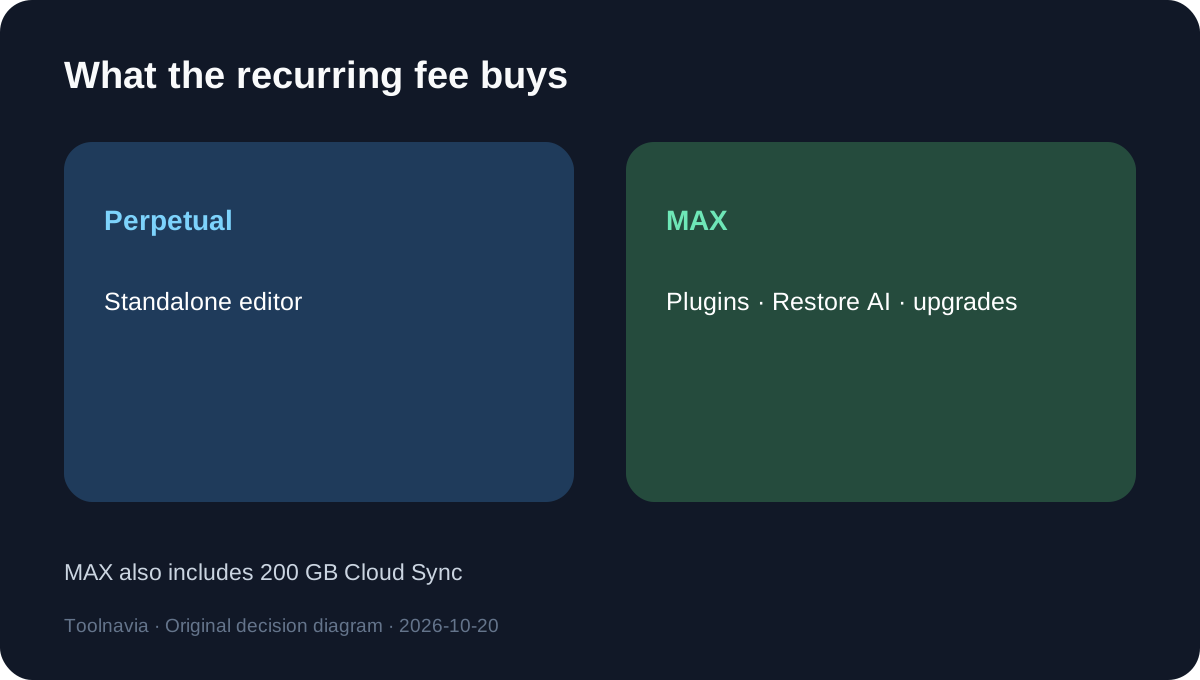
The MAX subscription is not simply “the same editor rented.” ON1 lists all MAX features, ongoing updates and annual upgrades, 200 GB Cloud Sync, and installation on three computers. The current MAX edition also adds Restore AI, plugin compatibility for Adobe Photoshop and Lightroom, the 2027 AI Culling Assistant, and cloud AI rendering for Generative Erase and Crop.
Those differences create four legitimate value tests:
1. **Plugin workflow:** If Photoshop, Lightroom, Capture One or Affinity remains the main workspace, MAX can expose ON1 tools without moving the whole job into the standalone editor. An independent long-term review confirms the plugin route, but also argues that it may interrupt a workflow when the standalone app already covers the job. 2. **Restore work:** Restore AI is a MAX feature. Independent testing found it useful for damaged or low-resolution photographs, while noting that results can vary with small or blurred faces. 3. **Cloud Sync:** The subscription includes 200 GB for syncing across computers, mobile devices and tablets. Value it against the cloud service you would otherwise pay for, not against an unlimited-storage assumption. 4. **Annual upgrades:** Subscribers receive annual upgrades while active. Perpetual owners keep the version purchased and decide later whether a paid upgrade is worthwhile.
If none of those replaces a real expense or recurring task, the broader feature list does not justify renewal by itself.
Device limits can settle the decision early
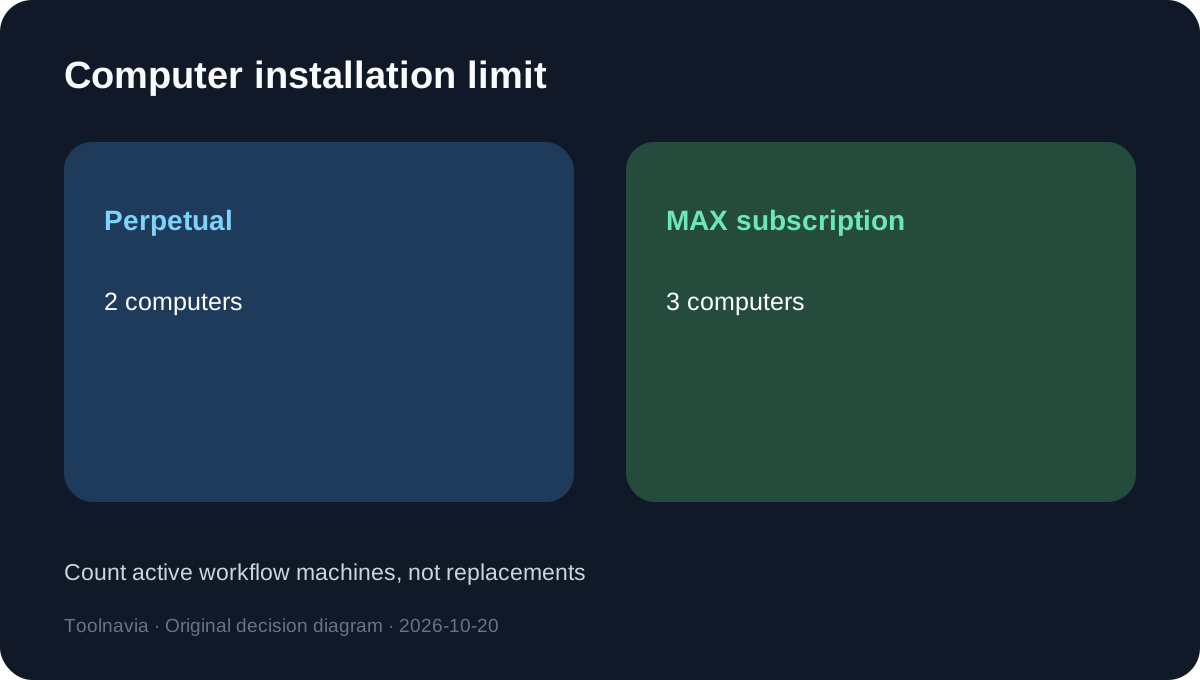
Standard Photo RAW 2027 is licensed for two computers. The MAX subscription permits three. A third active workstation is therefore a hard capability difference, but only if one person genuinely uses all three installations within the license terms. Do not count occasional device replacement as a permanent third seat.
The existing Toolnavia device-license guide covers activation and moving to a new computer. This article answers a different question: whether the extra device plus MAX services makes an annually recurring plan economical. Buyers with one desktop and one laptop usually gain no device-limit value from MAX. A studio with a desktop, travel laptop and second production machine may.
Model the value, not the feature count
Use a one-year worksheet before subscribing:
- value of a separate plugin or restoration tool you would stop paying for; - value of 200 GB sync you would otherwise buy; - upgrade cost you expect to avoid by receiving the next annual version; - time saved by culling or restoration, valued conservatively; - minus any duplicated storage or tools you already own.
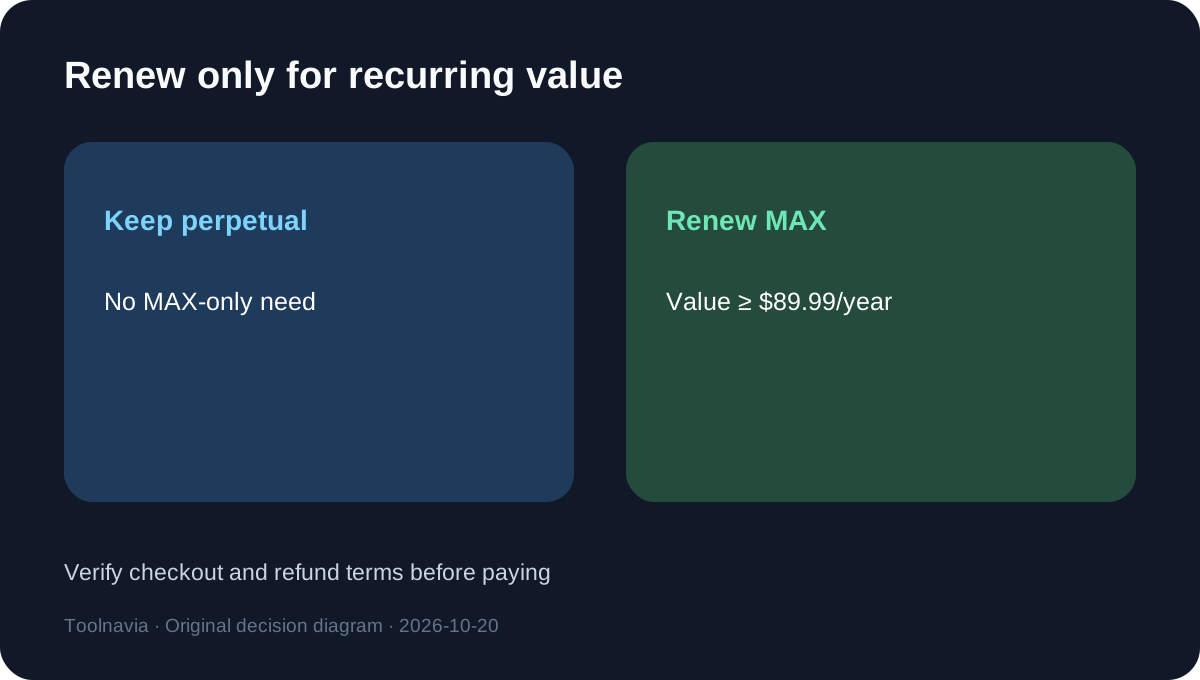
If those annual benefits exceed $89.99, the subscription can make sense even after renewal. If they are worth less than $79.99 in the second year, the perpetual purchase plus selective future upgrades is the safer cost choice.
This model deliberately does not assign a dollar value to “AI” as a label. It also does not assume that every annual release will be necessary. ON1 says signed-in existing customers may see personalized upgrade prices, so a current owner should compare that account-specific price with the next subscription renewal before switching.
Refund and cancellation boundaries
ON1's refund page says software and subscriptions have a 30-day window. For a subscription, the window starts on the order date; after 30 days, that payment is final and access continues through the paid term. Pre-order refund timing starts when the finished software is released.
The buy page says subscribers may cancel at any time with no penalty. Read that as stopping future renewal, not as a promise of a prorated refund after the 30-day window. Before paying:
- confirm whether the order is a pre-order, perpetual purchase or subscription; - record the renewal date and cancellation owner; - verify the current checkout total and currency; - download or export anything needed from Cloud Sync before the paid term ends; - keep the invoice and the dated refund terms.
Current pricing conflicts and promotions
Independent sources do not agree on the MAX perpetual price. A September report lists $169.99, an August review lists a higher 2026 figure, and the current ON1 visitor page displays $149.99 for MAX 2027. This article uses none of those MAX-perpetual figures in the core comparison. The controlling prices are the current official $99.99 standard perpetual offer and $89.99 annual MAX subscription.
That discrepancy is a useful warning: ON1 runs promotions and signed-in upgrade pricing. An independent pricing comparison also labels its figures as date-specific and tells readers to check the vendor. Take a dated checkout screenshot; do not assume the price in any review will still apply.
Who should buy each option
Choose Photo RAW 2027 perpetual when:
- two computers are enough; - the standalone editor covers the full workflow; - you can keep one major version for two years or longer; - cloud synchronization is optional or already solved; - plugin access and Restore AI are not required; - you prefer deciding on upgrades instead of paying automatically.
Choose the MAX subscription when:
- ON1 plugins inside Adobe or another host are required; - Restore AI or MAX-only 2027 features are part of paid work; - three active computers are needed; - 200 GB Cloud Sync replaces a separate service; - receiving annual upgrades without a new purchase decision matters; - the workflow benefit is worth $89.99 every year.
Final recommendation
For a photographer who needs the standalone editor on one or two computers, **Photo RAW 2027 perpetual is the lower-risk default**. Pay $99.99, keep the licensed version, and reconsider only when a future upgrade offers enough value.
The MAX subscription is the better first-year package on features and upfront price, but renewal changes the equation. Subscribe when plugins, Restore AI, the third computer, Cloud Sync and annual upgrades together justify a recurring $89.99. If you cannot name that recurring value, the second annual charge is the signal to stay perpetual.
Independent reviews generally support ON1 as a broad, competitively priced editor while warning that its interface and feature density may be more than casual users need. Use the 30-day guarantee to test the actual workflow, not as evidence that either payment model will fit every photographer.