TOOLNAVIA / BUYING GUIDE
NordPass Premium for Sharing: Are Emergency Access & Secure Sharing Worth Paying For?
The short answer
NordPass Premium is not only about being signed in on more devices. The paid tier also adds sharing, vault-health and continuity features that can matter even when the Free one-session limit is not your main problem. Current pricing shows Free versus Premium feature differences, and NordPass says Premium starts at €1.23/month.
At a glance
- Best for
- A user who regularly shares selected credentials with trusted people or wants a tested emergency-access path.
- Price model
- Premium starts at €1.23/month; exact term, VAT and renewal require live checkout
- Check first
- Starting price is not the final invoice; monitoring and Emergency Access have practical limits.
Sharing can be the real upgrade trigger
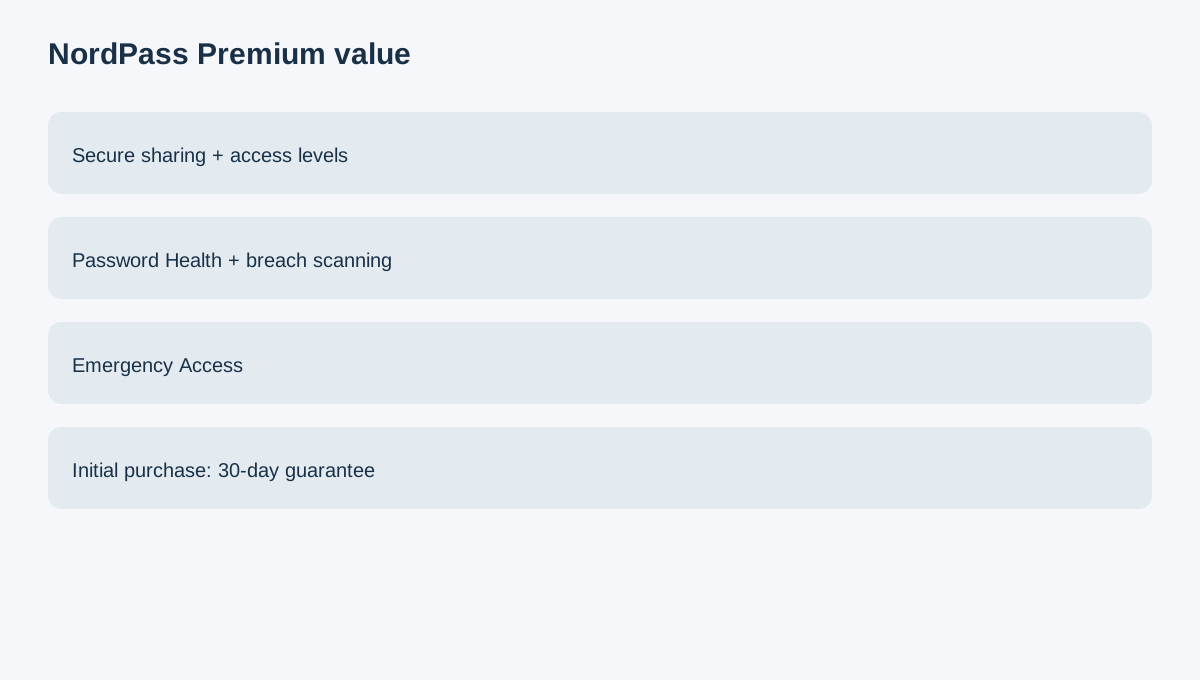
NordPass documents secure sharing with access levels. Premium users can initiate and manage shared information, while Free users can receive shared items under limitations. If you regularly send credentials to a partner, assistant or trusted family member, keeping that workflow inside the vault can be more valuable than the device-session upgrade.
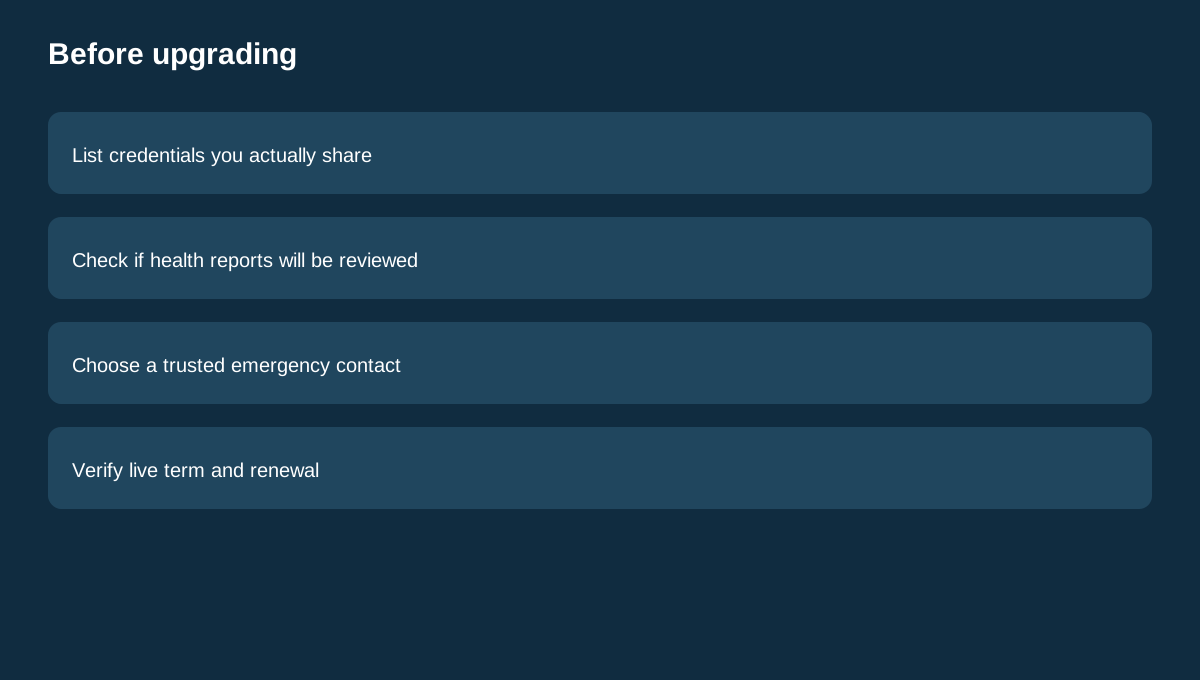
That does not mean every password should be shared. Use the narrowest access level and test permissions with noncritical items first.
Health checks add a recurring maintenance job
Premium adds Password Health and Data Breach Scanner features beyond basic storage and sync. These tools can surface weak or reused passwords and known breach signals, but they cannot guarantee that every compromise will be detected.
The value question is simple: will you actually review and act on these reports? If not, the feature list alone is not a reason to pay.
Emergency Access is about continuity
NordPass Premium includes Emergency Access according to its Free-versus-Premium documentation. That can matter when a trusted person may need access during a serious emergency.
Set it up before it is needed, test the workflow, and review the trusted contact periodically. A password-manager feature does not replace legal or estate planning.
Use the guarantee carefully
NordPass documents a 30-day money-back guarantee for initial personal subscription purchases, while renewals are generally excluded. Canceling auto-renew prevents future charges but does not automatically request a refund.
Compare household models
1Password, Bitwarden and RoboForm all publish personal or family password-manager plans. Their account models, sharing rules and pricing differ, so compare whether you need shared items, separate household vaults, or just one user's Premium features.
Buying rule
Stay on Free when basic storage, sync and occasional access are enough. Choose Premium when controlled sharing, Password Health, breach scanning or Emergency Access becomes a real recurring job. Verify the live term, VAT, renewal and exact checkout before paying because the public starting price does not guarantee every account's final total.