TOOLNAVIA / BUYING GUIDE
Movavi Watermark After Purchase: Check Effects Before Paying Again
The short answer
At a glance
- Best for
- Buyers who paid for the editor but still see a watermark or are evaluating the separate Effects subscription.
- Price model
- Editor offer and optional Effects renewal are verified separately; check live checkout.
- Check first
- Exact account entitlements, localized price, tax, renewal and availability remain checkout-controlled.
Verdict: buying the editor does not license every crown item
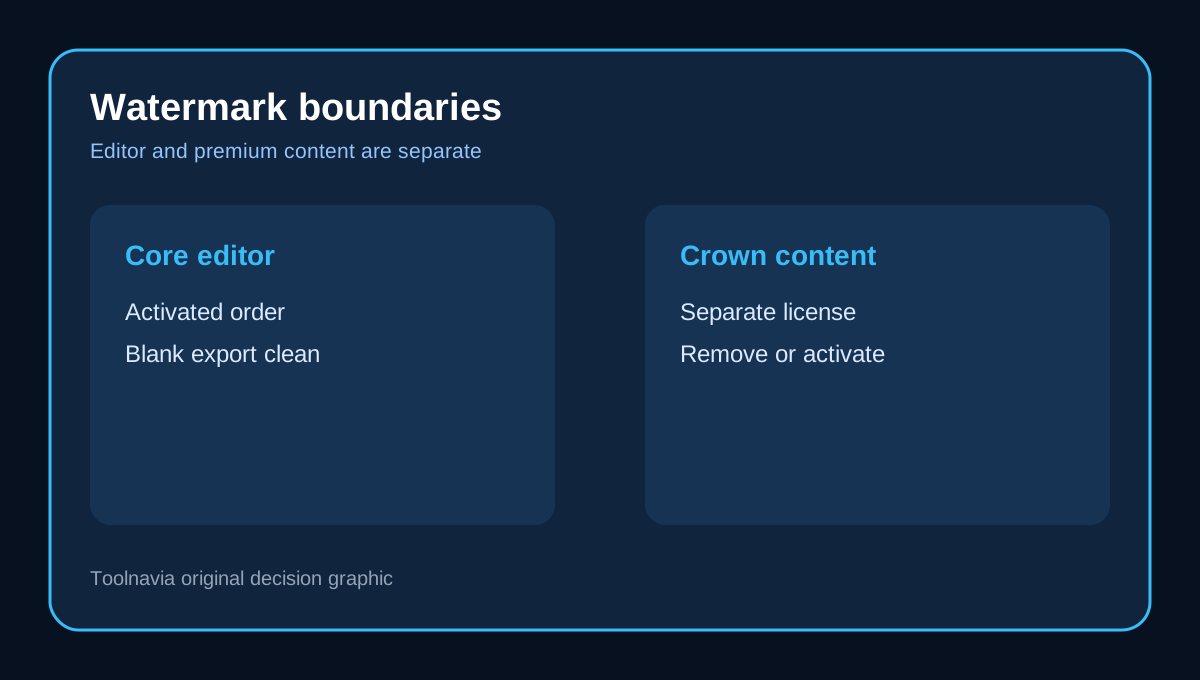
If you paid for Movavi Video Editor and a new export still carries a watermark, do not buy the editor again yet. The purchase can correctly unlock the core editor while the timeline still contains a separately licensed Effect, Template or Block marked with a crown. Movavi's own support page says those premium items can watermark an export until they are removed or activated.
That boundary matters because the editor, Effects and Templates are not one interchangeable entitlement. A clean test export from a blank project is more useful than guessing from the presence of an activation key.
The three watermark states
First, an unactivated or trial editor can apply the ordinary program-trial watermark. Second, an activated editor can still watermark a project that contains crown-marked paid content. Third, previously licensed premium content can return to trial behavior after its separate Effects term expires. Movavi says free effects remain available, but paid effects revert when the add-on entitlement ends.
The quickest diagnosis is therefore not "Is Movavi paid?" but "Which component is enforcing the watermark?" That question separates a missing editor activation from an Effects or Templates entitlement.
What the current purchase page includes
The current official purchase page markets the core editor as exporting without a watermark. It also presents an optional seven-day Effects full-access trial that renews at USD 49.95 per month, with final price and availability controlled by the live checkout. The Plus presentation includes selected effects packs, but that is not a promise that every crown-marked asset in the store is owned forever.
An independent 2026 hands-on review reached the same practical boundary: premium effects could be placed on the timeline, but they caused a watermark at export; filtering the library to Free assets avoided that condition. A pricing tracker also confirms the broad paid-editor/no-watermark proposition, although its generic trial wording is less exact than Movavi's own support documentation.
Program trial and Effects trial are different
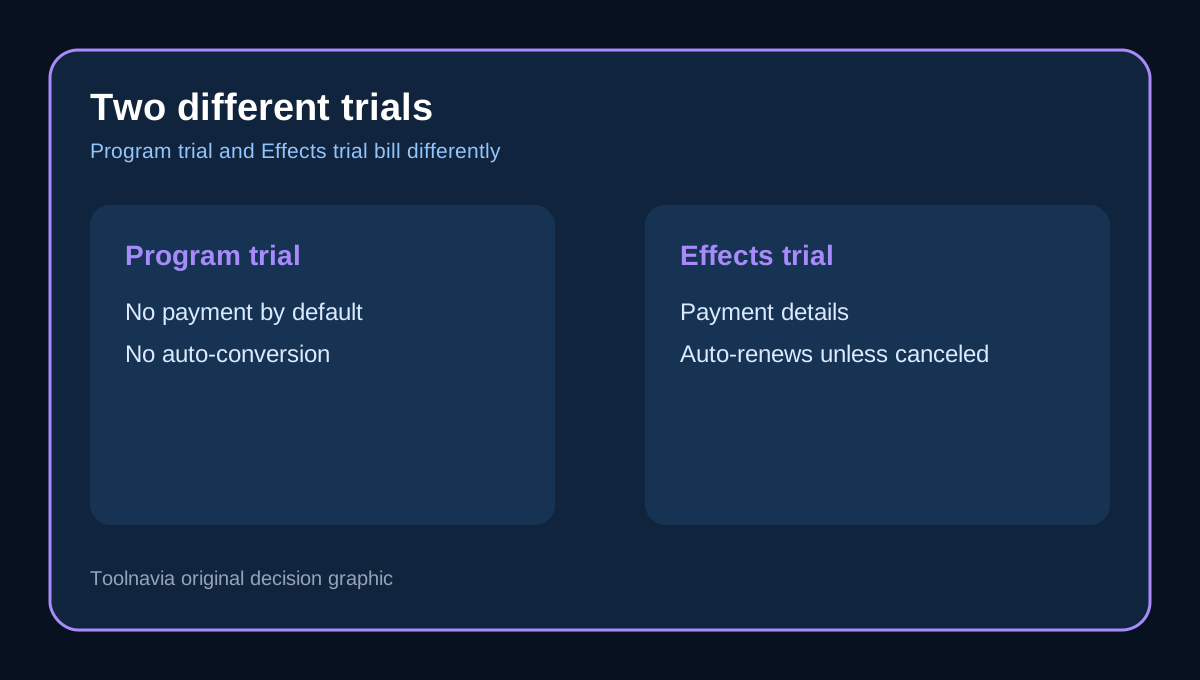
Movavi's billing guidance says the program trial normally does not ask for payment details and does not automatically become a paid plan. The separate Effects trial does require payment details and becomes a paid subscription unless it is canceled before the trial ends.
That means "I never subscribed to Movavi" is not enough to rule out an Effects renewal. Open the account's My Purchases area and look for distinct editor, Effects and Templates entries. Check the next billing date and the account used at checkout; do not infer subscription status from the editor's activation screen alone.
Diagnose before paying again
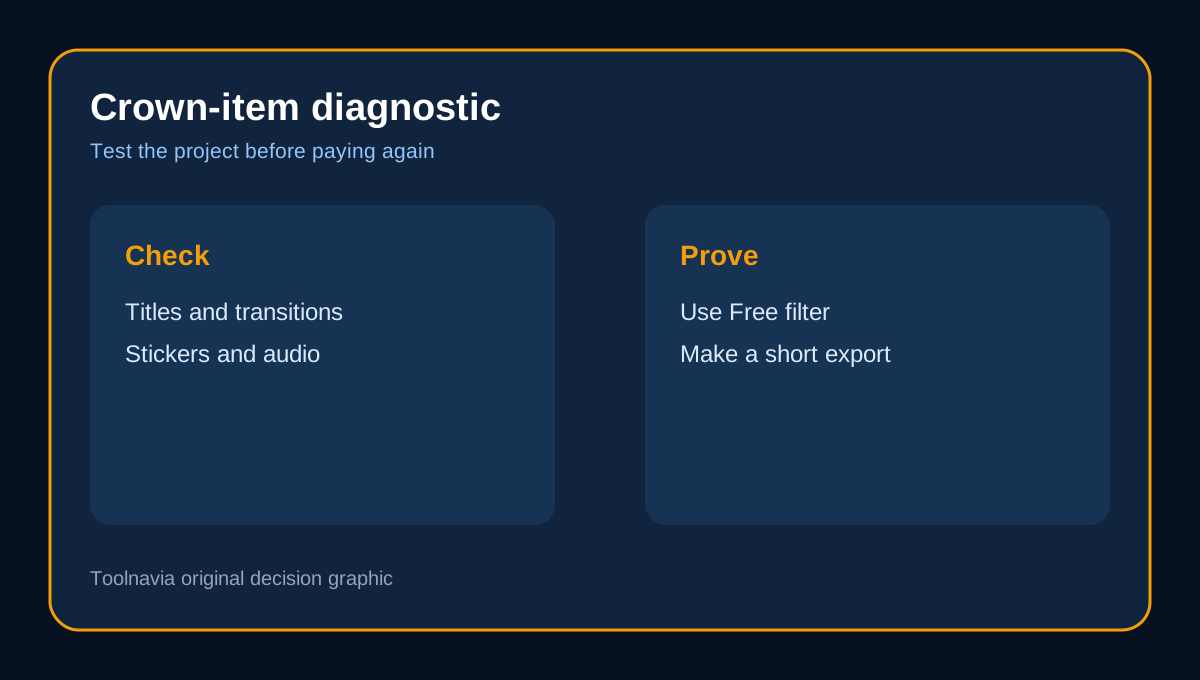
1. Confirm that the installed Video Editor shows the account or activation key attached to the paid order. 2. Duplicate the project so the original timeline remains untouched. 3. Scan titles, transitions, stickers, audio and other library items for crown icons. 4. Replace crown items with Free alternatives, then make a short test export. 5. Create a blank project using only imported media and a plain title; export it as a control. 6. Check My Purchases for separate Effects or Templates entitlements and their expiry dates. 7. If the blank export is clean but the original is not, the project content—not the core editor purchase—is the likely boundary.
Keep the original project until the clean export is verified. Removing a premium template can alter timing, fonts, transitions or audio, so make replacements on a copy.
When an Effects subscription is worth it
The add-on is rational when premium transitions, titles, stock elements or recurring template packs save enough production time to justify an ongoing separate bill. It is usually unnecessary when imported media, manual editing and Free-filtered assets meet the brief.
Before starting the seven-day Effects trial, schedule the cancellation decision and export a representative project. After subscribing, archive a list of the premium items used in repeatable projects. That makes the post-expiry risk visible because Movavi states that paid effects return to trial behavior after the license term ends.
Buying decision
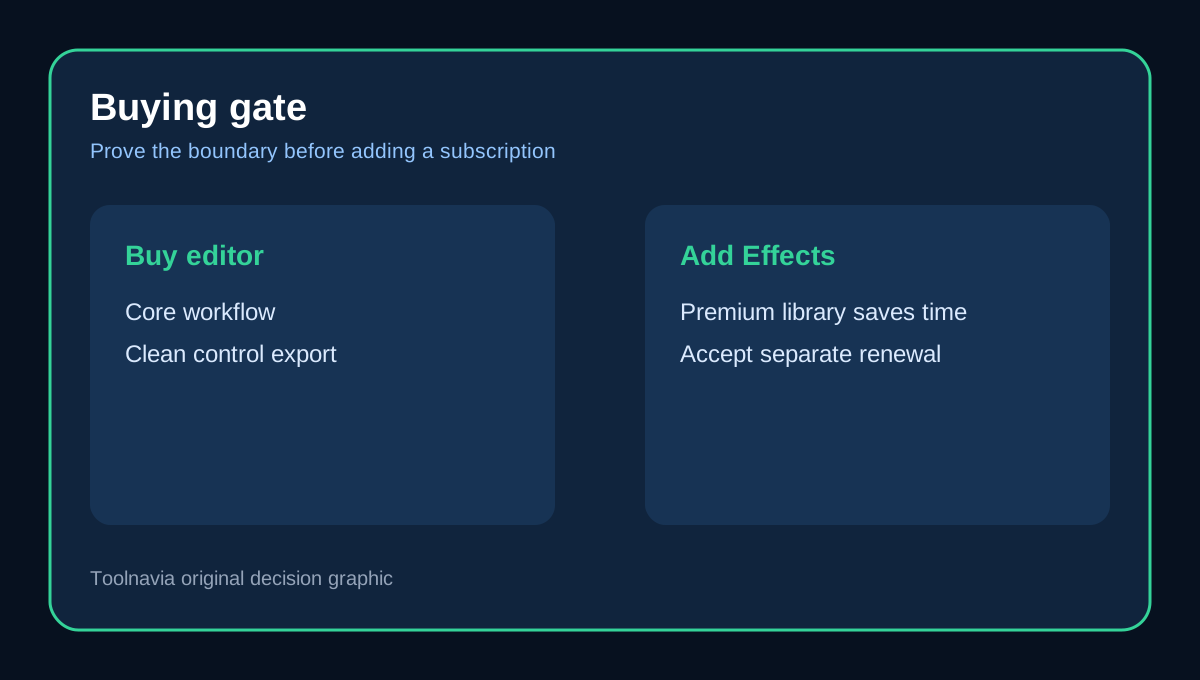
Buy the editor for the editing workflow, not as a blanket license to every store asset. The exact approved editor offer is available through Toolnavia, but first prove that a blank, activated-editor export is clean. If it is, repurchasing the editor is unlikely to solve a crown-item watermark. Add Effects only when you deliberately want the premium library and accept its separate renewal terms.
The safe order is: activate the editor, test the core export, audit crown items, verify My Purchases, then decide whether the separate Effects subscription earns its cost.