TOOLNAVIA / BUYING GUIDE
Movavi Video Editor Trial: Watermark and Export Limits Before You Pay
The short answer
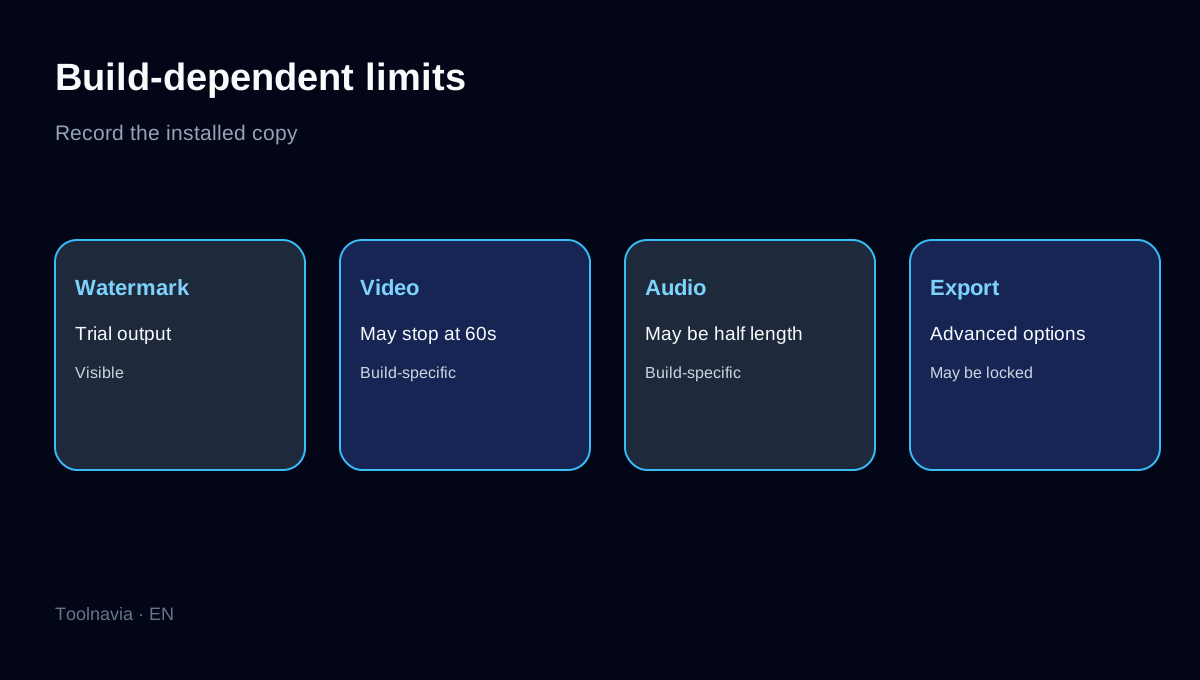
Movavi Video Editor's trial is useful for deciding whether the timeline, performance and export workflow fit your computer. It is not the same as a permanently free editor. Movavi says an unactivated copy adds a Trial watermark, and another official page warns that the exact export restrictions can vary by build. Depending on the installed build, you may also meet a 60-second video limit, half-length audio, or unavailable advanced export features.
This is a documentation-based buying guide, not a hands-on speed benchmark. Treat every limit shown inside your installed copy as controlling. Keep the original project and media, and never promise a clean client deliverable from a trial export.
At a glance
- Best for
- Buyers who can test a representative project, export and license fit before paying.
- Price model
- Current localized checkout; verify currency, tax, term, renewal and Extras
- Check first
- Trial output is watermarked and other limits may vary by build; commercial rights require review.
A seven-day trial is an evaluation window, not a delivery license
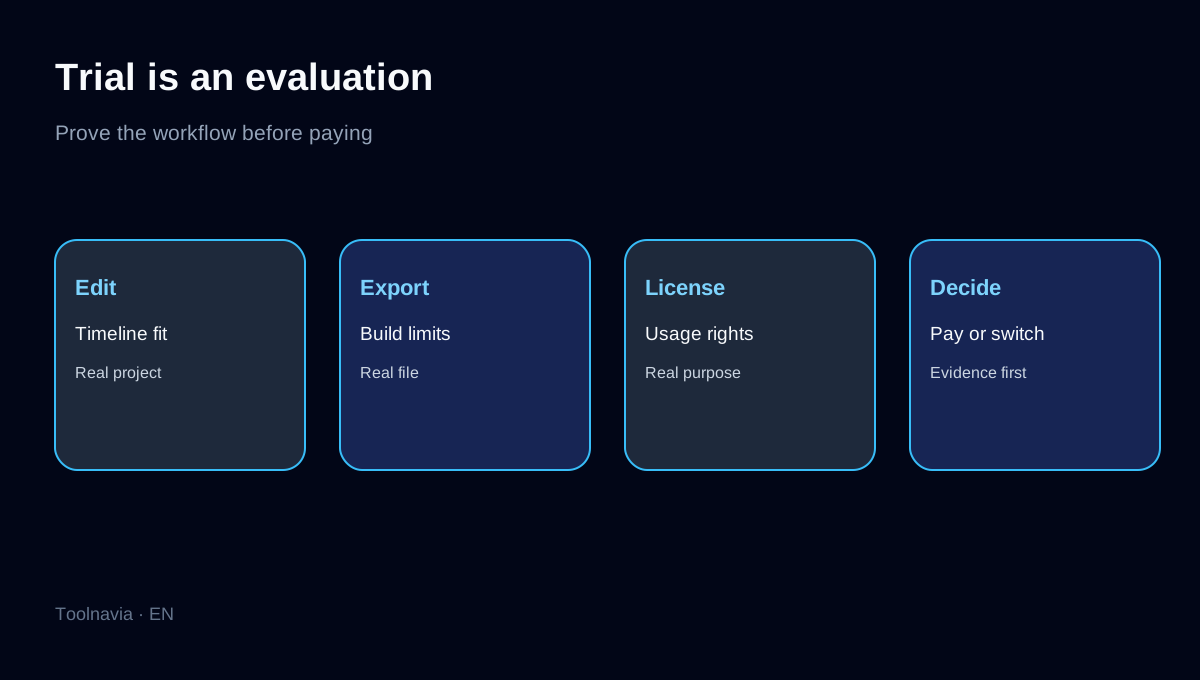
Current reviews describe a seven-day evaluation period, but the official restriction language is more precise about output: the watermark applies before activation, and additional limits depend on the build. Seven days tell you how long you can test; they do not guarantee unlimited export length or every advanced export option.
The core program trial normally does not require payment details and does not automatically become a paid subscription. Movavi's separate Effects trial is different and may auto-renew, so do not confuse the two notices at checkout.
First, create a clean 30-second baseline
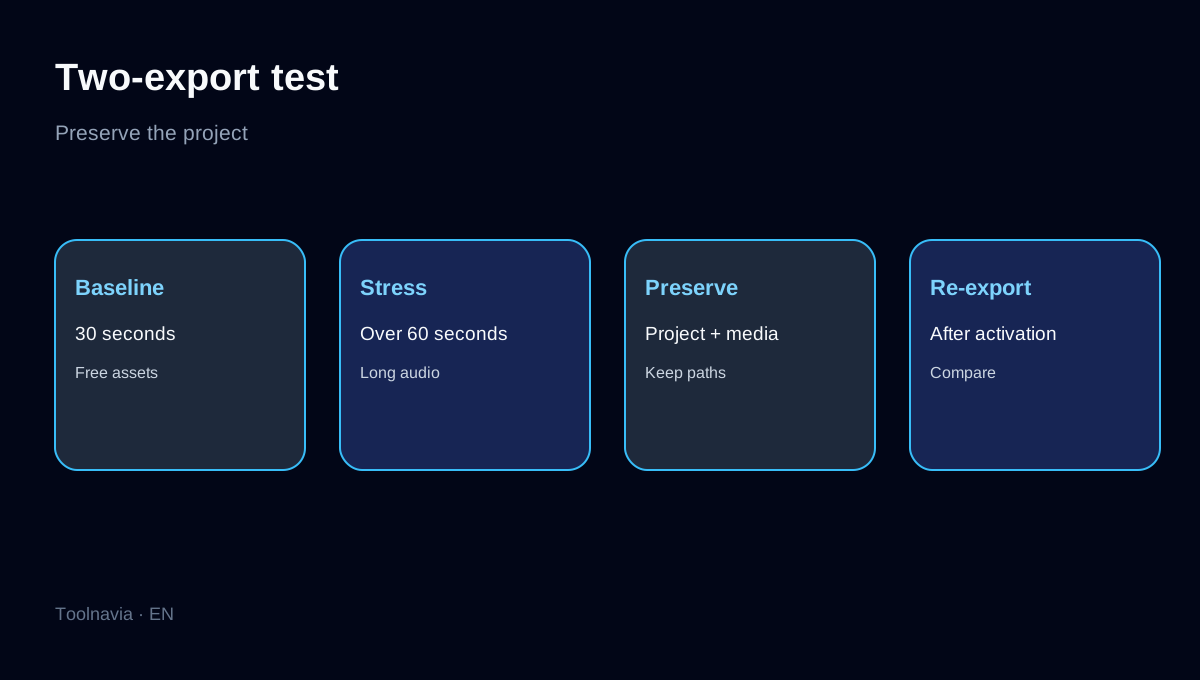
Start a blank project with one local video clip, one title and one free transition. Export 30 seconds in the resolution and frame rate you expect to use. Play the file outside Movavi and record four facts: watermark present or absent, exported duration, audio duration and available export controls.
Do not add crown-marked Effects or Templates yet, because those introduce a separate entitlement boundary already covered by Toolnavia's post-purchase watermark guide.
Test the build-dependent limits before editing a real project
Duplicate the baseline and extend it beyond 60 seconds. Add a music track longer than the video, then export again. If the build truncates video, halves audio or disables an advanced export feature, write down the exact notice shown in the app. Movavi says these restrictions can vary by build, so an older review or another user's screenshot cannot override your installed version.
Repeat after restarting the application. A preview that plays correctly inside the editor is not proof that the exported deliverable will match it.
Keep the project and source media intact
A trial export is a test artifact. Save the project, preserve the source clips in their original paths, and make a short project copy for later re-export. Filmora's official guidance illustrates the same practical rule: a paid license does not clean an already-rendered watermark; reopen the original project and export again under the valid entitlement.
This prevents a rushed purchase made only to rescue a flattened, watermarked file and lets you compare a paid re-export with the trial baseline.
Check usage rights before client or business work
Movavi's EULA frames the free copy as an evaluation license and restricts commercial use of personal and trial versions, with a narrow exception for monetized YouTube-style videos when the required attribution is included. A clean technical export is not the only gate; the license must also fit the intended use.
For client delivery, paid advertising or internal business production, verify the current license and checkout terms rather than assuming the trial proves commercial rights.
Compare alternatives on the output you actually need
Filmora's free access also uses a watermark boundary, while PowerDirector Essential has no time limit but restricts advanced tools and selected export options. Free alternatives such as DaVinci Resolve or Clipchamp may avoid a forced watermark for common outputs, but they trade against learning curve, hardware needs, resolution or feature availability.
Compare one representative export, not feature-list length: same source, same duration, same resolution and the same deadline.
When paying for Movavi makes sense
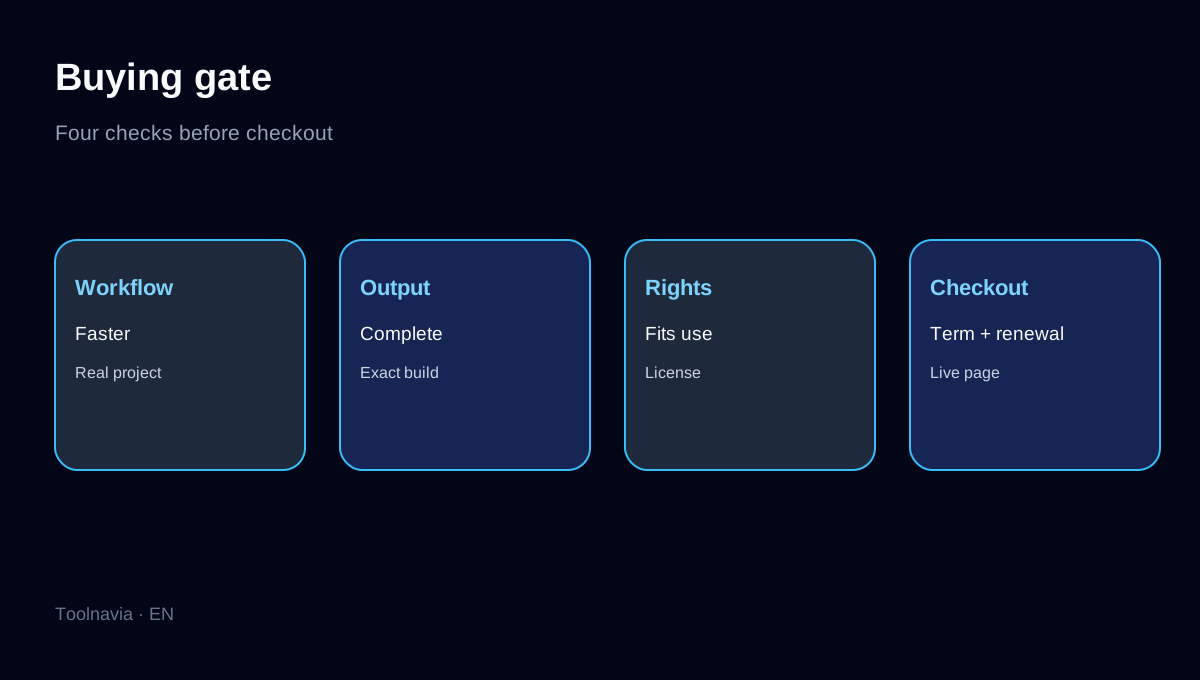
Pay when the timeline feels faster than the alternatives, the project remains stable on your computer, the paid license fits the intended use, and the live checkout clearly removes the core trial boundary you observed. The approved Toolnavia route opens the exact Movavi Video Editor offer; currency, tax, term, renewal and included Extras remain controlled by the live destination.
Do not pay because a page says free download. Pay only after you can name the exact restriction the license removes and confirm that no separately licensed crown content remains in the project. Preserve the baseline and re-export it after activation before committing a long client render.
Disclosure: Toolnavia participates in Movavi's approved CJ affiliate program and may earn a commission from qualifying purchases.