TOOLNAVIA / BUYING GUIDE
Movavi Portable Project: Will Your Edit Open on Another Computer?
The short answer
# Movavi Portable Project: Will Your Edit Open on Another Computer?
**Verdict:** Movavi Video Editor can package a project file with its media through **Save Portable Project**, but a successful handoff still depends on version direction, complete media, available storage and a real reopen test. Buy the annual license for this workflow only after a representative project opens on the destination computer, relinks cleanly and exports a short proof.
At a glance
- Best for
- Solo editors who can verify a packaged project on the destination computer.
- Price model
- $54.95/year official reference; live term, locale, VAT and optional Effects vary.
- Check first
- No plug-in parity or universal cross-version guarantee.
The project file is not the project package
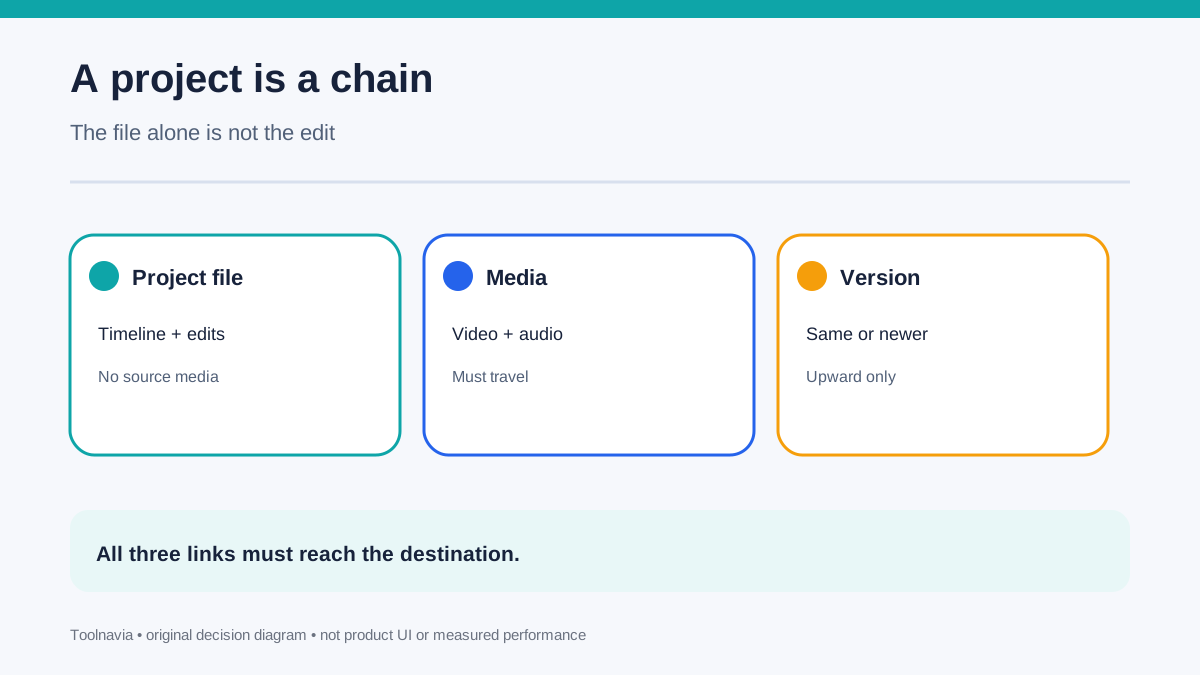
A Movavi project file stores timeline decisions, edits, effects and transitions; it does not embed the original video, audio and image files. Copying only the project file can therefore leave the next computer with an editable map whose source media is missing. Movavi's current support page tells users to transfer both the project file and all media, ideally in one folder.
**Save Portable Project** automates that collection. The command creates a folder containing the project and the media used by it. That makes the workflow materially safer than manually remembering clips from a desktop, downloads folder, external drive and cloud cache. It does not, however, prove that every linked asset, font, effect or third-party dependency will behave identically on another machine.
This is the main buying-intent distinction from license transfer. Moving the license changes which computer may run the software; creating a portable project changes whether the editing work and its sources can travel. The two jobs are related, but one does not replace the other.
Version direction can stop the handoff
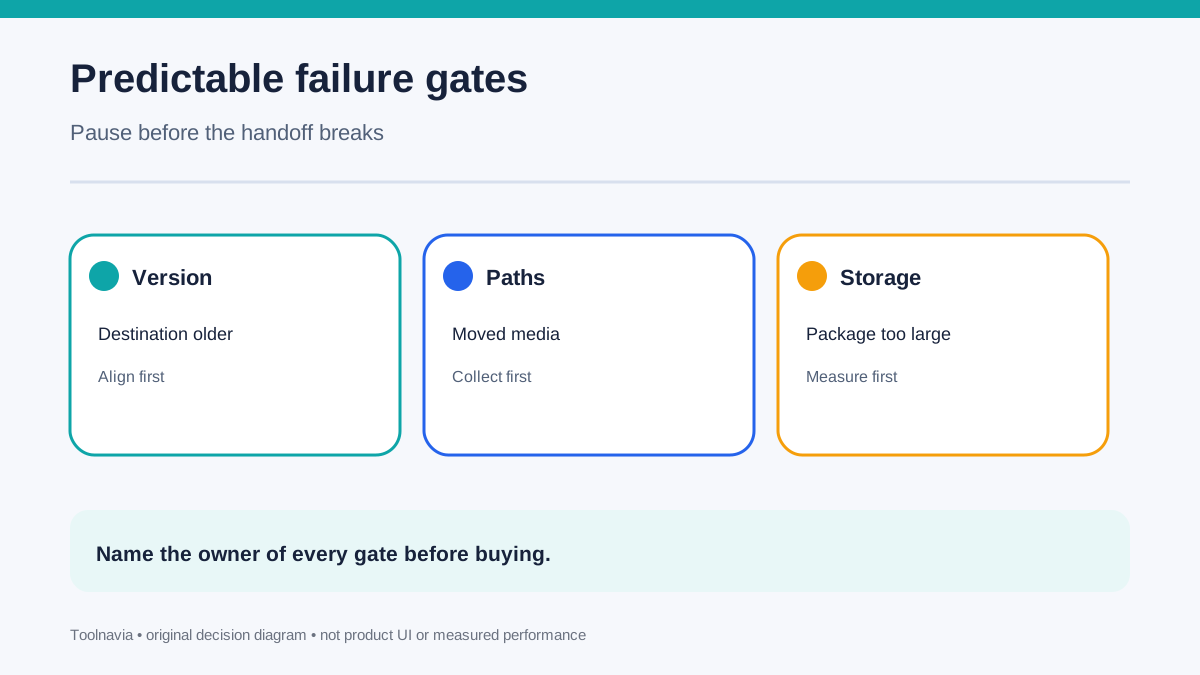
Movavi says projects are upward compatible only: the destination should have the same version or a newer one. A project created in a newer version may fail to open, or open incorrectly, in an older version.
Before collecting media, record the exact application version on both computers. If a collaborator, contractor or replacement PC runs an older build, align versions first rather than discovering the mismatch after a large upload. Movavi's manual index currently lists both Video Editor 2026 and 2027, which makes the version boundary a live operational question rather than a historical footnote.
Do not translate “newer opens older” into universal cross-version fidelity. The official pages support the direction rule, not a guarantee that every effect, title, plug-in or hardware-dependent feature will render identically.
Missing media is the most predictable failure
Movavi documents common failures when source files were moved, renamed, deleted or became inaccessible on removable or cloud storage. When the project opens with missing-file prompts, the user can browse to the folder that now contains the media and let the editor relink it.
That recovery path is useful, but it is not a substitute for preparation. Consolidate a small representative project, copy the resulting folder, disconnect the original drive and open the copy on the destination computer. If the project silently continues reading from the original path, the handoff has not actually been proven.
Temporary and autosave files are also limited evidence: Movavi warns that they may not contain the latest revision. A portable package should therefore include the deliberately saved current project, not just whatever recovery file happens to exist after a crash.
Storage and upload time are part of the cost
Movavi warns that portable projects may be large because the package includes media. A one-minute test can pass while a real project with 4K originals, long recordings and alternate takes overwhelms the destination disk or transfer window.
Estimate package size before buying around this workflow. The current official purchase page displays Video Editor 2026 pricing that can vary by term, locale, VAT and optional Effects; another current Movavi chooser shows the annual Video Editor reference at **$54.95/year**. The approved Toolnavia link is the exact personal Video Editor offer, but the live checkout remains authoritative.
License cost is only one line. Add external storage, upload bandwidth, duplicate working space, retention and the labor of collecting and verifying a project. Do not delete the original working folder until the destination copy has opened and exported successfully.
Competitor workflows reveal the questions to ask
Adobe Premiere's Project Manager can collect used media into a new location, optionally exclude unused clips, include preview and conform files, or consolidate and transcode. That does not mean Movavi has the same controls; it shows why “collect the files” is not a complete specification.
DaVinci Resolve's project archive can include original media, proxies, render cache, LUTs and gallery stills, with an option to include only used media. Final Cut Pro lets users copy a library with original, optimized or proxy media, while warning that third-party plug-ins and some content need separate handling. Kdenlive's Archive Project can collect required assets into a folder or compressed archive.
These are same-intent comparisons, not a ranking by checkbox count. For Movavi, ask what the portable folder actually contains, how much space it needs, whether version direction is safe and whether the receiving machine can reproduce the edit.
Run a 30-minute destination-computer test
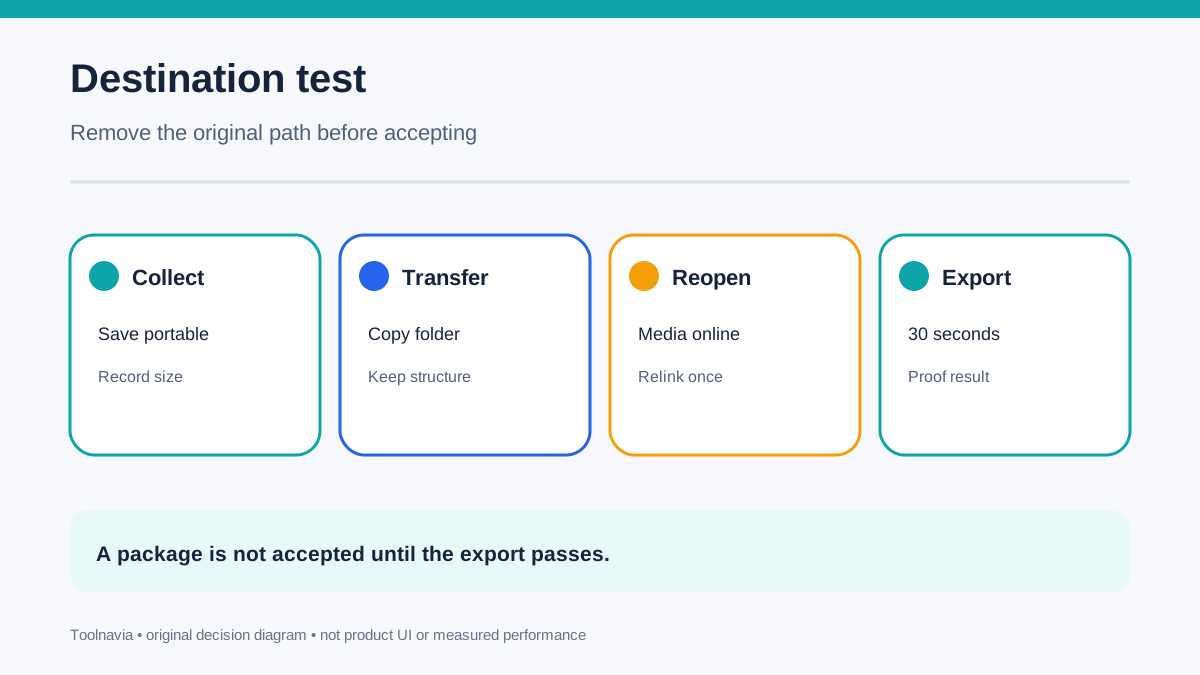
Create a short project that includes video, separate audio, a still image, a title, one transition and one effect you genuinely use. Save normally, then choose **File → Save Portable Project** into a new empty folder. Record the folder size and generation time.
Transfer that folder to the destination computer. Disconnect the original source drive or rename the original media folder so a false pass is impossible. Open the packaged project in the same or newer Movavi version. Confirm that every clip is online, scrub the timeline, listen for missing audio, inspect titles and effects, and export a 30-second section.
If Movavi asks for missing media, use Browse once and record which folder resolves the links. If multiple assets remain missing, pause the purchase decision and fix the source layout. The acceptance proof is the destination export plus a written version and path record—not the existence of a ZIP file.
Buy only after the handoff closes cleanly
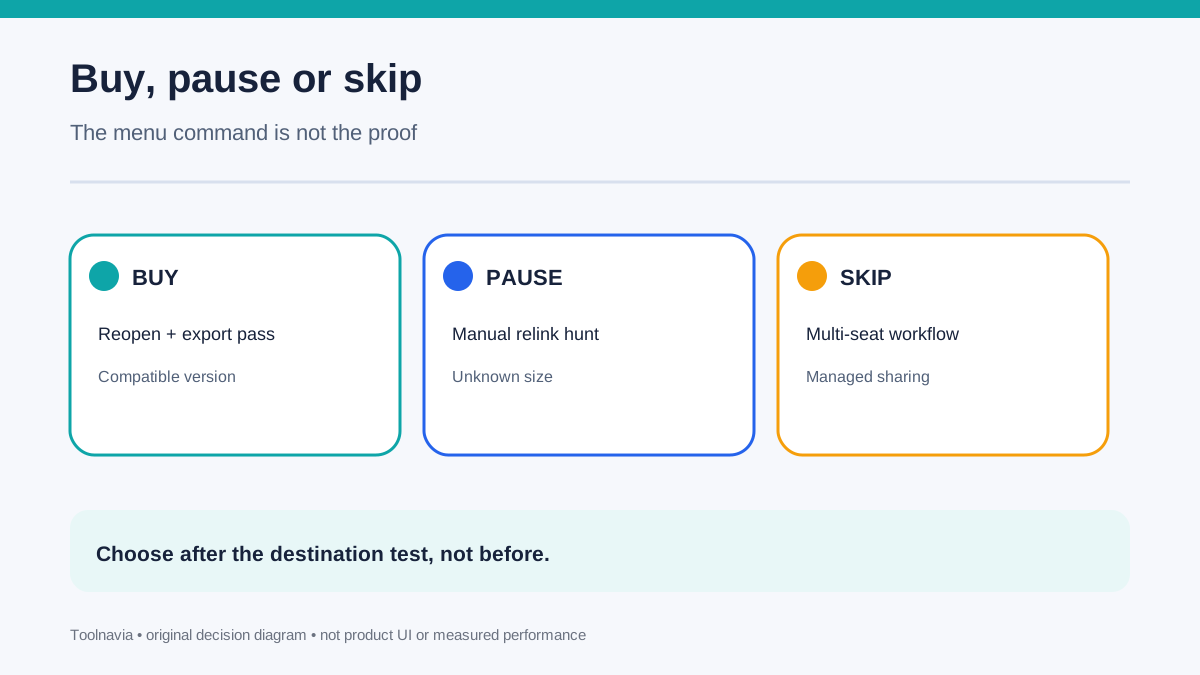
**Buy** when the exact annual offer fits one-computer personal use, the destination runs a compatible version, the portable folder contains the required media, storage is sufficient, and a representative reopen-export test passes.
**Pause** when collaborators run older versions, source media lives in unstable cloud placeholders, package size is unknown, or relinking requires manual hunting. **Skip this workflow** when you need simultaneous multi-seat collaboration, managed shared storage or detailed archive-trimming controls that the cited Movavi pages do not document.
A portable project is valuable because it turns an edit into a movable package. Its purchase value comes from a verified destination result, not from the menu command alone.