TOOLNAVIA / BUYING GUIDE
Movavi GIF vs MP4: Choose the Tutorial Deliverable Before Buying
The short answer
At a glance
- Best for
- Repeat tutorial editing with a verified recipient GIF/video result.
- Price model
- Windows1year1PC displayUS$54.95 throughNov15;location,tax andrenewal confirmedincart.
- Check first
- GIF has no audio;format,size,text and motion controls require separate acceptance.
Verdict: choose the deliverable before the license
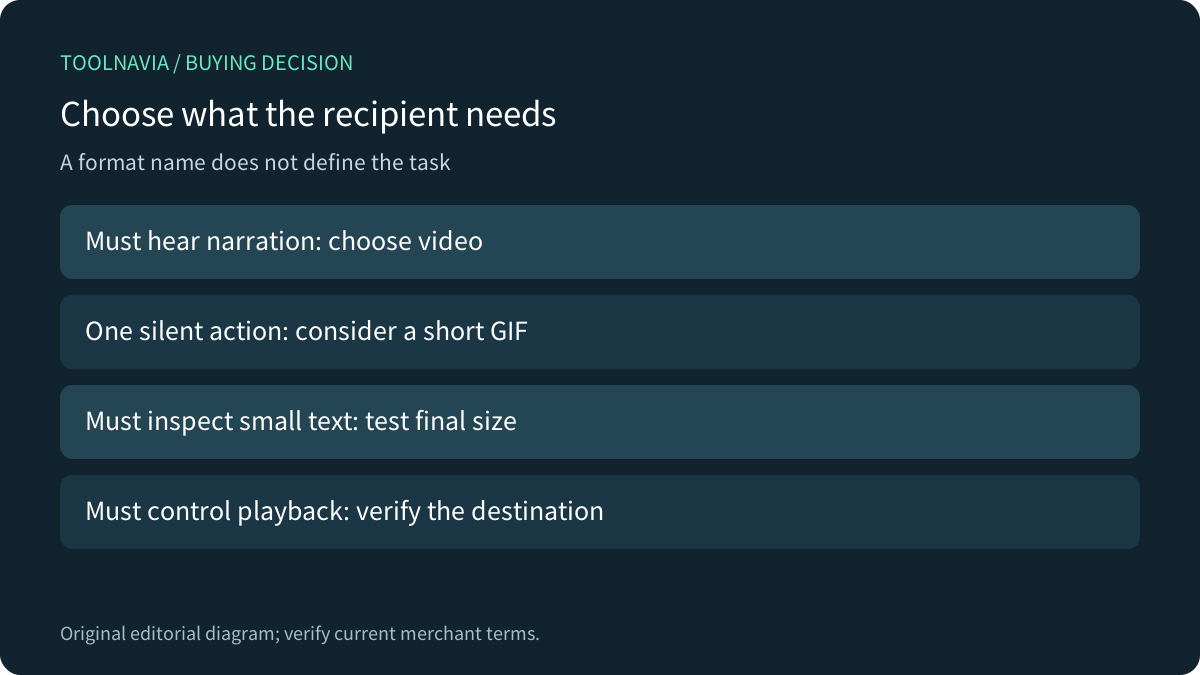
Movavi Video Editor can suit repeated tutorial editing, but a GIF is the right output only when silence, image-style delivery and the final reading size fit the task. Choose a video route when the recipient must hear narration. A correctly exported silent image is not a failed audio codec.
This guide analyzes primary documentation. We did not run the editor, export a file or test a website player. The purchase decision depends on the editing work around the deliverable, not simply the presence of GIF in an export list.
Review the exact Windows annual editor offer. Toolnavia may earn a commission through this approved direct link.
Design the silent version as its own explanation
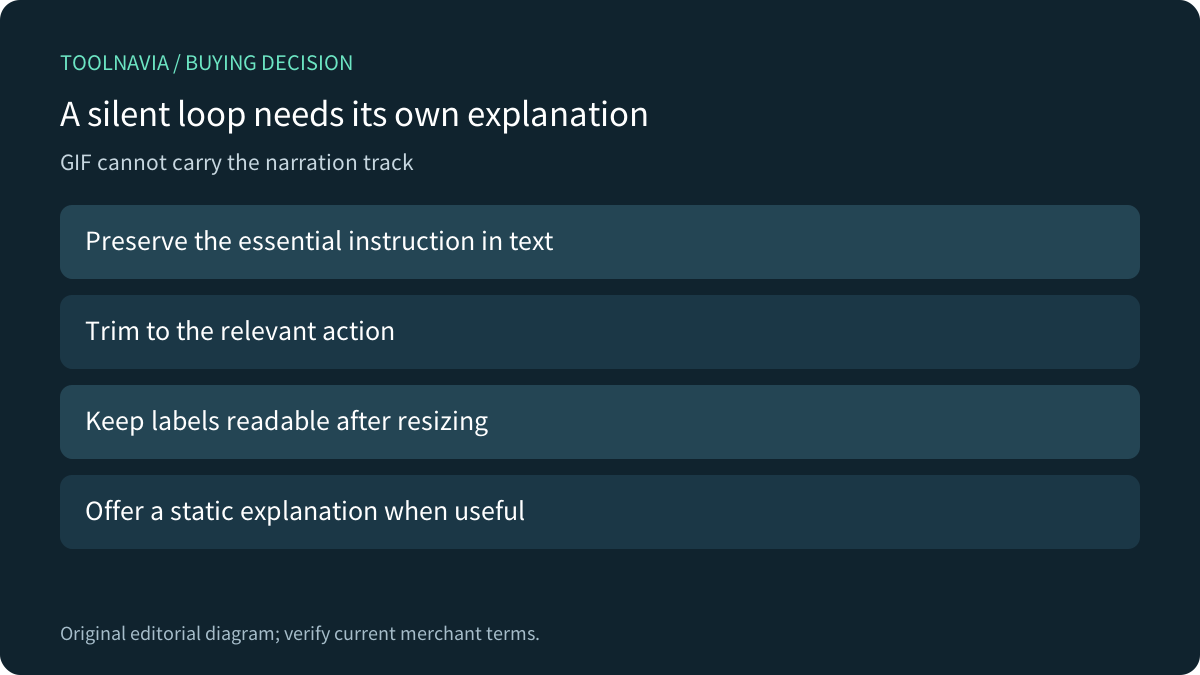
Movavi's older Ideas guide explains that GIF has no sound and demonstrates trimming a Video Editor clip, adding needed text and exporting GIF. Its dated discount code is not a current offer. The newer November 6, 2026 guide independently confirms that Video Editor can save a project as a silent animated GIF.
If the spoken instruction carries the meaning, add an understandable written explanation or keep the narrated video. A decorative loop and a tutorial are different communication tasks. Avoid requiring someone to infer a precise menu choice from an unlabeled cursor moving too quickly.
Use the editor for the actual preparation work
Four relevant strengths are timeline trimming, titles for context, duplicate/reverse loop construction, and a choice of silent GIF or video delivery. They help create a deliberate short sequence rather than repeatedly exporting an entire recording. Reversing an action is useful only when that visual treatment makes sense; it can confuse a procedural instruction.
Keep the editable project and source video. Exporting a GIF does not preserve the project's audio track inside the GIF, and paying for a license does not change that format boundary. If only one conversion is needed and an existing tool meets it, the broader editor may be unnecessary.
Check clarity and size together
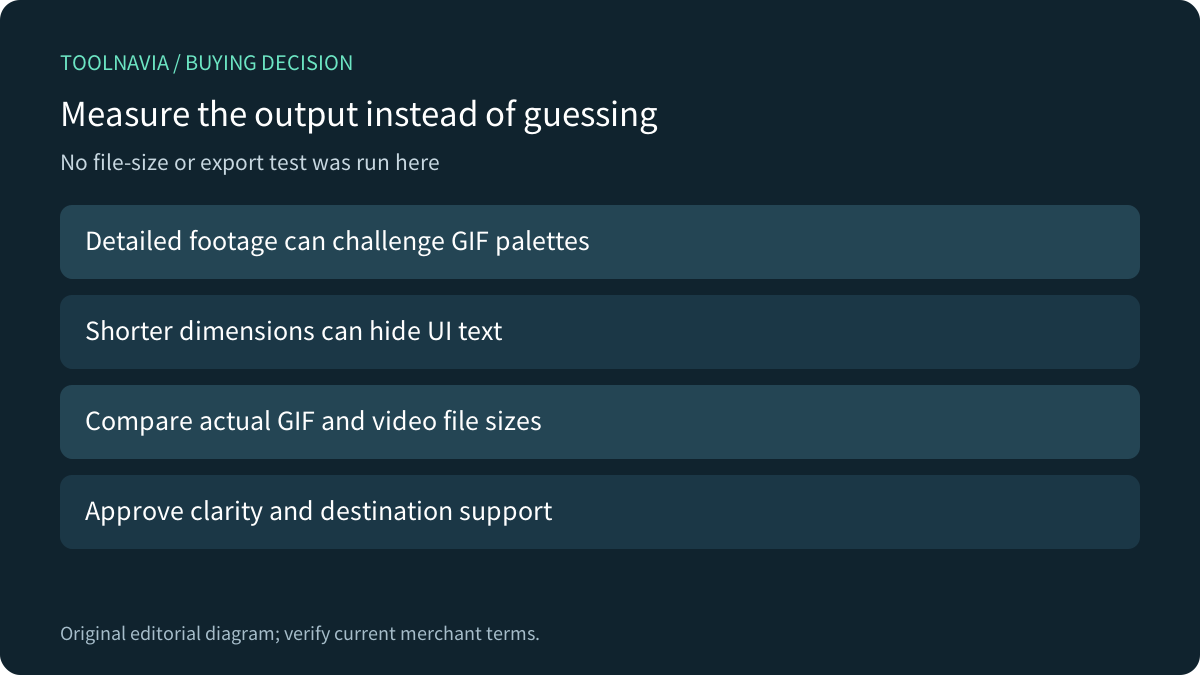
MDN describes GIF's indexed-color limitations and notes that detailed full-color material can produce unsatisfactory dithering. Do not assume that a short animation must be small or that reducing dimensions preserves readable software labels. Compare actual outputs from representative footage.
Adobe's Photoshop tutorial separately demonstrates limiting imported frames, resizing and previewing GIF in a browser. Those are useful evaluation ideas, not a promise that Movavi exposes Photoshop's palette or frame controls. Judge the resulting text, movement and file size rather than copying another application's preset names.
Review motion controls at the destination
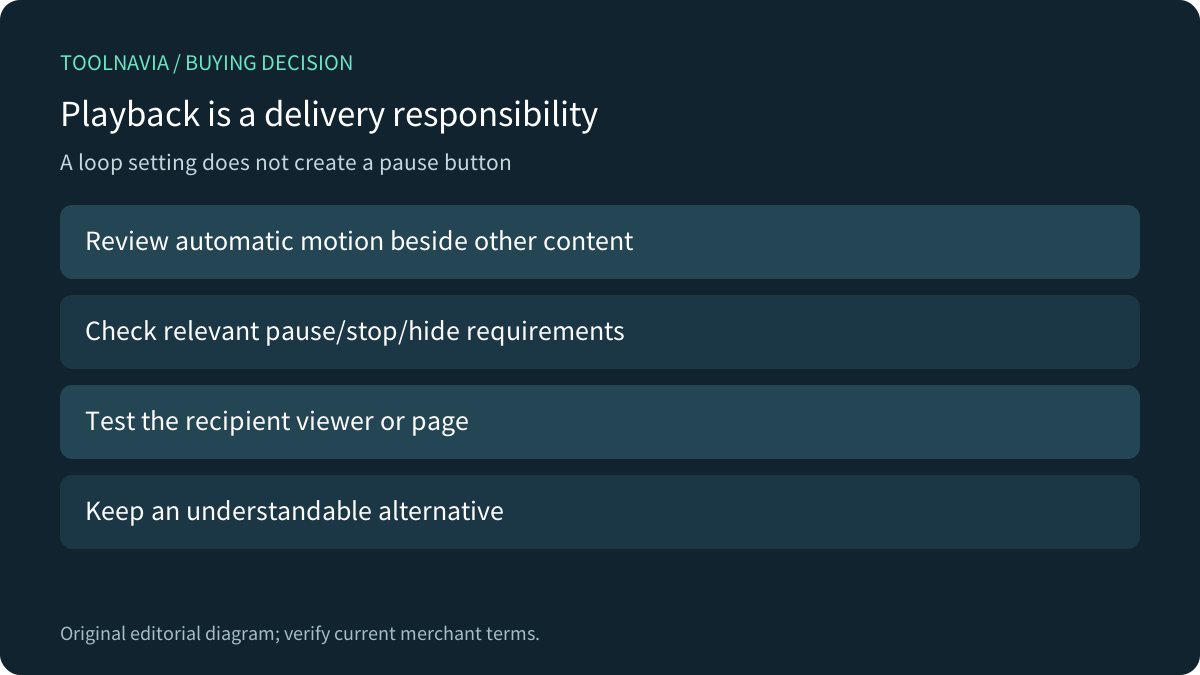
An endless loop setting does not create a pause button in an image viewer or webpage. W3C's relevant criterion applies when motion starts automatically, lasts more than five seconds and appears alongside other content, unless essential: users need a pause, stop or hide mechanism. This is a conditional delivery requirement, not a blanket ban on GIF.
Check the actual help-center page, chat client or recipient viewer. Video delivery also needs its own audio and playback checks; do not assume autoplay includes sound or that every embedding supplies useful controls. A static written explanation can make a small animated illustration easier to understand.
Rehearse with a representative tutorial action
Use a harmless synthetic screen action with a small label, cursor movement and a short spoken instruction. Prepare the silent explanation and a video version. Open both at their actual delivery size, check what information survived, and record file size and destination behavior.
Ask whether the viewer can identify the intended action without guessing or waiting through many loops. Confirm any required playback control. The current Movavi guide warns that free-build watermark and export limits vary, so inspect the installed notice before treating a trial result as the paid deliverable. No rehearsal was performed here.
Price repeated editing, not just conversion
The official Windows page currently displays US$54.95 for one year on one PC, with the displayed offer through November 15, 2026 and a location caveat. Confirm the actual charge, tax, renewal and optional Effects or Templates selections; this article does not guarantee a future renewal amount.
Buy when repeated trimming, labeling and video preparation justify the annual workflow and the recipient output passes review. Keep an existing suitable tool for a one-off task. A format choice that loses the explanation is not repaired by a more expensive license.