TOOLNAVIA / BUYING GUIDE
Movavi AI Tools vs Effects: What Costs Extra?
The short answer
At a glance
- Best for
- Creators who need included AI editing tools but want to avoid accidental premium-asset renewal.
- Price model
- Check exact cart; Effects trial may renew separately at the displayed rate.
- Check first
- Feature availability varies by license/version; Effects and Templates are separate; checkout prices and tax are volatile.
Verdict
Buy Movavi Video Editor for the editing program and its included AI tools—not for unlimited access to every premium transition, title, music track or template. Movavi's current help center lists AI background removal, motion tracking, automatic subtitles, auto-crop and quick video denoise inside Video Editor, but availability can vary by license and version, some tools require internet access, and output quality depends on the source material.
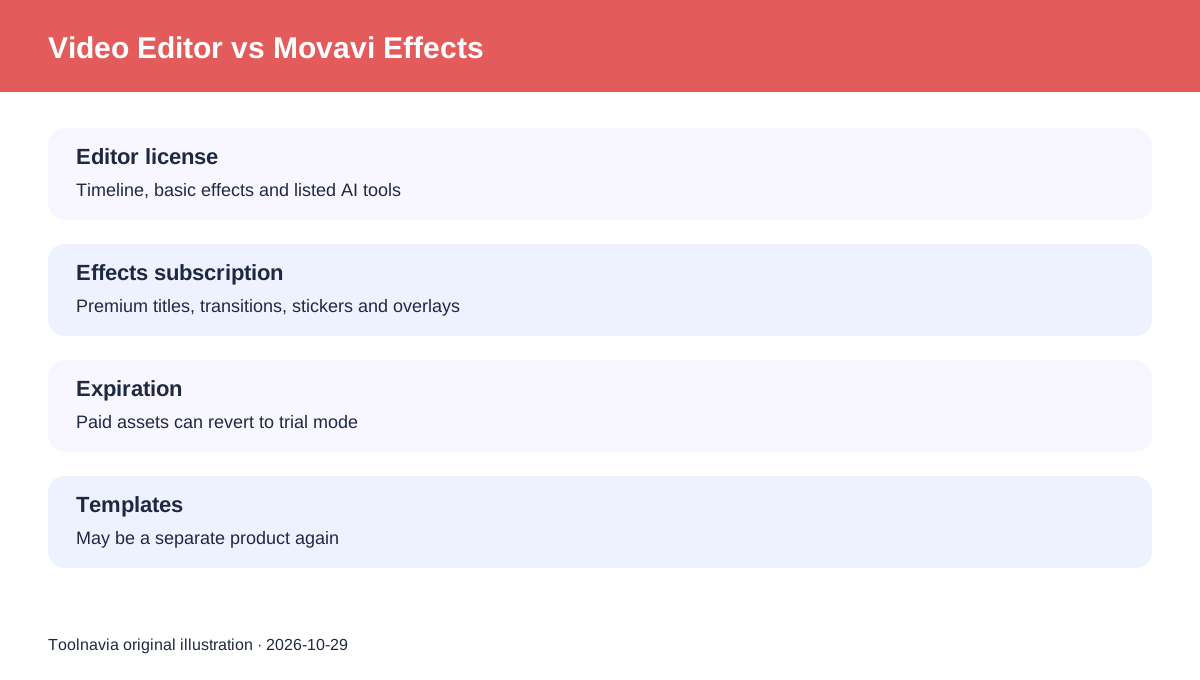
Movavi Effects is a separate content license. It covers paid transitions, titles, stickers, overlays and other assets. An activated editor does not permanently unlock the entire Effects catalog, and Movavi Templates can be a separate product again.
What the editor license includes
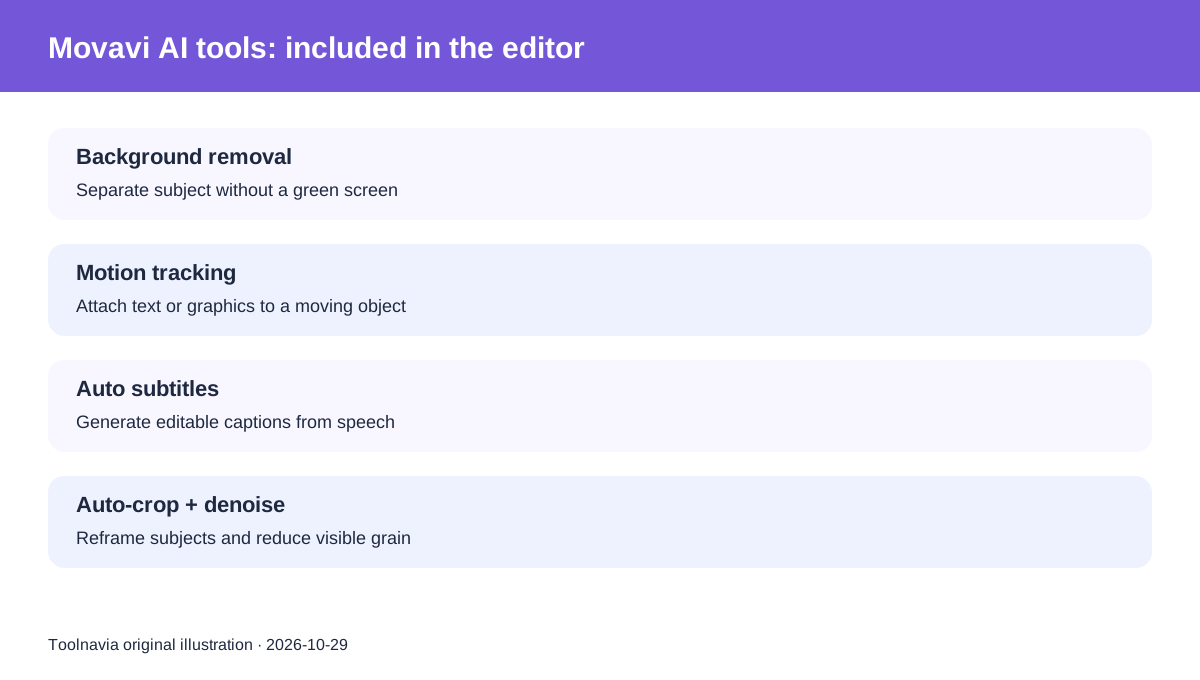
The editor itself supplies the timeline, basic effects and the listed AI-assisted editing tools. Background removal can isolate a subject without a green screen; motion tracking can attach text or graphics to a moving object; automatic subtitles turn speech into editable captions; auto-crop follows a subject when changing aspect ratio; denoise reduces visible grain.
Those are software features, not a promise that every creative asset is included. Movavi also says AI availability varies by license type and program version. Some processing requires an internet connection. Toolnavia found no current official statement guaranteeing an unlimited, credit-free allowance for every AI operation, so this guide does not make that claim.
What Movavi Effects adds
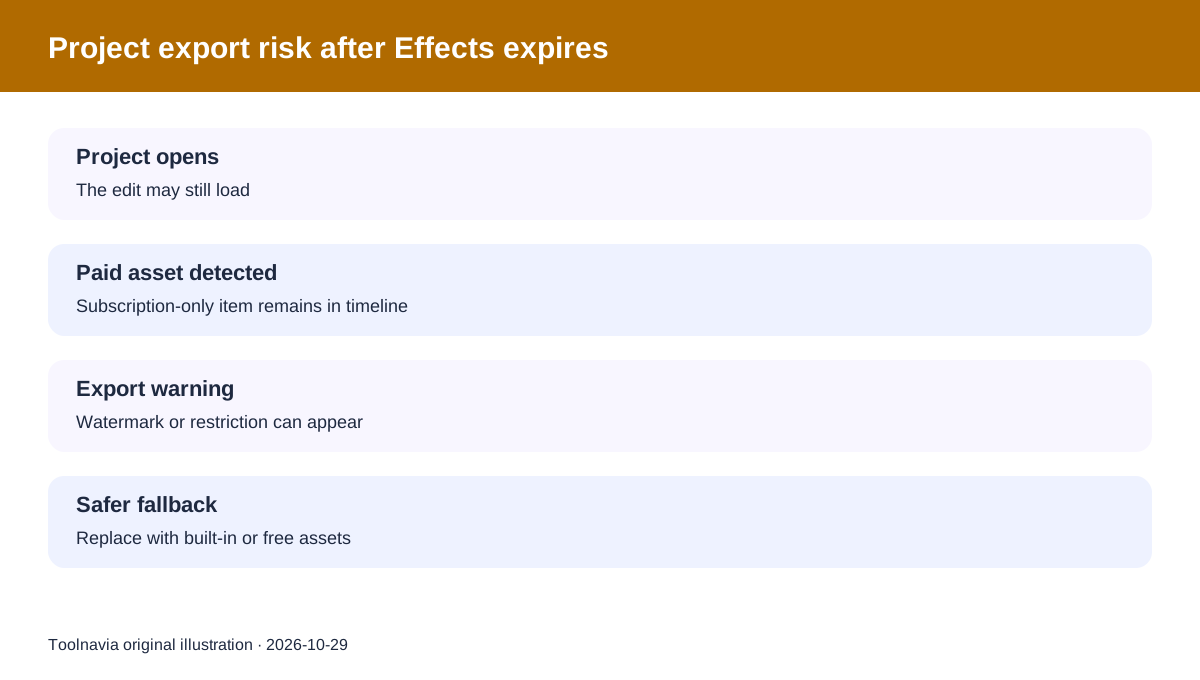
Movavi Effects is the optional library layer. Its subscription can cover paid transitions, titles, stickers, overlays and similar assets. The official license page says monthly and annual terms exist. If a subscription expires, the Effects key can be blocked, paid assets revert to trial mode, and affected projects can show an export watermark. Free effects included with Video Editor are not affected.
This matters most when opening an older project. A project may still load after Effects expires, yet exporting with subscription-only assets can be restricted or watermarked. Removing or replacing those paid assets is different from losing the editor's core AI tools.
Current checkout cost: inspect the exact cart
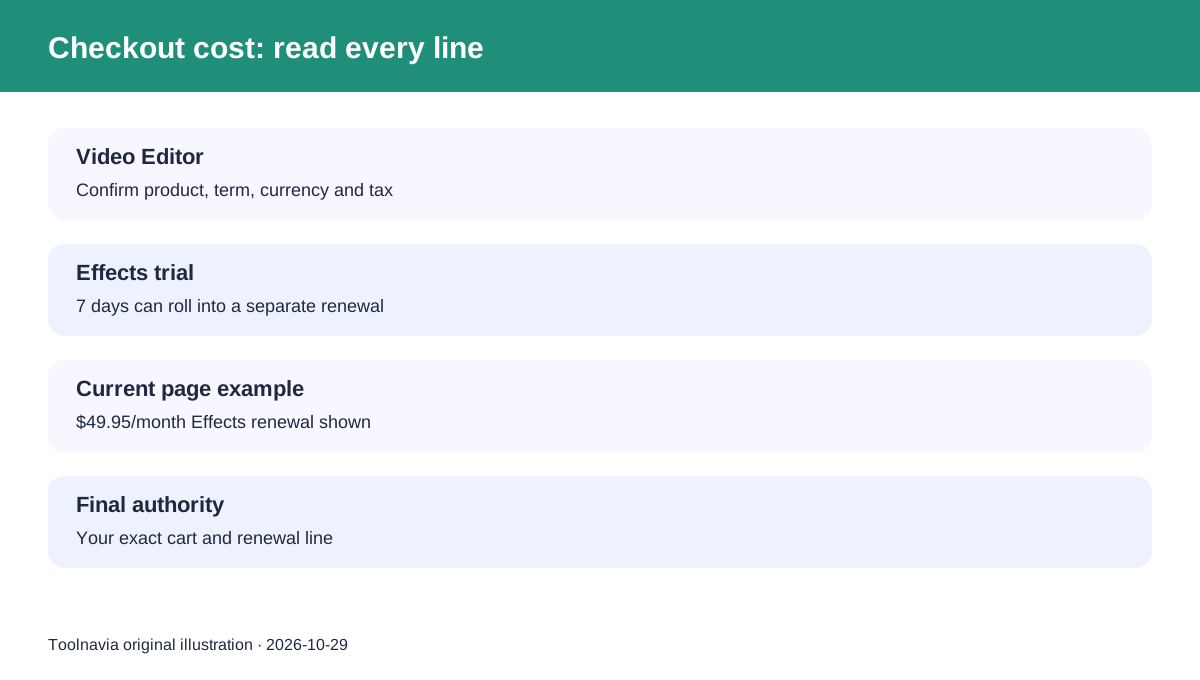
On October 29, 2026, the retrieved purchase page showed a one-month Video Editor offer at $19.95 for the first month and $23.95 afterward, including VAT on that localized surface. The same page offered a seven-day Movavi Effects trial that could auto-renew at $49.95/month. It also displayed other products and promotions.
A separate official store surface showed a Video Editor plus Movavi Effects offer with monthly and annual choices and a displayed $54.95 promotional figure against $69.90. Because the surfaces package different products and localize tax, currency and promotions, those figures are not interchangeable. The exact checkout total and renewal line control your purchase.
Toolnavia's commercial link is mapped only to the approved Movavi Video Editor one-year offer. It does not turn the separate Effects subscription, Plus bundle, Templates or lifetime license into approved commercial claims.
A four-step purchase check
1. Confirm the cart names Video Editor and the term you intended. 2. Look for a selected or preselected Effects trial and read its renewal amount. 3. Decide whether your projects need paid crown-marked assets or only built-in/free effects. 4. After purchase, manage the editor and Effects renewals separately in your account. Canceling one does not necessarily cancel the other.
The practical cost test is not “Does Movavi have AI?” It does. The better question is whether the editor's included AI tools solve your workflow without the recurring premium-asset library.
Independent review context
TechRadar's current review similarly separates the base editor's AI subtitle and background-removal tools from premium assets behind an additional subscription. It reports localized add-on prices, so its figures are useful context but not authority for your checkout.
Digital Camera World observed the same boundary in an earlier version: base AI-assisted tools remained usable, while paid Effects assets could trigger watermarks without the Effects subscription. That supports the entitlement distinction, not a promise that today's catalog or price is unchanged. Other same-intent guides and comparisons also discuss the editor/add-on boundary, but they remain corroborative rather than authority for current entitlement.
Movavi's own editing guide likewise says the editor has built-in effects while the separate Effects subscription unlocks a larger library.
Who should buy
The one-year editor offer fits buyers who need a beginner-friendly desktop editor and can use the included AI tools plus built-in/free assets. It is a poor fit if your must-have workflow depends on a large premium template or effects library but you have budgeted only for the editor.
Before paying, make a short trial project with the exact AI tools and assets you plan to use. Export once, remove any crown-marked premium asset, export again, and compare the result. That test reveals whether Video Editor alone is enough or whether the separate Effects renewal belongs in your real annual budget.
Toolnavia may earn a commission if you buy through the approved Movavi Video Editor affiliate link. This does not change the price shown at checkout.