TOOLNAVIA / BUYING GUIDE
Movavi Screen Recorder Cancellation: Stop Renewal, Then Check Refund Eligibility
The short answer
At a glance
- Best for
- Subscribers who need to stop renewal and assess a separate refund request.
- Price model
- Cancellation stops future renewal; refund is conditional and not guaranteed.
- Check first
- Cancellation is not an automatic refund; seller, region, timing and qualifying reason control.
Bottom line
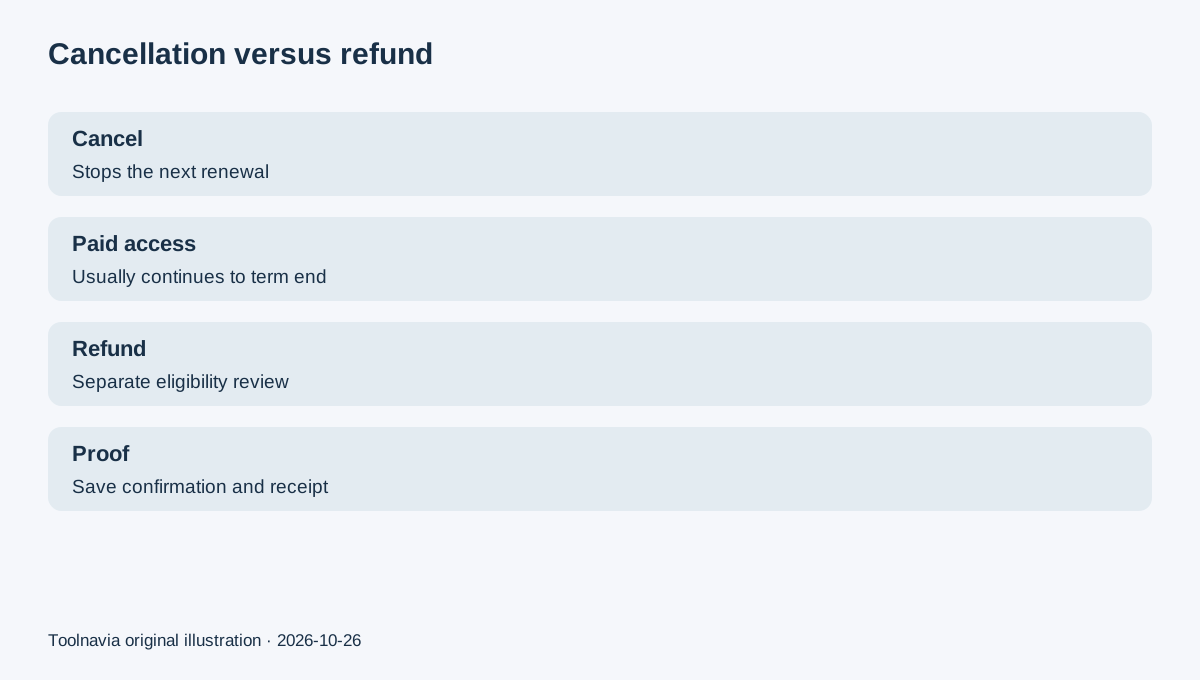
Canceling a Movavi Screen Recorder subscription and requesting a refund are two different actions. Cancellation stops the next automatic renewal; Movavi says access normally remains active until the end of the paid term. It does not automatically reverse the latest charge.
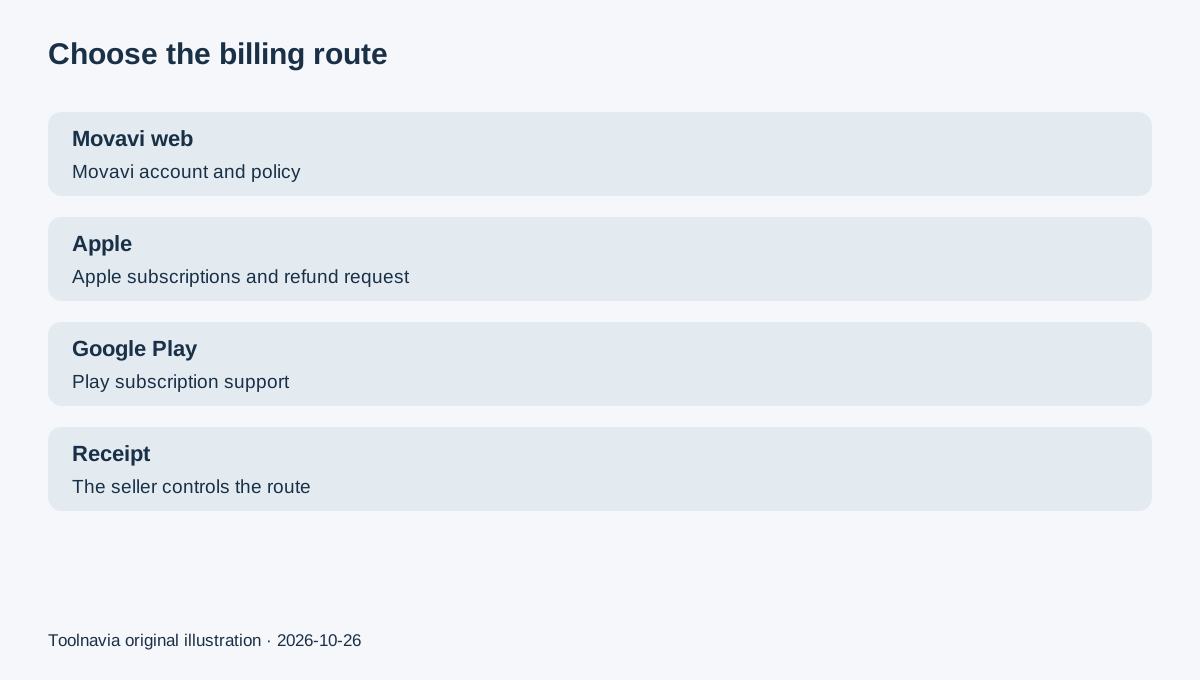
If the purchase was made on Movavi's website, start in the Movavi account and then evaluate the direct refund policy. If Apple or Google billed the purchase, manage the subscription and any refund request through that store.
Step 1: identify the seller and every recurring item
Open the receipt or card statement before clicking anything. A Movavi website purchase, an Apple App Store purchase and a Google Play purchase have different account owners and support paths.
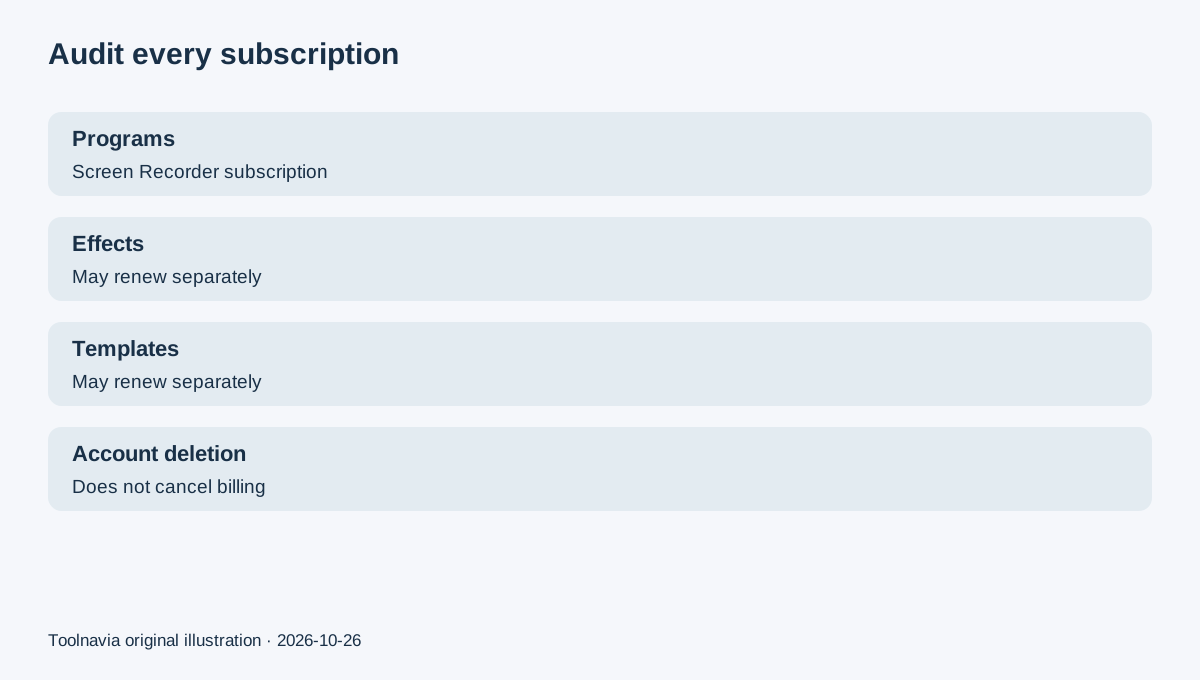
Inside the Movavi account, inspect Programs, Effects and Services separately. Movavi's support documentation says Program subscriptions, Movavi Effects and Templates can be independent. Canceling Screen Recorder therefore does not prove that an Effects or Templates renewal was also stopped.
This separation explains a common complaint pattern in user reviews: someone cancels one item but later sees another charge. Those reports are useful as friction signals, not as policy authority; the official account record and receipt control.
Step 2: cancel the future renewal
For a direct Movavi subscription, use the subscription controls in the Movavi account. Movavi says the cancellation status can take up to 24 hours to update. Save the confirmation email or screenshot, then recheck the account rather than assuming the first click completed the process.
Movavi's EULA also frames subscription renewal and cancellation under the agreement and refund policy.
Cancellation normally leaves the software usable through the end of the already paid term. Deleting the Movavi account is not a substitute for canceling a subscription.
For an Apple-managed subscription, use Apple ID subscription settings. For Google Play, use the Play subscription manager; uninstalling the app does not cancel billing. An independent cancellation guide from The Verge describes the same store-controlled boundary.
Step 3: treat a refund as a separate request
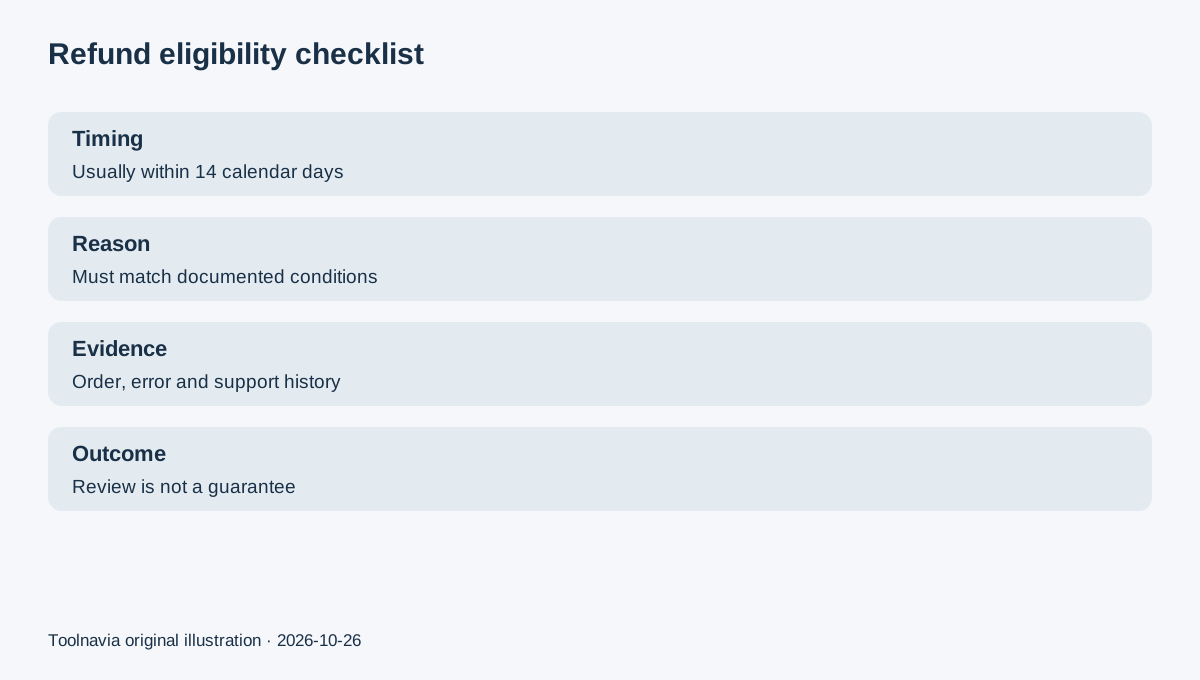
Movavi's current direct refund policy is conditional. A request generally must be made within 14 calendar days, but filing within 14 days does not create a guaranteed, no-questions-asked refund. The policy lists qualifying situations such as unresolved technical or activation problems and duplicate purchases.
The policy generally excludes a simple change of mind, no longer needing the product, finding another product, or disliking a feature that was described or available to evaluate in the trial. Regional consumer rights can differ, and the policy includes specific language for immediate digital delivery in the UK/EEA. This guide is a purchase-decision summary, not legal advice.
For an Apple purchase, a refund request is submitted through reportaproblem.apple.com and remains subject to Apple's eligibility decision. For Google Play, use Google's purchase and subscription support route. Do not send a store-managed receipt into a Movavi direct-web workflow and assume the same policy applies.
Step 4: build a clean evidence packet
Record five facts before contacting support: the seller, exact product name, charge date, order or receipt number, and the reason you believe the policy applies. Attach the cancellation confirmation and relevant error evidence. If a technical issue is the reason, include the support history and troubleshooting outcome.
Keep the request narrow. “Please confirm future renewal is canceled” and “Please review this charge for refund eligibility” are separate asks. That wording reduces the chance that a cancellation confirmation is mistaken for a refund approval.
If an Effects trial or another add-on converted to paid, identify that exact subscription rather than calling every charge “Screen Recorder.” Movavi's trial-charge guidance says future billing and the already posted charge are handled separately.
Decision table
Choose **cancel only** when you want to stop the next term but keep using the current paid access. Choose **cancel plus refund review** when the charge is recent and a documented policy reason may apply. Choose the **store route** when Apple or Google appears on the receipt. Escalate only with accurate documentation; do not treat a chargeback as the first cancellation step.
Next step
Audit all Movavi recurring items, cancel the correct ones, save proof, and verify the status after the stated processing window. Then submit a separate, timely refund request only through the seller that billed you and only with the policy-grounded facts.
The exact Movavi Screen Recorder Personal 1-Year offer remains the approved commercial association for this article. Toolnavia may earn a commission through its exact internal offer route; no raw tracking URL appears in the article.