TOOLNAVIA / BUYING GUIDE
Movavi Screen Recorder Scheduler: Is It Worth Paying For?
The short answer
Movavi Screen Recorder's scheduler is worth paying for when missing one webinar, class or live presentation costs more than the recorder—and only after two unattended tests succeed on the computer you will actually leave behind. Movavi lets you queue multiple tasks, choose a full screen or region, set the date and start time, and limit recording duration. That removes the need to press Record at the exact moment, but it does not turn the laptop into a cloud DVR.
This is a documentation-based buying guide, not a hands-on uptime benchmark. The scheduler still depends on an awake, unlocked and prepared computer, the correct capture region and audio source, available storage, and content that is legally recordable. Movavi explicitly excludes copy-protected streams.
At a glance
- Best for
- Buyers who need fixed-time unattended capture and can run two readiness tests.
- Price model
- Current localized checkout; verify currency, tax, term and renewal
- Check first
- Not a cloud DVR; sleep, login state, permissions, storage and DRM still matter.
What the scheduler actually automates
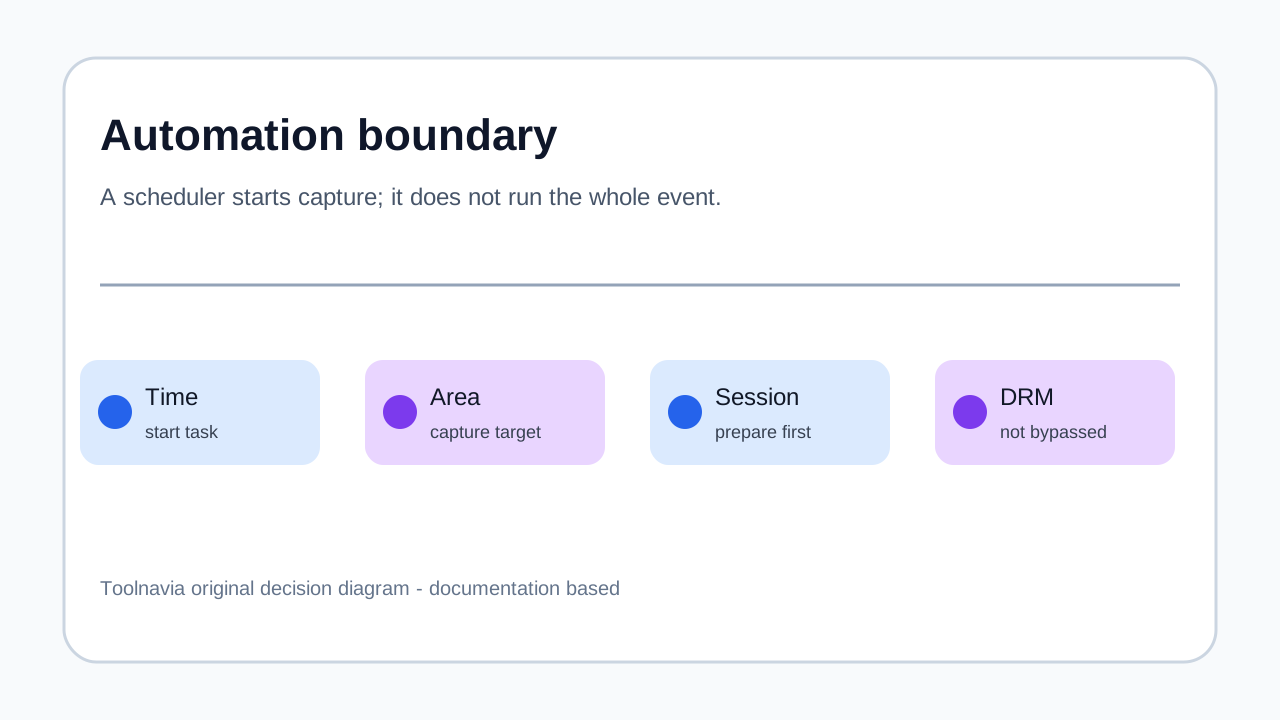
Movavi's dedicated scheduler page supports multiple recording tasks, a whole-screen or custom-area target, a chosen date and start time, and a precise duration in seconds, minutes or hours. It also tells users to let the app launch at startup so an automatic task can begin.
That is useful automation, but notice what the published workflow does not promise: it does not say Movavi will sign into a webinar, dismiss a cookie banner, select the correct episode, recover a dropped connection or bypass DRM. The safest interpretation is recorder automation, not session orchestration.
The four-link unattended chain
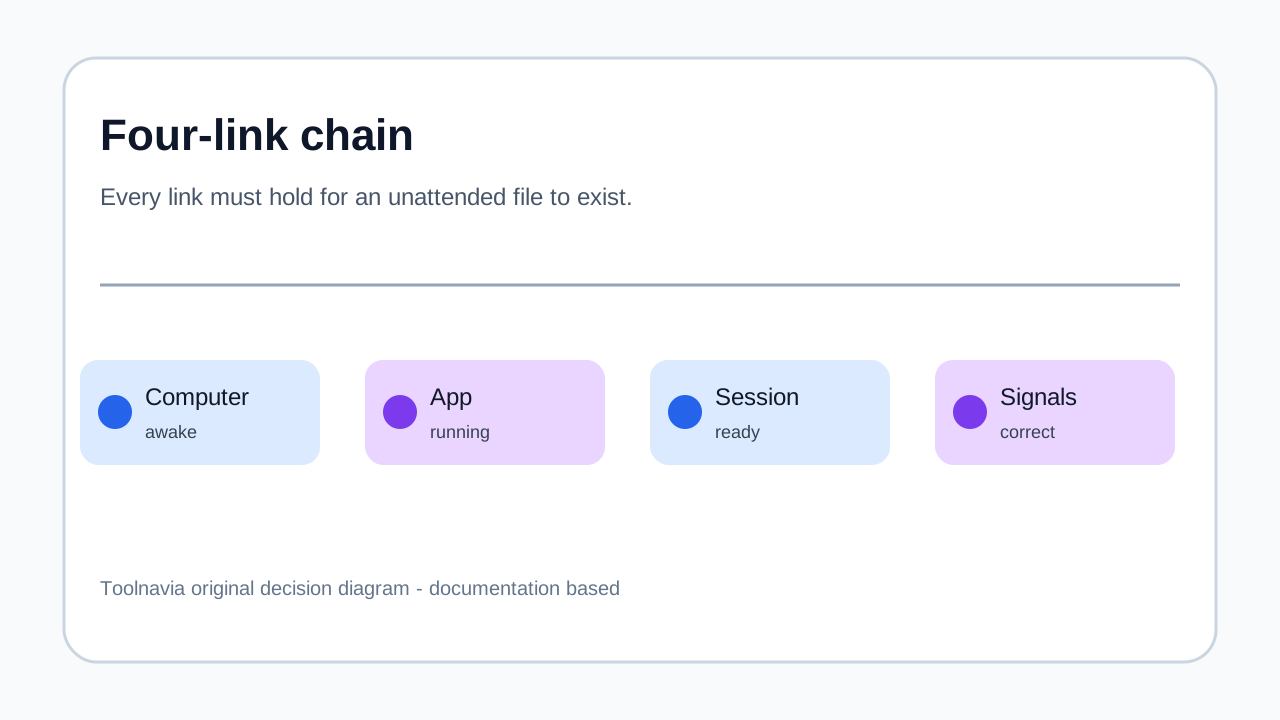
A scheduled file exists only if four links hold:
| Link | What must be ready | Typical failure | |---|---|---| | Computer | Awake, powered, enough storage | Sleep, reboot, update, full disk | | App | Movavi running or allowed at startup | App closed or blocked | | Session | Correct page/window and authorized access | Login wall, pop-up, stream not started | | Signals | Capture area and audio sources selected | Wrong monitor, muted system audio, changed mic |
Independent guidance reinforces this distinction. Bandicam documents scheduled capture but warns that antivirus, codecs, output folders and remote-session loss can stop a task. That is not proof Movavi shares every Bandicam limitation; it is a useful checklist of failure classes any unattended desktop recorder should test.
A 10-minute test that decides more than the feature list
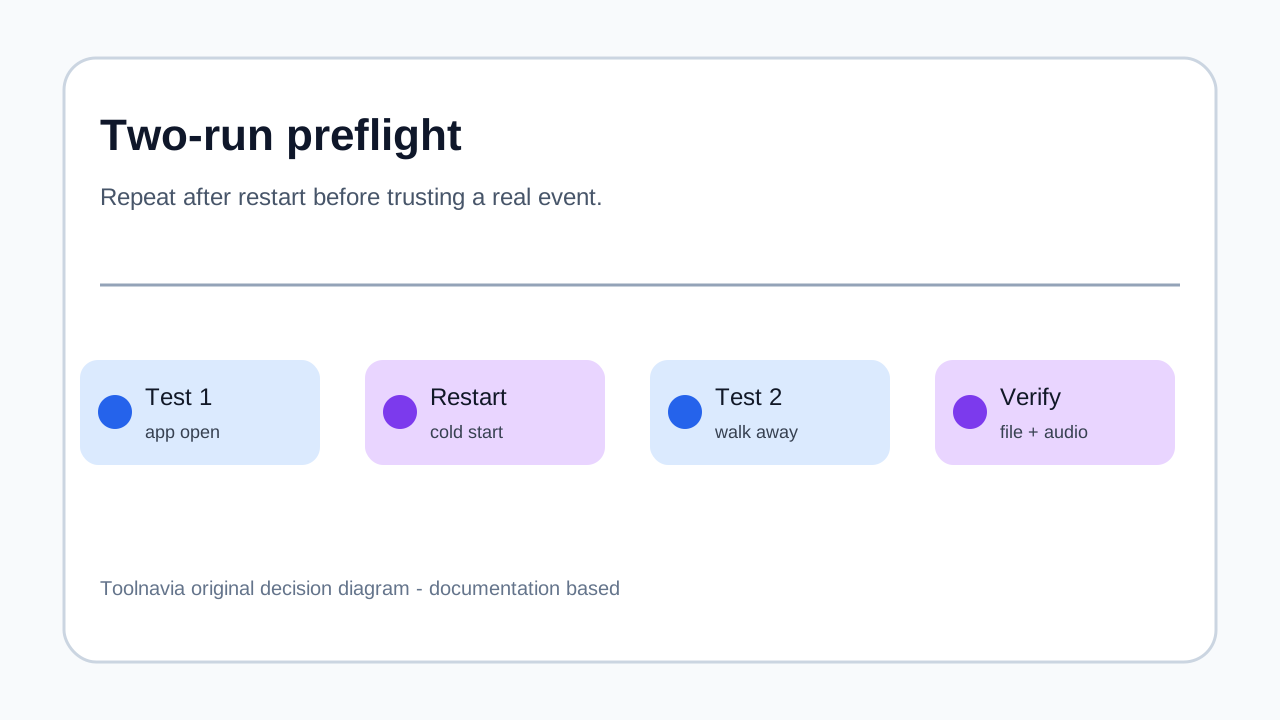
Before paying, create a task that starts ten minutes later and records for two minutes. Use the same monitor, browser or meeting app, speakers/headphones, microphone setting and output folder planned for the real event.
Then walk away. When the task ends, verify all of the following:
1. The file exists in the expected folder. 2. The first and last 10 seconds contain the intended session. 3. System audio is present and synchronized. 4. The capture area did not shift after a notification or display change. 5. Storage consumption is reasonable for the planned duration. 6. Sleep or shutdown behavior matches your intent.
Repeat after a restart, because Movavi specifically links reliable automatic start to launching the app at system startup. A single test with the app already open proves less than a cold-start test. An independent review also reported a microphone-source failure that required manual correction, which is why the saved file—not the task screen—is the acceptance evidence.
When scheduled recording earns its price
The scheduler has high value for fixed-time, repeatable events: a weekly course, a time-zone-unfriendly webinar, an authorized live briefing or a broadcast you can legally capture. The value comes from avoiding a missed start and enforcing an end time, which also limits oversized files.
A simple break-even model is enough:
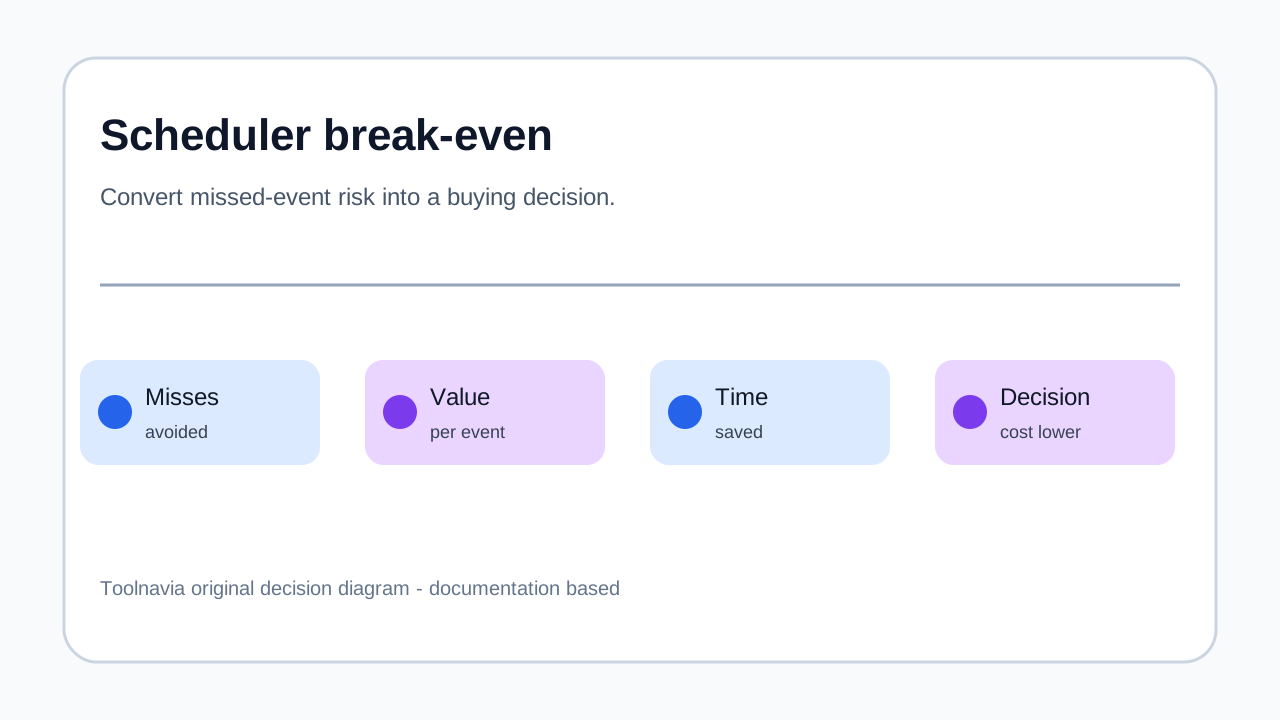
**scheduler value per month = avoided missed events × value of each recording + minutes of manual attendance avoided**
Buy when that monthly value clearly exceeds the live checkout cost and the two-test protocol passes. Do not count speculative benefits such as waking a sleeping computer or navigating a meeting lobby unless you have personally verified them on your device.
When it is not worth paying
Do not buy for scheduling if you record only occasional clips while already at the keyboard. The built-in recorder on your operating system, OBS Studio, or a manual capture tool may be enough.
Do not buy if your real job is recurring daily/weekly automation and the exact recurrence controls are essential. Movavi's public scheduler page confirms multiple tasks and chosen dates, but it does not document the same explicit one-time/daily/weekly model that Bandicam publishes. Test the current build rather than assuming parity.
Do not rely on it for protected streaming media. Movavi says copy-protected video and audio cannot be captured. Also avoid treating the trial output as a deliverable: the current product page describes a seven-day trial with a video watermark.
Windows and Mac preflight
The current requirements page lists Screen Recorder 2026 version 24.8.2 for Windows 10/11 64-bit and macOS 12 or later, with 4 GB RAM and roughly 2 GB of ongoing space. These are minimums, not proof that a long 4K session will remain smooth.
On either platform, disable sleep for the test window, connect power, reserve more storage than the estimated file size, close apps that can cover the target region, and verify system audio permissions. On Mac, privacy permissions and audio routing deserve a separate test. On Windows, updates and startup permissions deserve the same attention.
Movavi versus alternatives for this one job
EaseUS frames scheduled recording as a cross-platform timed-capture problem and Bandicam publishes deeper recurrence and failure documentation for Windows. Movavi's advantage is the compact workflow: multiple tasks, capture-area choice, start time and duration in a recorder designed for Windows and Mac. Filmora's current Movavi review independently describes the same automatic start/stop and duration model.
Choose based on the failure you most need to avoid. If simple one-off timed capture on Windows or Mac is the job, Movavi is a reasonable fit. If explicit daily/weekly schedules, command-line control or Windows-only operational detail is mandatory, compare alternatives before checkout. If you need a production switcher rather than a simple recorder, a more configurable tool may justify the extra setup.
**Verdict**
Movavi's scheduler is worth paying for when you regularly miss fixed-time authorized content and a two-run preflight proves the whole unattended chain. It is not worth paying for as a vague promise that the computer will handle logins, sleep, pop-ups and protected streams by itself.
The approved Toolnavia route opens the exact Movavi Screen Recorder offer. The destination can localize currency, tax, billing term and renewal, so verify the live cart. Buy for a tested reduction in missed recordings, not for the word “scheduler” on a feature list.
Disclosure: Toolnavia participates in Movavi's approved CJ affiliate program and may earn a commission from qualifying purchases.