TOOLNAVIA / BUYING GUIDE
Movavi Long Recording: Test Disk Space Before You Pay
The short answer
Movavi Screen Recorder's timer can stop a capture after a chosen duration, but that control is not proof that an unattended multi-hour session will finish safely. Before paying for a long-recording workflow, measure a representative sample, calculate its real disk rate, leave working-space headroom, prevent sleep, and prove that an interrupted sample can still be opened. Movavi lists 2 GB of disk space for ongoing operations; that is a system requirement, not a maximum output size or a promise that a long file will fit.
*Documentation analysis checked November 8, 2026 UTC. Toolnavia did not install Movavi, run an overnight recording, fill a disk, interrupt a real session, or complete checkout.*
At a glance
- Best for
- Buyers who can rehearse the exact multi-hour workflow, measure disk growth and test an interruption before paying.
- Price model
- No stable price quoted; final checkout controls platform, term, currency, tax and renewal.
- Check first
- Timer control is not a safe-duration, output-capacity, automatic-splitting or crash-recovery guarantee.
Short verdict: buy only after a timed rehearsal
Movavi is a reasonable purchase when the exact source, audio devices and computer pass a rehearsal that is long enough to expose heat, sleep, encoder and storage problems. A timer is useful because it gives the recording a planned stop; it does not monitor free space, guarantee a readable file after a crash, or prove that the operating system will stay awake.
Use this acceptance test before checkout:
1. Record the real source for 10–15 minutes with the intended resolution, frame rate, microphone and system audio. 2. Stop normally, replay the beginning, middle and end, and note the file size. 3. Estimate storage for the full duration from that sample, then add substantial headroom for temporary files and rate variation. 4. Repeat once with the screen locked only if that matches the real workflow; verify power and sleep behavior. 5. Interrupt a disposable sample and check what, if anything, can be recovered.
If any step fails, fix that boundary before paying or before trusting a live event to one file.
The timer is a stop control, not a safe-session guarantee
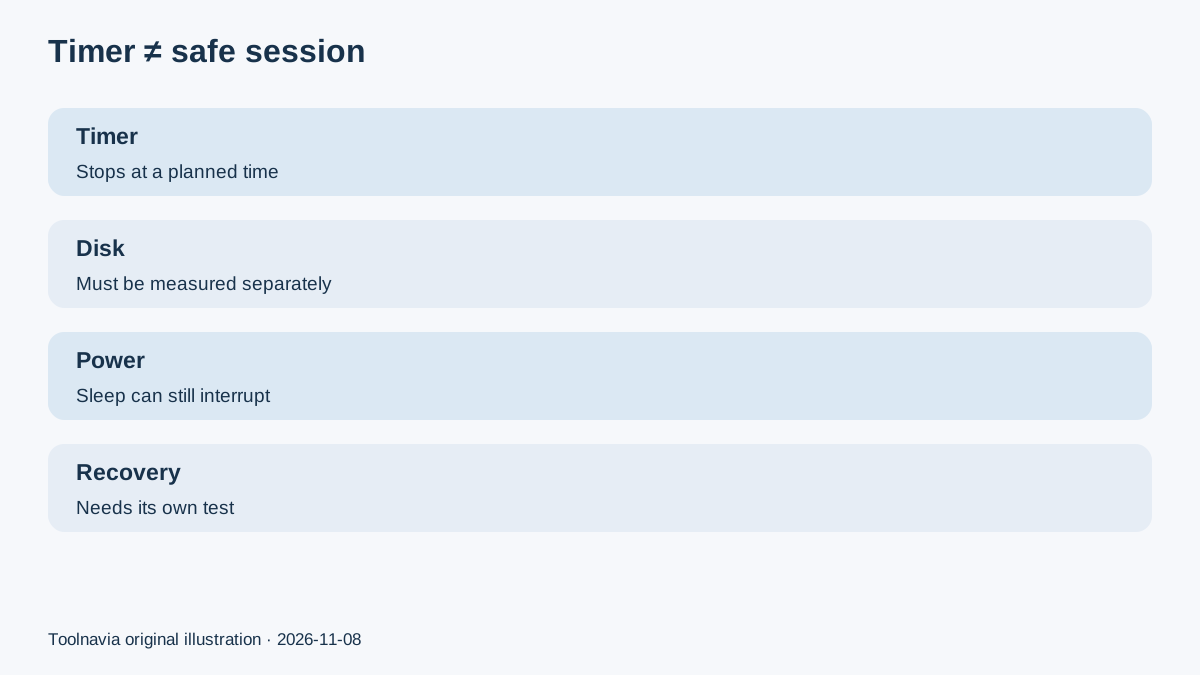
Movavi's current feature notes say a recording-time limit can be set before or during capture and an action can run after recording ends. Its scheduler page says the limit can be specified in seconds, minutes or hours. Those facts establish control over when capture should stop. They do not establish an unlimited safe duration, a maximum file size, automatic file splitting, or crash recovery.
That distinction matters because other recorders publish different safeguards. TechSmith says Camtasia has no built-in duration limit but recommends single recordings of four hours or less because longer sessions are not actively tested; it suggests splitting longer work. Bandicam documents stopping or starting a new file by time or file size. Those are competitor-specific controls, not hidden Movavi features. They show the questions a buyer should ask rather than promises that can be transferred between products.
For an irreplaceable lecture, meeting or demo, prefer planned segments with a short verification between them when the workflow permits. A single giant file concentrates failure risk.
Calculate disk from a representative sample
Do not treat Movavi's 2 GB ongoing-operation requirement as recording capacity. Output size changes with duration, resolution, frame rate, motion, codec, audio and quality settings. TechSmith's file-size guidance notes that higher resolution, more movement and higher frame rate can increase size. OBS likewise shows that its quality presets can range from moderate sizes to extremely large lossless output.
A practical estimate is:
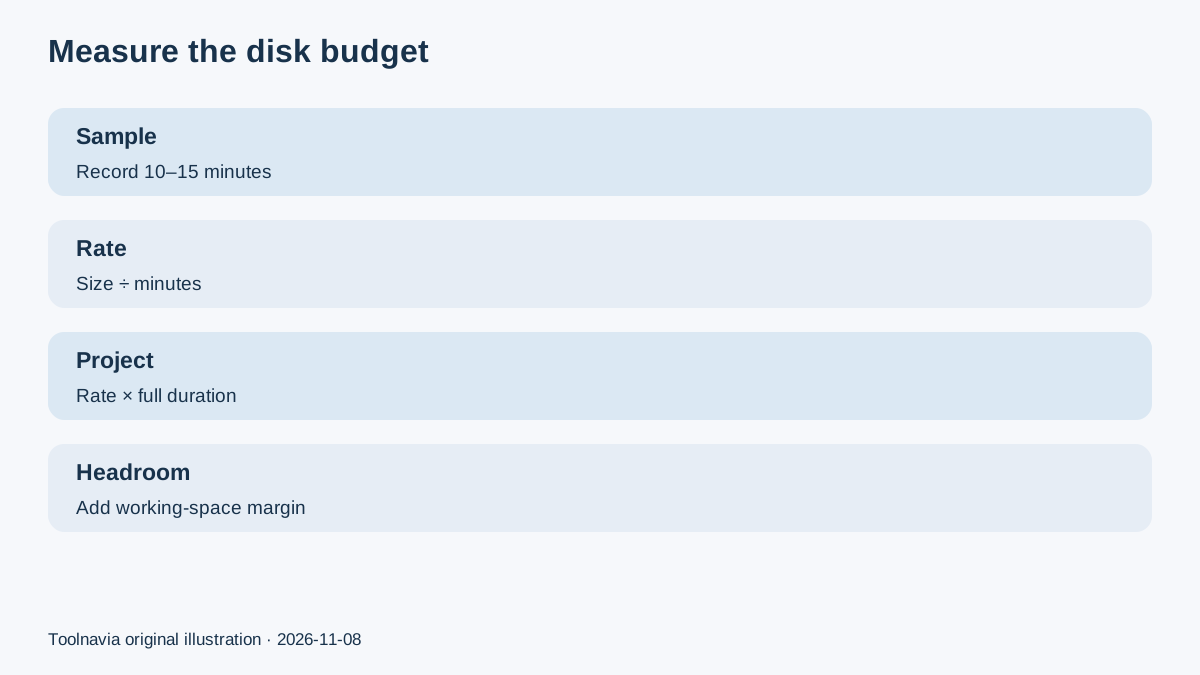
**required recording space ≈ sample size ÷ sample minutes × planned minutes**
Then add headroom. For example, if a 15-minute sample uses 1.2 GB, the measured rate is about 0.08 GB per minute, or 4.8 GB per hour. A four-hour session would project to about 19.2 GB before headroom. This is a calculation example, not a Movavi benchmark; your content and settings determine the rate.
Check the destination volume, not merely total computer storage. Confirm that temporary files use the expected disk, that cloud-sync software is not moving or locking the live file, and that the storage device can sustain the write pattern. Re-run the sample whenever resolution, frame rate, audio tracks or the target content changes.
Build a long-session preflight
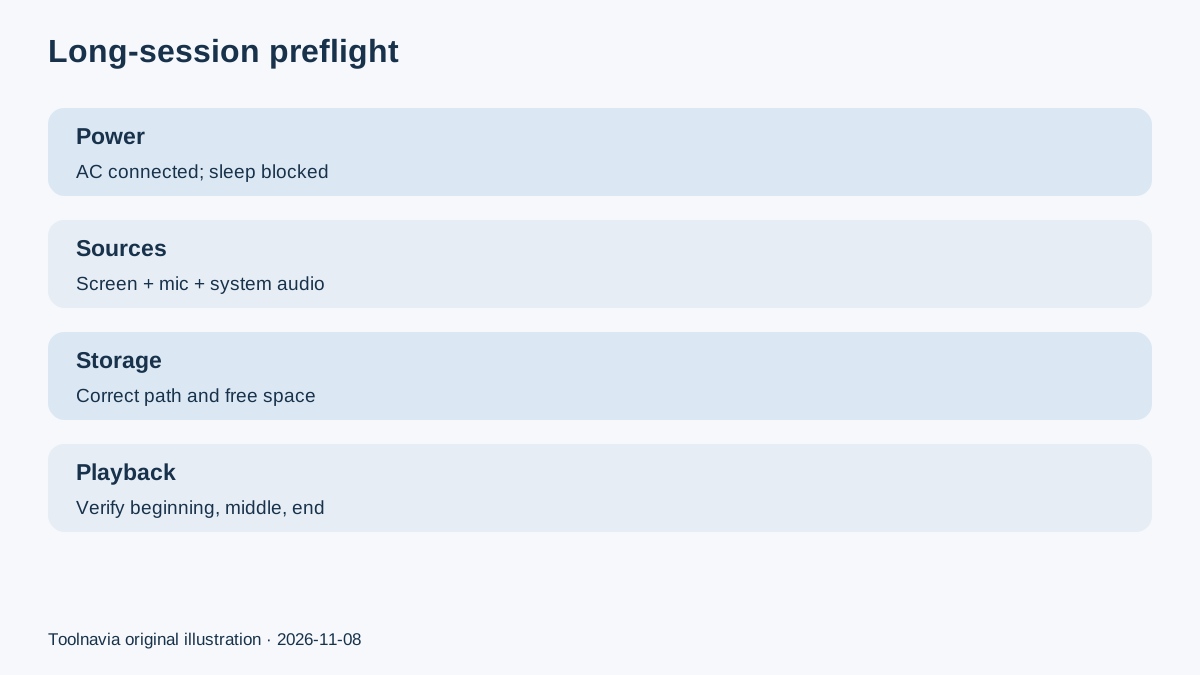
A timer cannot rescue a computer that sleeps, a microphone that disconnects or a disk that fills. Use a written preflight:
- connect AC power and confirm the operating system will not sleep during capture; - close unnecessary high-load applications and pause disruptive updates; - select the real screen or window, microphone and system-audio devices; - verify the output folder and its free space; - record a sample with the same motion and audio complexity; - replay the sample in another player; - monitor the first few minutes and check the final file immediately.
Movavi's current product page also states that copy-protected streams cannot be captured. A long-session plan must therefore use a lawful, capturable source; duration planning does not bypass that boundary.
Microsoft's Game Bar documentation is useful as neutral comparison context because it explicitly identifies the Captures folder and MP4 output. The lesson is not that Movavi behaves the same, but that buyers should know the exact output path and test the actual saved artifact before leaving a recorder unattended.
Plan for interruption and recovery
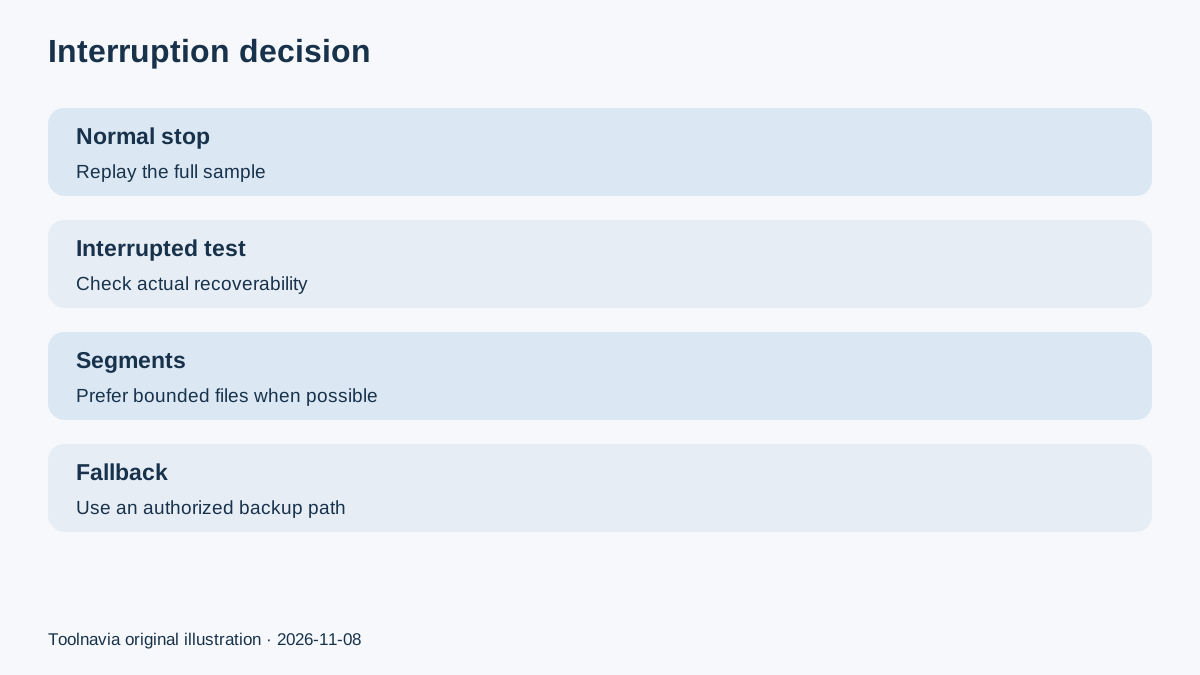
Movavi's public pages reviewed here do not promise that a partially written long recording will survive a power loss or crash. Do not infer recovery from the presence of a timer. Test with disposable content and keep the result as evidence for the exact version and output configuration.
Container choice can affect failure behavior. OBS recommends MKV because an ungraceful stop is less likely to corrupt the whole file, followed by remuxing when MP4 is needed. Bandicam recommends hourly files for long sessions and describes its own AVI recovery route. Those are product-specific features; they do not prove that Movavi offers the same recovery. They support a conservative purchasing rule: shorter verified segments are safer than one untested all-night file.
If the workflow cannot tolerate gaps, use a second authorized recorder or an independent audio fallback, monitor free space, and assign a person to confirm that recording continues. Redundancy is operational planning, not a feature claim about Movavi.
Price, plan and affiliate boundary
Toolnavia's fresh Native index associates this article with the approved, enabled and market-confirmed Movavi Screen Recorder personal one-year offer. The verified link is a direct CJ tracking URL. The official purchase page controls the current product, platform, term, currency, tax, renewal and any campaign price; this article freezes none of them.
Use the affiliate link only after the rehearsal passes and the checkout still matches the intended one-year personal Screen Recorder plan. Toolnavia may earn a commission, but that does not change the disk calculation, the lack of a published Movavi recovery guarantee, or the need to test the exact source.
Buy, wait, or choose another route
**Buy** when the real sample records correctly, the projected file plus headroom fits the destination, sleep and power are controlled, the normal-stop file replays fully, the interrupted-sample risk is acceptable, and checkout matches the approved plan.
**Wait** when only the timer has been tested, when the 2 GB requirement is being mistaken for output capacity, when free space is close to the projection, or when the computer has not passed a long-enough rehearsal.
**Choose another route** when the source is protected, the event cannot tolerate a single-file failure, the workflow needs verified automatic splitting or recovery that Movavi does not publish, or an authorized platform recording is safer.
The buying decision is not “Does Movavi have a timer?” It is “Has this exact machine, source, duration and storage path passed a measured rehearsal with a recoverable failure plan?”
*Affiliate disclosure: Toolnavia may earn a commission from the approved Movavi Screen Recorder link. The recommendation remains conditional on the timed rehearsal, storage headroom and interruption test.*