TOOLNAVIA / BUYING GUIDE
MobileTrans Phone Transfer: $29.99/Year or $39.99 Perpetual for 5 Phones?
The short answer
At a glance
- Best for
- Users moving ordinary data among up to five phones through one Windows PC without needing the full WhatsApp/backup suite.
- Price model
- Current Windows Phone Transfer: $29.99/year; $39.99 perpetual; $25.99/month
- Check first
- Hard one-PC/five-phone cap, OS-specific license, Phone Transfer excludes Full Features, and free trial is sample-limited.
Verdict
MobileTrans Phone Transfer for Windows is currently $29.99 per year or $39.99 for a perpetual license. Both plans cover one Windows PC and up to five mobile devices. The purchase decision is therefore about more than subscription versus one-time payment: five-phone capacity, future major upgrades, Windows-only activation, and whether the Phone Transfer feature set is enough without the broader Full Features bundle.
This is a documentation-based buying guide, not a Toolnavia transfer-speed, success-rate, data-integrity, or device-compatibility test.
What the $29.99 yearly Phone Transfer plan includes
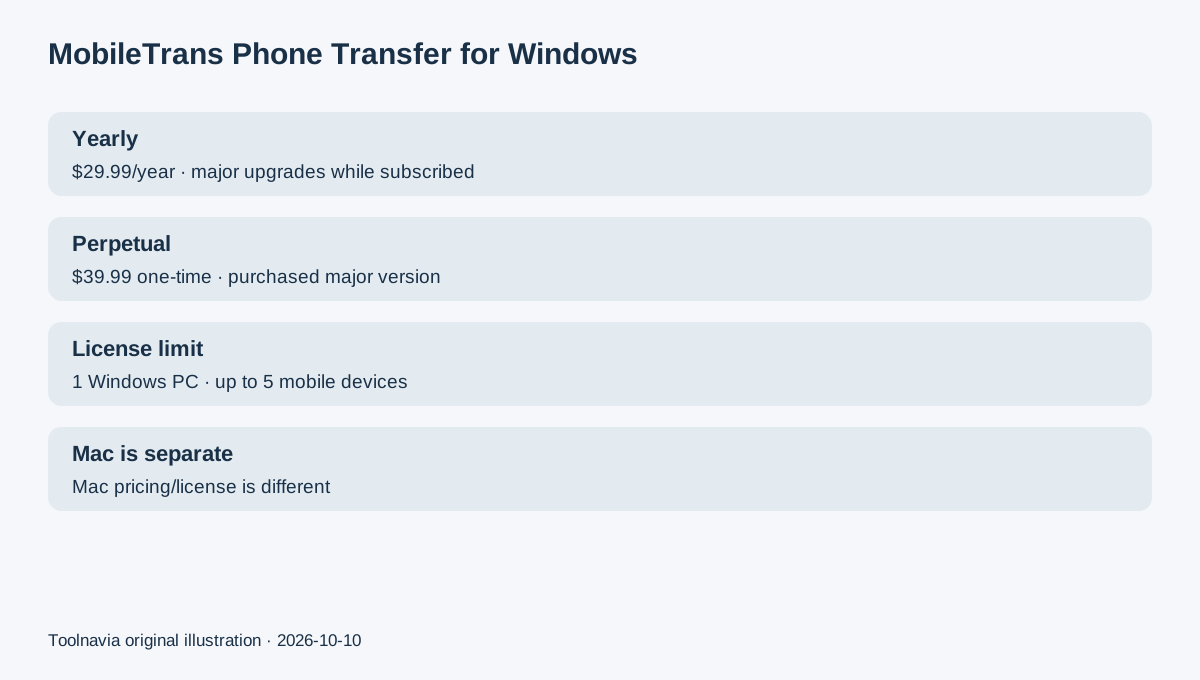
The current Windows Phone Transfer page lists the Yearly Plan at $29.99/year. It includes phone-to-phone transfer, import to phone, export to computer, one PC and up to five mobile devices, plus software updates and technical support while subscribed. It auto-renews unless canceled.
The Monthly Plan is currently $25.99/month with the same basic Phone Transfer scope. At today's public prices, one year of the annual plan costs only $4 more than a single month, so monthly mainly fits a one-off short project.
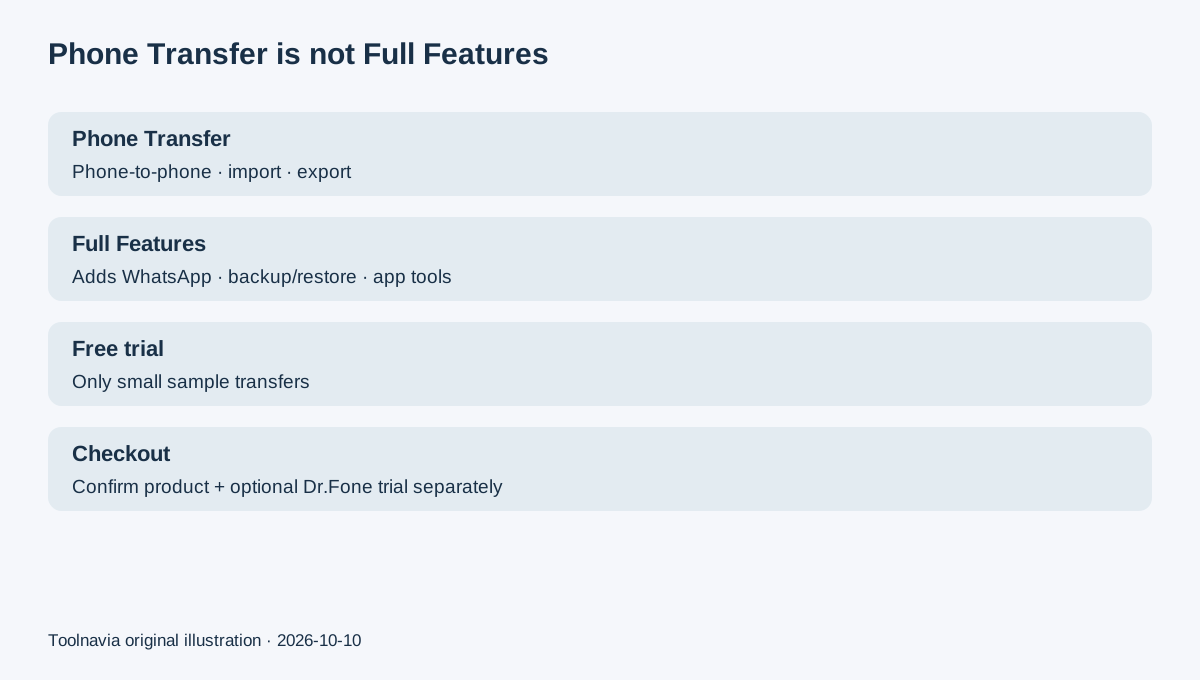
The Free Trial is useful for checking recognition but is sample-limited. The current comparison allows 10 free photos phone-to-phone and 20 free photos/videos for import or export. Test your exact devices before assuming every paid data category will work as expected.
One PC and up to five mobile devices is a hard license boundary
Wondershare's FAQ defines “1-5 Mobile Devices 1 PC” literally: one license can be authorized on one computer and used with up to five mobile devices. If you need a sixth phone or another computer, the page says another plan is required.
The license is also operating-system specific. A Windows license cannot be activated on Mac, and a Mac license cannot be activated on Windows. Current Mac Phone Transfer pricing is different: $44.99/year and $59.99 perpetual. Do not buy the cheaper Windows offer if the computer you intend to use is a Mac.
This device rule can matter more than the $10 price gap. A family that replaces phones frequently should count every device that needs to be connected under the license instead of treating “personal” as unlimited.
The $39.99 perpetual plan is only $10 more—but upgrades differ
The current Windows Perpetual Plan is $39.99 one-time, only $10 above the $29.99 yearly price. It has the same one-PC/five-mobile-device scope and the same Phone Transfer functions.
The important difference is version entitlement. Wondershare says an annual plan includes software updates including major upgrades during the subscription. A perpetual plan keeps the software version purchased and free updates within that major version; moving to a new major release may require another purchase.
So the $10 difference is not a guaranteed break-even shortcut. Perpetual fits when the purchased major version is likely to cover your future migrations. Yearly fits when new iOS/Android releases make future major-version compatibility more valuable.
Phone Transfer is not the same as MobileTrans Full Features
Phone Transfer covers phone-to-phone transfer, import, and export. Full Features also adds WhatsApp Transfer, WhatsApp Business Transfer, phone/app backup and restore, Google Drive to WhatsApp, deleted WhatsApp recovery, and other tools.
Do not buy the $29.99/year Phone Transfer plan expecting the whole WhatsApp and backup toolkit. Conversely, ordinary phone migration may not justify paying for the wider bundle.
The current Phone Transfer page advertises a 7-day money-back guarantee. Annual plans auto-renew and can be canceled; a current FAQ says subscribers receive an email before the end of the term with renewal/cancellation instructions. The checkout can also offer an optional three-day Dr.Fone App trial that may become a separate recurring mobile subscription. The static text does not reliably expose its renewal amount, so check that add-on separately.
The broader Windows pricing page can show a different MobileTrans Yearly product at $39.99/year alongside other sub-products. Verify that the cart actually says “Phone Transfer” before paying.
Free alternatives are strongest when your move is platform-native
Apple's Move to iOS is free for supported Android-to-iPhone/iPad migration. Google's Android setup tools can copy apps and data from Android or iOS into a new Android device at no separate software charge. Samsung Smart Switch is also included for supported Galaxy migrations by cable, wireless connection, computer, or external storage.
EaseUS MobiMover is a paid alternative: one current promotion lists $29.98/year for five iOS devices and $44.98 lifetime. These options reinforce that the important comparison is not just headline price—it is destination platform, device count, computer-license scope, and what data the tool actually moves.
Next step
Use MobileTrans Free Trial with the exact old and new phones you plan to move. Confirm both are recognized and the required data types appear. If you only need phone-to-phone/import/export on one Windows PC and no more than five phones, the $29.99 yearly and $39.99 perpetual Phone Transfer plans are the relevant pair.
Choose yearly when future major-version upgrades matter; choose perpetual when today's major version is enough. Before checkout, confirm Windows Phone Transfer—not Mac, Full Features, or an extra Dr.Fone App subscription. Wondershare's public affiliate program offers tiered 30%–50% commissions, but Toolnavia approval is unverified and automatic renewals are not commission-eligible, so tracking remains disabled.