TOOLNAVIA / BUYING GUIDE
MobileTrans Direct Transfer or Staged PC Export/Import: Which Is Safer?
The short answer
At a glance
- Best for
- Buyers who inventory critical data, validate documented scope, protect a local checkpoint and keep the source unchanged through acceptance.
- Price model
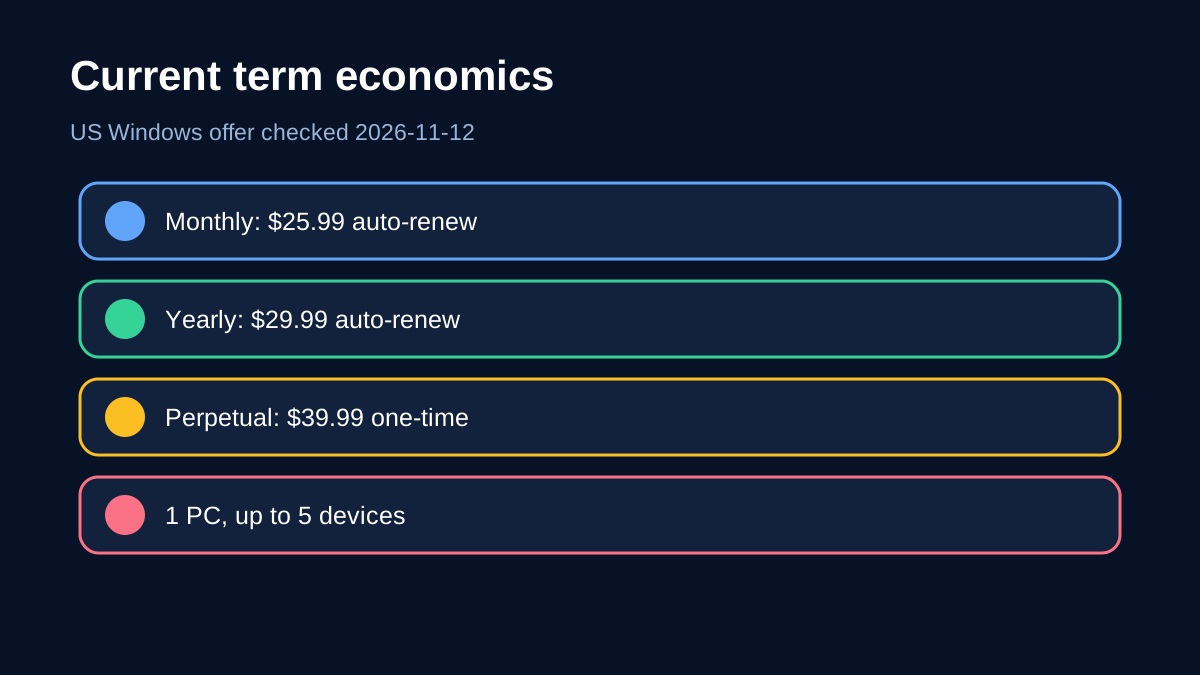
- US Windows page: $25.99 monthly auto-renew; $29.99 yearly auto-renew; $39.99 perpetual; 1 PC/up to 5 devices.
- Check first
- Anyone needing another MobileTrans module, more than one PC or five devices, guaranteed unsupported app-state migration or an unverified market.
Verdict
Choose **MobileTrans direct phone-to-phone transfer** when both phones and the Windows PC can stay connected for one uninterrupted session and you want the broadest currently advertised transfer scope. Choose **staged Phone to PC export, then PC to Phone import** when the phones cannot be available together, when you want a local handoff point, or when a smaller retryable subset matters more than breadth.
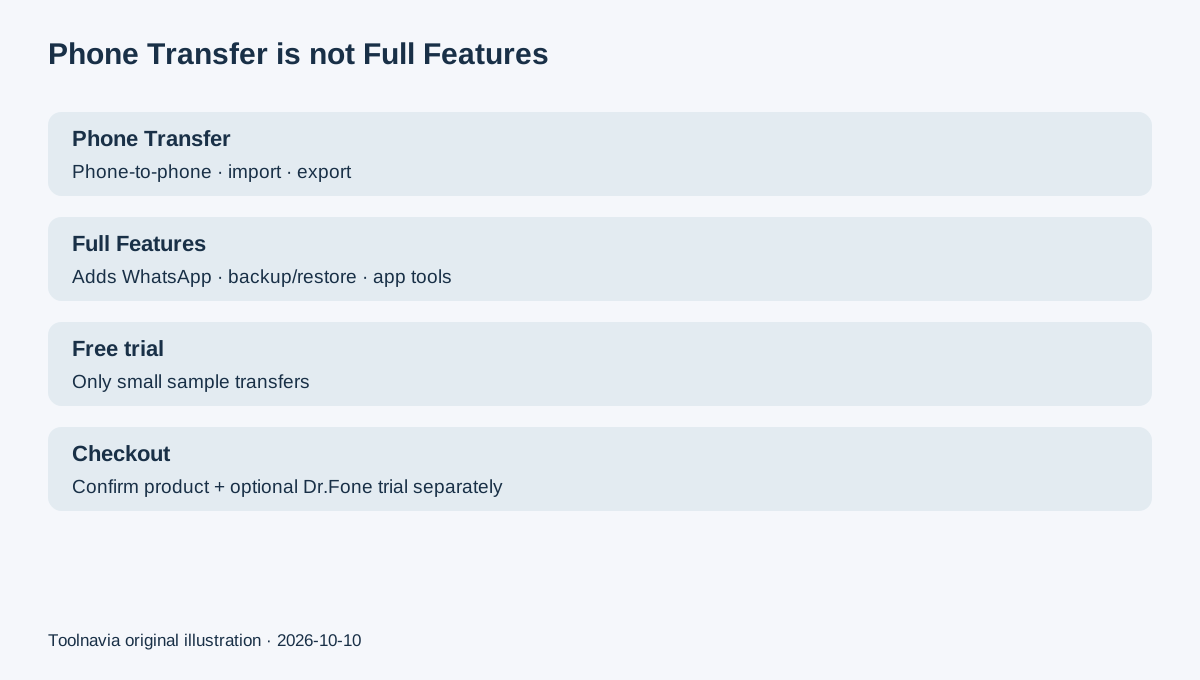
The staged route is not a second name for MobileTrans Backup & Restore. It uses the import and export tools included in the exact Phone Transfer offer reviewed here. Current MobileTrans pages advertise more than 18 data types for direct transfer, while the separate export and import guides each list six supported categories. Treat staged migration as a narrower resilience pattern, not as a full-fidelity clone.
The decision in one minute
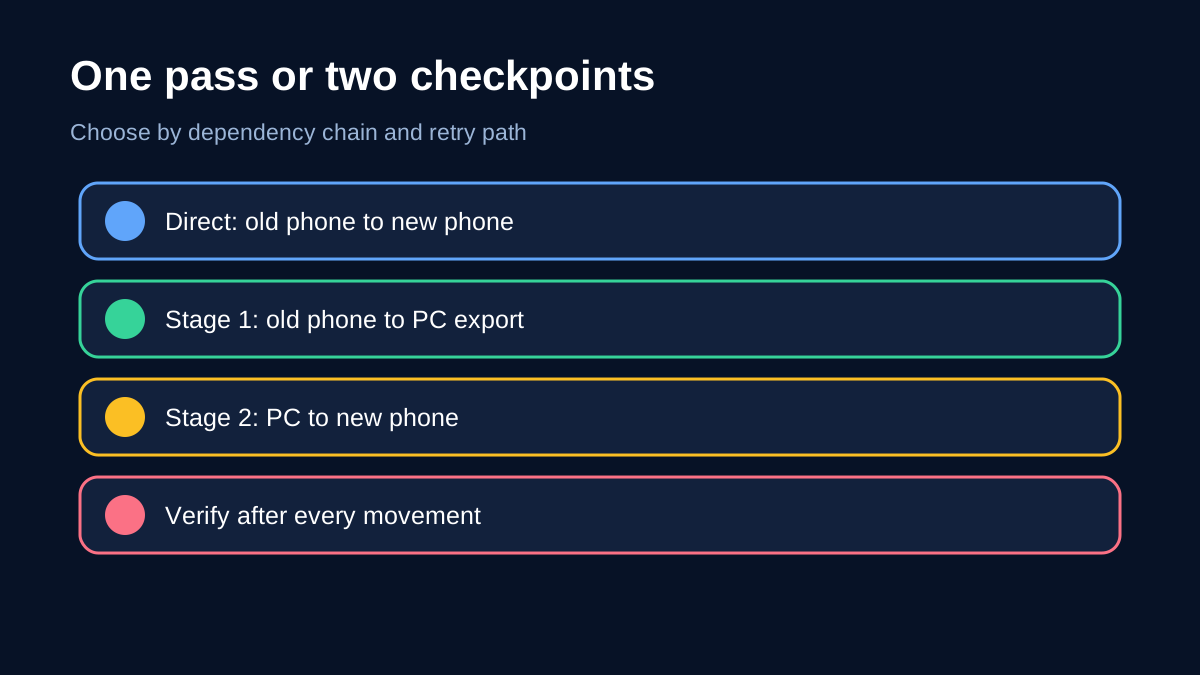
Direct transfer has one movement: source phone → destination phone. It reduces storage planning and avoids an intermediate copy, but it makes both phones, the PC, cables, trust prompts and power one live dependency chain. MobileTrans tells users to connect both phones, confirm source and destination, select data and keep the devices connected until completion.
Staged migration has two movements: source phone → PC export, then PC → destination phone import. It takes longer and needs computer storage. In return, the phones do not need to be present at the same time, and the local export can become a checkpoint for a second import attempt. The trade-off is scope: the export and import guides list six data types, not the broader “18+” direct-transfer claim.
Scope is the first buying gate
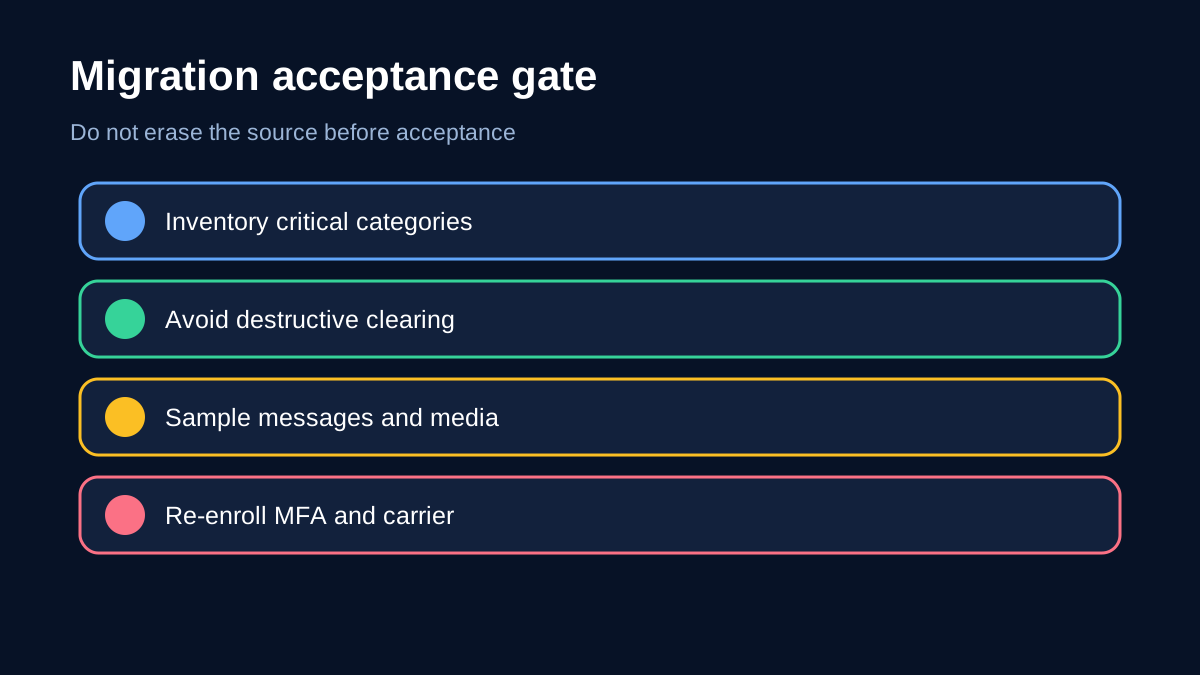
Do not begin with price. Inventory contacts, messages, photos, videos, calendars, music, call history, apps, app data, authentication tokens, downloaded files and SIM/eSIM activation. Mark each item as transferable, separately restorable or requiring manual re-enrollment.
MobileTrans says direct transfer supports up to 18+ data types, but exact compatibility depends on source, destination and operating systems. Its export and import guides list six categories. Those statements are not interchangeable. A buyer moving a small media/contact subset may prefer staging; a buyer seeking the broadest supported device-to-device move should start direct and validate every critical category afterward.
Apple exposes the same dependency differently: Quick Start occupies both devices and tells users to keep them nearby and plugged in. Google supports cable or wireless Android copying but says downloads, hidden folders, non-Play apps and some app data may not copy. Apple Quick Start keeps both devices occupied. Samsung Smart Switch shows direct and PC-staged patterns while warning that supported content varies by device, OS and method. Across vendors, “transfer completed” never means every byte and account is ready.
Reliability: one live chain or two checkpoints
Direct transfer is simpler when the environment is stable. Charge both phones, use known-good data cables, unlock and trust the computer, disable sleep and avoid other high-I/O work. Confirm source and destination before starting. MobileTrans includes an option to clear data before copying; leave destructive clearing off unless the destination has an independent backup and replacement—not merge—is deliberate.
Staging helps when a direct session is fragile. Export the supported subset to an encrypted or physically controlled PC location. Verify counts and open samples before disconnecting the source. Then connect the destination, import the subset and verify again. A local checkpoint makes a retry less dependent on reconnecting the old phone, but it creates a sensitive copy that needs protection and secure removal.
Google’s troubleshooting guidance is an important boundary: a dropped transfer may need a restart, and some devices or OS versions may require setup or even factory reset before another attempt. A staged MobileTrans export can reduce scheduling pressure for supported categories, but it cannot create unsupported app state, credentials or carrier activation.
Price and term economics
The current US Windows Phone Transfer page shows the exact current license terms and allowance.
- Monthly: **US$25.99**, auto-renewing. - Yearly: **US$29.99 per year**, auto-renewing. - Perpetual: **US$39.99**, one-time payment.
All three currently include phone-to-phone transfer, Phone to PC export and PC to Phone import, and are shown for one PC with up to five mobile devices. Yearly costs only US$4 more than one month and is cheaper than two monthly payments. At current sticker prices, perpetual equals about 1.33 yearly payments. This arithmetic is not a promise about future versions, taxes, regions or checkout changes.
For one migration completed and verified within a month, monthly may minimize commitment despite its high rate. If setup, verification and retries can cross a month, yearly is stronger. Perpetual becomes rational when repeated household migrations are expected beyond roughly sixteen months and you accept that “perpetual” applies to the purchased license, not every future major version.
Count the device roster before purchase. Old phone, new phone, a partner’s pair and a test device may consume the five-device allowance.
A safe migration runbook
1. **Inventory the data.** Record counts for contacts, messages and media. List apps needing sign-in, MFA recovery or separate export. 2. **Choose the path.** Use direct for broad supported scope and stable simultaneous access. Use staging for schedule separation, retryability or a deliberate subset. 3. **Prepare power and trust.** Charge, unlock, approve trust prompts, use data-capable cables and keep the PC awake. 4. **Protect the destination.** Back it up. Do not enable “clear data before copy” unless destructive replacement is intentional and verified. 5. **Move and sample.** Do not disconnect early. Open representative contacts, messages, photos and videos after each stage. 6. **Rebuild what tools cannot carry.** Re-enroll MFA, banking apps, passkeys, health data, DRM media, carrier settings and SIM/eSIM separately. 7. **Keep the source unchanged.** Do not erase the old phone until the destination passes a real-world acceptance period. 8. **Secure the checkpoint.** Encrypt or physically control the export, then remove it securely when retention is unnecessary.
Who should buy, wait or skip
The four concrete advantages are: a Direct workflow for one-movement breadth; Phone-to-PC export for a local handoff; PC-to-phone import for a later verified retry; and Three terms that match a one-off migration or repeated household use. Each carries the scope, security or renewal boundary explained above.
**Buy now** if the exact Windows Phone Transfer plan is valid for your market, critical categories fit documented scope and the one-PC/five-device roster works.
**Wait** if the destination has not arrived, carrier activation is unresolved or a critical category is uncertain. Keep the old phone intact and gather app-specific export instructions.
**Skip this exact offer** if you need another MobileTrans module, more than five devices or one PC, guaranteed unsupported app-state transfer, or a platform/market outside this exact Windows US offer. Do not infer coverage from another MobileTrans product.
Direct transfer wins on breadth and fewer steps; staged export/import wins on scheduling flexibility and a retryable local checkpoint for a narrower set. The safer choice is the one whose documented scope matches your inventory and whose failure path is planned. Verify the term and allowance before purchase, then keep the source phone untouched until acceptance.
[Check the exact MobileTrans Phone Transfer plan and current terms](https://www.anrdoezrs.net/click-101895278-13943579)
*Affiliate disclosure: Toolnavia may earn a commission if you buy through the link above, at no extra cost to you. This review uses current official documentation and pricing; no paid purchase or live device migration was performed.*