TOOLNAVIA / BUYING GUIDE
MobileTrans PC-to-Phone Import: Prepare a Collection That Plays
The short answer
A carefully selected set of photos and videos can be more useful on a phone than a sprawling computer folder. MobileTrans offers a desktop import workflow for supported content, making it worth considering when you repeatedly prepare a personal viewing collection. The result to judge is a usable phone library, not simply a completed transfer counter.
At a glance
- Best for
- Users moving ordinary data among up to five phones through one Windows PC without needing the full WhatsApp/backup suite.
- Price model
- Current Windows Phone Transfer: $29.99/year; $39.99 perpetual; $25.99/month
- Check first
- Hard one-PC/five-phone cap, OS-specific license, Phone Transfer excludes Full Features, and free trial is sample-limited.
Build a collection with a purpose
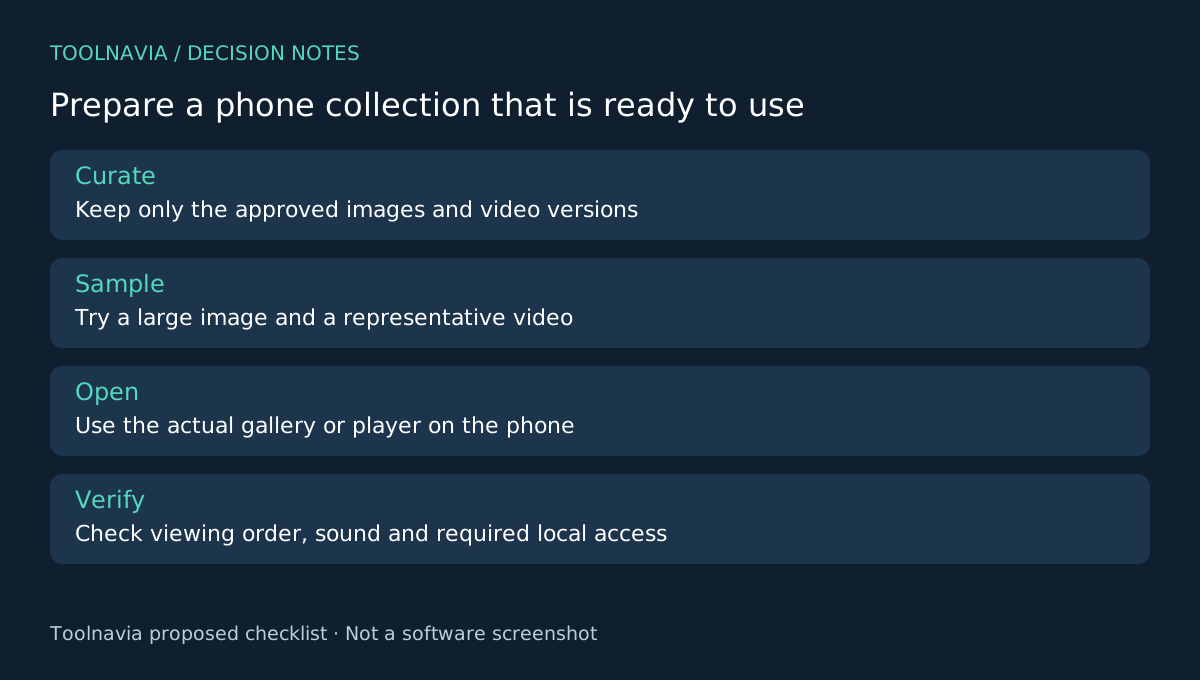
Choose a small set for a trip, a family visit or a personal presentation. Keep a working folder containing only the approved items, and retain the original computer files elsewhere. Remove unfinished versions from the selection so that the phone does not become another place where you must guess which copy is current.
Record the intended order and a few important filenames. File order in a computer folder does not establish the order in the phone's gallery or player. If the sequence matters, checking that destination behavior belongs in your preparation time.
Why the import workflow is useful
The MobileTrans import guide describes a connected computer-to-phone workflow, an Import control for adding selected files and destination viewing after completion. The accompanying export guide supplies the reverse path for supported files. These give you four practical capabilities: desktop preparation, selective import, phone-side access and a documented way to bring supported material back to the computer.
The plan includes Import to Phone and Export to Computer, but that does not mean every file format or target app accepts every item. Check the categories exposed for your actual phone before buying to solve a specialized format problem.
Try the hardest item first
Prepare one ordinary image, one large image and a representative video from the collection you actually intend to use. Connect the phone and follow the current import guide. An iPhone needs to trust the computer; keep the connection in place through completion.
Open the imported items in the phone application you will use. Read small details on the image, rotate the phone and play the video with sound. Check whether the file is accessible where you expected it, rather than assuming that a successful transfer means it appears in every app.
If local offline viewing is essential, make that a separate acceptance test after import: verify the selected files remain usable without relying on a network fetch. This is a proposed buyer test, not a claim that every cloud-backed item or application works offline. Toolnavia has not performed this device test.
Keep revisions understandable
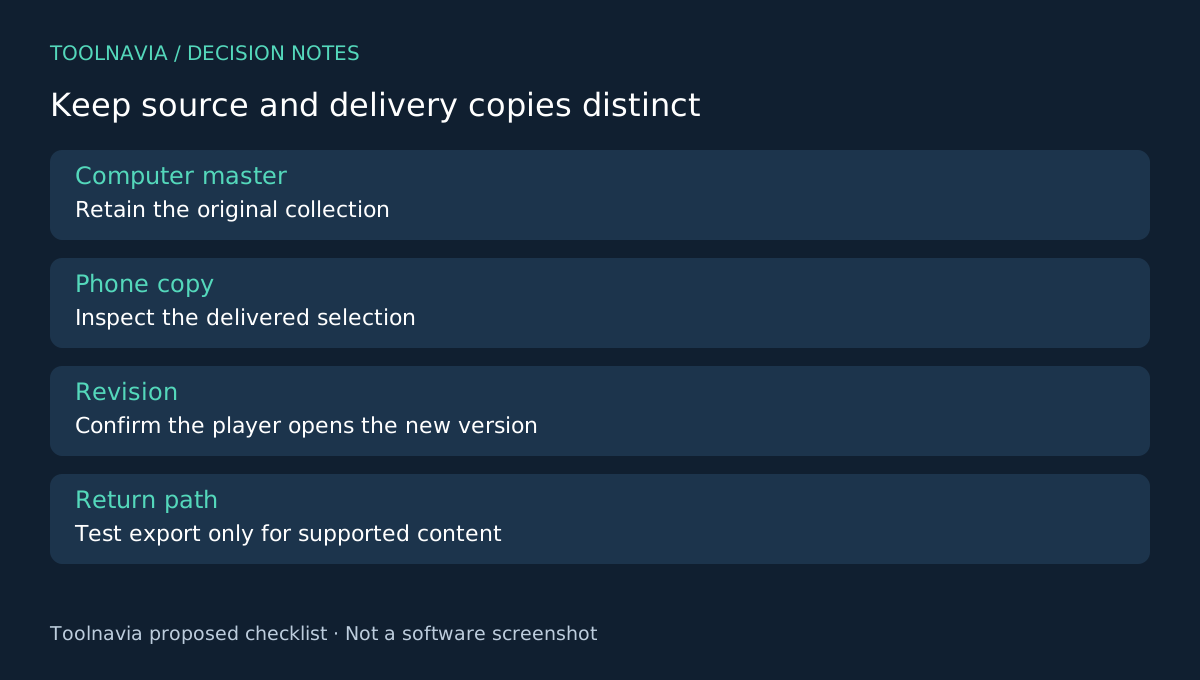
Once the sample passes, transfer the bounded collection and inspect the final set. Compare the selection list with what is visible on the phone. If you replace a video later, confirm which version the player opens and remove obsolete copies only after the new one works.
Keep the computer master collection. A phone import is a delivery copy, not a reason to discard the source. Where your personal workflow requires later retrieval, test the export path on a supported sample instead of assuming that every app-managed asset can return unchanged.
For an occasional few files, a native cable or sharing method may already be sufficient. MobileTrans becomes more attractive when repeated selection and import are the work you want to simplify.
Match the license to the actual collection
This recommendation concerns Windows Phone Transfer, not the mobile app or the full toolkit. The yearly reference is $29.99 for one PC and up to five mobile devices. Check renewal, tax and optional extras; WhatsApp Transfer is separate.
Choose it when the sample reaches the right phone application, looks and sounds correct, and the repeat workflow justifies the fee. Read the [MobileTrans plan guide](/en/software/mobiletrans) for broader entitlements. Toolnavia may earn a commission from eligible purchases through the official affiliate link; no universal format conversion or playback guarantee is made.