TOOLNAVIA / BUYING GUIDE
MobileTrans Contact Transfer: Keep the Details That Matter
The short answer
A contact list is only useful after a phone change if the right details still belong to the right person. MobileTrans is worth evaluating when you need a desktop route for contact migration and local export. The buying test should include complicated records, not just whether the destination shows roughly the same number of names.
At a glance
- Best for
- Users moving ordinary data among up to five phones through one Windows PC without needing the full WhatsApp/backup suite.
- Price model
- Current Windows Phone Transfer: $29.99/year; $39.99 perpetual; $25.99/month
- Check first
- Hard one-PC/five-phone cap, OS-specific license, Phone Transfer excludes Full Features, and free trial is sample-limited.
Decide which address book is authoritative
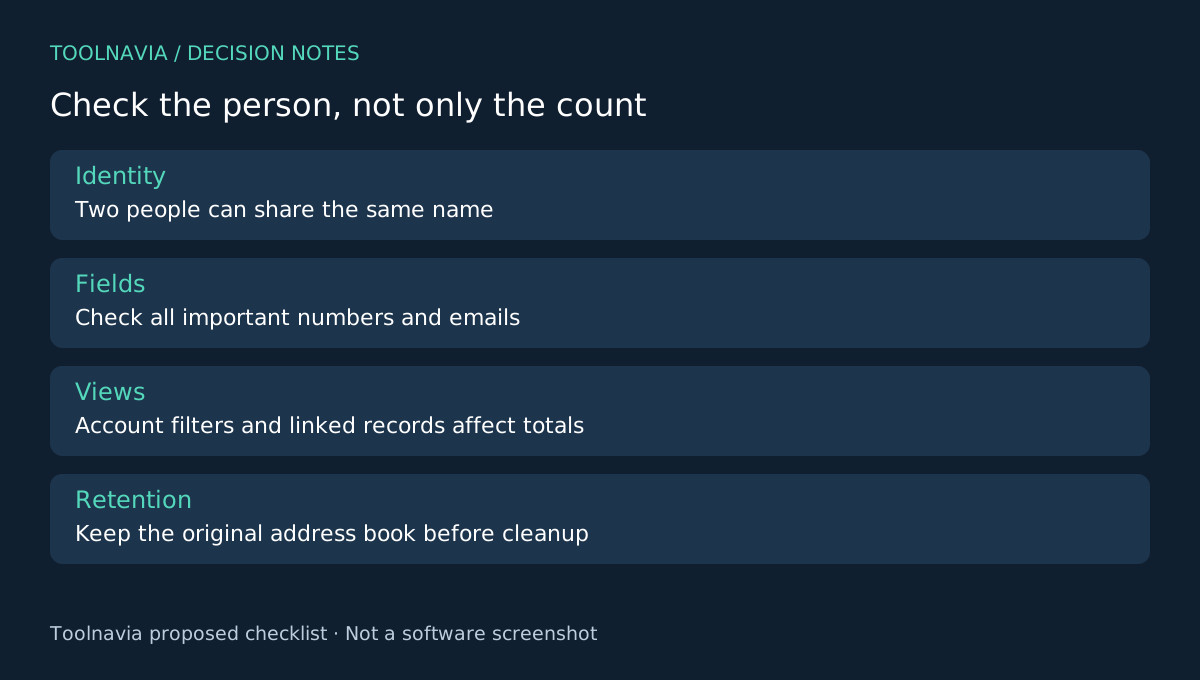
Before transferring, identify where your important contacts live: a phone-local list, an account-backed address book or several overlapping sources. Inspect the list currently displayed on the destination. A combined view can make two records look like one person, or make a single person appear several times.
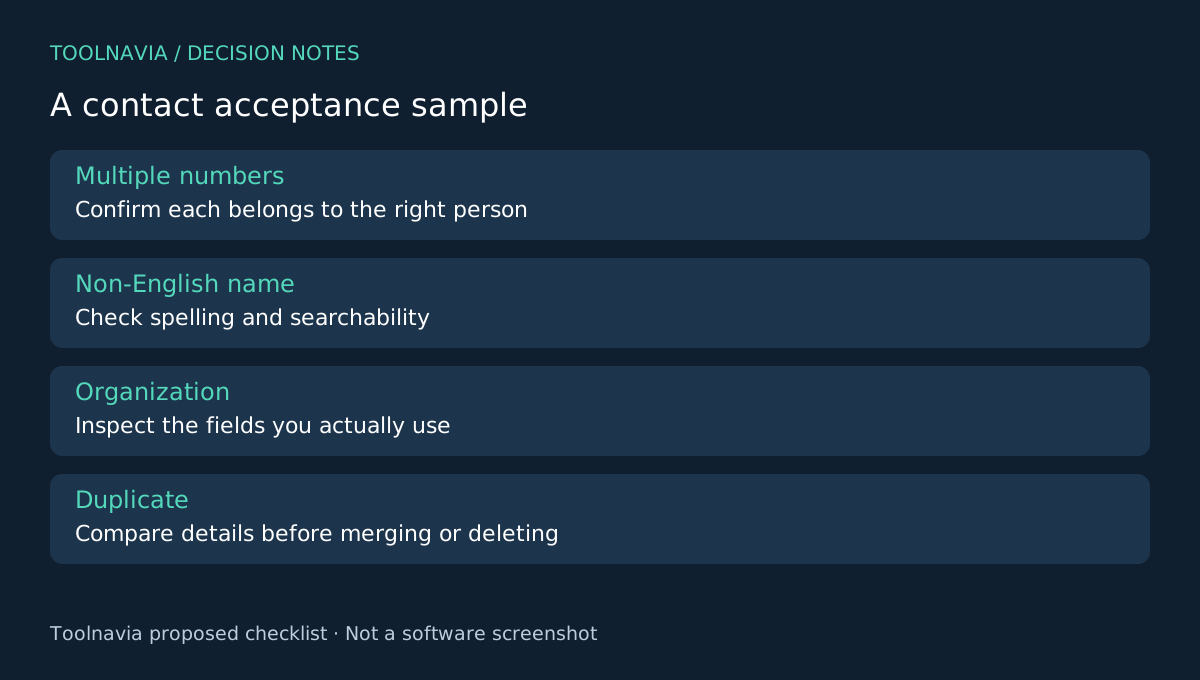
Keep an appropriate copy of the original address book before any cleanup. Choose several challenging records: two people with the same name, one person with multiple phone numbers, a non-English name and a record whose email or organization matters. Write down the expected details without publishing private information in a shared checklist.
Four MobileTrans capabilities to evaluate
The contact page documents cross-platform phone transfer, preservation of contact details, phone-to-computer export and support for popular contact formats such as vCard. These offer a migration route, a richer field set to inspect, a local reference copy and a file-based exchange option.
Treat the page's broad preservation language as a reason to test your real records, not as proof that every account, label and field mapping will be perfect. Confirm that the exact function is available for your phone and Windows Phone Transfer entitlement. This article does not certify duplicate-merging behavior on a particular address book.
Transfer a defined scope and inspect records
Use the current desktop workflow to connect the source and destination and select the required data type. The general guide warns that its optional destination-clearing control erases existing data; do not enable that option when preserving current destination content is your goal. Keep both phones connected until completion.
Now open the destination Contacts application. Search for each challenging sample by name and by a distinctive number or email. Check that multiple numbers remain assigned to the intended person. Look at organization, notes or other fields you actually rely on rather than assuming that a recognizable name is enough.
A count difference is a clue, not a diagnosis. It may reflect missing records, linked views, duplicates or different account filters. Record what the application is showing before running the same transfer again. These are proposed verification steps; Toolnavia has not tested field fidelity.
Resolve duplicates without losing the useful record
If two entries represent the same person, compare their details before merging or deleting anything. Preserve the richer record and keep the original copy available. Do not bulk-clean an unfamiliar destination merely because its total is larger.
If account synchronization is part of your normal setup, check the list again after it settles. The goal is a stable address book you can search and use, not a momentarily attractive count. Where a simple existing account sync or vCard workflow already achieves that result, a paid desktop tool may add little value.
Buy when the real records justify it
Windows Phone Transfer is the approved product here. Its yearly reference is $29.99 for one PC and up to five mobile devices; phone transfer, import and export are listed, while WhatsApp Transfer is separate. Verify renewal and optional extras at checkout.
Choose MobileTrans if its supported contact route and local-file workflow solve your actual migration problem, and the important sample fields pass inspection. See the [MobileTrans plan guide](/en/software/mobiletrans) for license context. Toolnavia may earn a commission through the official affiliate link; no perfect-field or duplicate-free guarantee is claimed.