TOOLNAVIA / BUYING GUIDE
ShadowMaker Split Images: More Files Do Not Mean More Restore Points
The short answer
At a glance
- Best for
- Documented file-size constraints with complete-set transport and recovery checks.
- Price model
- Pro annual: US$36 for2PCs; auto-renews unless cancelled. Confirm checkout.
- Check first
- Split parts are not independent backups or extra restore versions.
Verdict: split for a file limit, not extra recovery history
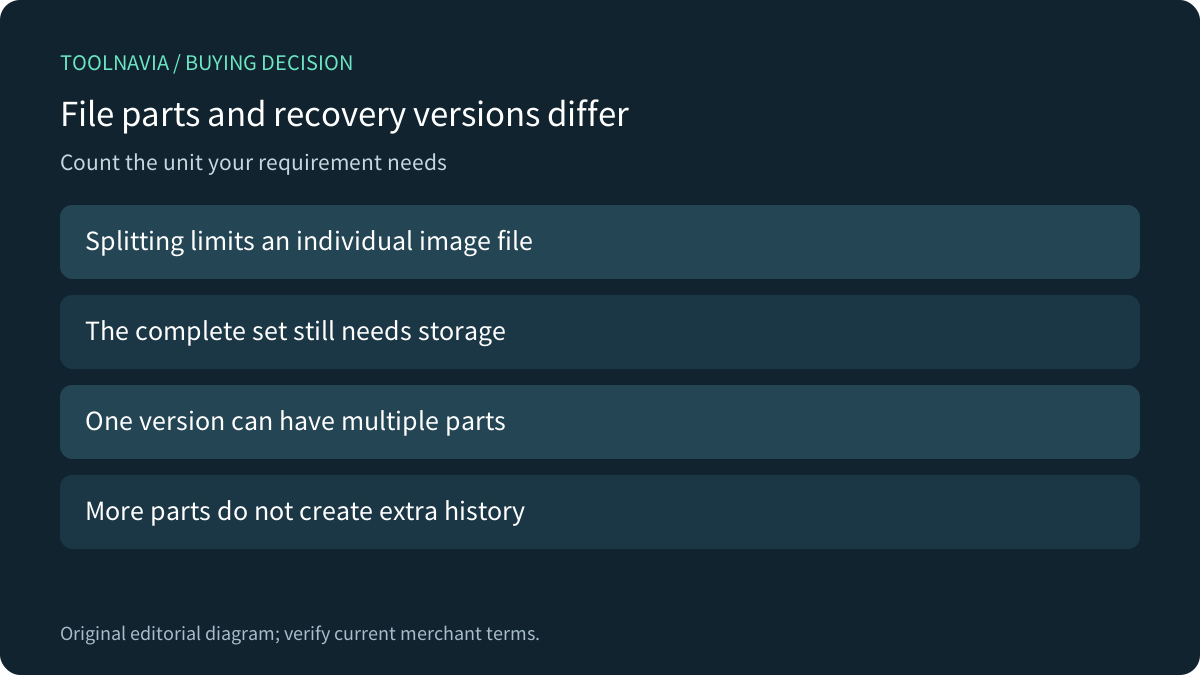
MiniTool ShadowMaker can fit a Windows backup workflow that needs bounded individual image files. Its File Size options divide a large image during backup. That packaging decision does not create independent backup copies or additional points in time: several parts can belong to one recovery version. Keep part count separate from the history you need.
This is documentation analysis. No backup, split, disk format, file transfer or restore was performed.
Review the approved Pro offer. Toolnavia may earn a commission from an eligible purchase.
Read the destination constraint before choosing a size
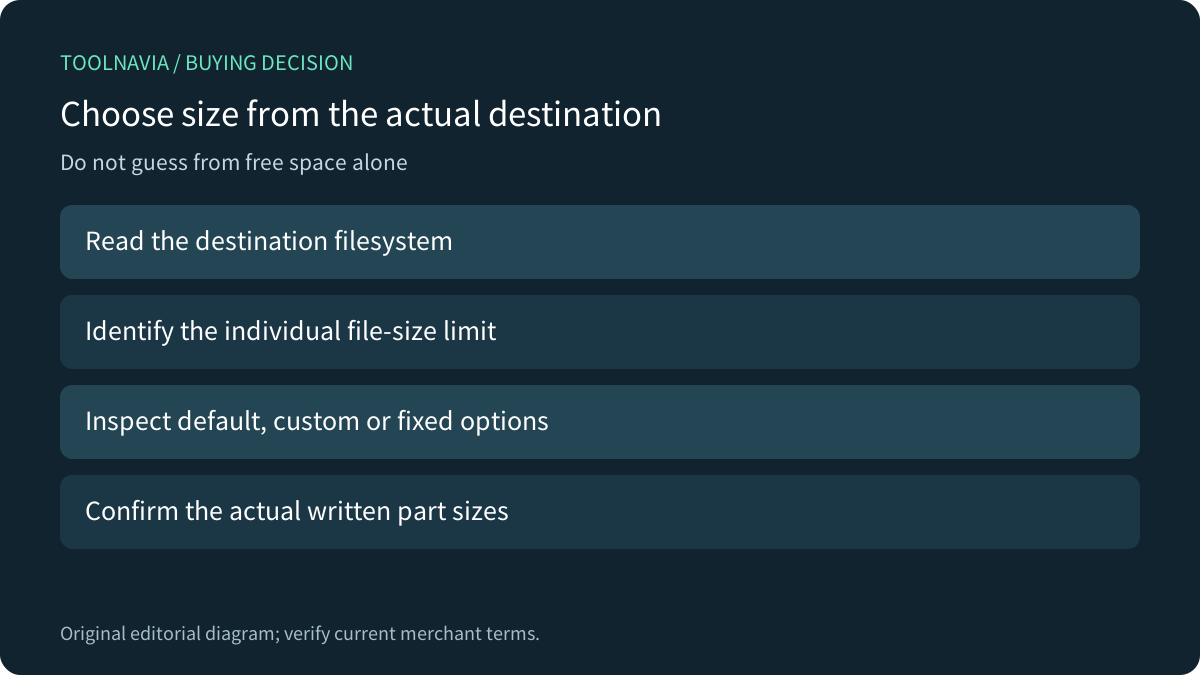
A drive can have plenty of free space while its file system rejects one large file. Microsoft's comparison lists FAT32's per-file limit separately from volume capacity. Identify the actual destination format and transfer route rather than diagnosing a large-copy failure only from the free-space figure.
ShadowMaker's options guide describes a filesystem-aware default, a custom size and fixed media-oriented choices. Its 2022 text says FAT32 images are split into roughly 4GB-or-smaller files and lists 100MB as the custom minimum. Confirm the installed build's controls and actual output; this is not a measured exact boundary.
Do not reformat a valuable drive merely to change a file-size constraint. The storage format must also fit the devices, recovery environment and existing data. Splitting can address packaging while leaving those other requirements unchanged.
Keep part size, total bytes and versions distinct
Splitting and compression are separate options. Dividing an archive does not, by itself, remove the backed-up information or turn a small destination into a larger one. Budget the complete set, retained versions and working headroom rather than just the size of its largest part.
For a simple conceptual example, dividing one 10-unit image into five 2-unit pieces still represents 10 units before format overhead. It is not five independent copies. This is an editorial model, not ShadowMaker output or a compression benchmark.
Maintain the set after copying it
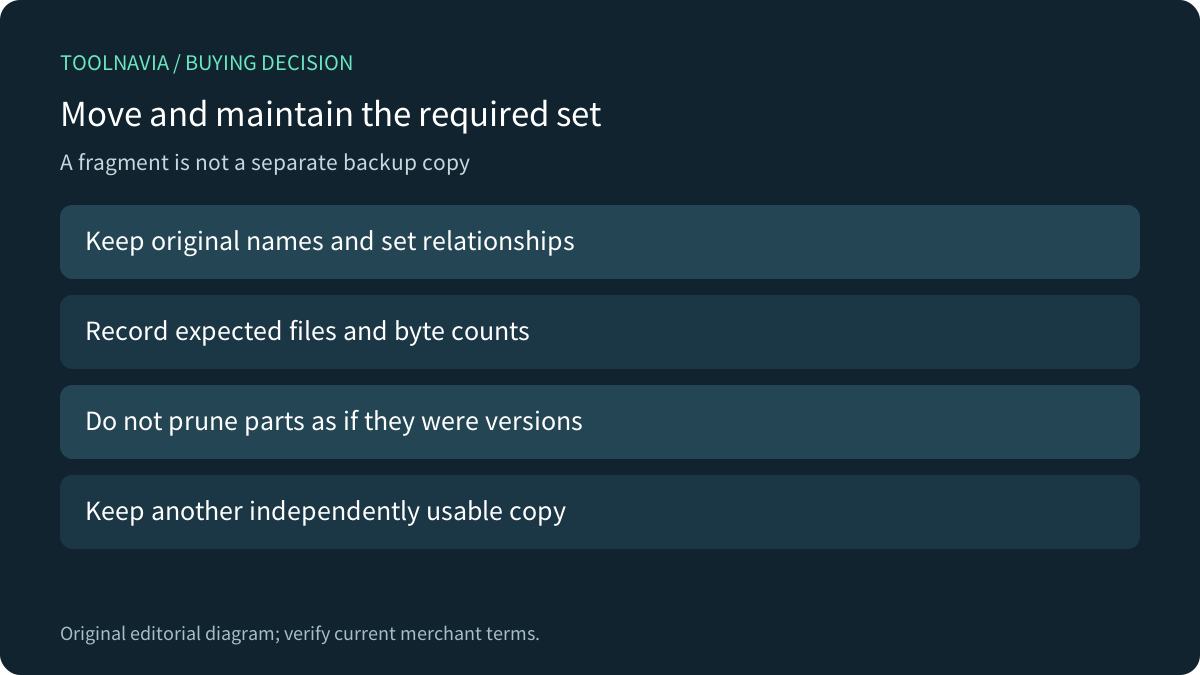
As an editorial practice, preserve the original names and relationships of every required image part and chain component. Record expected files and bytes, copy the complete required set, and verify the receiving location. Do not delete a numbered part as though it were an old recovery version.
ShadowMaker's recovery guide selects a backup and then a version. It also warns that WinPE drive letters may differ, restoration overwrites target partitions, and the image cannot be restored to the disk containing its backup files. A copied file being visible is therefore only one part of recovery readiness.
Keep a separately usable backup copy rather than treating fragments of one set as redundancy. This guide does not claim a particular missing-part error or that any partial set can restore successfully.
Compare other tools at the same level
AOMEI Backupper also documents automatic, customized and media-oriented splitting, but its stated custom minimum is 50MB. Do not carry that number into ShadowMaker or assume their image formats are interchangeable.
Macrium Reflect X documents a more consequential interaction: its Incremental Retention Rules do not run when images are split. That belongs to Reflect X, not MiniTool. It shows why a buyer should verify splitting together with the selected product's own retention workflow instead of treating all File Size controls as identical.
Accept the copied recovery set before choosing the license
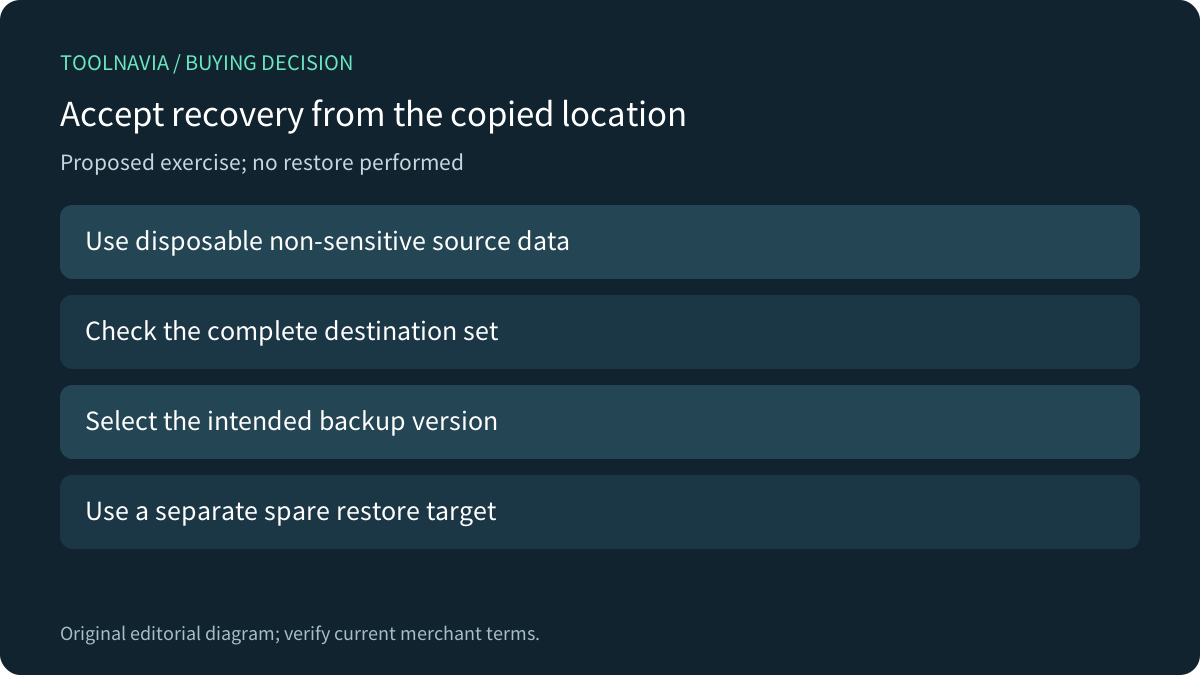
Four relevant capabilities are destination-aware default sizing, custom sizing, fixed media choices and recovery-version selection. For a proposed authorized exercise, use disposable source data, inventory the complete copied set and select its intended version in the supported recovery environment. Use a separate spare target for any restore and inspect representative recovered files. No exercise was performed here.
The current official campaign lists Pro at US$36 for two PCs for one year, automatically renewing unless cancelled. Confirm the actual cart, renewal, tax, current-build entitlement and personal/business suitability. Keep a suitable existing edition or tool when it already meets the requirement; splitting alone does not establish a paid-upgrade reason.