TOOLNAVIA / BUYING GUIDE
MiniTool ShadowMaker Pro Backup: $36 Annual vs $79 Lifetime
The short answer
MiniTool ShadowMaker Pro is worth comparing when a home Windows user needs paid system-disk cloning, differential backup, encryption or recovery operations from WinPE. The current official campaign lists Pro Annual at $36 for two PCs and Pro Ultimate at $79 for three PCs with lifetime use and upgrades. Start with the free edition if its limits do not block a specific recovery task.
At a glance
- Best for
- Home Windows users needing paid system cloning, differential schemes or broader WinPE operations on two or three PCs.
- Price model
- Annual $36 / 2 PCs; Ultimate $79 / 3 PCs
- Check first
- Commercial or Windows Server use, cloud-first backup buyers, or users whose task fits Free.
Four paid capabilities tied to real jobs
Keep recovery chains manageable
Pro adds full and differential schemes plus automatic deletion of older image sets. That can reduce manual rotation, but automation does not decide which history is safe to remove. Choose a retention window, keep one independent copy of irreplaceable files, and check destination capacity after several cycles.
Clone the Windows system disk
Paid editions include system-disk cloning, while Free covers non-system disk cloning. This can help during an HDD-to-SSD replacement. Identify both disks by model and capacity, preserve needed destination data, and keep the original disk unchanged until the replacement boots and representative applications and files open.
Recover or work from WinPE
The edition table lists restore in WinPE for all editions, but backup, sync, clone and management operations inside WinPE are paid features. Create rescue media while Windows works, then verify that it boots, sees internal disks and reaches the backup location. An untested USB is not yet a recovery result.
Restore to different hardware
Universal Restore is a paid capability for moving an image to dissimilar hardware. It may remove one technical obstacle, but cannot guarantee that every storage controller, firmware mode or application license will survive. Keep driver media and define an acceptance checklist before retiring the old PC.
$36 Annual and $79 Lifetime have different scopes
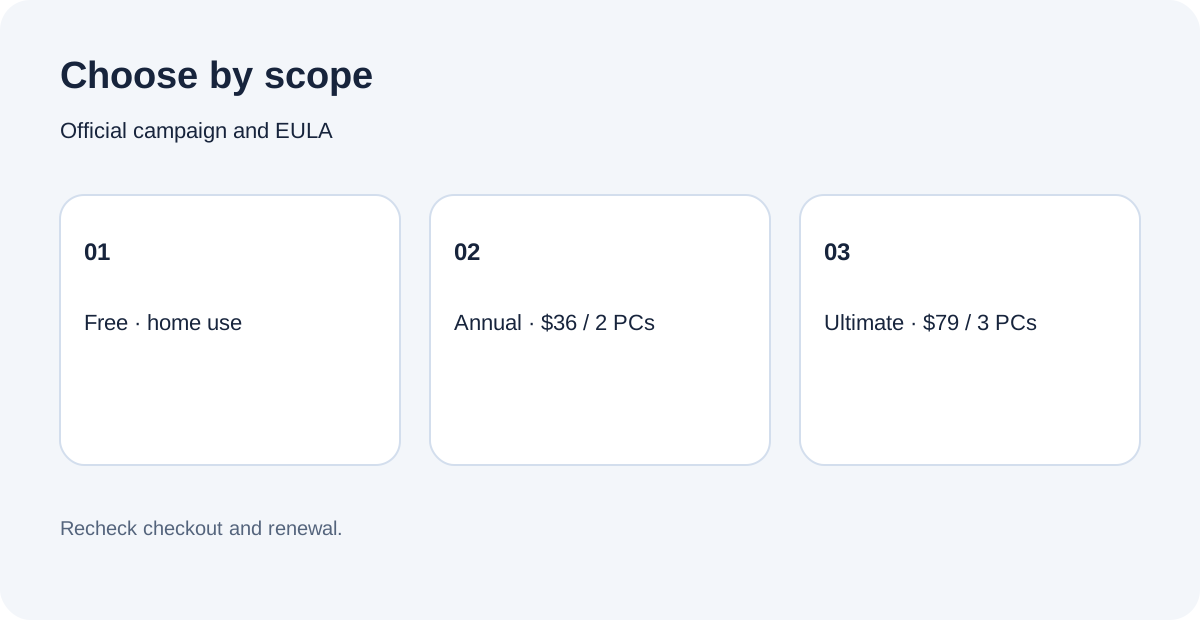
The current official campaign shows $12.99 for one PC and one month, $36 for two PCs and one year, and $79 for three PCs with a perpetual Pro Ultimate license. Monthly and annual subscriptions renew automatically unless canceled before the next term; Ultimate includes lifetime upgrades.
Annual costs less initially and covers two PCs. Ultimate costs $43 more today, covers one additional PC and avoids renewal. Two annual terms would total $72 before tax if the same promotion remained available, still $7 below the current $79 Ultimate price; a third term would total $108. These are arithmetic comparisons, not forecasts. Record device count, tax, renewal setting and checkout total before paying.
A 2025 independent review recorded a $9.99 monthly price, while MiniTool's current official page lists $12.99. This guide uses the current official figure and treats older review pricing as historical rather than a discount promise.
Free, Pro and Business are not interchangeable
Free is limited to private, noncommercial home-computer use. The EULA allows Pro Monthly on one computer, Pro Annual on up to two, and Pro Ultimate on up to three; none supports Windows Server. Business editions are the documented route for workstation or server use.
Stay free when ordinary file, system, partition and disk images, restore and non-system cloning cover the job. Compare paid Pro when the missing function is system cloning, full or differential schemes, image encryption, event scheduling, Universal Restore or extended WinPE operations. Name the exact blocked task before buying. The current product page lists Windows and supported storage targets, while the free page confirms the baseline imaging scope.
Test the recovery path before relying on it
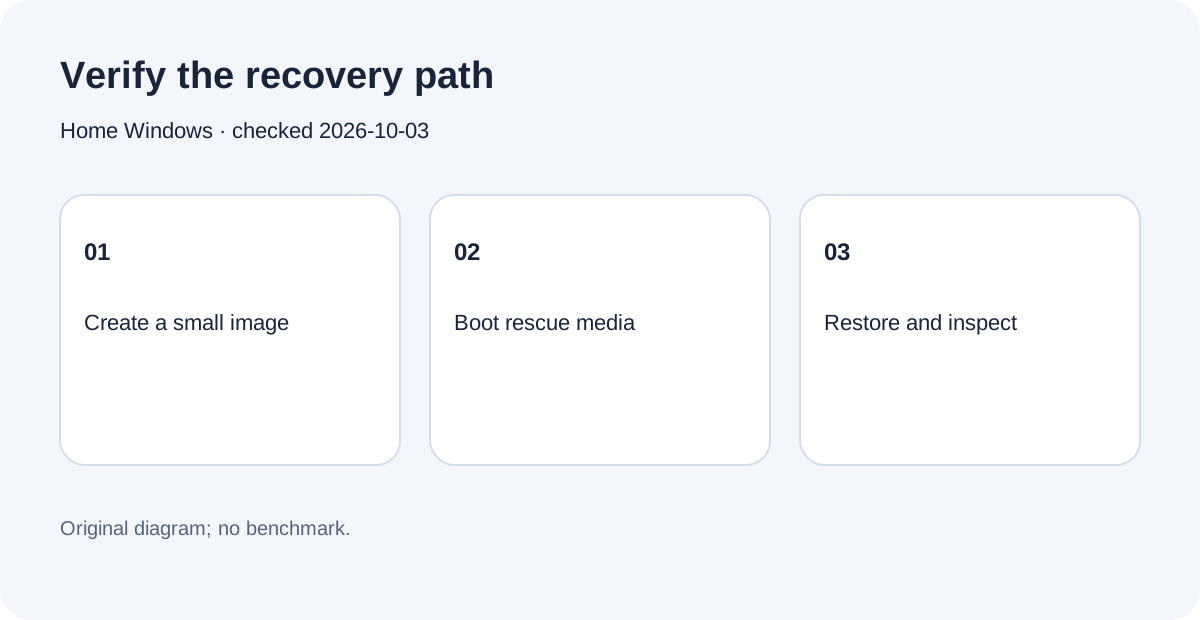
Create one small image, browse it, restore a harmless file to a separate folder and compare the result. Then boot rescue media and confirm disk and backup visibility. For a clone, keep the old disk intact until the new one passes startup and file checks. These are proposed acceptance steps, not claims that Toolnavia benchmarked your hardware.
A PCWorld review found strong imaging and useful home-network remote control, but also reported a sync failure on certain files and interface quirks. Treat that as one reviewer's test, not a universal result. Use the trial or free edition to check your own destination, display scaling and workflow.
The purchase decision
Choose Annual when two home Windows PCs need paid functions for a year and you accept renewal. Choose Ultimate when three-PC scope, perpetual use and lifetime upgrades justify the higher upfront price. Keep Free when its documented boundary covers the task, and use Business for commercial or Windows Server use.
MiniTool publicly accepts affiliates through CJ and Awin and pays cash commission, but Toolnavia has not been approved, so tracking remains disabled. Next, write a recovery objective, test one image and rescue boot, then compare checkout terms with that verified need.