TOOLNAVIA / BUYING GUIDE
ShadowMaker Scheduled Backup Missed? Test Sleep Before Paying for Pro
The short answer
Do not buy ShadowMaker Pro just because yesterday's scheduled backup is missing. First establish whether the saved task was enabled, the computer could run at that time and the destination was available. A paid license is useful only if its actual features and a repeatable backup routine solve your problem—not because a schedule exists on screen.
At a glance
- Best for
- A Windows user with a verified repeatable backup routine and a documented need for the selected paid capability or license scope.
- Price model
- Observed Pro12.99USD/month1PC or36USD/year2PC auto-renew; Ultimate79USD3PCperpetual; verify taxes, region, selected edition and renewal.
- Check first
- A buyer expecting a Pro license to guarantee sleep wakeup, powered-off execution or missed-run catch-up without verification.
Inspect the saved task, not a fresh setup screen
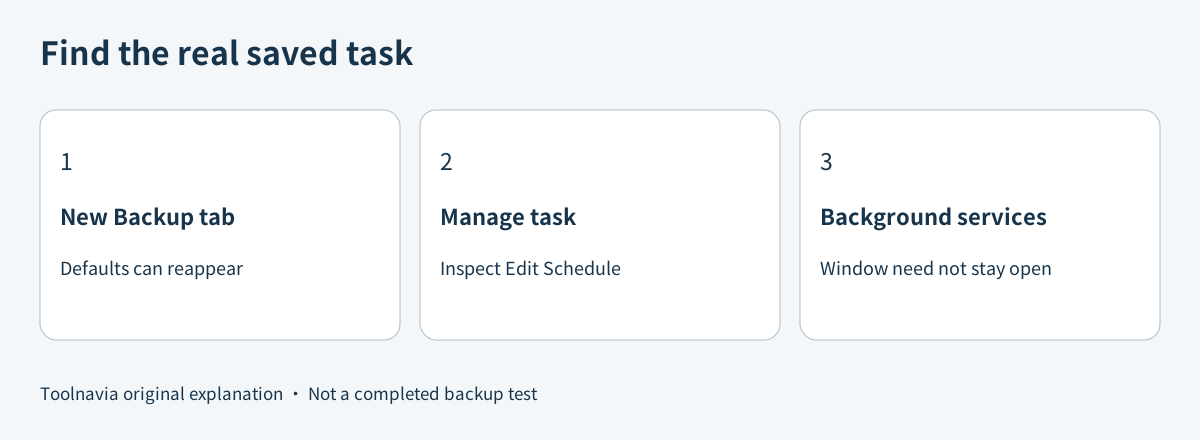
MiniTool's FAQ explains an easy source of confusion: the Backup tab can return to default schedule and scheme settings after a restart. Inspect an existing task through Manage and its Edit Schedule menu instead of assuming the job lost its configuration. The same FAQ identifies MTAgentService and MTSchedulerService as the services associated with scheduled operation; the main window does not have to remain open.
That distinguishes a closed interface from a stopped service, but it does not establish every sleep, shutdown or missed-run behavior. Check the actual saved job and version. Do not delete and recreate all tasks before recording their source, destination and next expected run.
Choose a time that actually exists
The schedule guide documents daily, weekly, monthly and logon/logoff event choices. Scheduling must be enabled. A monthly task set only for the 31st will not run in a month without that date. November is one example; this is not a failed payment or an upgrade problem.
For a laptop used intermittently, an awake, connected window may be a more practical starting point than an unattended midnight job. Check whether the selected edition exposes the particular trigger you need. The Free product page advertises automatic backups, so do not assume that all scheduling requires Pro.
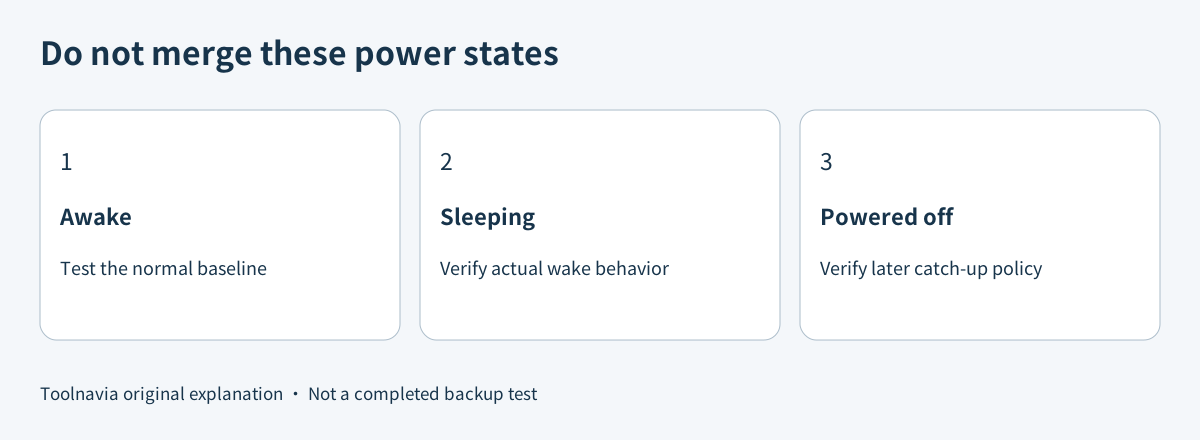
A logon trigger, a timed task and a missed-run catch-up policy are different mechanisms. The MiniTool pages reviewed here describe the first two but do not establish a universal wake-from-sleep or catch-up guarantee. Confirm that behavior in the installed version or with MiniTool before buying specifically for it.
Sleep and power-off need different evidence
Microsoft documents WakeToRun as a Task Scheduler setting. That platform capability is not proof that any particular ShadowMaker task has been registered with it, or that your hardware and power configuration will wake successfully. Avoid changing unrelated Windows tasks or weakening security settings merely to make one backup start.
Veeam Agent's current help explicitly separates waking from ordinary sleep from Modern Standby, where it documents a limitation. A separate Veeam page describes missed-run handling after power-on. Macrium Reflect likewise documents a wake option and a separate run-after-missed-start option. These are concrete comparison questions, not capabilities you can silently attribute to MiniTool.
When comparing backup software, ask for evidence about the exact state your PC uses: awake, ordinary sleep, Modern Standby or shut down. A vendor's successful test in one state does not answer the others.
Verify a fresh recovery point, not just a green status
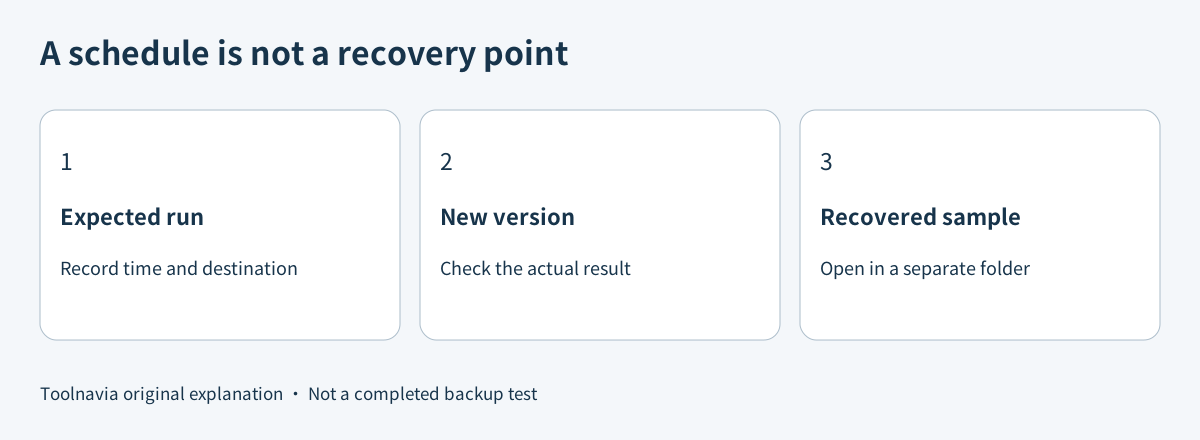
Create a small disposable test folder, record its contents and schedule a run while the PC is awake with the intended destination connected. After the expected time, inspect the saved task's result and the new backup version. MiniTool's Manage guide documents task status, Verify and Browse; use them to inspect the actual version rather than treating an old successful job as today's protection.
Next, make a clearly identifiable change in the test folder. Repeat under the normal power state you intend to rely on, keeping a separate known-good backup. Record whether the job ran at the scheduled time, ran later after waking, or did not run. This is a proposed owner test, not a Toolnavia benchmark.
Export a sample to a separate temporary folder and open it. A job can have run without including the latest expected change. The useful acceptance record includes scheduled time, observed completion, backup version and the recovered sample—not just a screenshot of an enabled switch.
Price the feature you actually need
On November 10, 2026, the official campaign page displayed Pro at US$12.99 for one PC for one month, or US$36 for two PCs for one year, with automatic renewal. It separately displayed Pro Ultimate at US$79 for three PCs with a perpetual license and advertised a 30-day trial. These are observed offer terms; verify the selected plan, taxes and renewal at checkout.
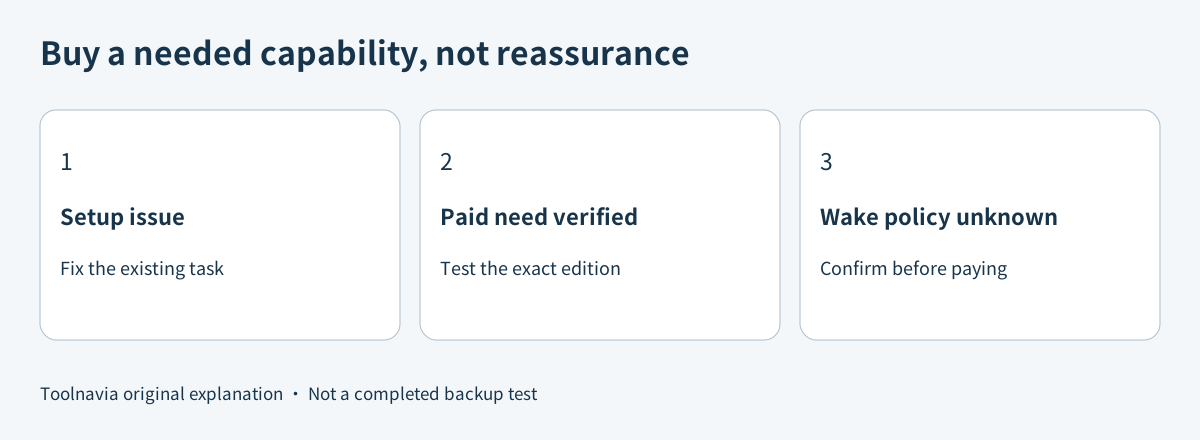
Start with the free edition or an appropriate trial to establish the real trigger, destination and recovery result. Pay when a documented paid capability or license scope is needed and the routine works on your machine. A multi-PC license does not resolve a missing drive, an impossible calendar date or an unverified wake policy.
The upgrade decision
Keep the existing plan when adjusting the saved task and a realistic backup window solves the problem. Consider Pro when a specific paid requirement remains and the representative test succeeds. Postpone purchase when unattended wake or catch-up is essential but still unproven; ask for version-specific confirmation rather than treating the price as reassurance.
[Review the current ShadowMaker offer](https://www.jdoqocy.com/click-101895278-15509062). Toolnavia may earn a commission from eligible purchases. No software installation, sleep/wake experiment, restored-file test or paid checkout was performed for this guide.