TOOLNAVIA / BUYING GUIDE
MiniTool ShadowMaker Rescue Media: Prepare Before Windows Stops Booting
The short answer
ShadowMaker is worth evaluating before Windows fails, when you still have time to prepare a recovery route. The rescue USB is only one part: you also need a suitable backup and access to its storage. Check what the Free edition already provides before paying for additional offline operations.
At a glance
- Best for
- Planned recovery outside normal Windows.
- Price model
- Annual $36/2 PCs; Ultimate $79/3 PCs; Free restore media available
- Check first
- Bootable USB is not a backup or guarantee.
Separate the three things you need
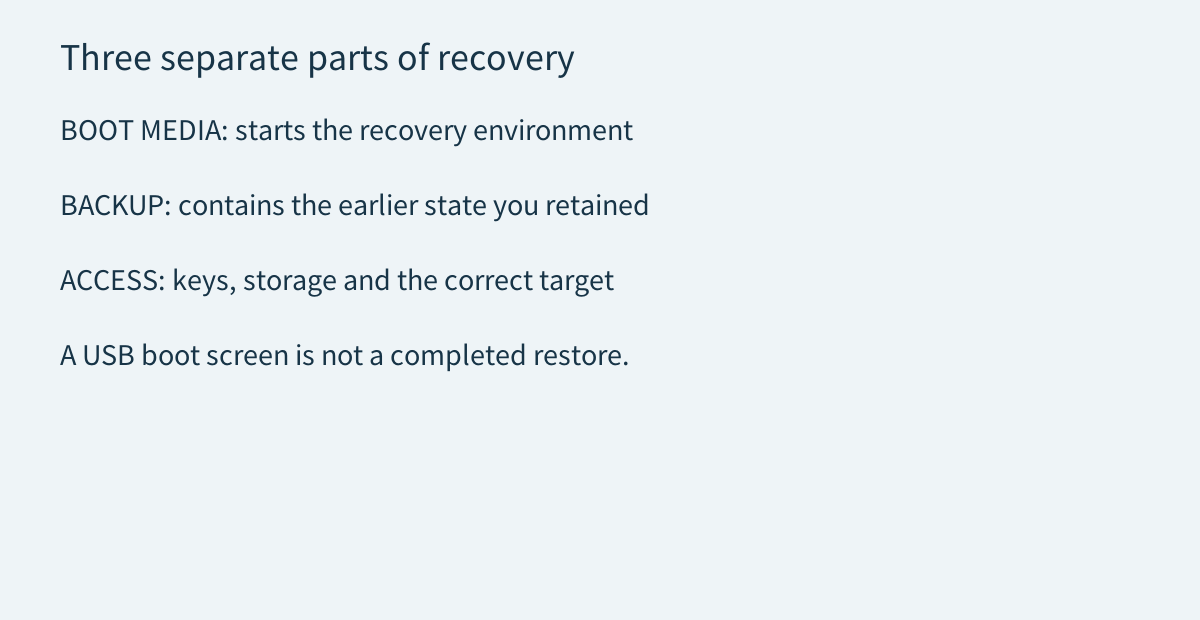
Boot media starts a recovery environment. The backup contains the earlier system or files you saved. Access means the right storage, required credentials and a correctly identified destination. None of these should be inferred from a USB drive's label.
MiniTool's system-restore guide describes starting its recovery environment and selecting an existing system image and backup version. It also warns that restoring can overwrite destination partitions. A rescue tool cannot recreate an earlier system state that was never retained, and a successful startup screen is not evidence that a complete restore will succeed.
Write down where the backup resides and which computer it protects. Keep that record available without depending entirely on the Windows installation you are trying to recover. The [selected-file recovery guide](/en/software/minitool-shadowmaker-file-recovery) handles a different problem: retrieving one document when a complete Windows rollback is unnecessary.
Free can create media, but offline scope differs
MiniTool's August 2026 Media Builder guide explicitly supports ShadowMaker Free, with only Restore available after booting into WinPE. It separately excludes Media Builder from the free editions of some other MiniTool products. Do not copy a Partition Wizard or Power Data Recovery paywall into a ShadowMaker buying recommendation.
The ShadowMaker Bootable product page describes a broader toolset, including backup, restore, cloning and Universal Restore. That overview is not proof that every operation belongs to Free. Identify the particular offline task you require and verify its entitlement in the installed edition. Restoring an existing backup alone is not a sufficient reason to claim everyone must buy Pro.
The useful advantages are concrete: a route outside the installed Windows system, a choice of retained image, version selection, and an opportunity to inspect the destination before a write. They reduce uncertainty only when the relevant backup and hardware are accessible.
Prepare without sacrificing the backup drive
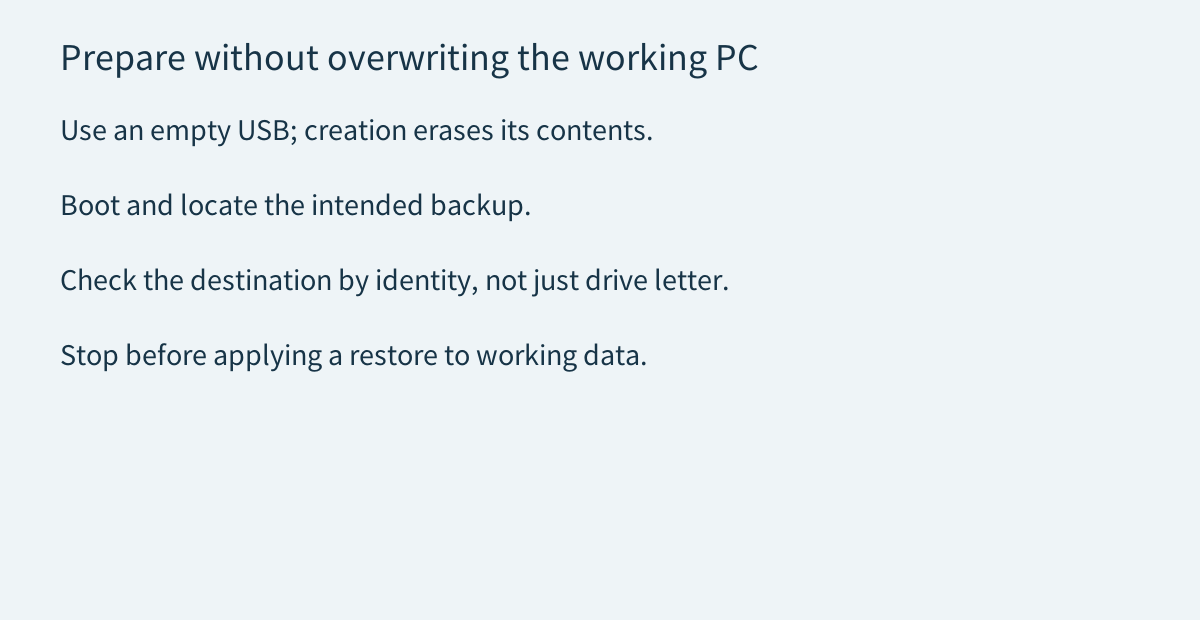
Media Builder formats the selected USB while creating boot media. Use an empty, expendable drive and verify its identity before accepting a creation warning. Do not casually select the disk holding the only copy of your backups because it happens to be plugged in.
For a non-destructive readiness check, start the intended computer using its manufacturer's supported boot procedure, confirm that the recovery environment opens, and locate the expected backup. Inspect disk identities and capacities rather than trusting a remembered drive letter: MiniTool warns that WinPE letters can differ from Windows. Stop before applying a restore to working data.
This proposed inspection checks preparedness, not recovery success. A fuller restore rehearsal requires a separately planned safe destination and preserved originals. Acronis' own 2026 media-testing guide likewise calls for checking devices and recommends a spare disk for a system rehearsal. That is guidance for its product, not evidence that a ShadowMaker restore was tested.
Encryption and replacement hardware remain separate
Microsoft advises keeping a BitLocker recovery-key backup accessible and secure. Its support team cannot recreate a lost key. Owning a backup utility does not establish access to encrypted disks. Keep recovery material separate from the protected computer, follow organization policy where applicable, and never publish it in a support post.
Moving a system image to different hardware adds another condition. MiniTool describes Universal Restore as a way to install critical startup drivers after image restoration. Treat this as a documented capability to investigate, not universal hardware compatibility, automatic Windows activation or proof that every application will work on the replacement.
Compare existing recovery routes and the complete cost
Microsoft's Recovery Drive offers another preparation route for the device it was created for. Microsoft says it does not include personal files, so a separate personal-data backup is required. It is not interchangeable with a retained ShadowMaker system image containing the particular configuration you want back. Choose by recovery objective, not which USB looks more official.
Already using AOMEI? Its Standard edition also documents creating WinPE media for its own backups. Check that existing recovery route before purchasing a second product. Neither vendor's media should be assumed to restore the other's proprietary images.
The current ShadowMaker campaign lists Annual at $36 for two PCs and Ultimate at $79 for three PCs. Annual renews unless canceled; Ultimate is described as perpetual. Check checkout, taxes and the exact included features before paying. Add suitable media, independent backup storage and rehearsal time to the software cost.
Choose paid ShadowMaker only when its verified additional capabilities justify those costs. The [license guide](/en/software/minitool-shadowmaker) covers the wider edition decision. Affiliate disclosure: eligible purchases through Toolnavia's issued ShadowMaker referral buttons may earn us a commission; they do not preselect an edition, guarantee a discount or guarantee recovery.