TOOLNAVIA / BUYING GUIDE
MiniTool ShadowMaker NAS Backup: Check Restore Access Before Buying
The short answer
ShadowMaker can fit a household that wants several Windows PCs to save backups to one network destination. The buying question is not whether the NAS appears in a folder picker: can each intended PC complete its backup and recover the needed work? Check the existing Free route before paying for extra capabilities.
At a glance
- Best for
- An authenticated local backup destination with a verified recovery route.
- Price model
- Annual $36/2 PCs or Ultimate $79/3 PCs; shared-folder Free baseline
- Check first
- One NAS does not imply unlimited PC licenses or offsite coverage.
Decide whether you need an image or ordinary files
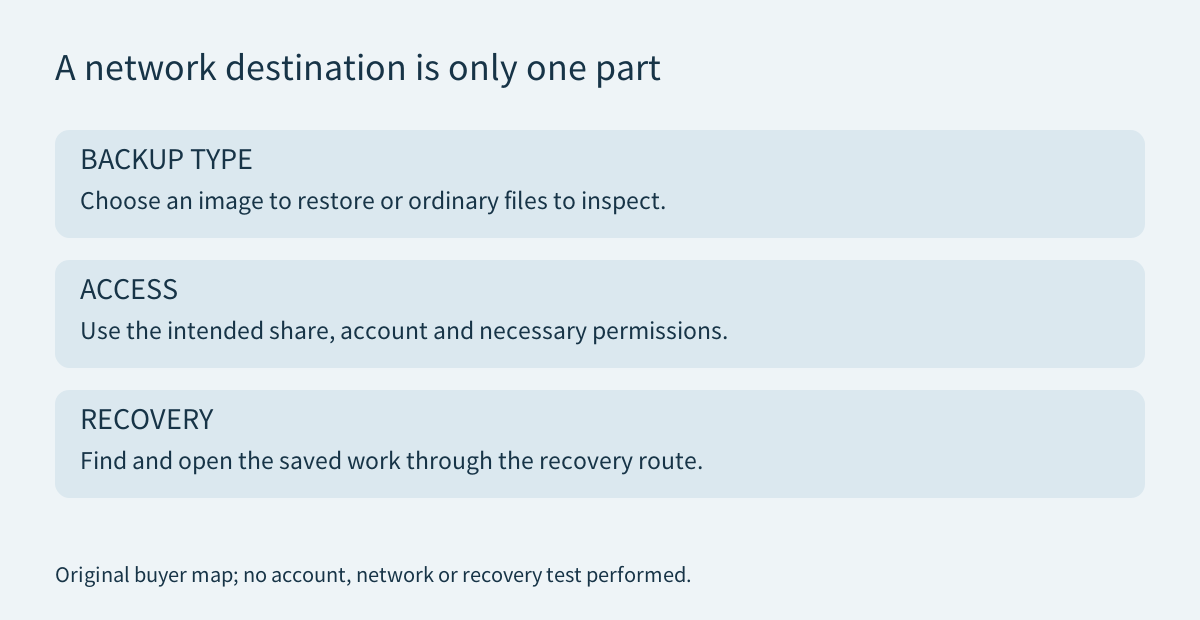
MiniTool's system-backup guide documents saving an image to a shared local-network folder using an IP address or network path and credentials. It also describes selecting a subfolder, naming the task and scheduling later runs. A separate folder and recognizable task name for each PC make the routine easier to review without confusing the sources.
Its sync guide describes a different result: one-way synchronization produces ordinary files rather than an image. That may suit documents you need to inspect directly, but it does not automatically preserve the earlier versions required to undo a mistake. Saving a Windows image on a NAS also does not mean the NAS itself becomes a bootable Windows replacement.
Choose the actual recovery objective first: one document, a previous project state or a complete configured PC. The [retention guide](/en/software/minitool-shadowmaker-backup-retention) covers how those dates survive repeated runs.
Use the intended account, not the broadest permission
Record the specific share and subfolder, the account used by the backup task and the minimum access it needs. Creating backup data requires appropriate write permission; finding and reading it during recovery are separate checks. Keep recovery instructions available without relying solely on the PC being protected, and store credentials securely rather than in public screenshots.
Use a dedicated backup location and account where practical. Do not solve an access error by granting unrestricted access to everyone, disabling protection or exposing the NAS to the internet. A reachable folder proves a connection, not that the scope is appropriate.
Microsoft's SMB guidance recommends blocking unsolicited internet access to TCP port 445 at the network boundary. That is different from blocking the trusted local connections the backup actually requires. A local share is not a reason to create a public port-forwarding shortcut for remote access.
Test the saved work through the recovery route
Start with an expendable sample rather than the only copy of a project. Complete a backup, record its destination and date, then recover the sample into a separate review folder. Open it with the application you normally use and inspect the content that matters. Keep the original untouched throughout this proposed exercise. No Toolnavia NAS or restore test is claimed here.
Also check the route you would use if normal Windows were unavailable. Can that environment reach the intended storage and present the expected backup with the credentials you can legitimately access? A working Windows session does not answer this automatically. The [rescue-media guide](/en/software/minitool-shadowmaker-rescue-media) separates boot media, retained images and storage access.
Before depending on scheduled operation, inspect a real completed run under normal household conditions. A sleeping laptop, unavailable destination or changed account can leave a schedule that looks configured without the new recovery point you expected. Define how you will notice that gap instead of assuming automation removes the need to review results.
Keep an alternative when the NAS itself is unavailable
QNAP's dated fault advisory describes a RAID entering degraded read-only mode and recommends copying its data to another location. This is a specific failure example, not a prediction about every NAS. It is enough to show why accessible storage and a protected PC are different dependencies.
Retain another recoverable copy appropriate to the work you cannot replace. Decide which failure that copy must survive: the PC disk, the NAS, a shared account or the entire location. More drives inside the same appliance do not by themselves establish that all those cases are covered. Include this extra storage and the effort to verify it in the budget.
Compare Free, an existing tool and the complete license cost
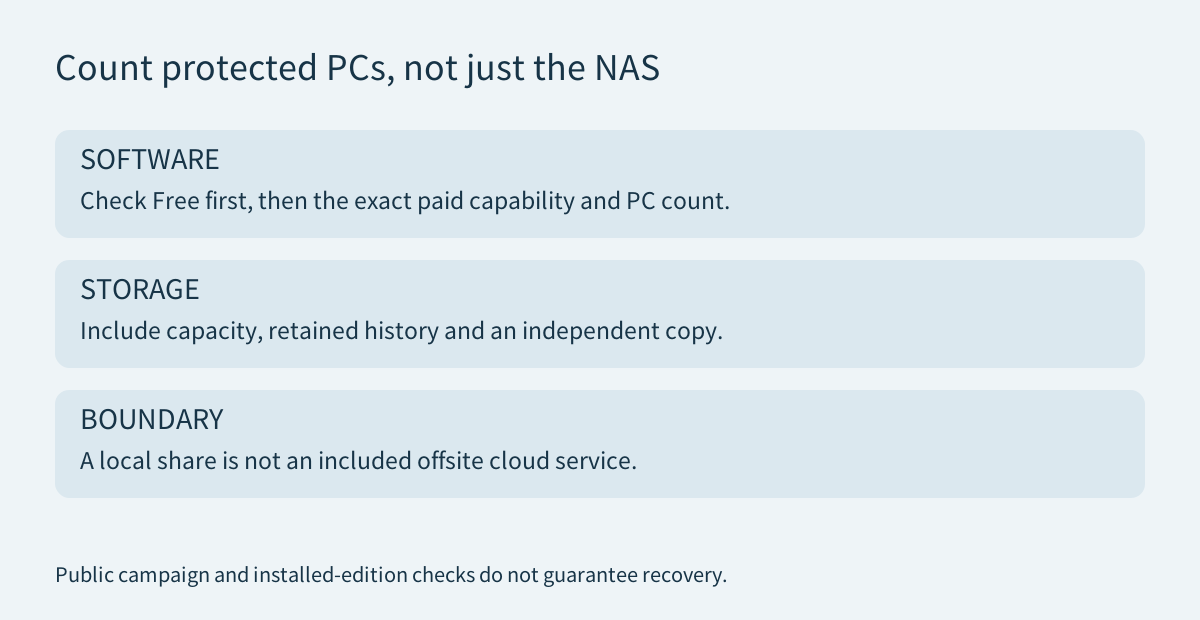
MiniTool's Free page explicitly advertises backups to shared folders. A NAS destination alone is therefore not a reason to claim everyone needs Pro. Check the precise additional operation or management feature required by your installed setup.
AOMEI Backupper Standard also documents backups to an SMB NAS and distinguishes that destination from its separate cloud service. Existing users should inspect that route before buying another application. Product-specific archive formats and recovery tools are not interchangeable.
The current ShadowMaker campaign lists Annual at $36 for two PCs and Ultimate at $79 for three PCs. Annual renews unless canceled; Ultimate is perpetual. Count the licensed computers, not just the single NAS receiving their backups. Storage, hardware, electricity and any separate offsite service remain additional costs. Recheck the actual checkout and feature entitlement before paying.
Choose paid ShadowMaker when a verified extra capability makes this household routine worth maintaining. Affiliate disclosure: Toolnavia may earn a commission through the genuine ShadowMaker referral buttons; they do not preselect an edition, include NAS hardware or guarantee a discount or recovery result.