TOOLNAVIA / BUYING GUIDE
MiniTool ShadowMaker License: Device Limits & New-PC Transfer
The short answer
At a glance
- Best for
- One to three stable home Windows PCs whose owner verifies replacement-machine activation before purchase.
- Price model
- Monthly $12.99 / 1 PC; Annual $36 / 2 PCs; Ultimate $79 / 3 PCs; live checkout controls.
- Check first
- Current EULA prohibits transferring already activated software; public registration docs do not promise self-service deactivation or reset.
Quick verdict
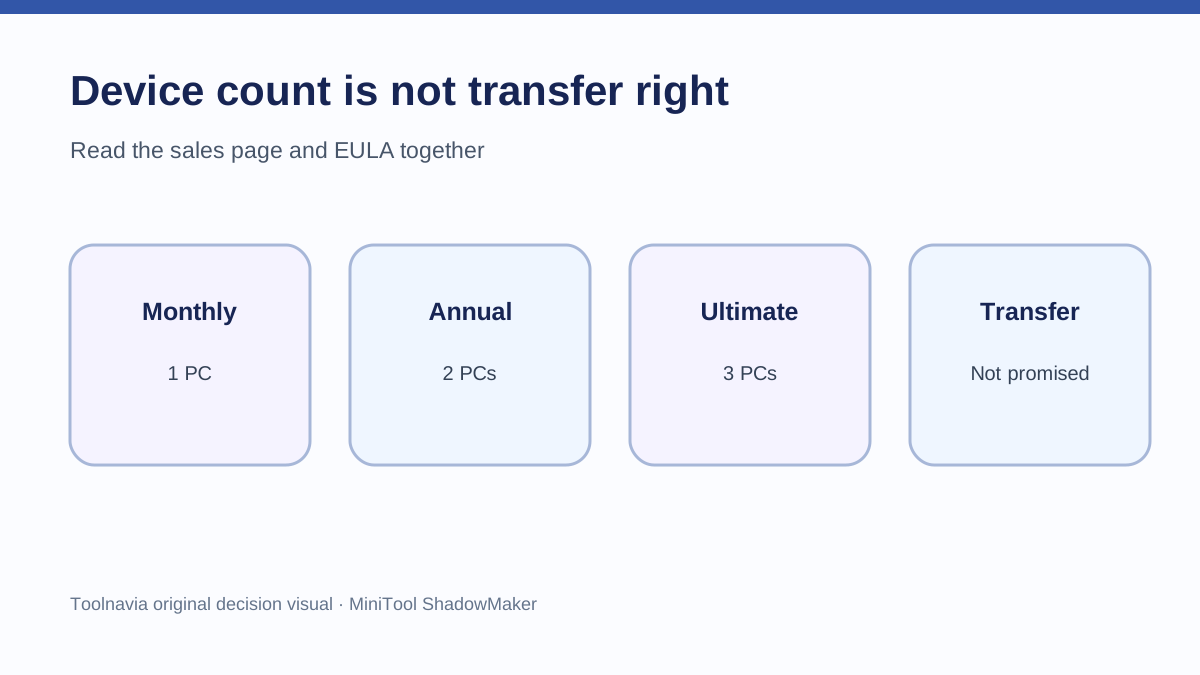
MiniTool ShadowMaker's device count is not a floating pool of licenses. The current sales page sells Pro Monthly for 1 PC, Pro Annual for 2 PCs and Pro Ultimate for 3 PCs, but the current EULA separately says software already installed and activated may not be transferred from one computer to another. A buyer therefore needs to answer two questions before paying: how many PCs need protection now, and what happens when one of those PCs is replaced?
Choose Annual when two current home PCs need coverage for a year and renewal is acceptable. Choose Ultimate when three current home PCs need perpetual use and the higher upfront cost fits. If a replacement PC is likely, do not assume that removing the program from the old computer automatically frees a seat. Get a written MiniTool support answer for the exact order and scenario before purchase.
Device count and transfer right are different
A 2-PC license answers how many computers may be activated under that edition. It does not automatically promise that an activation can move between machines. MiniTool's EULA says hardware information such as CPU and motherboard is collected to generate a unique hardware ID, and it prohibits transferring already installed and activated software to another computer.
The official registration guide explains online and offline activation with license information and an activation code. It does not publish a self-service deactivate button, a reset quota or a guaranteed replacement-computer exception. That absence matters: registration instructions prove how to activate an eligible machine, not how to release an old one.
Current personal-license map
**Pro Monthly:** 1 PC for one month, automatically renewed unless canceled before the next term.
**Pro Annual:** up to 2 PCs for one year, automatically renewed unless canceled before renewal.
**Pro Ultimate:** up to 3 PCs with a perpetual license and lifetime upgrade service as currently described.
These are personal Windows licenses. The official comparison and EULA separate them from Business Standard and Business Deluxe, which cover workstation or server scenarios. Buying more personal device slots should not be used to infer Windows Server rights.
Four replacement-PC scenarios
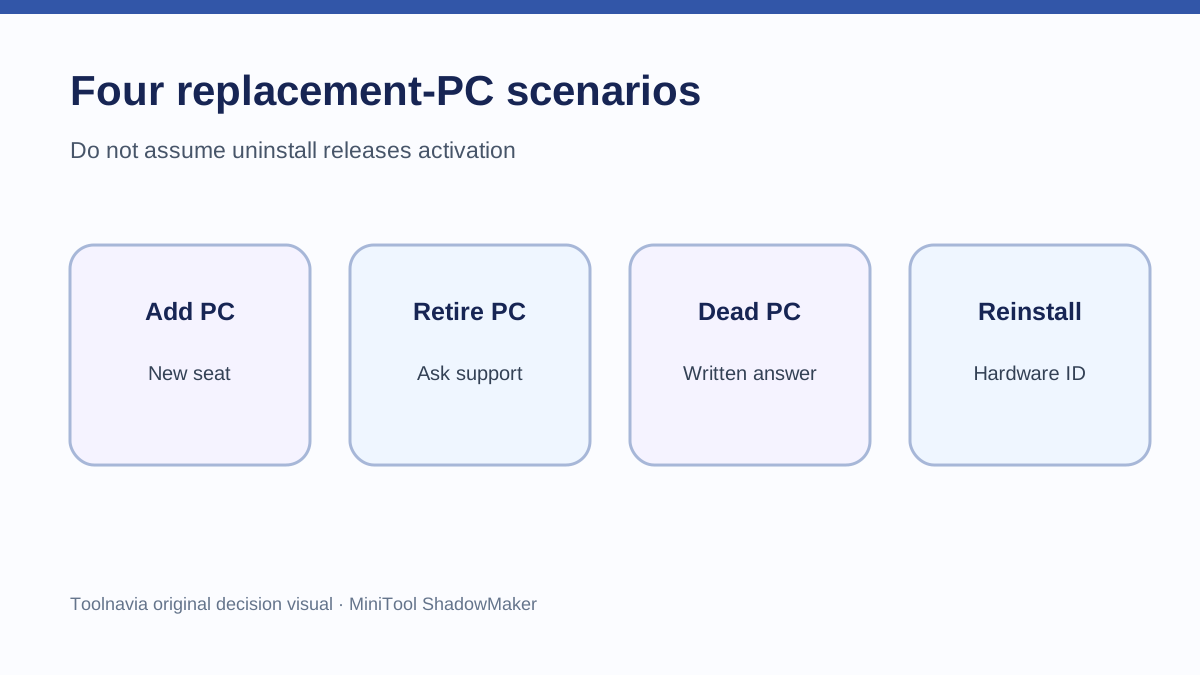
1. Adding another active PC
If both old and new computers remain in use, treat the new machine as an additional activation. Annual can cover two current PCs; Ultimate can cover three. Once the plan's count is full, a fourth active PC is outside that allowance unless MiniTool provides another license.
2. Retiring a working old PC
The EULA's transfer restriction still applies after activation. Uninstalling the app may remove local software, but the reviewed official pages do not say that uninstalling releases the hardware-bound activation. Ask support whether they can release that specific machine and keep the answer with the order receipt.
3. Replacing a dead PC
A dead motherboard makes self-service deactivation impossible. MiniTool's public EULA does not publish a guaranteed dead-PC reset exception. AOMEI's EULA, by contrast, expressly describes limited circumstances in which support can release a license from a non-functioning or disused computer. That competitor policy proves vendor practices differ; it must not be projected onto MiniTool.
4. Reinstalling Windows on the same hardware
A reinstall on the same machine may preserve enough hardware identity for reactivation, but the reviewed ShadowMaker pages do not guarantee every hardware-change threshold. Before replacing a motherboard or CPU, ask whether MiniTool will treat the result as the same computer.
Annual versus Ultimate economics
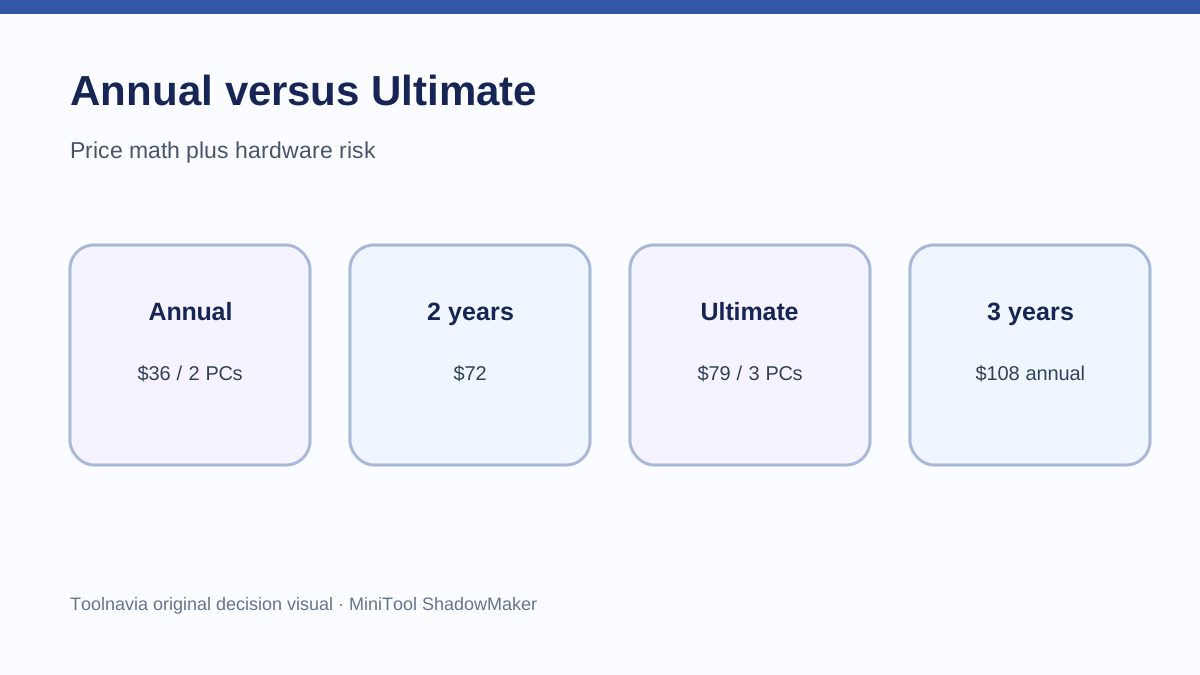
At the reviewed official prices, Annual is shown at $36 for 2 PCs for one year and Ultimate at $79 for 3 PCs with perpetual use. The simple first-year difference is $43. Ultimate's nominal break-even against repeated $36 Annual renewals occurs during the third paid year: two Annual years total $72, while three total $108. This comparison assumes the displayed prices remain unchanged and ignores tax.
Device replacement risk can dominate that arithmetic. A cheap perpetual license is less useful if a future computer cannot be activated under the buyer's expected workflow. Conversely, a household with three stable PCs can use Ultimate's third device and avoid annual renewal. The decision should combine time horizon, active-device count and written transfer treatment.
What competitors reveal
Competitor evidence is useful only for showing that licensing models differ. AOMEI documents support-assisted release in limited replacement cases. EaseUS purchase and support pages also surface new-computer and activation-code questions. These pages do not grant rights under MiniTool's license; they show why “number of PCs” is incomplete without a transfer rule.
Independent reviews likewise treat edition price and extra-machine cost as purchase variables. They do not override the current MiniTool sales page or EULA.
Buying checklist
Before checkout:
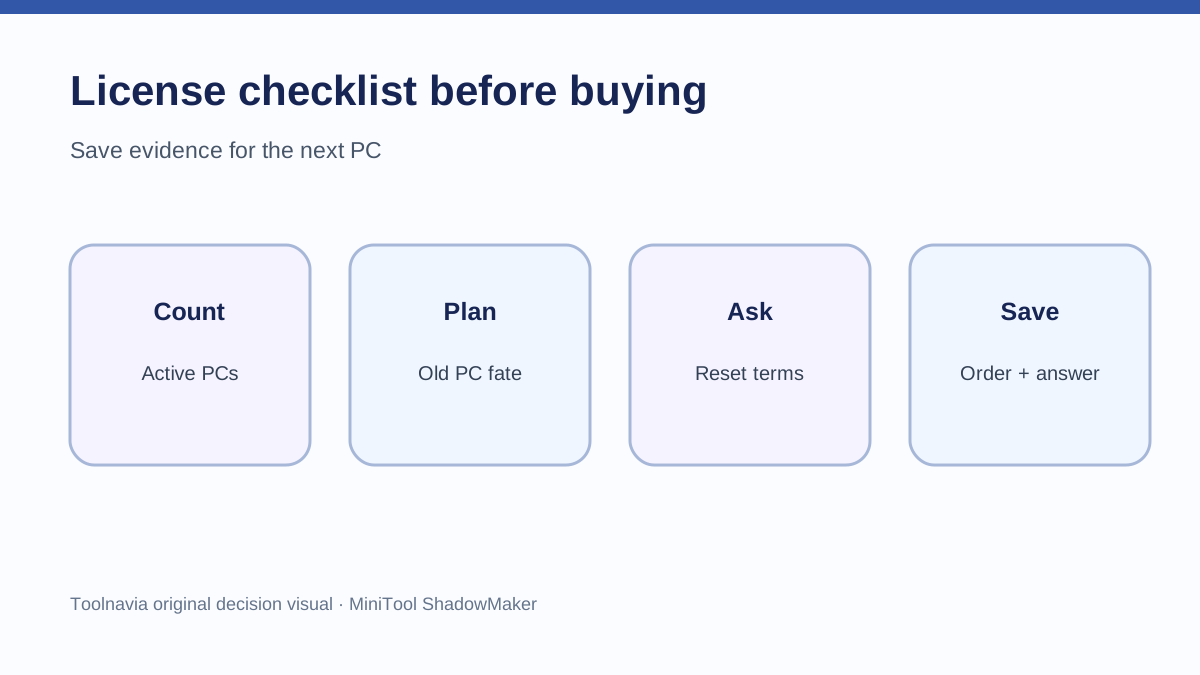
1. Count computers that will remain active at the same time. 2. Decide whether the old PC will stay in use, be retired, or may fail. 3. Ask MiniTool support whether this exact license can be released or reset for a replacement PC. 4. Save the written answer, order ID and license email. 5. Test backup creation and restore on trial software before relying on the paid license.
MiniTool ShadowMaker Pro fits buyers with a stable set of one to three home Windows PCs who understand that device count is not a promise of free reassignment. It is a weaker fit when hardware changes frequently or when guaranteed self-service transfer is a hard requirement.
Affiliate disclosure: Toolnavia may earn a commission if you buy through the MiniTool link. This does not change your price or the conclusion: current checkout, the EULA and a written support answer control.