TOOLNAVIA / BUYING GUIDE
ShadowMaker Email Alerts: A Test Message Is Not a Backup Report
The short answer
At a glance
- Best for
- Defined backup tasks with separately verified mail reporting.
- Price model
- Observed Pro US$36/year for2PCs;automatic renewal,confirm cart.
- Check first
- Old Gmail instructions conflict with current Google policy;test mail does not prove job reporting or recovery.
Verdict: pay for an accepted reporting workflow
ShadowMaker can suit a home PC owner who wants backup results reported while away from the application. Buy for the required backup and license capabilities only after confirming a usable mail route and an actual task report. A delivered configuration test does not prove that the intended backup event will send a message.
This guide analyzes primary documentation. No software, mailbox, credential, email, backup or restore was operated. Notification delivery and recoverability are separate acceptance questions.
Review the exact ShadowMaker Pro personal offer. Toolnavia may earn a commission through this approved direct link.
Start with the saved task and its conditions
MiniTool documents Email under a backup task's options, including success and failure notification selections. Its description sends the result after the backup operation finishes. Do not extend that wording into a guarantee that a task which never starts or never finishes will always generate an alert.
Record the task's source, destination, expected time and selected notification conditions. Keep those fields with the local result. If a message arrives, identify which operation it describes rather than treating any backup-branded email as evidence about today's job.
The useful capabilities are task-result reporting, selectable success/failure conditions, configurable mail authentication and a save-and-test message. They provide controls for a reporting process, not an automatic guarantee of the whole process.
Resolve the old Gmail instruction before trusting it
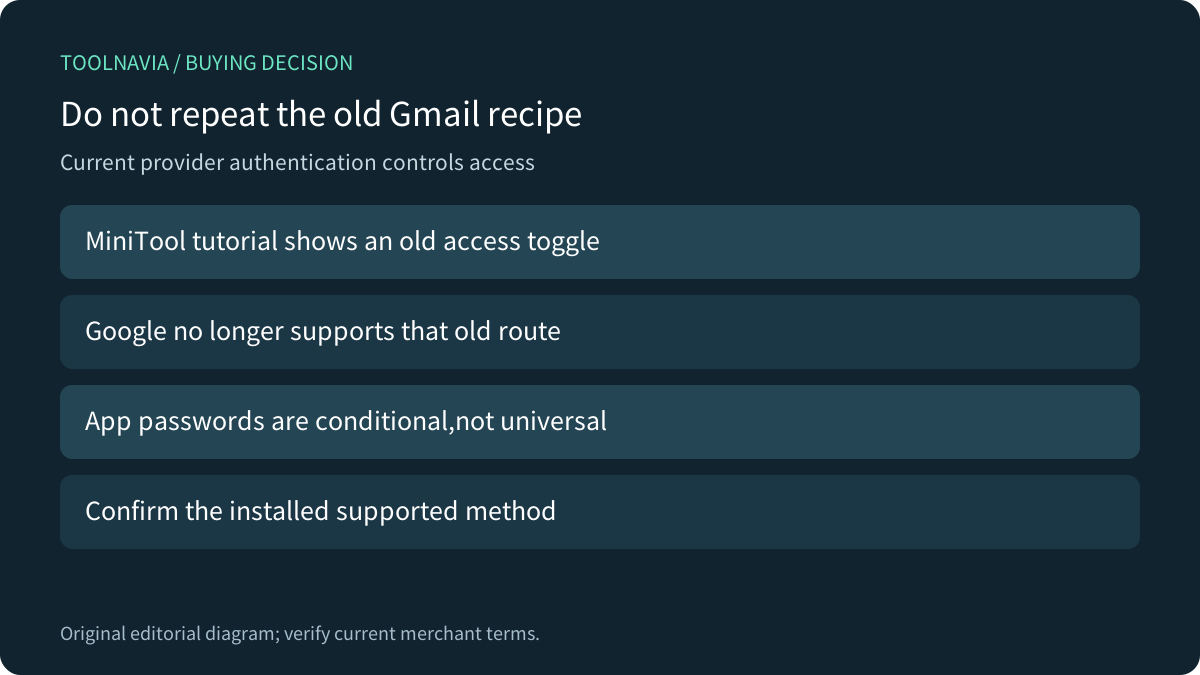
The MiniTool settings guide dated 2022 still describes enabling Google's old less-secure access toggle and using an account password. Google's current help says username/password-only less-secure sign-in is no longer supported for Workspace accounts and directs users toward current secure access. Do not follow the old toggle recipe.
Google separately documents app passwords with 2-Step Verification, but availability can be restricted by account type, security-key-only setup or Advanced Protection. Password changes revoke app passwords. This does not establish that every ShadowMaker build supports the required method. Installed-build and provider compatibility remains unverified here;do not disable account protections to force a connection.
Confirm the supported authentication route with the current software and mail provider before buying specifically for alerts. An SSL or TLS selection describes transport;it does not itself establish modern sign-in compatibility.
A test message and a job report exercise different steps
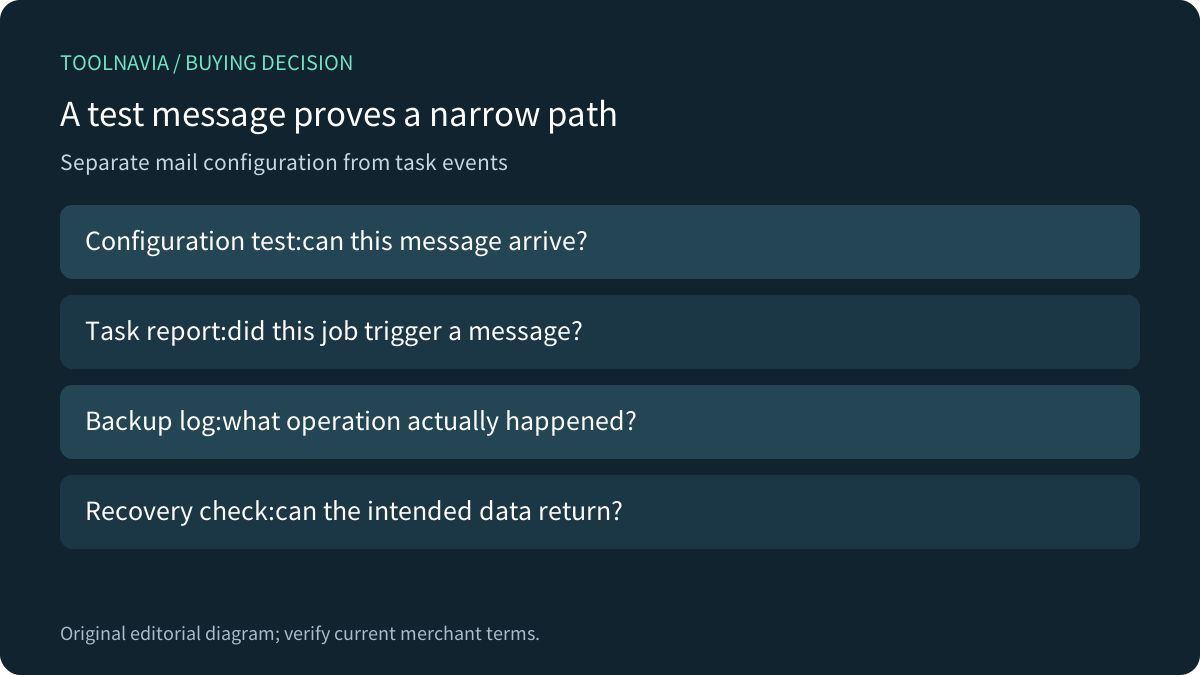
MiniTool's save-and-test control is useful for checking the configured recipient path. AOMEI's current FAQ separately describes the case where its test email succeeds but task notifications do not, and instructs users to check the task notification setting. That is documented AOMEI behavior, not proof of an undocumented ShadowMaker switch.
The broader evaluation question is transferable:did this actual task trigger a corresponding report? AOMEI's own setup guide separates saved mail configuration from enabling each task. Veeam's current guide also separates provider-specific setup routes. Compare these workflows without assuming their controls or authentication methods are present in MiniTool.
Interpret missing alerts carefully
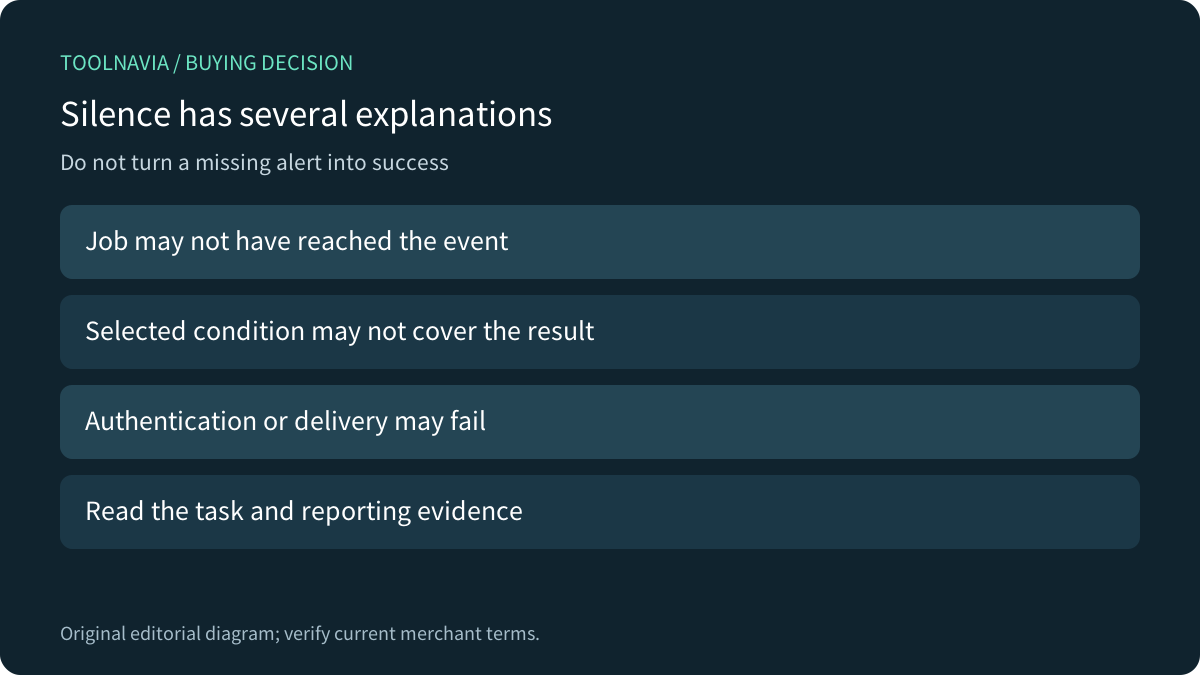
Silence can mean a task has not reached a reporting event, the chosen condition does not cover its result, authentication failed, or a message was filtered or delayed. These are possible diagnostic branches, not failures measured in this article.
Check the local job evidence before changing the backup plan or buying more licenses. A notification reporting completion is still not a restore test. Conversely, a recoverable backup could exist while the reporting path needs repair. Keep the two questions visible so a mail problem does not lead to needless deletion or recreation of working backup tasks.
Accept a representative event and the license separately
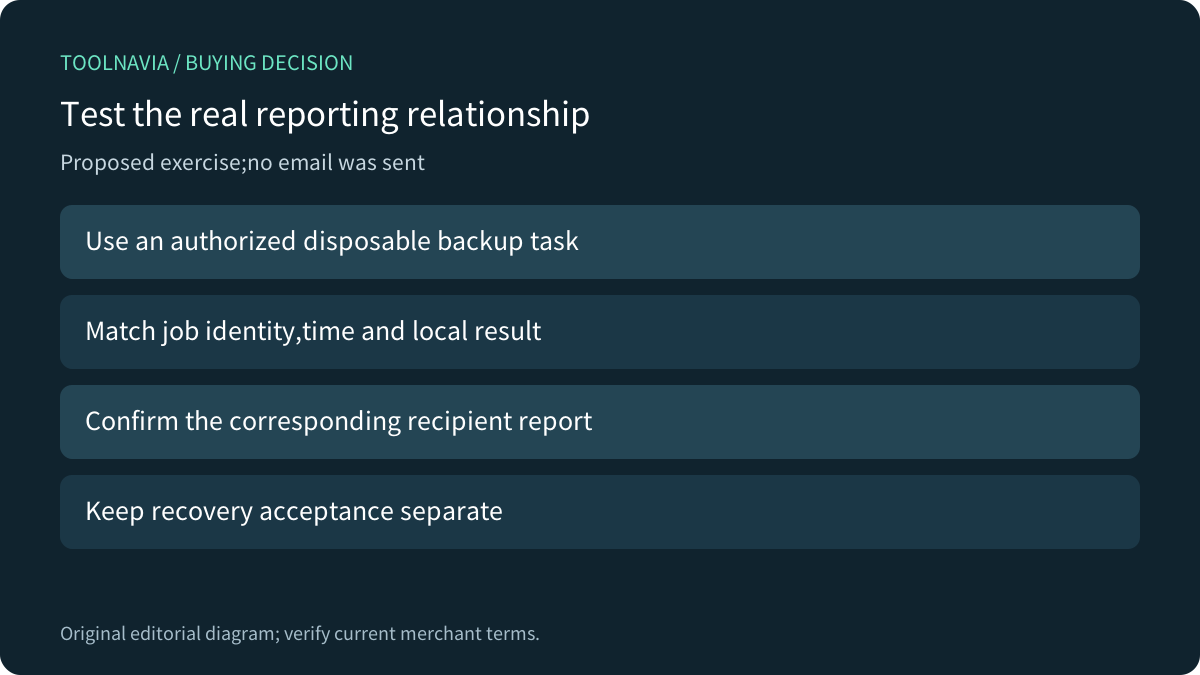
For a proposed authorized exercise, use a disposable folder and an approved test recipient. Save the intended task and notification choices, run the harmless backup, and match its identity, time and local result to the corresponding received report. Review failure-reporting coverage through a controlled disposable scenario only when appropriate;do not damage an existing backup to provoke an email.
No exercise was performed here. Keep independent recovery acceptance and a named owner for checking expected reports. A test that passed once does not guarantee future delivery after credentials or provider policies change.
The current campaign shows Pro at US$36/year for 2 PCs or US$12.99/month for 1 PC, with automatic renewal. Confirm the selected personal license, renewal, tax and needed paid features. More device capacity does not repair authentication or event configuration. Keep a suitable existing edition when it already meets the accepted workflow.