TOOLNAVIA / BUYING GUIDE
MiniTool ShadowMaker Backup Retention: Will Cleanup Delete Your Recovery Chain?
The short answer
MiniTool ShadowMaker's Backup Scheme is not simply a calendar rule. It controls how many backup versions remain and, for incremental backups, can remove an entire older chain when a newer full-backup group is created. If you choose a retention number without understanding the chain, you may keep fewer independent recovery points than expected. Test the scheme on a separate destination before trusting it with your only backup.
At a glance
- Best for
- Windows users who schedule image backups and need predictable version retention without deleting required recovery chains.
- Price model
- Check current Pro product page and live checkout for term, device count, tax and region.
- Check first
- Actual retention behavior must be tested on the saved task and destination; no restore test is claimed.
Versions are not days
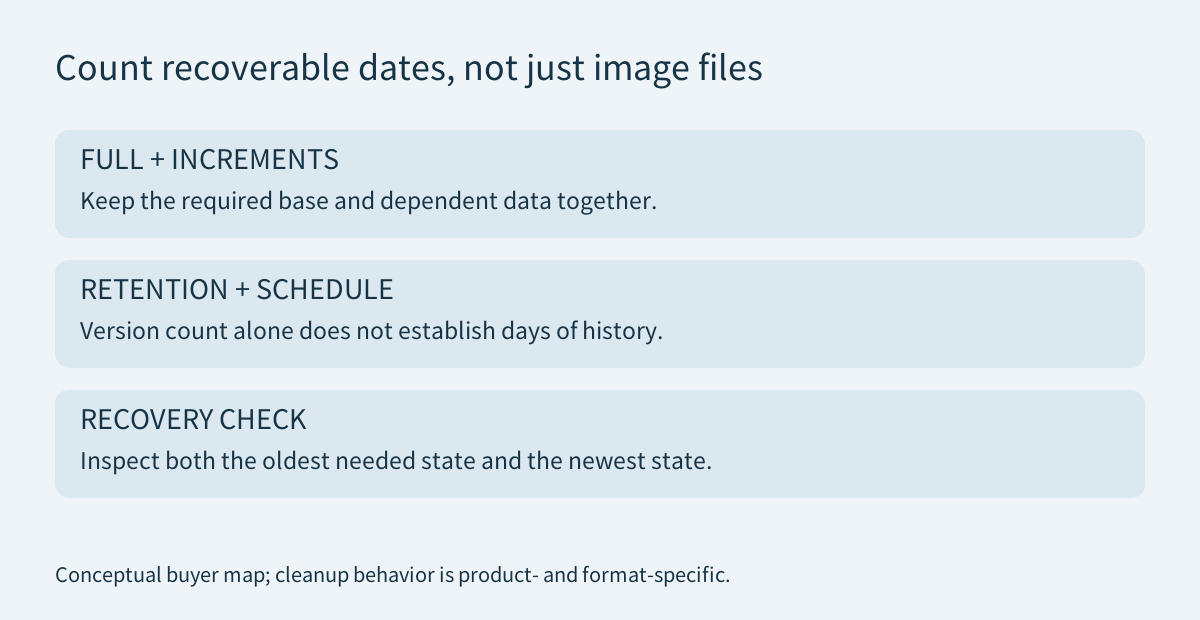
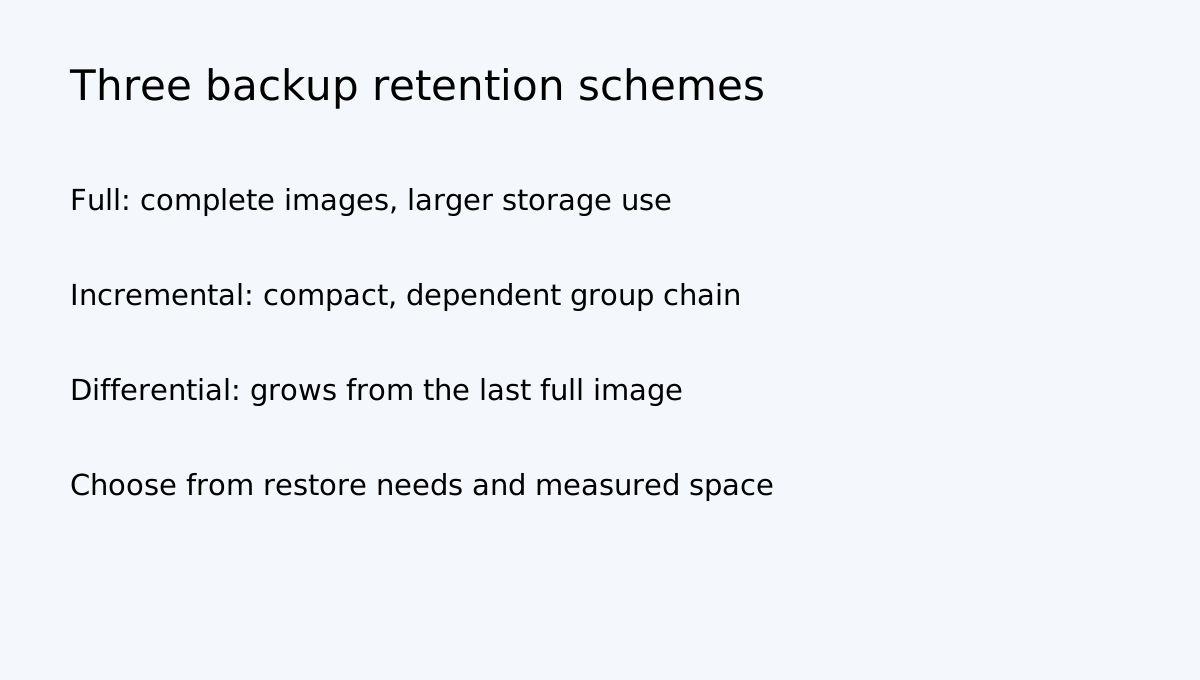
ShadowMaker offers Full, Incremental and Differential schemes. Its official FAQ says the first backup in an incremental or differential sequence is full; later points capture changes. Backup Scheme can retain a specified number of versions and delete older image files. That number is not automatically “keep 30 days”: a daily schedule with a count of five does not necessarily preserve five independent full images.
Why incremental cleanup can remove a whole group
MiniTool describes incremental retention as a group queue: one group contains a full backup and its following incremental backups. When a newer group enters the queue, the previous group may be removed together. Differential retention is described as a circular queue; differential points are based on the last full backup, so cleanup differs from incremental group deletion. Full-only retention is simpler to reason about but can consume substantially more space.
Do not infer recovery integrity solely from filenames or the number in a retention box. Inspect the actual Manage list and keep a separate copy of a known-good full backup.
Estimate storage before setting a count
Measure the first full image and several changed-data runs on representative files. Incremental backups can use less space when changes are small, but their chain is more sensitive to losing a required earlier image. Differential points grow as changes accumulate since the last full backup. Actual sizes depend on source data, compression and workload; avoid universal percentage assumptions.
Create a full backup on a noncritical test folder and separate destination; run at least three incremental or differential backups with known changes; enable the intended scheme and version count; trigger enough runs to cross the cleanup threshold; inspect remaining files in Manage and on disk; restore one file from an older retained point and one from the newest point. Only then apply the policy to production data.
Schedule and Scheme are separate controls
MiniTool documents daily, weekly, monthly and on-event scheduling. Schedule determines when a task runs; Scheme determines the backup type and which old versions are removed. A schedule can be active while the scheme remains disabled, so check both settings on the saved task in Manage.
If the PC is off or the destination is disconnected at the scheduled time, do not assume a successful run occurred. Check task status and timestamps. The FAQ says the backup agent runs as a service when Windows boots successfully; that does not mean a powered-off PC can write a backup while off.
Keep an independent recovery copy
Automatic retention is a space-management tool, not an off-site backup strategy. Keep at least one separate copy disconnected or otherwise protected from the same failure, and periodically test recovery. ShadowMaker's product page lists local, external and NAS storage options, but destination permissions and the restore process still need testing.
The ShadowMaker EULA also distinguishes personal and business use and lists supported Windows environments. Check that your usage and operating system fit the license before paying; do not assume a personal Pro offer is a server license.
Choose by recovery needs
| Situation | Starting point | Main trade-off | |---|---|---| | Small changes, limited disk space | Incremental with tested group retention | Compact, but depends on the required chain | | Restore from a chosen full point | Differential with tested version count | Differential files can grow between full backups | | Simple recovery history | Full backups with conservative count | Uses more destination space | | Only one backup drive | Do not rely on automatic cleanup alone | Keep a second independent copy |
The official Pro page displays monthly, annual and perpetual purchase options, different device counts and renewal terms. It also lists full/differential scheme support in the edition comparison. Check the live order page for exact edition, term, device count, tax and regional amount before purchase; the public card is not a guaranteed final checkout quote.
Buy, wait or keep your current setup
**Consider Pro** if the exact scheme or management function you need is unavailable in your current edition and the live comparison confirms it. **Wait** if you have not tested deletion behavior on a separate destination. **Keep your current setup** if it already produces verified recovery points and your only reason to upgrade is an assumption that more retained files automatically means safer recovery.
The purchase decision should follow a successful restore test, not the number entered in a retention field.