TOOLNAVIA / BUYING GUIDE
Malwarebytes Plus Individual vs Family: 3 Devices or 10?
The short answer
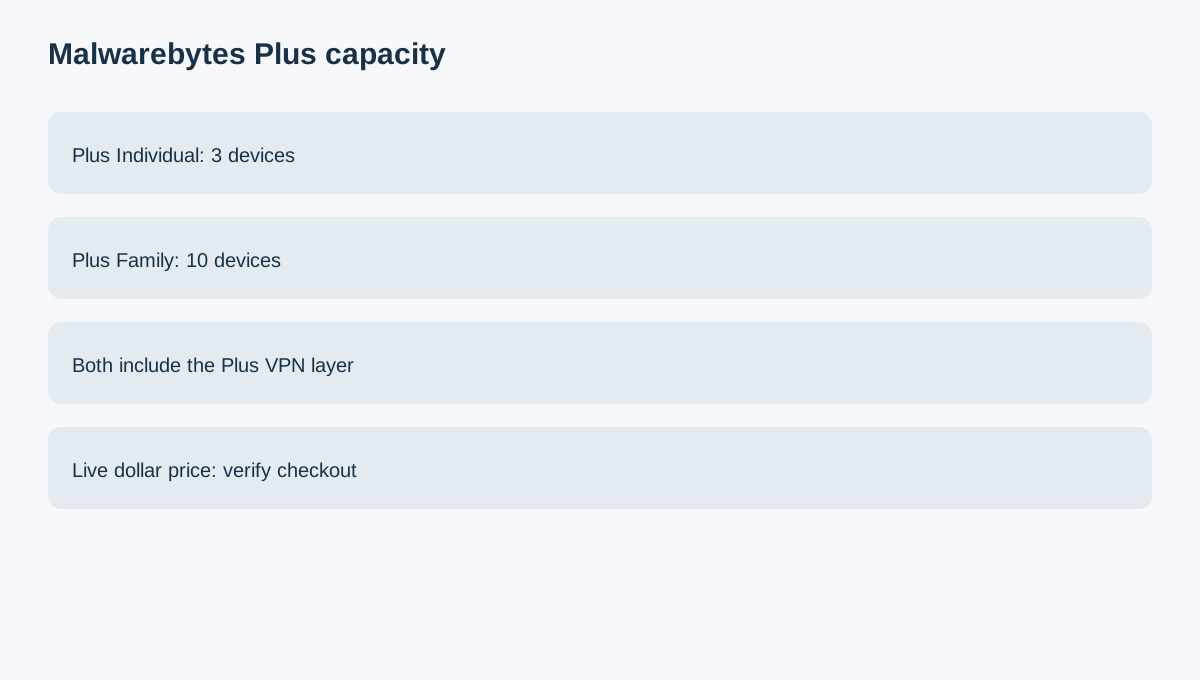
Malwarebytes Plus Individual and Plus Family are primarily a device-capacity decision. The current pricing page lists Plus Individual for three devices and Plus Family for ten devices, with the Plus security-and-VPN layer in both. The live dollar amount can be dynamically rendered, so this article does not invent a static checkout price.
At a glance
- Best for
- A household with more than three actively protected devices that also wants the Plus VPN layer.
- Price model
- Live price varies; Individual covers 3 devices, Family covers 10
- Check first
- Platform features can differ and current dollar price is dynamic.
Count active devices first
A laptop, phone and one additional device fit the three-device Individual scope. If that is your real setup, ten Family slots are unused capacity.
A household with four to ten actively protected devices has a genuine capacity reason to compare Family. Count devices that actually need protection, not every old tablet in a drawer.
Decide whether you need Plus at all
Malwarebytes Plus adds Privacy VPN to the security and Browser Guard stack. The pricing page also exposes Standard without the same Plus VPN layer. If your priority is only device security and browser/scam protection, compare Standard before paying for Plus.
Cross-platform does not mean identical features
Malwarebytes supports the major desktop and mobile platforms in its current consumer lineup. But platform capability can differ. Before assigning Family slots, confirm the specific feature you care about exists on each device type.
Compare bundle versus separate VPN
Bitdefender and Norton also publish multi-device security bundles, while Avast provides another consumer-security route and NordVPN represents a separate-VPN purchase. A buyer who already has a preferred VPN may find Standard plus that VPN cleaner than Plus Family. A buyer who wants one security/VPN bundle may prefer Plus.
This is a purchase-structure comparison, not a malware-detection or VPN-speed test.
Use a device roster
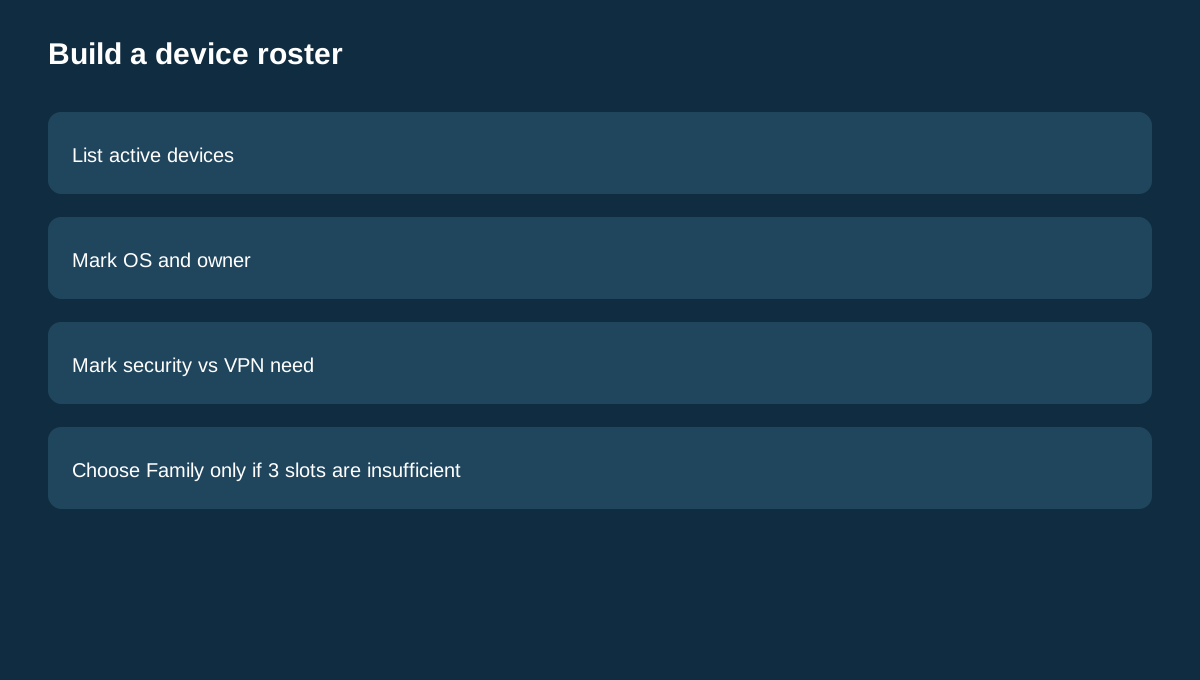
Write down every active device, its operating system and whether it needs security, VPN, or both. Then assign the three Individual slots. If important devices are left out, Family capacity solves a concrete problem. If not, stay on Individual.
Malwarebytes also has a public affiliate route, but Toolnavia exact approval and tracking are unverified here, so no affiliate tracking is enabled.
Buying rule
Choose Plus Individual for up to three genuinely active devices when the VPN layer is useful. Choose Plus Family when four to ten devices need the same bundle. If VPN is not part of the need, compare Standard first. Verify the live price, renewal, taxes and platform-specific features at checkout.