TOOLNAVIA / BUYING GUIDE
Intego ONE vs Time Machine: What Still Needs an Offline Backup?
The short answer
Intego ONE Essential can reduce the chance that malware or ransomware runs on a Mac, but it does not replace Time Machine and it does not create an offline recovery copy. Buy it for prevention and quarantine; keep a separate backup plan for file history, full-Mac recovery, and a clean copy that is not continuously reachable from the Mac.
At a glance
- Best for
- Mac users combining real-time prevention with Time Machine and an offline encrypted copy.
- Price model
- Verify current local three-Mac checkout, term and renewal; budget backup hardware separately.
- Check first
- ONE Essential does not document versioned backup; a connected backup is not automatically isolated. No numeric checkout price is asserted.
The buying decision in one minute
The current Intego ONE feature page presents four tools: antivirus, firewall, SmartClean, and VPN. It does not list versioned backup, Time Machine snapshots, or historical file restoration. Intego documents Personal Backup X9 separately as a backup and synchronization program, so this guide does not assume that Personal Backup is bundled with ONE Essential.
| Job | Intego ONE Essential | Time Machine | Rotated offline encrypted copy | |---|---|---|---| | Block or quarantine a malicious file | Primary role | No | No | | Filter suspicious network connections | Firewall role | No | No | | Restore an older document version | No documented ONE feature | Primary role | Depends on copy method | | Restore files or migrate to another Mac | No documented ONE feature | Primary role | Possible, usually manual | | Keep one copy unavailable to active ransomware | No | Only when detached or isolated | Primary role | | Prove recovery works | Scan status is not a restore test | Requires a restore test | Requires a restore test |

Why antivirus is not a backup
ONE's real-time protection monitors files and processes, and quarantine can isolate suspicious items. Those controls are valuable before or during an incident. They can lower risk, but they cannot reconstruct a clean historical version of a document that was changed, encrypted, or deleted before detection.
A backup preserves another copy or an earlier state. Apple documents Time Machine as a system that automatically backs up apps and user files, keeps hourly, daily, and weekly history subject to available space, and restores individual items or an entire Mac. That is recovery capability, not malware prevention.
The practical decision is not “antivirus or backup.” A Mac holding irreplaceable work needs both. ONE Essential can be the prevention layer; Time Machine can be the versioned local recovery layer.
What Time Machine adds—and what it does not
Time Machine can recover a deleted file, restore an earlier version, migrate data to another Mac, or participate in whole-system recovery after reinstalling macOS. Apple also supports encrypted Time Machine destinations, which matters for portable disks containing personal data.
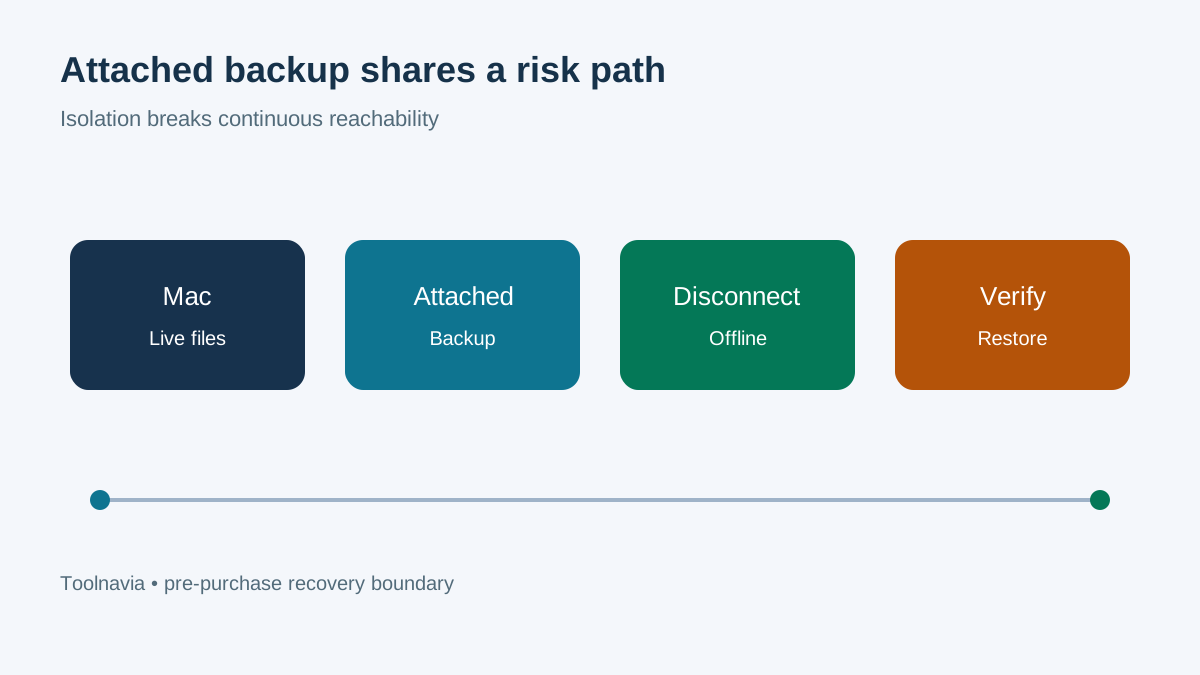
But an attached backup disk is still attached. Current ransomware guidance warns that attackers may seek, encrypt, or delete reachable backups and that synchronized or automated cloud copies alone may be insufficient. CISA recommends offline encrypted backups and regular testing of availability and integrity.
A permanently connected Time Machine disk is better than no backup, but it is not the same as an isolated copy. If the Mac can write to the destination at all times, malware with sufficient access may damage both live files and the reachable backup.

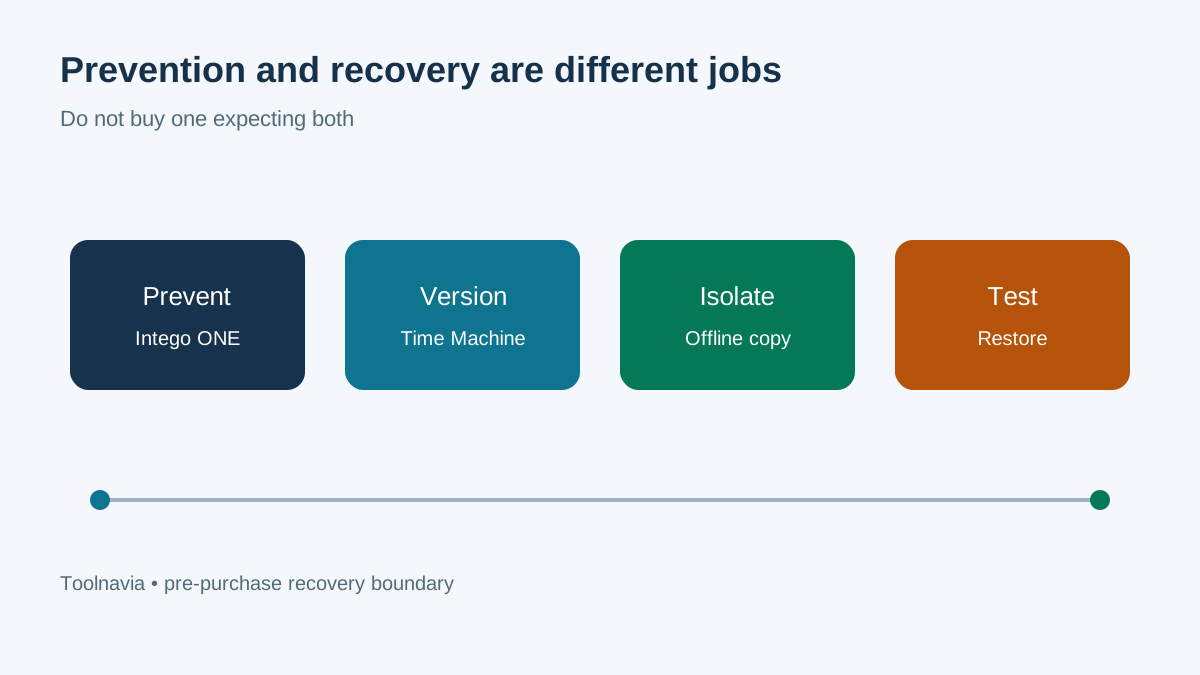
A three-layer Mac recovery design
Layer 1: prevention and containment
Use ONE Essential for real-time scanning, quarantine, firewall controls, and privacy or maintenance tools. Keep macOS and browsers updated, avoid pirated installers, and review unexpected permission requests. Malwarebytes' analysis of ThiefQuest shows that Mac ransomware has spread through trojanized pirated installers, while its current ransomware guidance treats secure backups as a separate recovery control. “Macs do not get ransomware” is not a safe planning assumption.
Layer 2: versioned local recovery
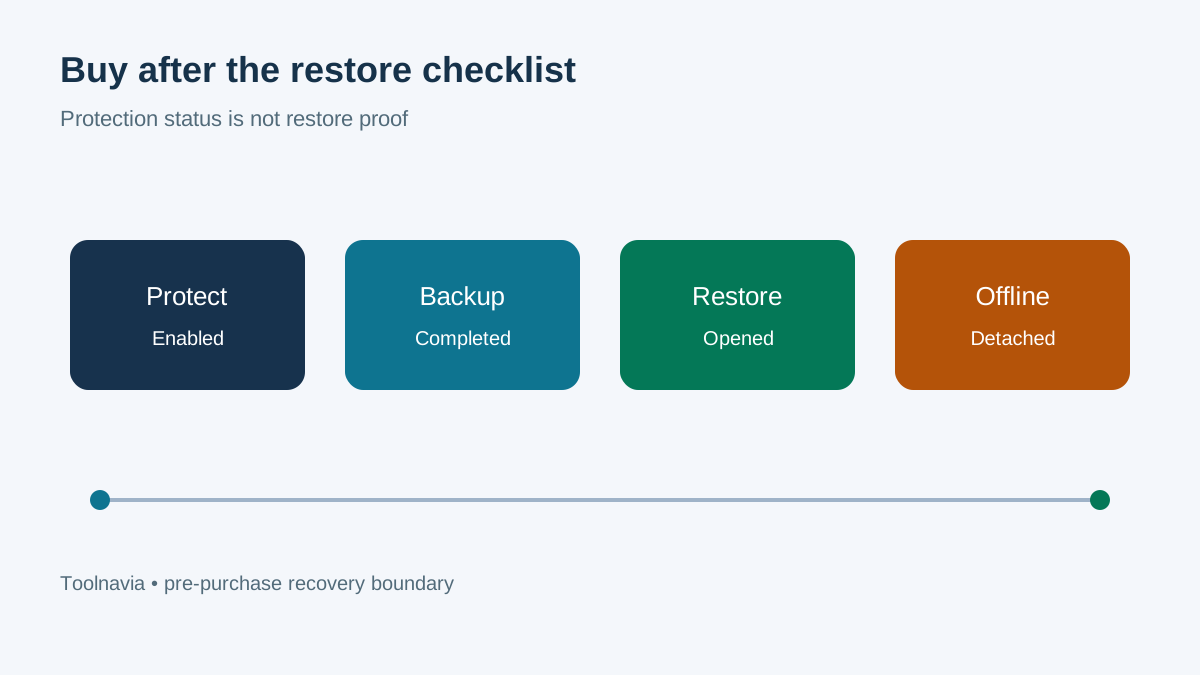
Use Time Machine with an encrypted destination. Confirm that backups complete, that the destination has enough space for useful history, and that you can restore both a single file and a larger folder. A green status icon shows that a task ran; it does not prove that the files you care about are restorable.
Layer 3: a rotated or offline copy
Maintain another encrypted copy that is disconnected after the backup or otherwise isolated from the everyday account and Mac. Rotate media if one disk failure would be unacceptable. CISA's guidance emphasizes offline encrypted copies and restore testing because accessible backups can be targeted with production data.

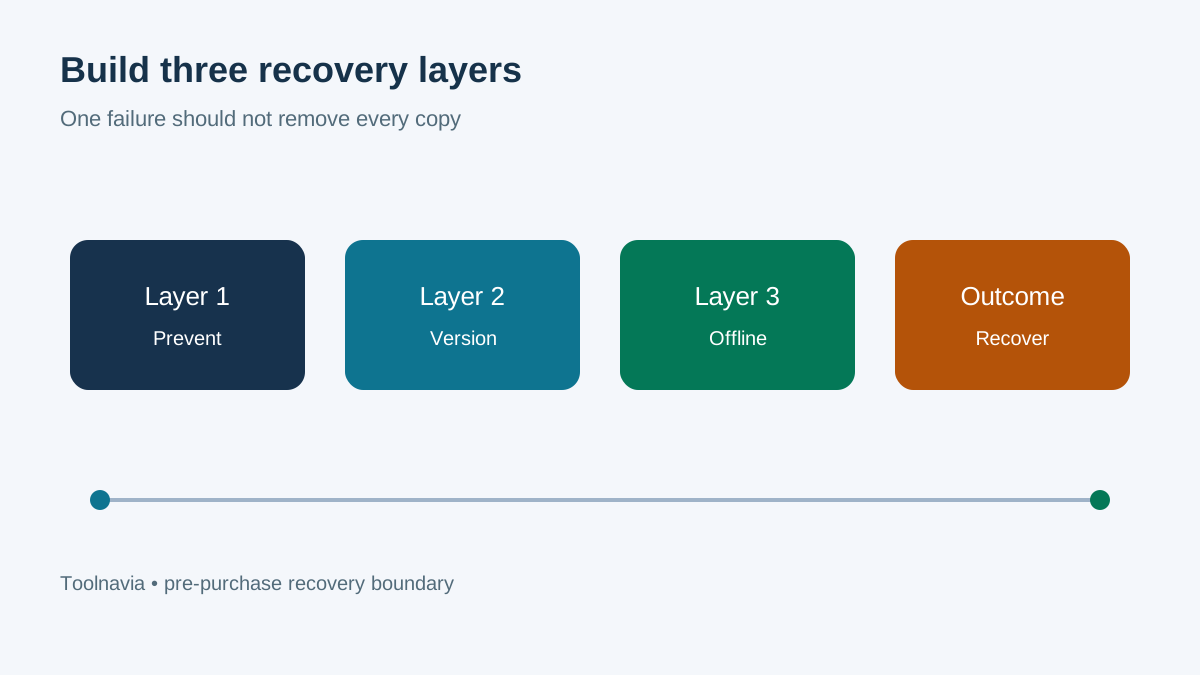
Test failure modes before paying
**A malicious download is blocked before it runs.** ONE Essential is the relevant control. Time Machine may never be needed, but its presence does not weaken prevention.
**A document was overwritten last week.** Time Machine history is the relevant tool. Antivirus cannot recreate the older content.
**The Mac is encrypted and the attached backup is also damaged.** Neither a clean antivirus installation nor the damaged disk is enough. The offline copy and a tested recovery path matter.
**The Mac fails mechanically.** Time Machine or another complete backup is needed to restore or migrate data. ONE protects the replacement after setup; it is not the data source.
**A suspicious file was quarantined but work is missing.** Confirm the Mac is clean, then restore only required known-good files. Do not blindly restore a compromised state without considering when infection began.
Budget for the entire recovery system
The official checkout is the source for the current term, device count and local amount. Its exact three-Mac amount was not reliably exposed in the canonical text opened for this review, so this article does not quote a numeric price. Include all of these costs:
1. the ONE Essential term and renewal shown at checkout; 2. an external drive large enough for useful Time Machine history; 3. a second drive or isolated storage for the offline copy; 4. time to test restores and document recovery steps.
Omitting hardware and testing time lets a security subscription create a false sense of completeness. Buying storage without prevention leaves avoidable infection paths open.
Restore-readiness checklist
1. Confirm Intego real-time protection and firewall controls are enabled. 2. Confirm Time Machine uses the intended encrypted destination. 3. Restore one ordinary file to a temporary folder and open it. 4. Restore an older version of a changed file. 5. Record the latest successful full backup time. 6. Create or update the offline encrypted copy. 7. Disconnect or isolate that copy after backup. 8. Store the recovery key separately from the Mac and media. 9. Write down the order for cleaning or reinstalling before restoring data. 10. Repeat a small restore test on a schedule.

**Who should buy ONE Essential**
ONE Essential fits Mac users who want an integrated prevention layer and understand that backup remains separate. It is especially sensible for a household already using Time Machine that needs real-time scanning, quarantine, firewall controls, VPN, and maintenance tools in one subscription.
It is not a backup product for buyers who primarily need historical versions, bare-metal recovery, or an offline archive. If those are the missing capabilities, fund the backup design first or at the same time.
**Bottom line**
Intego ONE Essential and Time Machine are complements, not substitutes. ONE helps prevent and contain malicious activity. Time Machine provides versioned local recovery. A rotated offline encrypted copy protects against the case where the Mac and its reachable backup are both affected.
Use the [current Intego ONE checkout](https://www.tkqlhce.com/click-101895278-15733644) only after confirming local term, renewal, device count, and refund conditions. The referral opens Intego's checkout; it does not preselect a local three-Mac price.