TOOLNAVIA / BUYING GUIDE
Filmora Auto Reframe: Keep the Action in Your Vertical Video
The short answer
Filmora Auto Reframe is worth considering when you regularly turn landscape footage into vertical clips and the important subject moves across the picture. Its value is a useful first framing pass that you can inspect and finish. It cannot decide which part of your story a viewer must see. This is a documentation-based buying guide, not a tracking-accuracy test.
At a glance
- Best for
- Creators choosing between continuous major-version upgrades, recurring AI credits and a one-time Filmora16 license.
- Price model
- Basic $49.99/year · Advanced $59.99/year · Perpetual $79.99 one time
- Check first
- Perpetual covers Filmora16 only; Creative Assets can renew separately; final checkout and future upgrades can change.
Check whether a crop can preserve the story
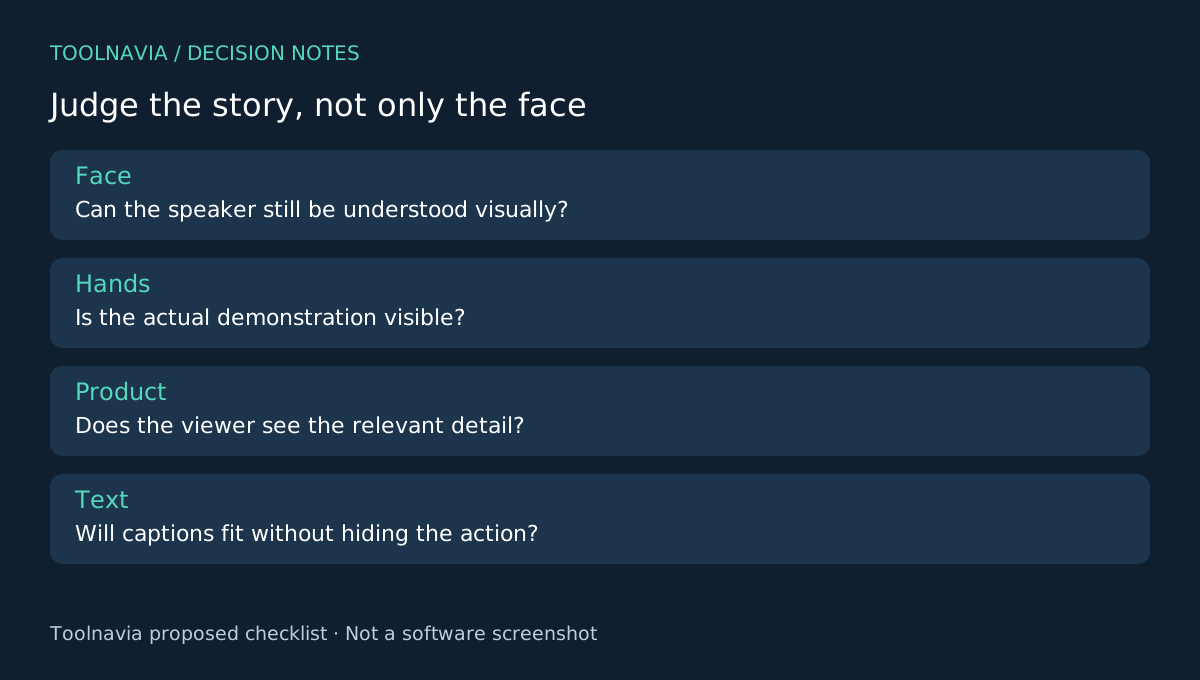
Take a wide shot of a presenter standing beside a product. A vertical crop may show the presenter beautifully while cutting away the demonstration. That is a storytelling failure even if the face stays perfectly centered.
Before evaluating software, list the essential subjects in each shot: face, hands, product, slide or action. Mark moments where two separated elements must remain visible together. Those moments may need a different layout or a separately recorded close-up, rather than more automatic tracking.
Four capabilities worth testing
Filmora offers target aspect-ratio selection, subject-aware analysis, motion-speed choices and a route from reframing into the editing timeline. Together these let you establish the delivery shape, generate a framing proposal, adjust how it follows movement and continue finishing the clip.
The practical benefit is avoiding a completely manual starting point across many shots. It remains conditional: a fast pan, a second person entering or an object passing in front of the subject can make the result unsuitable. Evaluate difficult footage rather than a stationary talking head alone.
Make two versions of the hardest shot
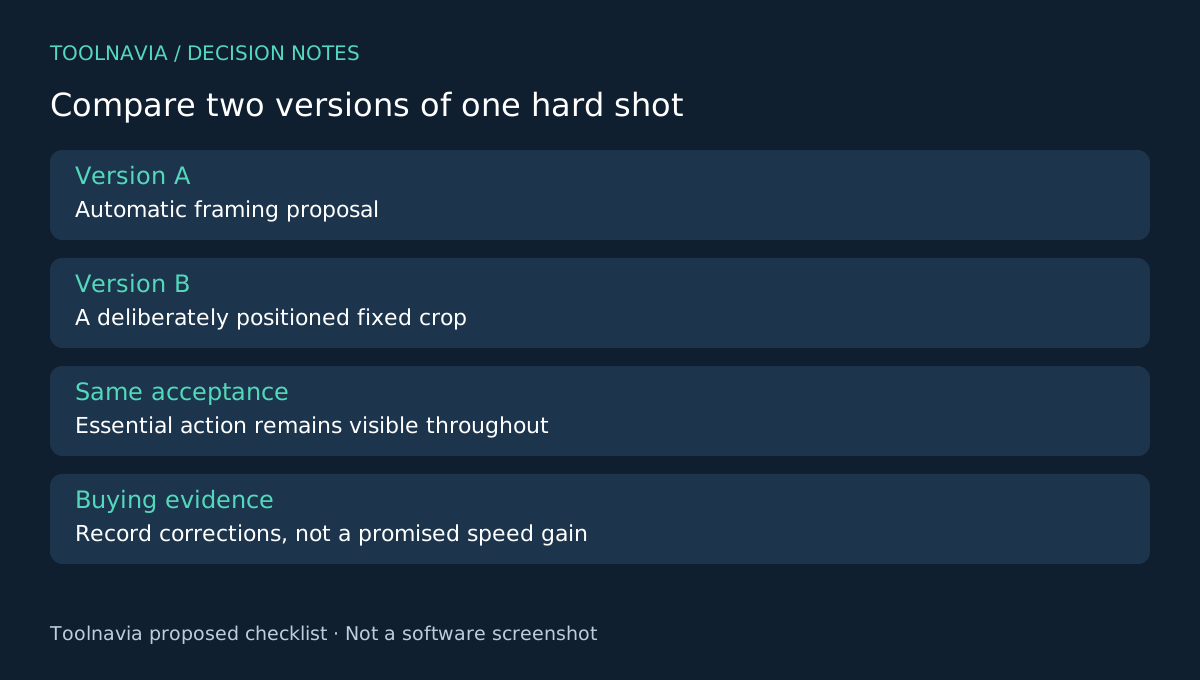
Choose a short source clip containing an entry, a direction change and an interaction with another object. Keep the original untouched. In Auto Reframe, choose the target ratio and motion behavior, run the analysis, then inspect the result before exporting or adding it to the timeline.
For the buying exercise, compare that result with a simple fixed crop you position yourself. Do not assume movement is automatically better. A steady crop may look calmer if the subject stays within the available area.
Pause at every action you marked earlier. Can the viewer see what the presenter touches? Does the frame jump between people? Is there room for captions? Next, watch at normal speed without stopping; corrections that look precise frame by frame may still feel distracting in motion.
Use a phone-sized preview and inspect the exported file. Keep interface overlays and text away from essential action according to the actual destination's current requirements. Record which shots passed unchanged, needed manual intervention or could not work vertically. This produces a realistic workload estimate, not a vendor performance score.
Pay for recurring workload, not one resize
Current US desktop references are $49.99/year for Basic, $59.99/year for Advanced and $79.99 for version-bound Perpetual. Confirm the chosen account's feature and credit entitlement; an AI-branded feature is not proof of unlimited usage. Annual renewal, optional assets and taxes affect the bill.
For one static clip, your existing editor may already provide enough cropping control. For a recurring library, compare the extra license cost with your own observed intervention time. Do not assign a promised number of saved hours before running the sample.
The decision is whether the action survives
Resolve and Premiere provide wider editing environments, and Shotcut offers compositing and filters. Test an alternative only against the same important actions and output requirements; this guide does not rank their tracking accuracy.
Choose Filmora when its reframing pass reduces repetitive setup while leaving you enough control to preserve the story. If essential actions keep falling outside the frame, change the shot design first. Read the [Filmora license comparison](/en/software/filmora) before checkout. Toolnavia may earn a commission through the official affiliate link, without implying a special discount.