TOOLNAVIA / BUYING GUIDE
Filmora Product Videos: Make Moving Labels Explain the Detail
The short answer
Filmora can help turn a moving product shot into an explanation: attach a short label to the relevant part, keep narration understandable and finish the clip without moving through several tools. Buy for that repeatable communication job, not for an expectation that animated labels automatically increase sales. This guide analyzes documentation and proposes a sample to test.
At a glance
- Best for
- Creators choosing between continuous major-version upgrades, recurring AI credits and a one-time Filmora16 license.
- Price model
- Basic $49.99/year · Advanced $59.99/year · Perpetual $79.99 one time
- Check first
- Perpetual covers Filmora16 only; Creative Assets can renew separately; final checkout and future upgrades can change.
Give the label one job
Choose one physical detail a buyer could otherwise miss: a connector, a removable panel or the position of a control. Write a factual label that identifies it. Avoid putting an entire specification sheet over a moving object.
Prepare a source clip where the detail remains visible long enough to read. If the product spins too quickly or a hand covers the feature, a clean close-up may communicate better than a complicated overlay. Software cannot establish a product claim that the footage and documentation do not support.
Build explanation around four editing tools
Motion Tracking can attach text, images or effects to a selected moving subject. Linking the element to tracked movement gives the viewer a visual reference as the product changes position. Previewing that relationship is essential; an attractive label attached to the wrong part is misleading.
Speech-to-Text supplies editable captions for the spoken explanation. Audio Ducking lowers background audio around the primary voice, so music need not compete with the demonstration. Auto Reframe provides a starting point for another aspect ratio when you also need a vertical version. Each addresses a separate delivery problem rather than adding decoration.
Make a five-shot sample
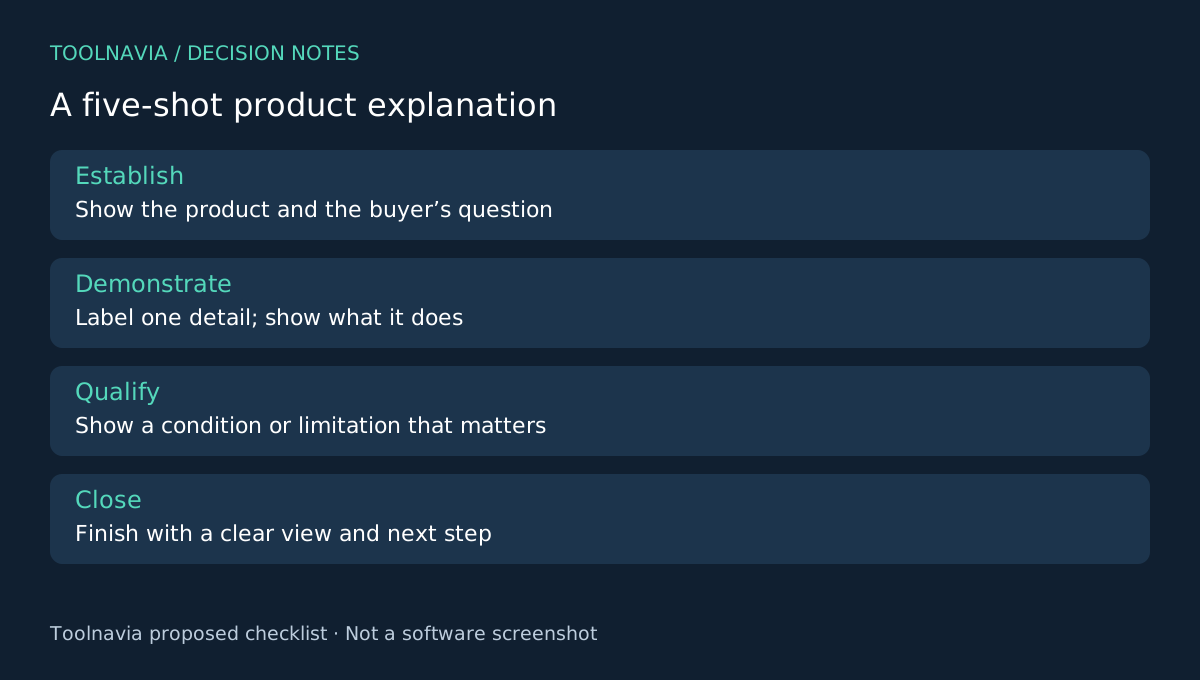
Use an opening product view, a close-up of the feature, the action that demonstrates it, a limitation and a final view. This is an editorial test structure, not a Filmora template or a required advertising formula.
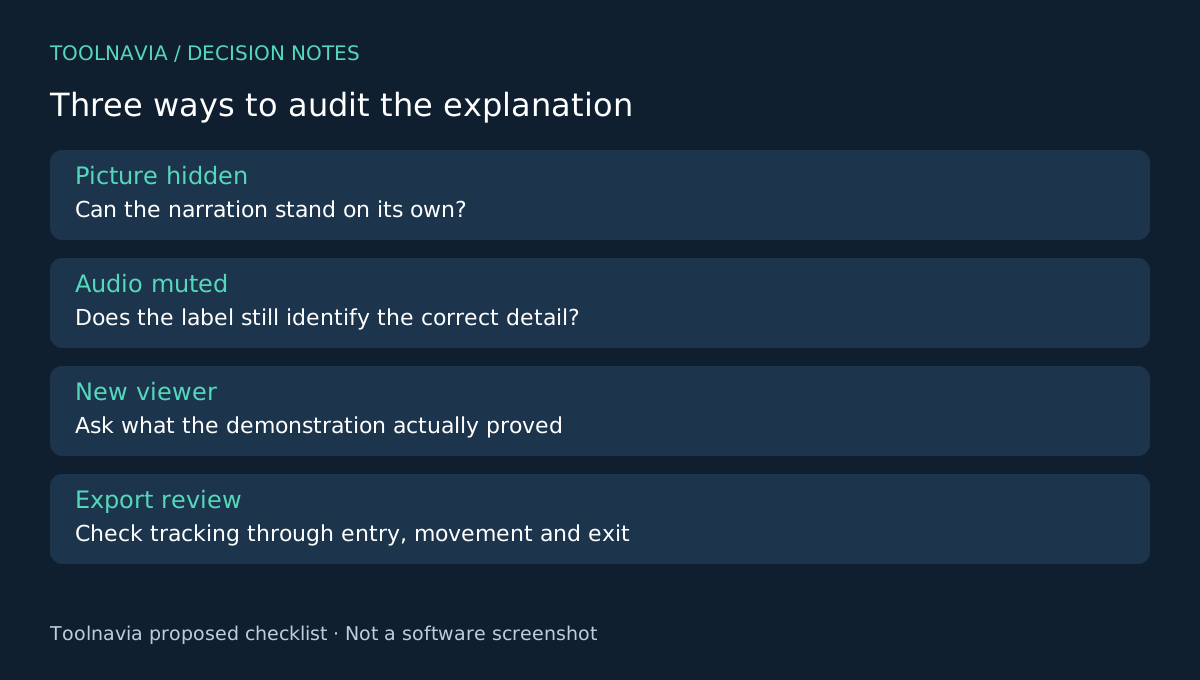
On the close-up, enable Motion Tracking, analyze the subject and link the prepared element through the documented control. Inspect the entire tracked segment, including entry and exit. If tracking drifts during an occlusion, shorten the segment or use an untracked explanatory shot rather than hide the defect with extra animation.
Next, listen with the picture hidden. Can someone understand the main point? Watch again with the audio muted. Does the label identify the intended component without covering it? Finally, show the sample to a person unfamiliar with the product and ask which detail it explains. Treat their answer as feedback, not a measured conversion claim.
Keep a master without transient prices or promotional wording. That makes a later offer change easier to handle without confusing the enduring product explanation with a short campaign. Confirm rights to footage, logos, music and any chosen assets separately.
Keep the budget tied to production
Filmora's current US desktop options include $49.99 Basic annual, $59.99 Advanced annual and $79.99 Perpetual. Subscription renewal, AI usage, optional asset subscriptions and tax can change the actual total. Check the selected license's commercial scope for your intended work; an individual software purchase is not blanket permission to use every asset commercially.
Resolve, Premiere and Shotcut offer alternative editing environments. Compare how easily you can produce this same explanation, not whose marketing page has the longest effects list.
Buy when the explanation survives export
Filmora is a reasonable choice when the tracked label stays accurate, narration is intelligible and revisions remain manageable in your own sample. If the story works better as a still close-up, keep it simple. The [Filmora plan guide](/en/software/filmora) explains the broader license trade-offs. Toolnavia may receive a commission through the official affiliate link; no sales result or exclusive discount is promised.