TOOLNAVIA / BUYING GUIDE
Filmora Cancellation & Refund: What Stops—and What Can Be Refunded?
The short answer
At a glance
- Best for
- Existing Filmora customers who need to stop every intended renewal and assess a separate refund request.
- Price model
- Cancellation stops future renewal; refund review is conditional and not guaranteed.
- Check first
- Cancellation is not an automatic refund; auto-renewal charges are excluded from the current 30-day policy, and Creative Assets may lose access immediately.
Bottom line
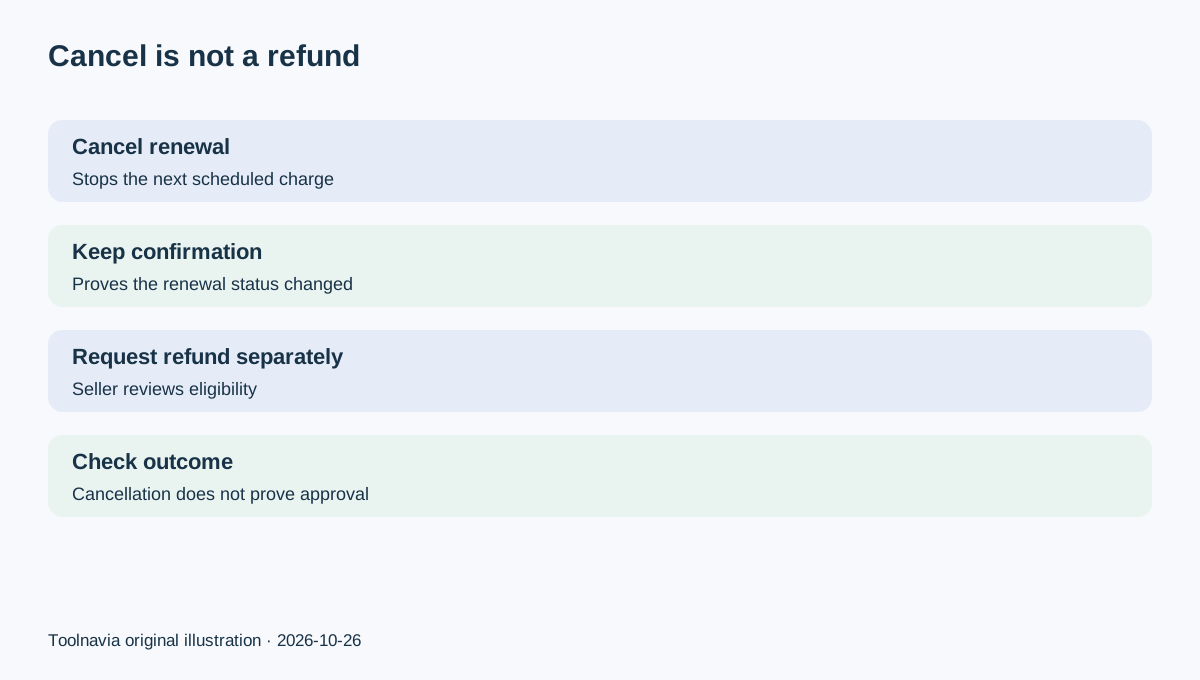
Canceling Filmora stops a future renewal; it does not automatically refund the latest payment. Wondershare's current subscription terms say paid service normally continues through the contracted term, while the 30-day policy does not apply to ordinary auto-renewal charges.
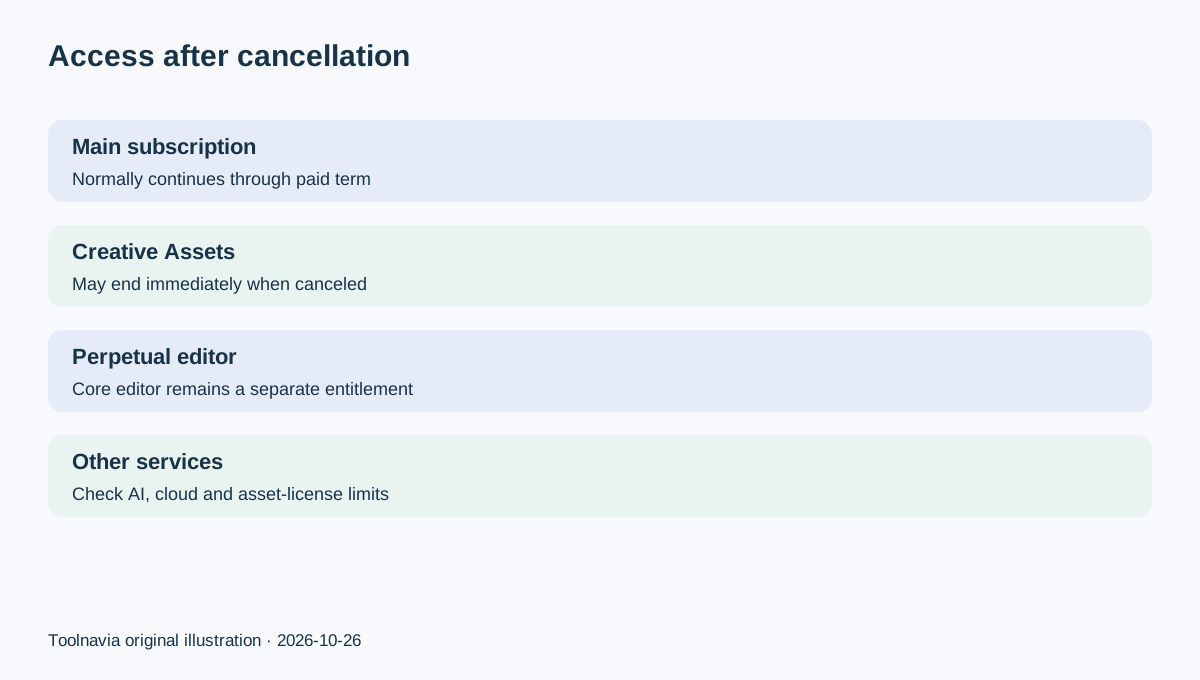
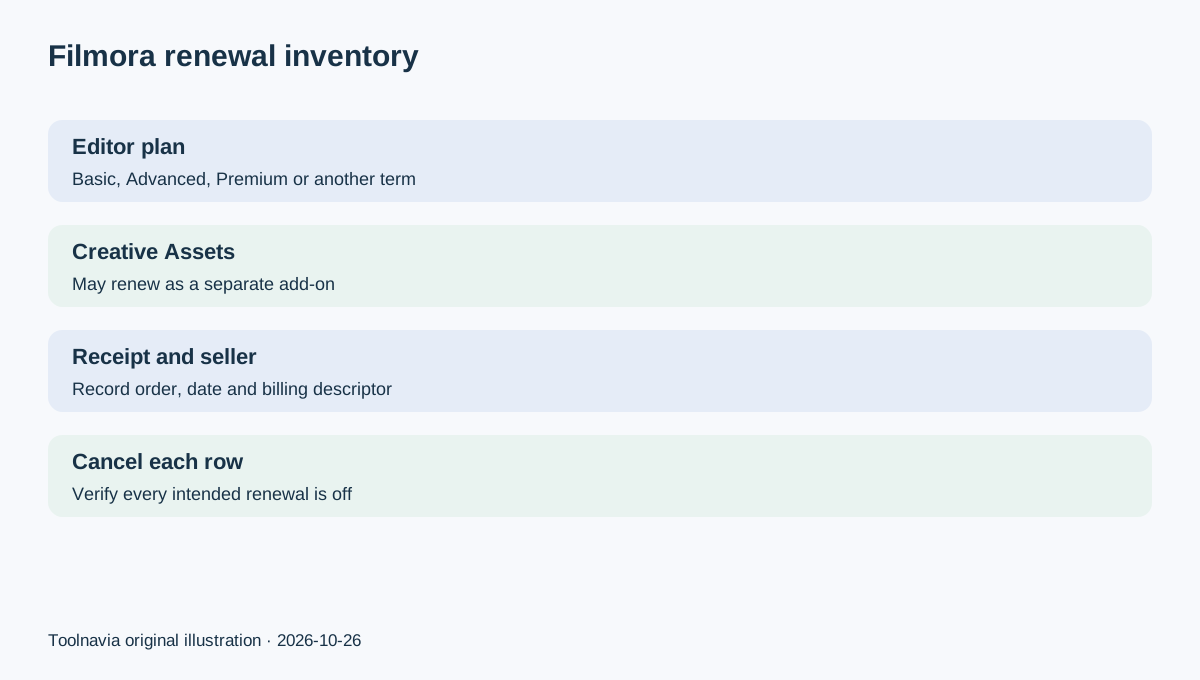
Filmora can also place an optional Creative Assets subscription beside the editor plan. Filmora support says canceling that add-on may end Creative Assets access immediately, even though a perpetual editor license remains usable. Treat the editor plan and Creative Assets as two separate recurring items until your receipts and Account Center prove otherwise.
Step 1: inventory every recurring item
Open your receipt and Account Center before clicking Cancel. Record the exact product, plan, order number, charge date, seller, renewal date and payment method. Then look for separate rows for the Filmora editor and Filmora Creative Assets.
This matters because the current Filmora store lists Basic at $49.99 per year, Advanced at $59.99 per year, Perpetual at $79.99 once and Premium at $99.99 per year, while an optional Creative Assets trial can renew at $19.99 per month. Prices, bundles, tax and regional checkout can change, so your receipt—not this snapshot—controls your case.
A perpetual Filmora editor license does not automatically make Creative Assets perpetual. Conversely, canceling Creative Assets does not erase the core perpetual editor functionality described by Filmora support.
Step 2: cancel the intended renewal
For a Wondershare direct purchase, sign in to Account Center, open **Plan & Products**, choose **Manage Subscription** or **Manage Plan**, and use **Cancel Subscription**. Save the final status screen and any confirmation email.
Do not assume one cancellation button covers every recurring line. Return to the plan list and verify the editor plan and Creative Assets separately. If the interface has no cancel control, use Wondershare support and include the order number and account email.
Cancellation should be completed before the displayed renewal time. It prevents a future charge; it does not reverse a payment that has already settled.
Step 3: verify what access remains
For the main Filmora subscription, current Wondershare terms say service generally continues until the paid term ends after cancellation. Note the entitlement end date and test the desktop app after signing in.
Creative Assets is the important exception. Filmora's product-specific support page says canceling that subscription can stop access immediately. Before canceling, download only assets your license permits you to retain, finish urgent projects, and read the applicable asset license. Do not assume previously downloaded files have unlimited new-use rights.
If you own a perpetual Filmora license, the editor functionality remains separate from the Creative Assets subscription, but future major versions, cloud services, AI credits and asset rights can have their own limits. This guide does not expand those entitlements.
Step 4: decide whether a refund request is plausible
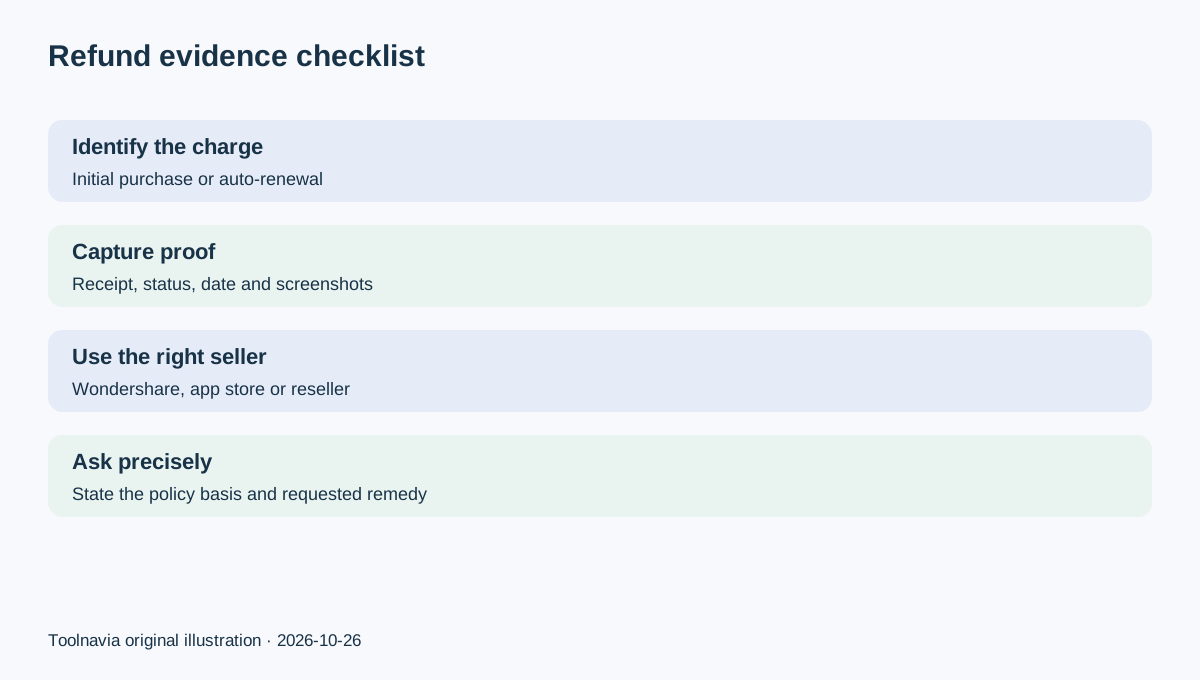
A cancellation confirmation is not a refund approval. Wondershare's refund material describes a conditional 30-day review for accepted circumstances, but its subscription terms explicitly exclude auto-renewal charges from that 30-day policy.
Classify the charge before writing support:
- **Initial direct purchase:** may enter a policy review if the timing and stated circumstances qualify. - **Ordinary auto-renewal:** current terms say the 30-day policy does not apply; do not present a refund as guaranteed. - **Duplicate, wrong product or technical case:** document the exact issue and the troubleshooting already attempted. - **Apple, Google or reseller purchase:** the seller on the receipt normally controls cancellation and refund decisions.
Use the official return or refund form for a Wondershare-billed order and provide the order number, date, amount, charge type and requested remedy.
What competitor policies reveal
The distinction is not unique to Filmora. Movavi separates cancellation from refund review and publishes its own eligibility rules. Adobe likewise routes users through account cancellation and applies separate refund timing and regional terms. CyberLink's current PowerDirector pages show another recurring video-editor offer where live plan terms govern.
Those pages are comparison context, not substitutes for the Filmora contract. They show why a useful workflow begins with seller, recurring item and charge type instead of assuming every video editor has the same grace period.
Evidence checklist
Keep the receipt, account email, order number, billing descriptor, cancellation timestamp, renewal status, entitlement end date, screenshots and support ticket. If Creative Assets is involved, capture its plan row separately.
Write a short request: what was charged, whether it was an initial purchase or renewal, when you canceled, which published condition you believe applies, and what remedy you want. Avoid exaggeration; a precise timeline is easier to review.
Decision
Cancel every recurring item you no longer want, then verify each status. Expect the main Filmora subscription to remain available through its paid term under current terms, but plan for Creative Assets access to end immediately if that add-on is canceled.
If a charge has already posted, treat refund as a separate seller decision. Auto-renewal charges are excluded from the current 30-day policy; other direct charges still need documented, case-specific review. The Filmora offer link in this article is the approved exact desktop offer, but live checkout controls current price, platform, bundle and renewal terms.