TOOLNAVIA / BUYING GUIDE
Filmora Speed Ramping: Preserved Pitch Still Needs a Listening Test
The short answer
At a glance
- Best for
- Repeated controlled speed edits with speech and motion acceptance.
- Price model
- Observed Advanced US$59.99/year;automatic renewal,final cart controls.
- Check first
- Pitch preservation does not prove speech quality,sync or every build entitlement.
Verdict: buy for a tested retiming workflow
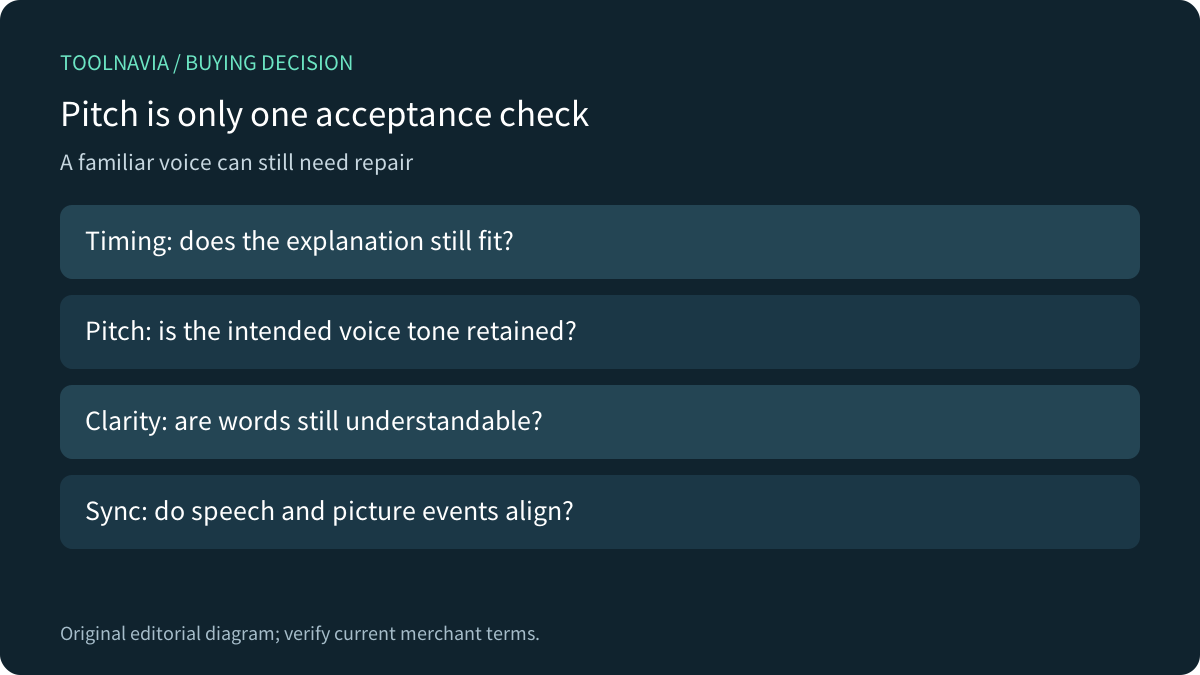
Filmora can suit creators who repeatedly shape action footage and tutorials with speed curves, segment controls and ordinary picture editing. For spoken material, choose it only after the intended export remains understandable and synchronized. A voice retaining its original pitch is not evidence that its words or timing still serve the explanation.
This is primary-documentation analysis. Toolnavia did not run an editor, process audio or export a test file. The distinction matters because a feature list cannot settle the quality of your own recording.
Review the exact Filmora desktop offer. Toolnavia may earn a commission through this approved direct link.
Choose the timing operation before the preset
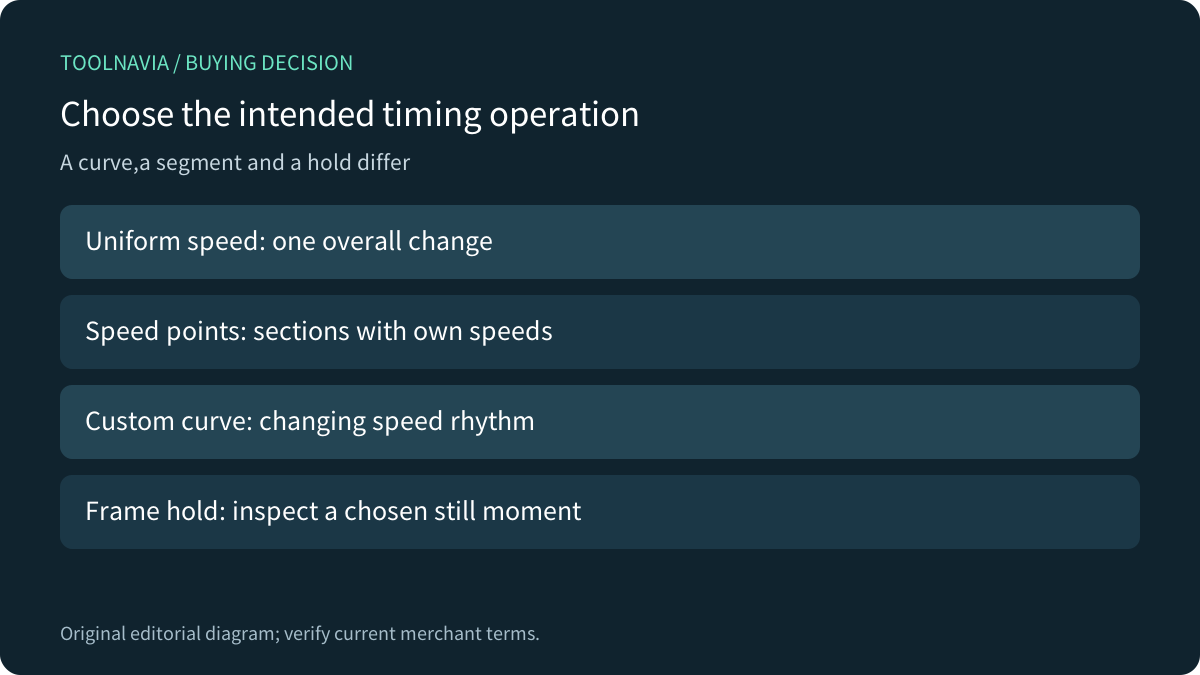
Filmora's current Windows guide documents speed points that divide a clip into independently controlled segments. It also describes an inserted freeze segment, with a five-second default, and resetting the clip to one normal-speed segment. The older speed-ramping guide route now redirects to this page.
A fast setup followed by a slow demonstration is a different job from making an entire narrated explanation shorter. Write down which picture event should remain aligned with which spoken event. A freeze frame can provide reading time, but it does not automatically supply a correctly timed explanation.
Separate pitch, volume and duration
Filmora's audio guide describes Pitch as changing tone without changing speed, and Volume as loudness control. Pitch preservation during retiming answers another question: whether changing duration should also alter the apparent voice tone. These controls should not be treated as one repair button.
As a hypothetical timing example, ten seconds played uniformly at twice normal speed takes five seconds. Preserving pitch does not restore the missing five seconds of explanation time. A variable curve requires reviewing its sections and final duration rather than applying that simple ratio to the whole project.
Four useful Filmora capabilities are reusable custom curves, independent speed segments, adjustable frame holds and pitch preservation. Their value is deliberate control;none independently certifies the final spoken result.
Treat extreme-speed assurance as unverified
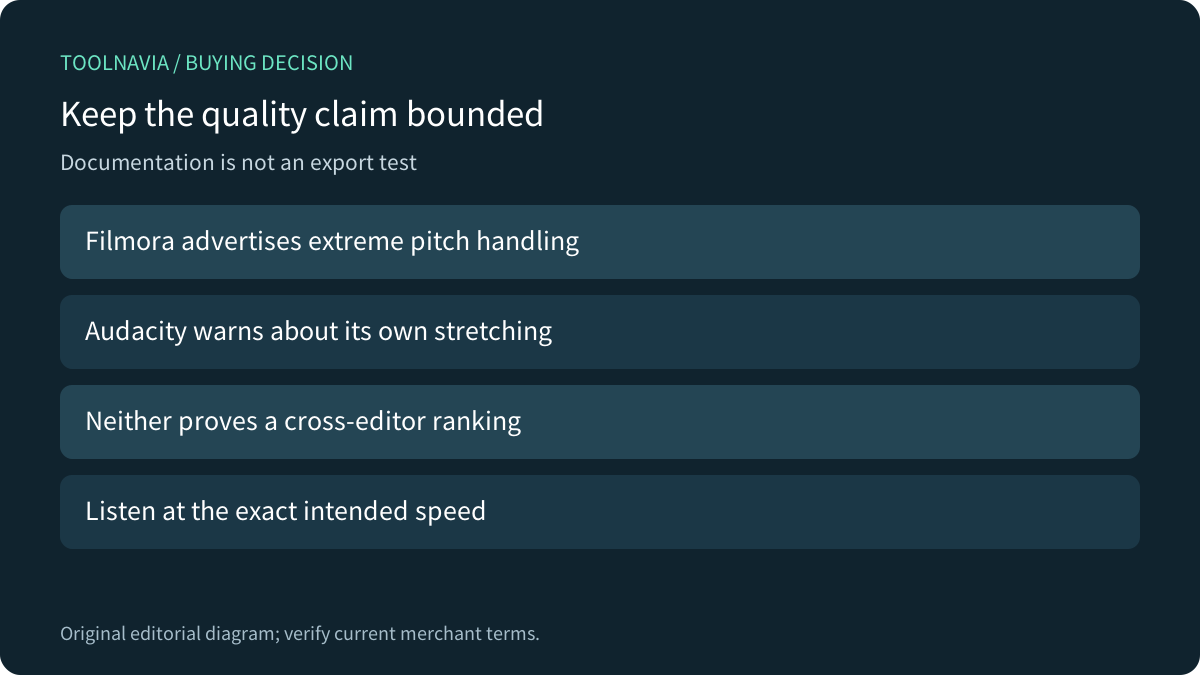
The Filmora feature FAQ broadly says its pitch feature keeps audio natural even with extreme speed changes. Audacity's own Change Tempo manual warns that extreme time stretching can distort audio despite preserving pitch. Those are different products and algorithms:the Audacity warning does not demonstrate a Filmora defect, but the Filmora marketing sentence is not an independent listening test either. Actual extreme-speed quality remains unresolved here.
Use a representative recording at the actual required speed. Listen for words becoming hard to distinguish, boundary clicks or an unnatural sustained sound. These are proposed review questions, not artifacts measured by Toolnavia. If intelligibility matters more than fitting a target duration, rewrite or rerecord the explanation rather than forcing a larger speed change.
Compare processing choices without importing features
Adobe's current Premiere guide separately describes audio stretching quality, content-based algorithms, pitch controls, ripple movement and video interpolation. Some older guides use different control names. Apple documents preserving retimed pitch by default in Final Cut Pro.
These references demonstrate that timing, pitch and processing quality deserve separate decisions. They do not prove Filmora has Adobe's modes or Apple's defaults. Nor does smoother generated video establish cleaner speech. Compare the actual required deliverable in a tool you already own before switching editors.
Accept the full timeline and final file
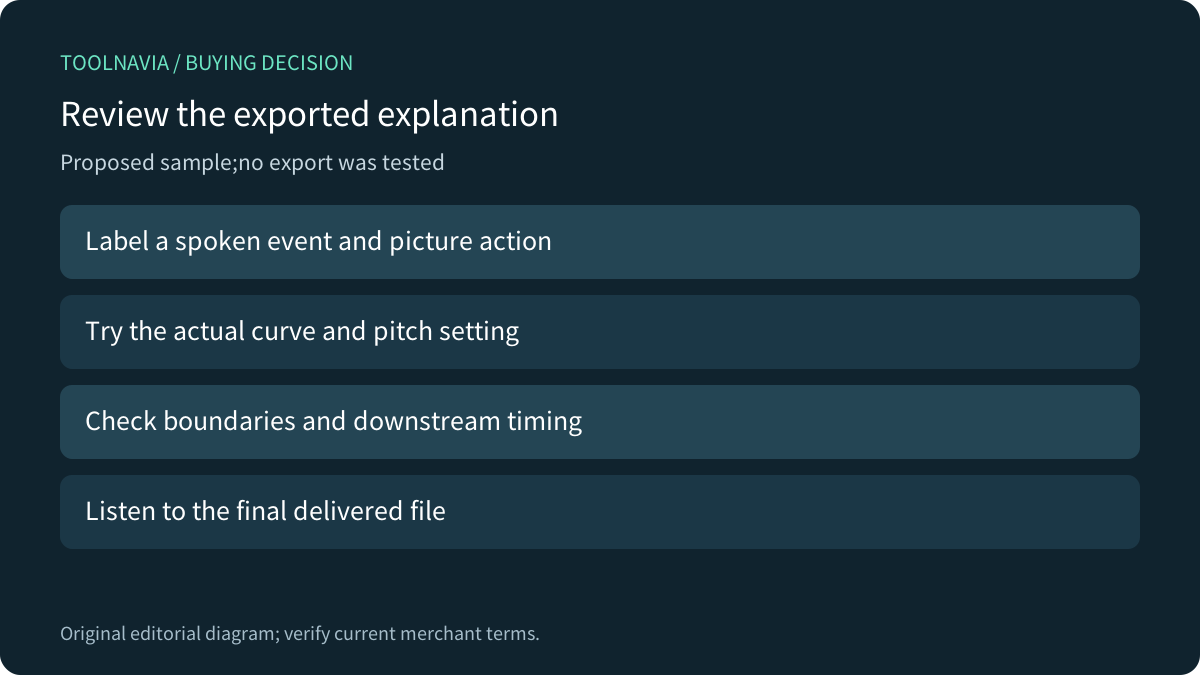
Build a harmless sample with a visible action, a labeled spoken cue and a following clip that should start at a known point. Keep an untouched copy. Apply the intended speed sections and pitch setting, then review the transition into and out of each changed section.
Export using the real delivery settings and listen outside the editor. Check event alignment, understandable wording and the timing of later clips. Preview fluency alone is insufficient. No such exercise was performed for this article.
The current Advanced annual card displays US$59.99, with US$69.99 as a reference, and automatic renewal. Confirm the actual renewal charge, operating system, tax and optional Creative Assets trial. Do not upgrade simply because retiming sounds technical:verify the exact feature/build entitlement first. Buy when repeated integrated editing and accepted exports justify the license.