TOOLNAVIA / BUYING GUIDE
Filmora on an Older PC: Test Proxy Editing Before You Buy
The short answer
Before buying Filmora for an older computer, test a proxy workflow with footage from your own camera. Proxies are smaller editing copies; they can make a heavy timeline more manageable while originals remain available for final export. That is a reason to evaluate Filmora, not a guarantee that an underpowered computer becomes a capable workstation.
At a glance
- Best for
- Creators choosing between continuous major-version upgrades, recurring AI credits and a one-time Filmora16 license.
- Price model
- Basic $49.99/year · Advanced $59.99/year · Perpetual $79.99 one time
- Check first
- Perpetual covers Filmora16 only; Creative Assets can renew separately; final checkout and future upgrades can change.
Identify the bottleneck before choosing a plan
Write down the operating system, processor, memory, graphics hardware and free storage. Filmora's current Windows specification lists 8GB minimum memory and recommends 16GB RAM with 4GB VRAM for HD/4K work. Those are vendor requirements, not measured performance promises. Check the full specification against your exact device.
Then describe the project: camera format, resolution, number of simultaneous clips and effects. A simple one-track sample and a layered project are different workloads. Do not infer readiness from the installer opening successfully.
Four practical parts of proxy editing
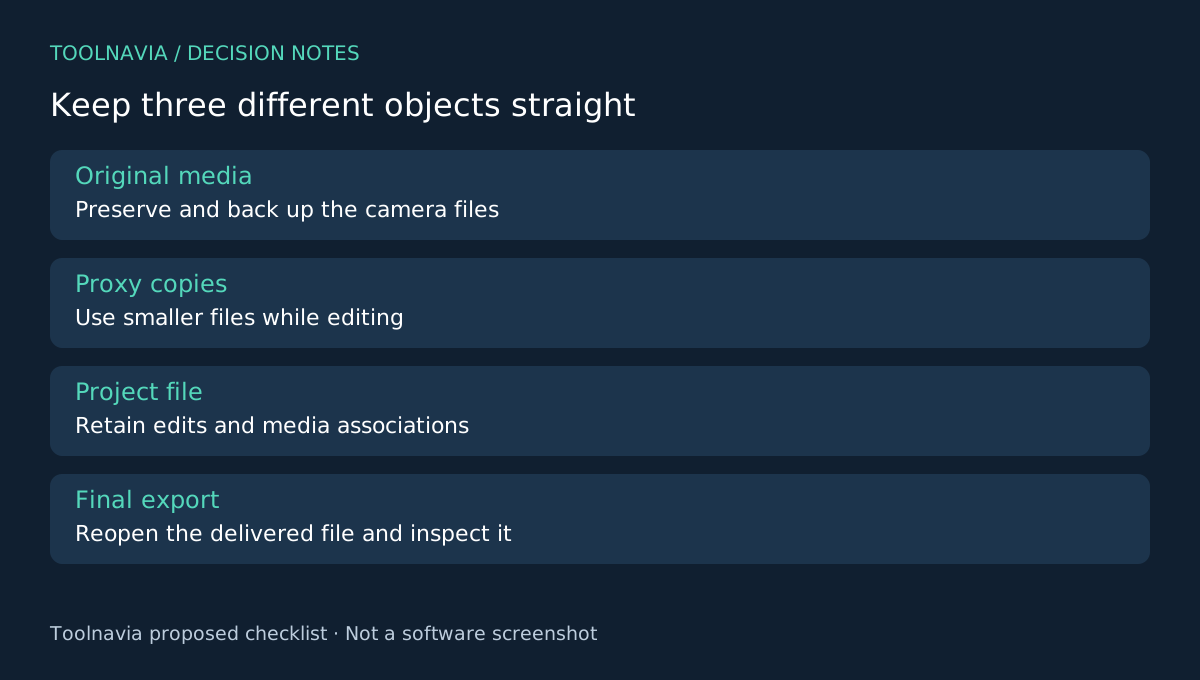
Filmora documents automatic proxy creation above a selected resolution threshold and manual proxy creation for an individual imported clip. Automatic handling helps a recurring import workflow; manual handling lets you target the troublesome media first. A thumbnail indicator helps identify completed proxy processing. Linked originals remain the source for final export.
This separation between lightweight editing and full-quality source media is useful when interactive playback is the main obstacle. It does not eliminate proxy-generation time, disk usage, effects processing or final encoding. Keep original files accessible and backed up.
Run the same short sequence twice
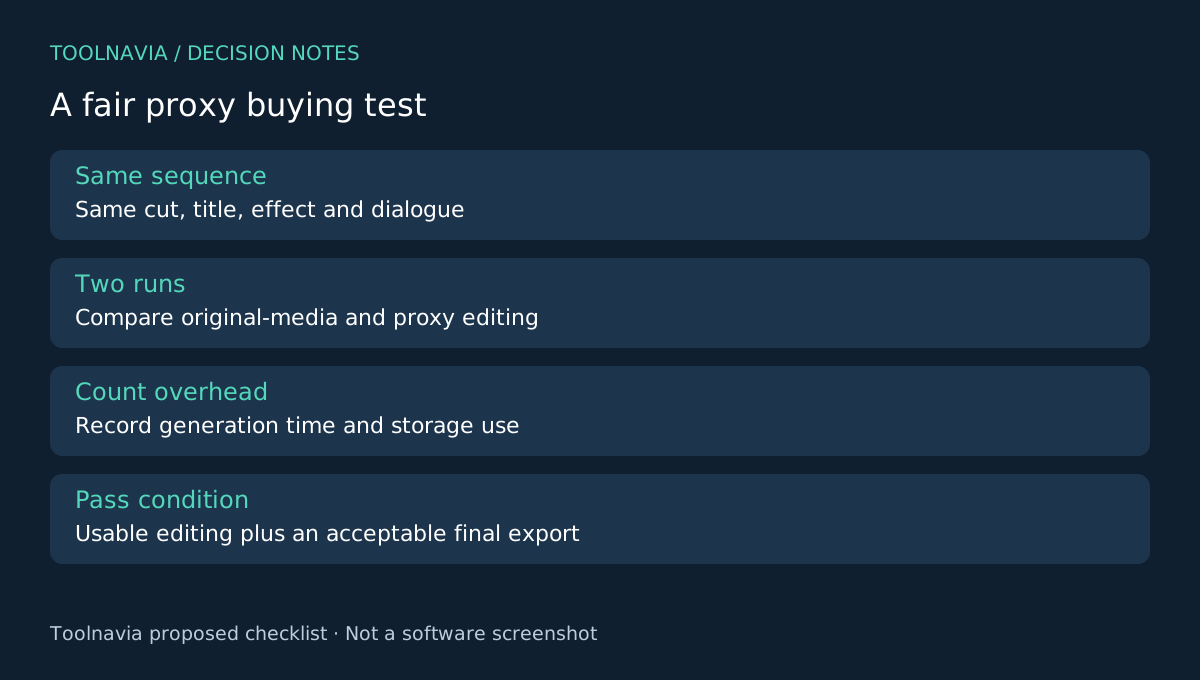
Prepare a representative sequence with a cut, a title, the effect you actually need and a short section of dialogue. Preserve a project copy. First note how it behaves with the original media: playback interruptions, delayed seeking and any synchronization issues.
Next create proxies using the documented preference or media-library route. Wait for the completion indicator, then repeat the same actions without adding other effects or changing the sample. Record your own observations rather than expecting a particular improvement percentage.
Now export a short final file and reopen it outside Filmora. Confirm duration, picture detail, audio sync and missing-media status. A smooth preview with a failed or unsuitable final output is not a pass. Do not delete originals just because the timeline currently looks fine.
Make the verdict explicit: usable as-is, usable with the chosen proxy workflow, or still unsuitable. Include the waiting time to generate proxies and the space used. For a weekly editing workload, those recurring costs matter even if playback improves.
Compare software cost with the whole setup
The desktop Basic annual reference is $49.99 before regional checkout differences. Renewal, optional assets and any AI-credit purchases are separate budget checks. Read the [Filmora license guide](/en/software/filmora) before choosing a longer commitment.
Avoid treating a higher plan as a hardware upgrade. If storage, memory or a required codec remains the obstacle, a different subscription tier may not solve it. Include any needed storage and backup expense in your own budget; this guide does not prescribe a hardware purchase.
Choose the workflow your computer can finish
Shotcut documents proxy support, while Resolve and Premiere offer other editing environments to evaluate. A free option can still require a capable machine and learning time. Compare the same media and final-output requirements, not only application prices.
Buy Filmora when your real sample reaches a usable timeline and an acceptable export, and you are comfortable retaining the original media. If it still fails, resolve that evidence first. Toolnavia may earn a commission on eligible purchases through the official affiliate link; no performance improvement or special discount is guaranteed.