TOOLNAVIA / BUYING GUIDE
Filmora Multicam Editing: Will 16 Angles Run on Your PC?
The short answer
At a glance
- Best for
- Creators testing real multicam sync and PC throughput before buying.
- Price model
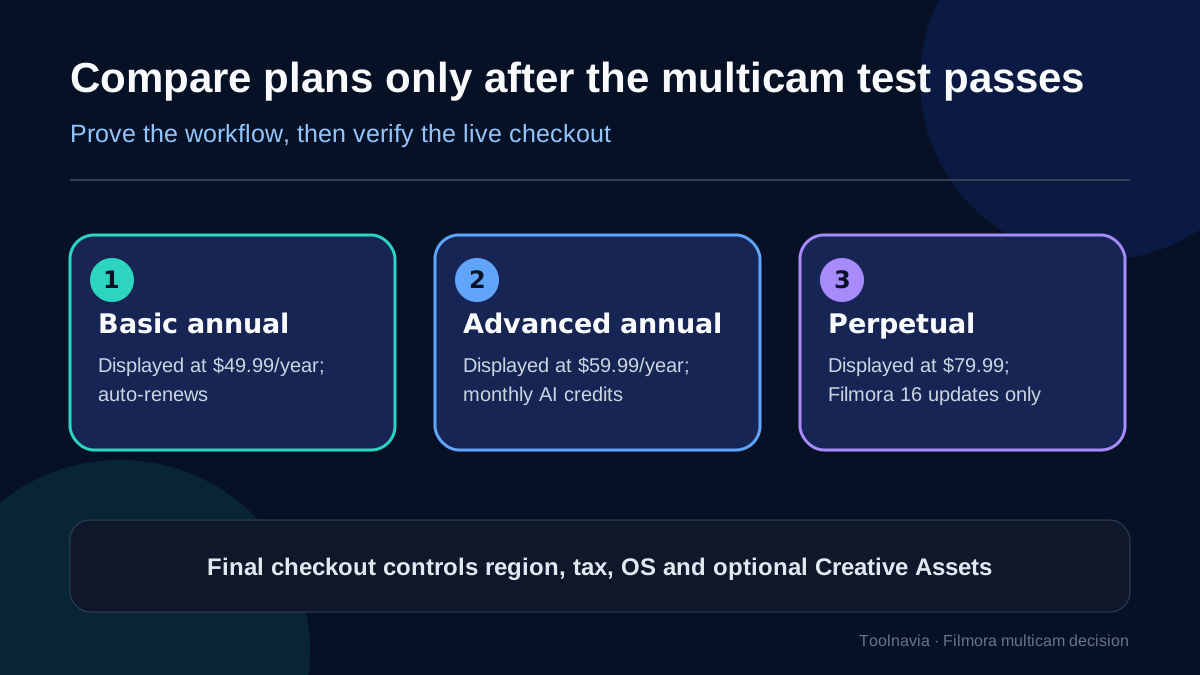
- Basic $49.99/year · Advanced $59.99/year · Perpetual $79.99
- Check first
- The 16-angle ceiling is not a speed guarantee; real media, hardware and checkout control.
The short answer
Filmora can combine as many as 16 angles, synchronize a multicam clip by audio waveform, first frame or markers, and let you switch views during playback. That ceiling is useful, but it does **not** prove that your laptop can decode, synchronize and preview your actual camera files smoothly. Base the buying decision on a repeatable test with your clips—not on the number 16.
My verdict: Filmora is a strong fit for creators who need a guided two-to-six-camera interview, podcast or event workflow and who will use proxies when source codecs are demanding. Test Premiere Pro, Final Cut Pro or DaVinci Resolve as well when timecode, deeper angle management, collaboration or complex finishing is central to the job.
> **Affiliate disclosure:** Toolnavia may earn a commission if you buy through the [approved Filmora link](https://www.jdoqocy.com/click-101895278-13985389). The link does not change your price. Prices, tax, region, operating system and optional Creative Assets are controlled by the live checkout.
1. Prove the synchronization evidence
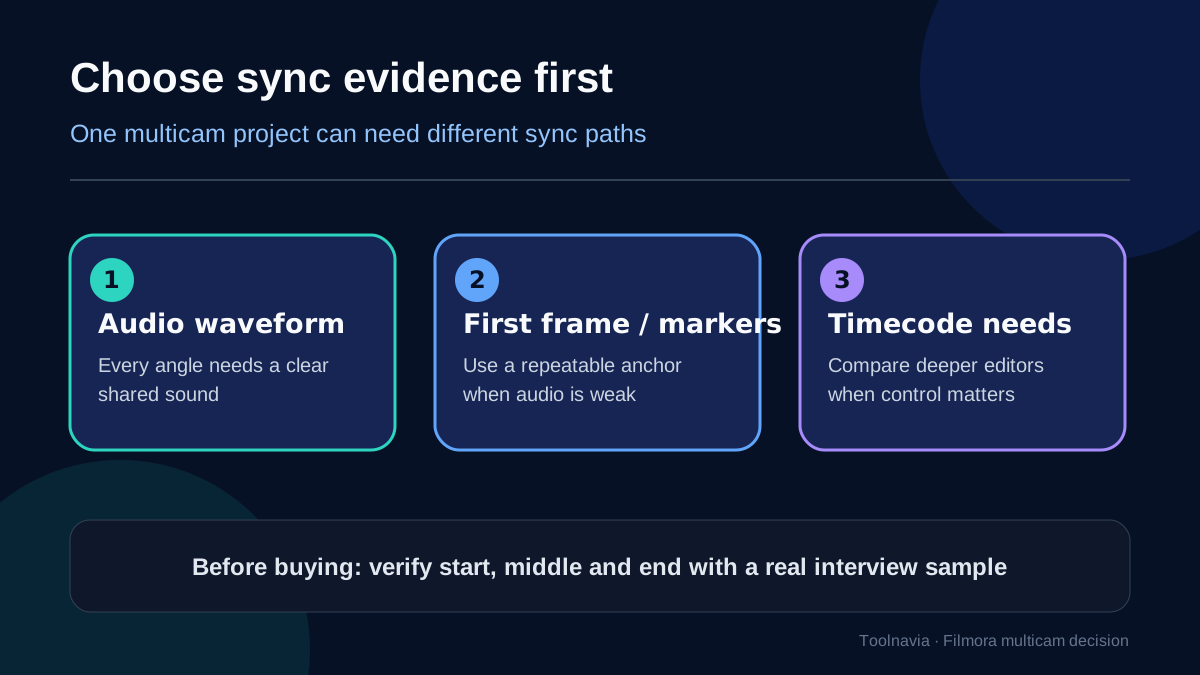
Filmora's multicam guide describes three synchronization choices: audio, first frame and markers. Waveform sync is the obvious first test for interviews because every camera can share a clap or room sound. It still needs a clean common signal. A distant camera, aggressive noise reduction, variable frame rate or a muted scratch track can leave poor evidence. In that case, place a marker on the same clap, flash or slate and compare the start, middle and end of the take.
Do not confuse the multicam-clip workflow with Filmora's separate Auto Synchronization command. Filmora documents Auto Synchronization as a two-item operation; it can be unavailable when more than two video or audio clips are selected. That does not mean a multicam clip is limited to two angles. It means Filmora exposes two related synchronization paths with different selection rules.
Use a ten-minute sample before paying:
1. Import original camera and recorder files. 2. Build the multicam clip by waveform; repeat with a marker if one angle drifts. 3. Inspect a clap or spoken consonant near the beginning, middle and end. 4. Switch angles during playback and listen for discontinuities. 5. Export the complete sample and inspect it outside Filmora.
If a clip starts aligned but ends late, investigate variable frame rate, sample-rate mismatch or recording damage before blaming the angle count.
2. “Up to 16 angles” is not a speed guarantee
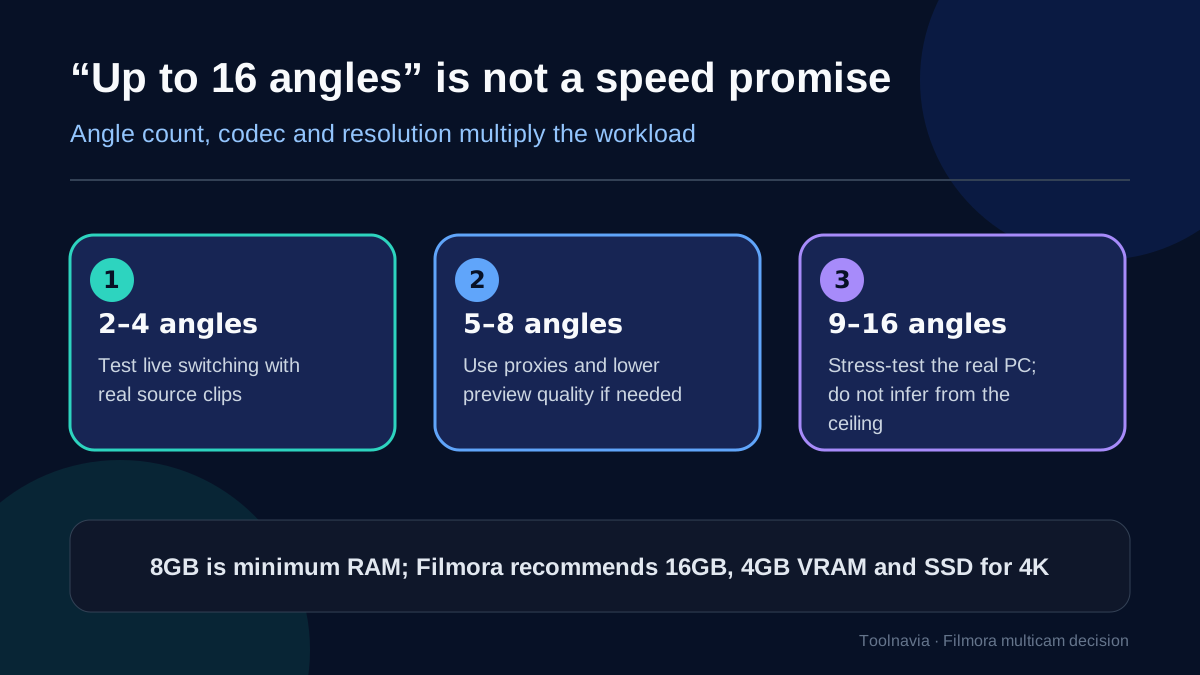
Filmora promotes support for up to 16 camera angles. That is an interface ceiling, not a promise that sixteen 4K H.265 streams will play in real time on every supported computer. Decode load grows with angle count, resolution, bit depth, frame rate and codec complexity. Two 1080p intraframe files can be easier than four highly compressed 4K phone files.
Filmora lists 8 GB RAM as a minimum. For HD or 4K work it recommends 16 GB RAM, at least 4 GB VRAM and an SSD; the higher 8K tier calls for 32 GB RAM, 8 GB VRAM and NVMe storage. These are planning lines, while your codec mix and effects still decide the result.
| Stage | Test | Pass condition | |---|---|---| | 2–4 angles | Originals, full preview | Clean switching for the full sample | | 5–8 angles | Proxies, reduced preview quality | No persistent drift; responsive cuts | | 9–16 angles | Real project plus effects | Stable playback and verified export |
Stop at the first failing stage. A more expensive plan does not make the same computer decode more cameras.
3. Proxies change editing load, not final-image ownership
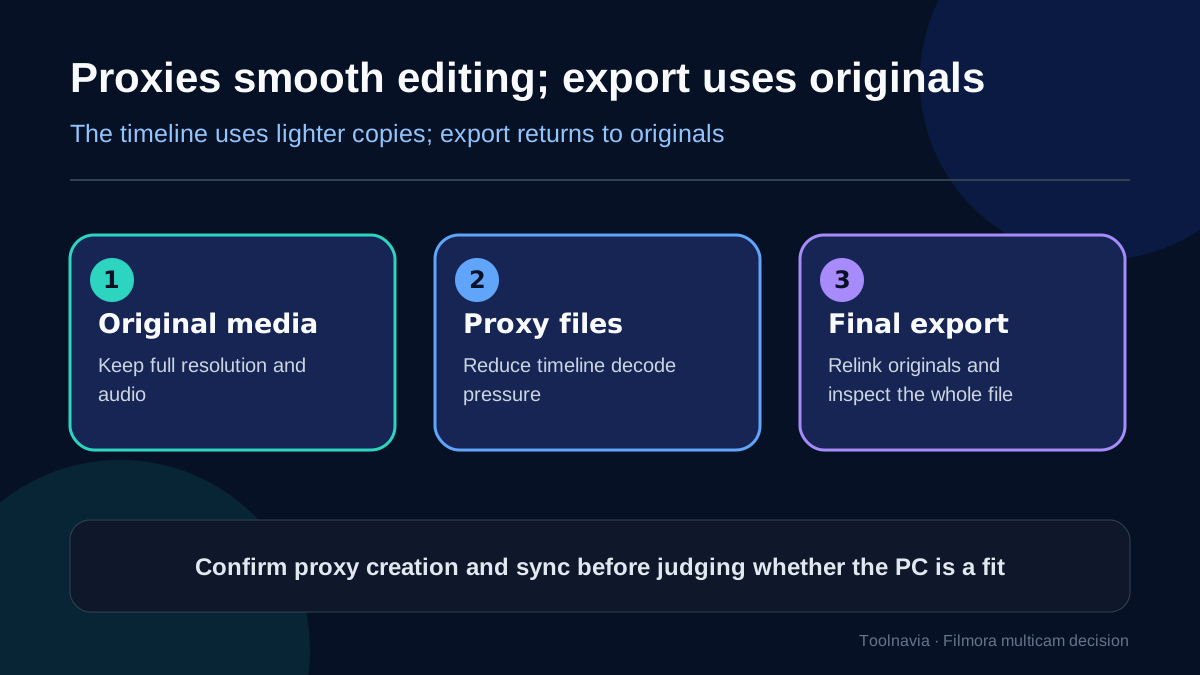
Filmora's proxy workflow creates lighter editing copies and returns to original media for final export. Proxies can improve timeline responsiveness without lowering exported resolution, provided the original files remain online and correctly relinked. They do not fix bad sync evidence, missing frames or a corrupt original.
For a fair trial, create proxies for every angle under one policy, wait for generation to finish, reopen the project, and replay the same stress section. Export a high-motion portion and compare it with the camera file. A proxy pass is legitimate only if the timeline is responsive **and** the final output uses the intended originals.
4. Compare control depth, not just angle count
Premiere Pro documents multicamera source sequences, audio-based synchronization and manual adjustment. It is relevant when you need a broader professional editing environment, but it also brings a steeper interface and subscription economics.
Final Cut Pro documents automatic synchronization using audio, timecode and metadata, plus an Angle Editor for correcting sync and ordering. It is especially relevant to Mac-only teams that value metadata and magnetic-timeline integration.
DaVinci Resolve 20 places multicam and synchronization inside a larger color, audio and finishing system. It deserves a trial when the project continues into advanced grading or Fairlight audio, although the broader toolset can be more than a lightweight creator needs.
Filmora wins when its guided path reaches a correct result faster on your hardware. The competitors win when timecode, metadata control, collaboration or finishing depth does not fit Filmora's simpler path.
5. Run checkout only after the workflow passes
On 7 November 2026, Filmora's US pricing page displayed Basic at $49.99 per year, Advanced at $59.99 per year and Perpetual at $79.99. Annual plans auto-renew; the Perpetual offer was described as updates within Filmora 16 rather than every future major version. Live checkout remains authoritative for region, tax, operating system and optional Creative Assets.
Multicam alone is not a reason to buy Advanced. Confirm that the current entitlement covers your build and that any AI-credit or asset benefits matter beyond this edit. A perpetual license may fit a stable offline workflow; an annual plan may fit creators who value current-version updates. Neither choice repairs underpowered hardware.
6. Buy, wait or choose another editor
**Buy Filmora** if two-to-six real angles synchronize cleanly, proxies make preview responsive, the full sample exports correctly, and checkout terms fit your update horizon.
**Wait** if the trial uses substitute footage, one camera drifts, proxy relinking is untested, or your regional price differs from the reviewed page.
**Choose or keep another editor** if timecode, metadata correction, shared production, complex audio routing, advanced grading or reliable high-angle playback is contractual.
The decisive number is not 16. It is the number of your own angles that stay synchronized, responsive and correct from import through final export.