TOOLNAVIA / BUYING GUIDE
Filmora Individual vs Business: Can You Use It for Client Work?
The short answer
Filmora Individual may fit one non-company creator who accepts the required attribution. Choose Business for company, client, team or no-attribution work. Either plan still requires separate clearance for every asset.
At a glance
- Best for
- Solo creators deciding whether Individual is sufficient or Business is required for client, company or no-attribution work.
- Price model
- Individual: $49.99–$99.99/year or $79.99 perpetual; Business reference $155.88/user one time for 1–5; live quote controls
- Check first
- Public license pages conflict; company/client work goes to Business, and every included asset needs a separate rights check.
Start with who owns the project
Wondershare's EULA gives an Individual license to one person on one device. Its Filmora-specific terms describe an attributed commercial-use path for an individual, while the Business comparison reserves commercial use, no attribution and multi-user control for Business. These pages are not perfectly aligned, so the safest purchase rule is practical:
- Personal creator, no company client, one user and attribution acceptable: an Individual plan may fit. - Company channel, employer project, agency delivery, paid client, team access or no-attribution contract: use Business. - Unclear ownership or distribution: obtain written confirmation before publishing.
The Business FAQ defines company use broadly. Internal training, presentations and communication count, as do marketing, promotions, advertising and editing supplied to paying clients. A solo freelancer is still doing client work when the client owns or publishes the deliverable; being a one-person shop does not turn the project into personal use.
Individual is one user and one device
Current support describes Individual as single-user and one-device. Buying several Individual licenses does not create a shared multi-user entitlement. Team & Business adds centralized user management.
Current U.S.-dollar individual references are Basic at $49.99/year, Advanced at $59.99/year, Perpetual at $79.99, and Premium at $99.99/year. Those are live-page references, not guaranteed checkout amounts. Tax, market, promotion, operating system and product version can change the order. Toolnavia's approved Individual route opens the official desktop offer but does not preselect or guarantee a specific tier.
Filmora's official Business comparison currently shows $155.88 per user as a one-time reference for 1–5 users and custom pricing for 5+. There is no approved exact Toolnavia Business offer in this publication, so no Business purchase button is shown. Verify the official quote instead of using the Individual CTA for company work.
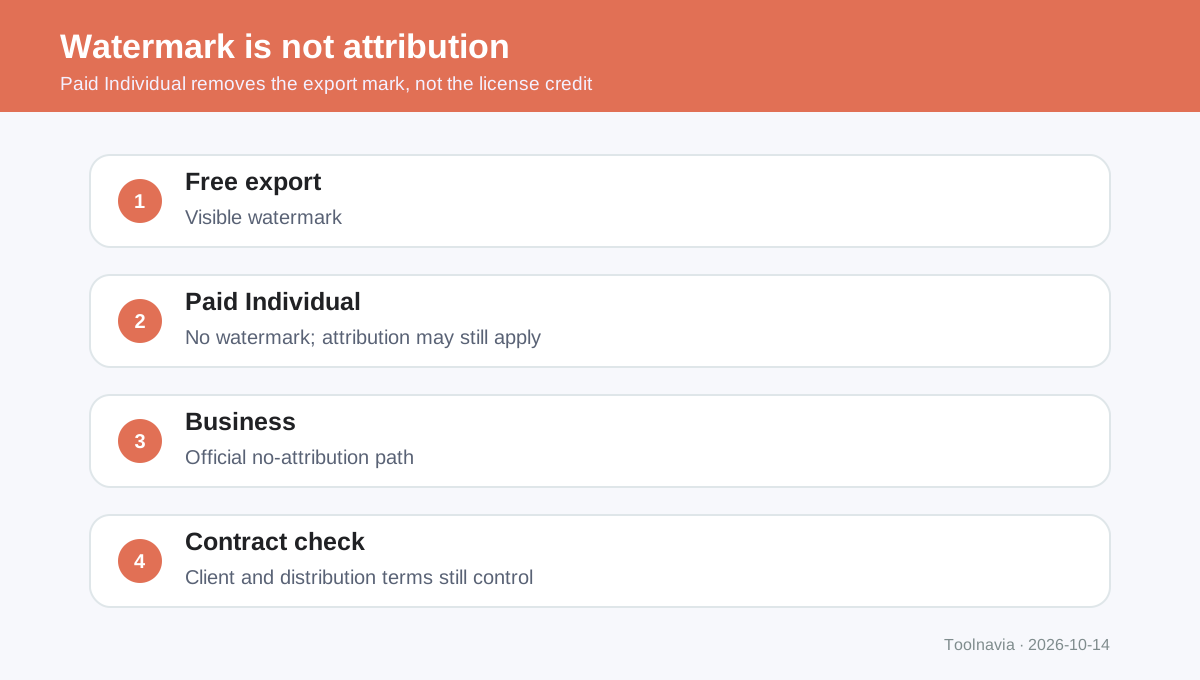
Attribution is a license condition, not a watermark
A paid Individual plan removes the free-export watermark, but the current EULA separately requires the words “Video is made by Filmora” in the video description for its individual commercial-use path. Business is the official no-attribution choice.
Do not treat a Filmora credit as a universal cure. Support pages also say personal-plan videos cannot be used as corporate videos and recommend Business for corporate promotion, training and customer work. Because the public wording conflicts, this guide uses the narrower rule: reserve Individual commercial use for a genuine individual creator's eligible work, and route company/client deliverables to Business.
This is a purchasing guide, not legal advice. If a contract, broadcaster, ad network or client requires a warranty of rights, get written guidance tied to the exact plan and distribution.

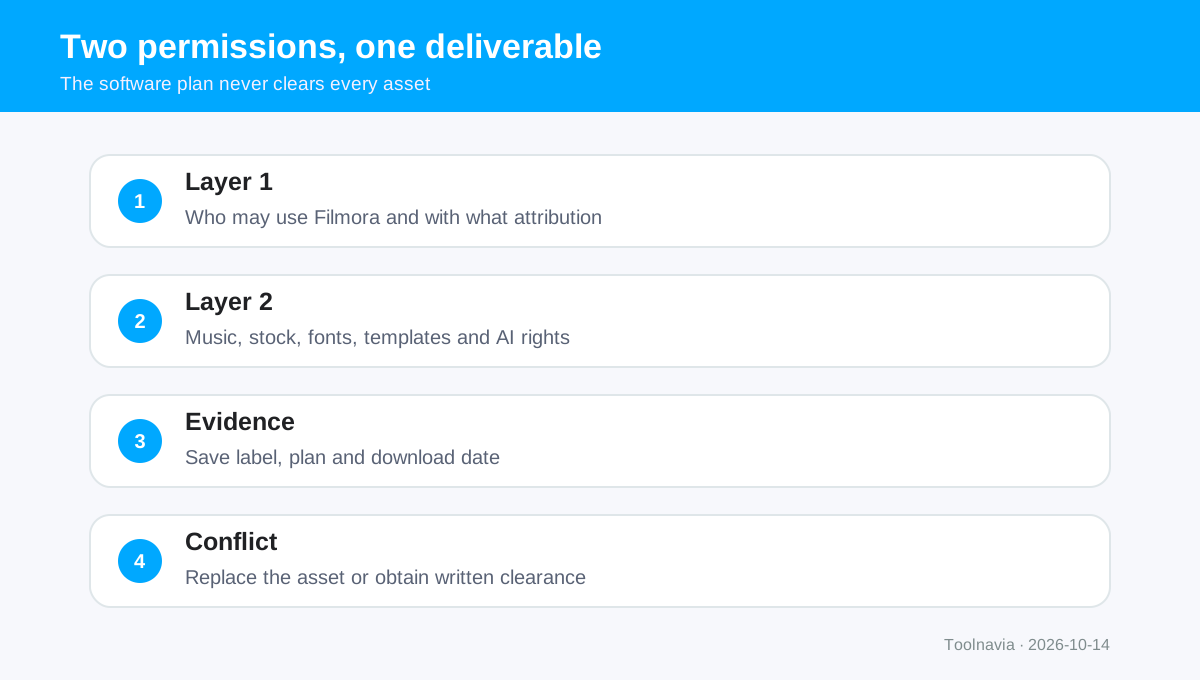
Software permission and asset permission are separate
Paying for Filmora does not automatically license every item visible inside the editor. The software plan answers who may run the editor and under what attribution or organizational terms. Asset rules answer whether a specific track, effect, stock clip, font, template or AI output can appear in the final distribution.
The EULA broadly restricts built-in music and sound effects for commercial use, including under Business. Current support adds a narrow exception for AI Music while stating that other AI-generated content is personal/non-commercial and that anything labelled “Non-commercial” needs permission. Corporate support also flags some audio, Giphy stock and Filmstock effects.
Therefore record the asset name, license label, download date, plan and intended channels. If the pages disagree, do not assume the broader permission wins. Replace the asset with separately cleared media or obtain written confirmation.
Five-question plan decision
Choose Individual only when all five answers are yes:
1. Is the buyer one person rather than a company or shared team? 2. Is one device enough? 3. Is the work genuinely the individual's own eligible project rather than an employer or client deliverable? 4. Can the required Filmora attribution appear in the description? 5. Have all music, stock, effects, fonts and AI outputs been cleared separately?
If any answer is no, review Business or another license arrangement. For a company, client editor or team, Business is the default decision even if only one editor uses the app.
The independent sources found in current search results reach the same core distinction and corroborate the current purchase-plan context, but cannot override Wondershare's terms. The purchase decision should be made before production, because replacing restricted audio or renegotiating attribution at delivery is more expensive than selecting the correct plan at the start.
Toolnavia may earn a commission from the exact Filmora desktop Individual referral button. That route is appropriate only when the Individual checklist fits; it does not grant Business rights or expand any asset license.