TOOLNAVIA / BUYING GUIDE
Filmora AV1 Export: Will Your GPU Actually Hardware-Encode It?
The short answer
At a glance
- Best for
- Creators who can verify AV1 hardware encode and gain measurable export value on the exact workstation.
- Price model
- Plan choices are shown publicly; exact checkout, renewal, tax, OS coverage and add-ons vary.
- Check first
- AV1 format availability does not guarantee hardware encoding, speed or playback compatibility.
Bottom line
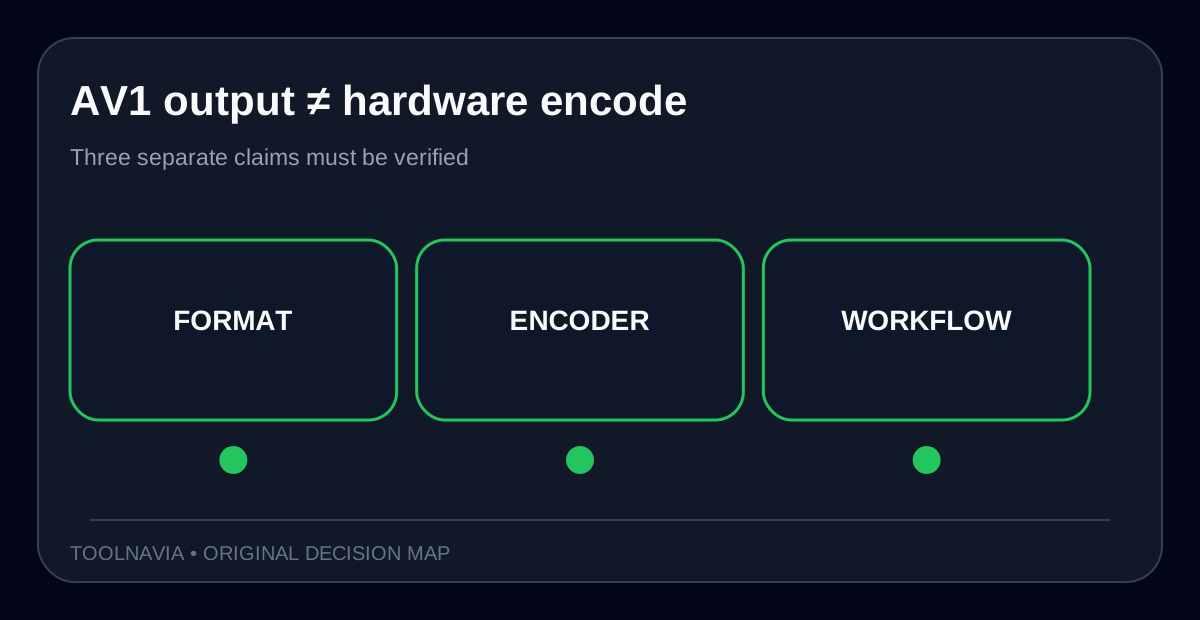
Filmora currently lists **AV1 MP4** among its supported output formats, but that line does not promise that every PC will hardware-encode AV1. Filmora separately documents GPU acceleration and hardware encoding as device-dependent, while NVIDIA, Intel and Windows expose AV1 encode as a capability that varies by GPU generation, driver and operating system.
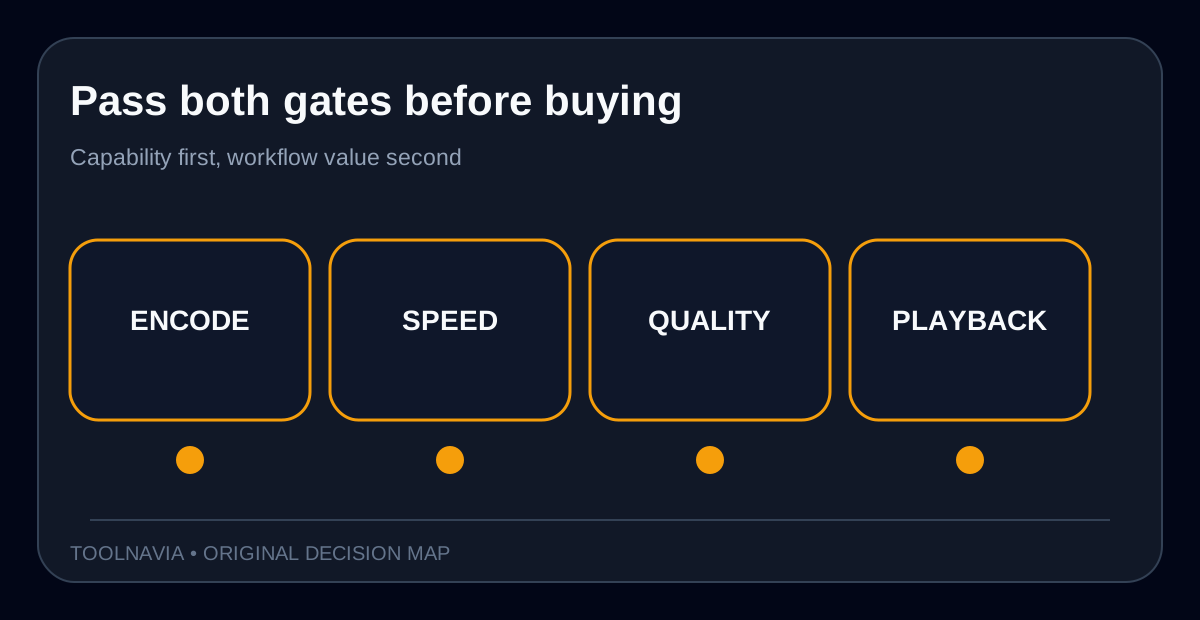
So do not buy or upgrade Filmora because the word “AV1” appears in a format list. Buy only after the exact Filmora build shows the encoder you need and a short representative export proves the speed, quality and playback compatibility on your machine. A codec label, a “GPU acceleration” switch and an AV1-capable decoder are three different things.
> **Affiliate disclosure:** Toolnavia may earn a commission if you buy through the approved Filmora link. The buying rule and test results do not change because of that relationship.

Format support is not hardware encode
Filmora’s current technical-specification page lists AV1 MP4 output. Its export guide also warns that batch-export availability depends on the hardware and may not appear for every user. The GPU-acceleration guide describes hardware decoding and encoding, recommends current drivers, and treats acceleration as a setting bounded by the installed GPU.
That is enough to say Filmora can expose an AV1 export path in supported configurations. It is not enough to name a specific encoder or promise equal speed on all systems. An AV1 file might be encoded in software, through a hardware media engine, or not offered at all in a given build or configuration. The export dialog and a measured test are the evidence that matters.

The GPU and OS boundary
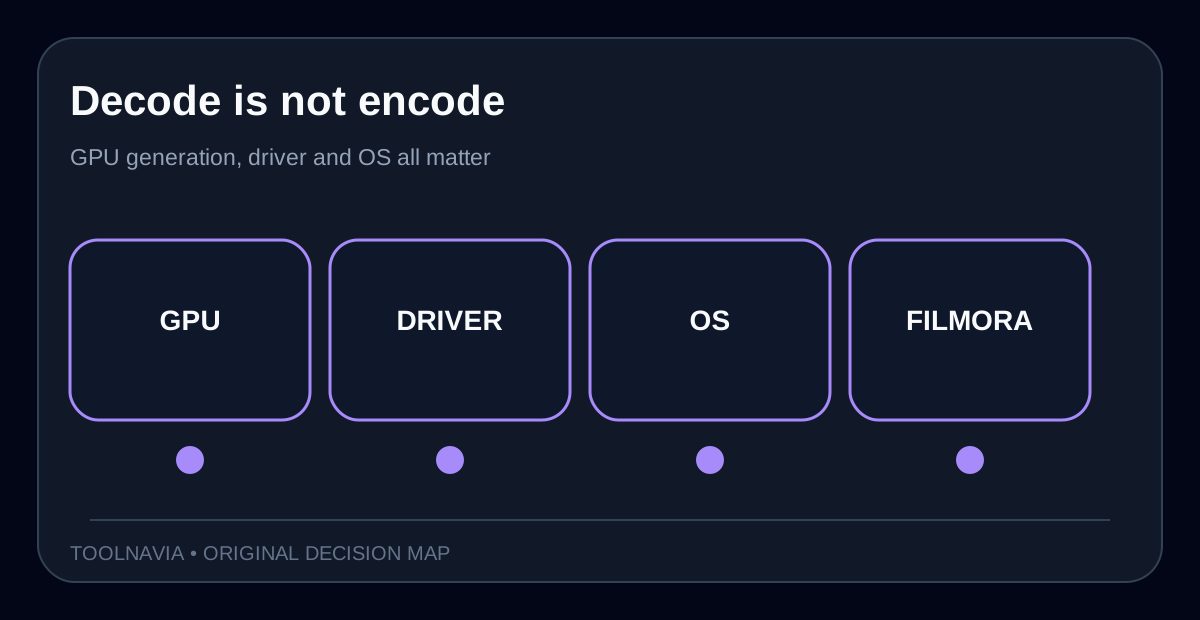
NVIDIA’s current comparison tables separate AV1 encode from AV1 decode by generation; its Video Codec SDK likewise lists AV1 under supported NVENC/NVDEC capabilities rather than treating every GPU as equivalent. Intel documents the media engine behind Quick Sync and identifies Arc A-series as adding AV1 encode.
Windows adds another gate. Microsoft documents Direct3D 12 AV1 video encoding capability reporting for Windows 11 24H2 / WDDM 3.2. That does not mean Filmora must use that exact API, but it shows why “the GPU supports AV1” is incomplete without the driver and OS path.
Practical rule: verify **encode**, not merely playback or decode; update the stable GPU driver; confirm the OS build; then inspect Filmora’s export controls. If the intended AV1 choice or hardware path is missing, do not infer it from the GPU model name.
A five-minute export test
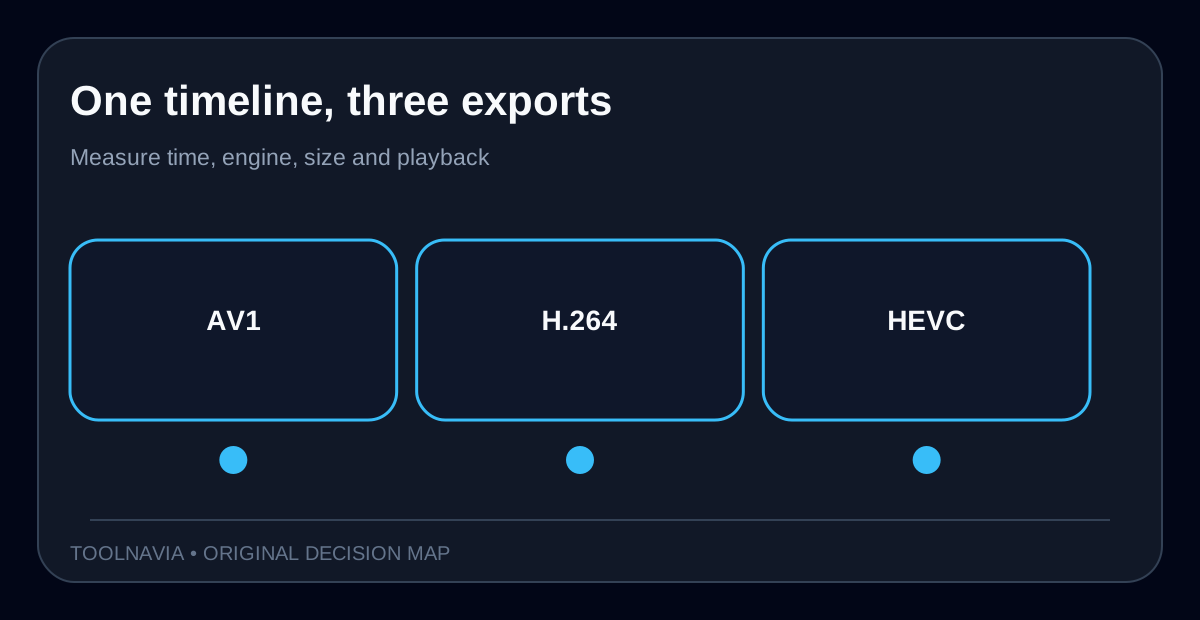
Create a 20–30 second 4K timeline representative of your real work: motion, texture, titles, color correction and audio. Export the same range to AV1, H.264 and HEVC with comparable resolution, frame rate and quality targets. Record:
1. whether AV1 and a hardware option actually appear; 2. elapsed time and CPU utilization; 3. the active GPU video-encode engine, not just 3D activity; 4. output size and visible artifacts in motion and gradients; and 5. playback and upload compatibility on the devices and services you deliver to.
OBS’s format guide treats AV1 as efficient but ties practical hardware encoding to recent GPUs. Adobe’s official documentation scopes hardware encoding by supported codecs and graphics hardware. Blackmagic’s codec matrix similarly separates AV1 decode and encode by OS, container and hardware. Those competitor documents reinforce the same decision boundary: codec availability is not a universal acceleration guarantee.

When AV1 earns the upgrade
AV1 is most compelling when smaller delivery files, efficient high-resolution archives or an AV1-first platform matter and your target devices accept the result. It is less useful when clients require H.264, an older playback fleet must work, or software encoding erases the time saved by smaller files.
Filmora’s public store presents Basic annual, Advanced annual and Perpetual desktop choices, but final price, tax, renewal, OS coverage and add-ons can differ at checkout. Treat the plan purchase separately from the codec test: the exact approved link points to Filmora, not to a guarantee that your GPU will expose AV1 hardware encoding.
A break-even calculation is simple: multiply exports per month by minutes saved per export, then value that time. If the short test shows no meaningful time or size advantage in your delivery workflow, AV1 should not decide the purchase.

Recommendation
Choose Filmora for AV1 only when the installed version exposes the required export option, the GPU’s **encode** capability is documented, the driver and OS path are current, and your short test wins on time, quality or file size without breaking playback. Otherwise keep H.264 or HEVC for delivery, postpone the GPU upgrade, or evaluate an editor whose official matrix names your exact platform.
The narrow conclusion is deliberate: Filmora documents AV1 output, not universal hardware AV1 encoding. Re-run the test after major Filmora, driver or OS updates.