TOOLNAVIA / BUYING GUIDE
Filmora AI Voice Enhancer: Free, Local—and Worth Paying for Filmora?
The short answer
At a glance
- Best for
- Video creators needing local timeline cleanup whose narration passes the four-clip test.
- Price model
- Enhancer documented free; editor/export pricing and adjacent AI rights remain checkout-dependent.
- Check first
- Free enhancer does not guarantee clean export, permanent rights, compatible hardware or artifact-free audio.
Bottom line
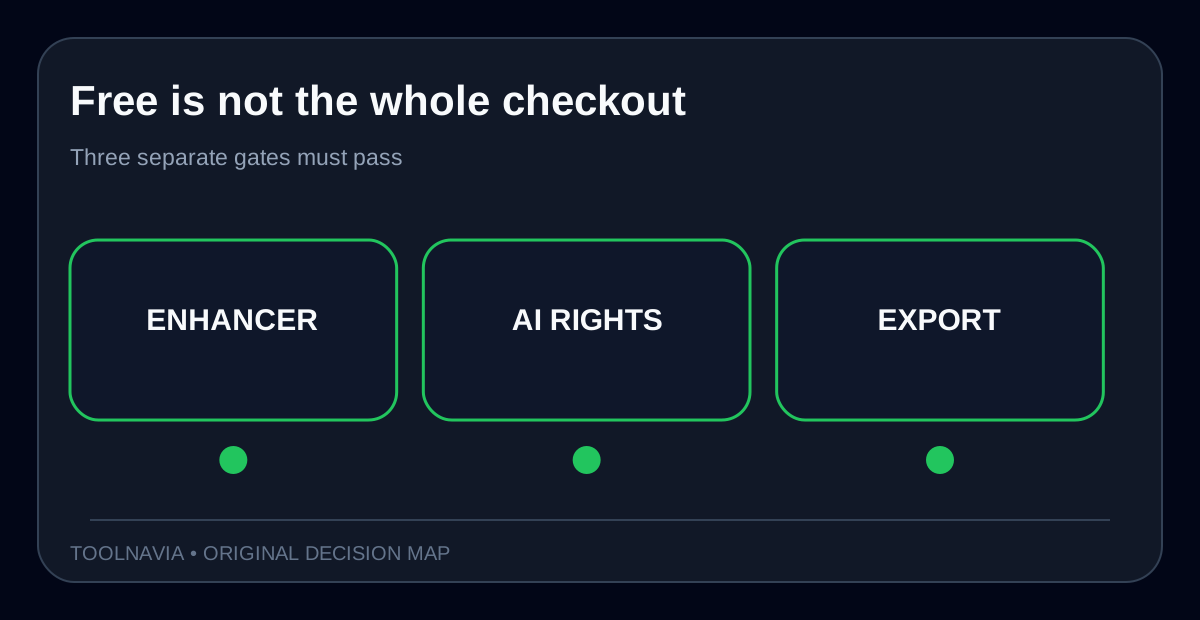
Filmora's current AI Voice Enhancer page says the enhancer itself is **free**, runs with **local processing**, and provides 1–100 controls for voice clarity and beautification. Useful—but not the same as saying the entire Filmora workflow is free. A separate Filmora store page says free-edition exports carry a watermark, and generic AI-credit rules cover many advanced tools. The current credit table does not list AI Voice Enhancer. Treat these as three questions: can the control run, can this account export cleanly, and do adjacent AI tools consume credits?
Do not buy Filmora only because a page promises “studio-quality” sound. Buy it when the enhancer passes a four-clip listening test **and** staying inside the video timeline saves more time than an external audio round trip. If speech becomes metallic, loses consonants, pumps between words or collapses room tone, lower the controls or use a more suitable cleaner.
> **Affiliate disclosure:** Toolnavia may earn a commission if you buy through the approved Filmora link. That does not change the price you see or the test gates below.

What “free” and “local” actually mean
Filmora describes AI Voice Enhancer as free, locally processed and adjustable in real time. Its editor guide exposes Quick and Enhanced modes plus Voice Clarity and Voice Beautification. A support article places the control under Audio > Basic after the clip is imported.
Those statements support a narrow conclusion: this enhancer control is currently documented as local and unmetered. They do **not** prove identical speed or quality on every machine, a watermark-free export on every tier, or unmetered use of other AI tools. Filmora's generic credits page says advanced AI functions can consume credits, while its store page says the free edition has limited AI credits and watermarked exports. The current consumption table names Speech-to-Text, Text-to-Speech, Voice Cloning, AI Sound Effect and AI Video Enhancer—but not AI Voice Enhancer.
That omission is evidence against casually calling this control “credit-metered,” not a lifetime guarantee. Before paying, open the exact build and account, check for a credit badge, run a short clip and inspect the export screen. Save the entitlement shown at checkout because plans and account rights can change.
The four-clip acceptance test
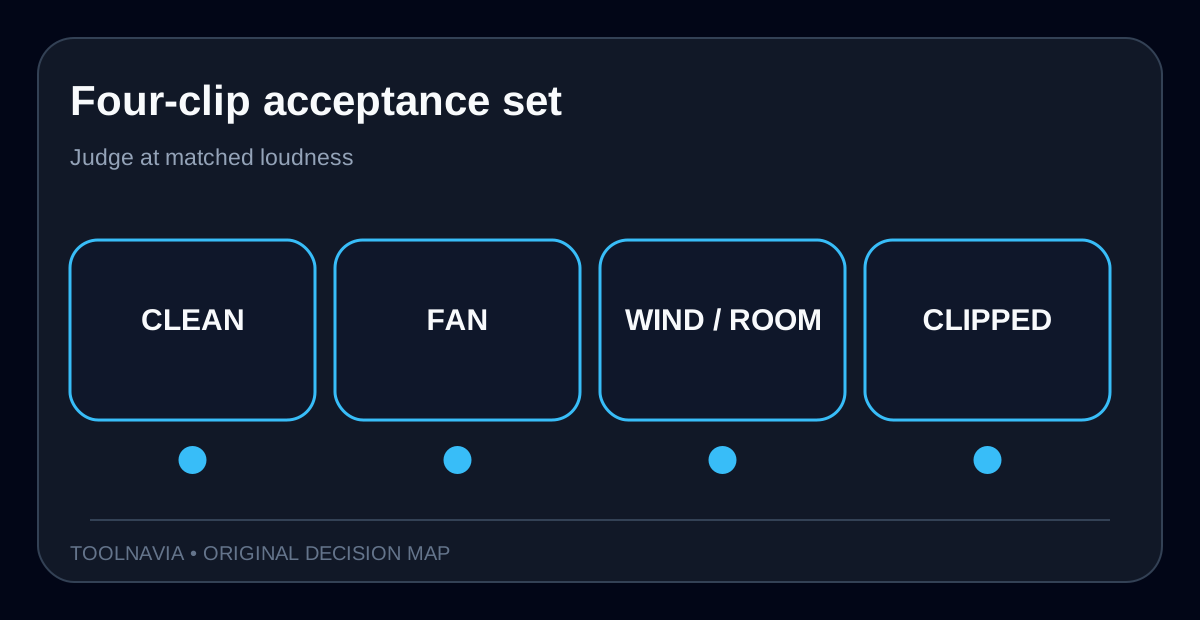
Marketing demos usually start with cooperative audio. Use your worst recurring material instead. Duplicate a project, turn off other audio effects, match monitoring loudness and test:
1. **Clean close-mic speech.** The control: enhancement must not make a good recording worse. 2. **Steady fan or HVAC noise.** Listen for pumping between syllables and watery word tails. 3. **Wind or reflective-room speech.** Filmora has separate Wind Removal and DeReverb tools; do not force one slider to solve every defect. 4. **Clipped or heavily distorted speech.** No denoiser restores information never captured; “re-record” may be the honest result.
Compare bypass, Quick, Enhanced at a moderate setting and your best manual adjustment. Match loudness before judging: louder often sounds “better” even when artifacts increase. Pass only if consonants remain intelligible, sibilance is not exaggerated, pauses keep believable room tone, and headphones, laptop speakers and a phone all remain acceptable.

| Gate | Pass | Fail | |---|---|---| | Naturalness | Same speaker identity | Metallic or hollow timbre | | Intelligibility | Consonants and endings stay clear | Smeared “s,” “t” or breaths | | Stability | Noise floor changes smoothly | Pumping or abrupt gating | | Workflow | Settings repeat across episodes | Every clip needs rescue work | | Export | Needed resolution is clean | Watermark or account block |
Match the tool to the defect
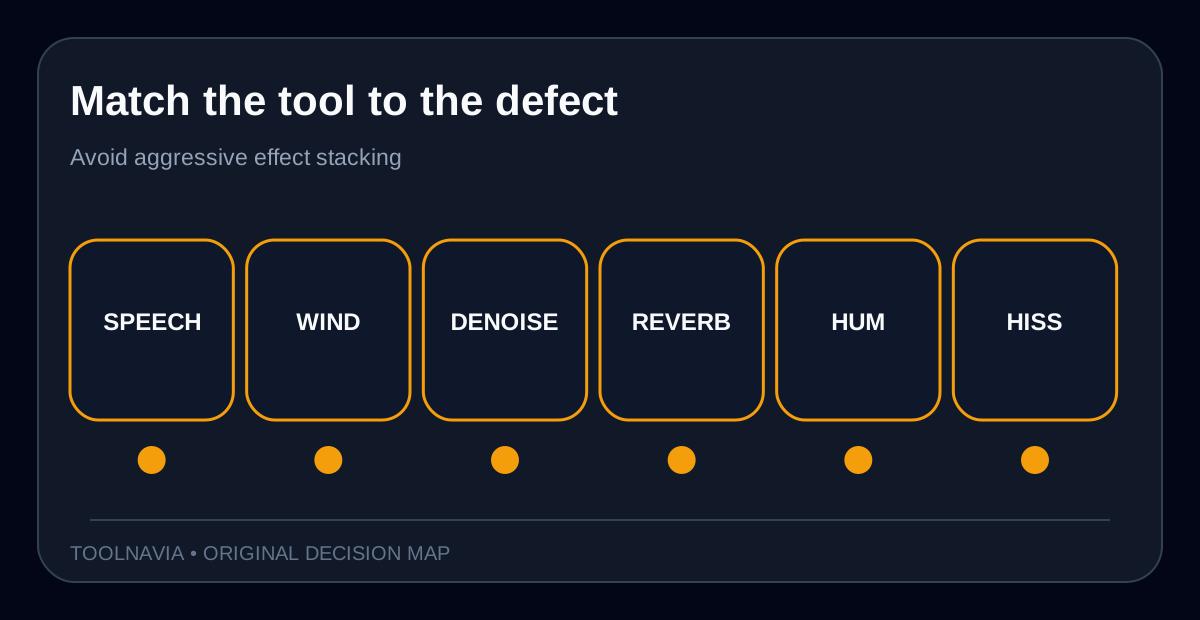
The enhancer is not a universal repair switch. Filmora documents AI Speech Enhancement, Wind Removal, Normal Denoise, DeReverb, Hum Removal and Hiss Removal as separate cleanup modes.
- Use **Voice Clarity** when speech lacks definition. - Use **Voice Beautification** cautiously when tonal polish matters more than documentary naturalness. - Use **Wind Removal** for outdoor low-frequency buffeting. - Use **DeReverb** when reflections mask words. - Use **Hum Removal** for electrical hum and **Hiss Removal** for broadband hiss. - Try **Normal Denoise** for steady noise when the voice enhancer changes timbre too much.
Do one job at a time. Aggressively stacking denoise, enhancer, EQ, compression and limiting can create a pretty waveform that sounds less human. Start with the smallest intervention, monitor at matched loudness and keep the original on a muted track for A/B checks.

Alternatives: local timeline, browser convenience or live calls
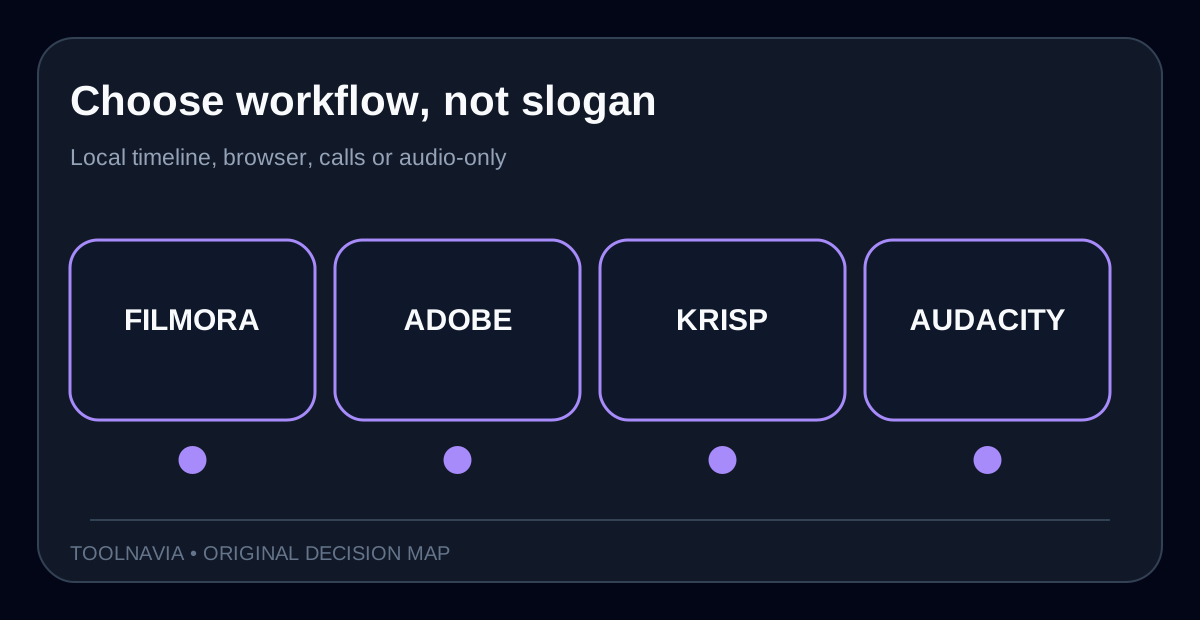
**Adobe Enhance Speech** is the closest browser comparison. Adobe currently documents a free allowance of up to 30 minutes per file and one hour per day; Premium raises capacity and adds bulk/video conveniences. It uploads through a browser, so it is convenient for occasional cleanup but not the same privacy or workflow proposition as a documented local Filmora control.
**Krisp** targets real-time calls rather than finished video timelines. Its help says noise cancellation runs locally and can process both sides of a call. Choose it when live meetings are the bottleneck; it is not a substitute for editing breaths, pauses and per-clip levels after recording.
**Audacity with OpenVINO** is the local, no-subscription experiment. Audacity says the AI effects run 100% locally and noise suppression works best on spoken word. But the current download page warns that the plugins are not compatible with the latest Audacity version, so installation/version friction is part of the cost.
| Workflow | Best fit | Main tradeoff | |---|---|---| | Filmora | Local cleanup inside video editing | Export rights and license still matter | | Adobe | Occasional browser cleanup | Upload and daily/file limits | | Krisp | Live call noise cancellation | Not a post-production timeline | | Audacity | Local audio-only experimentation | Version compatibility and extra round trip |

When Filmora is worth paying for
Filmora earns the purchase only when value comes from the **combined editor workflow**, not the enhancer label alone:
**Monthly value = minutes saved per finished video × videos per month × value of your editing hour ÷ 60.**
Run one representative project in Filmora and one in your current editor plus an external cleaner. Count import, cleanup, export, relinking and revision time. Saving 12 minutes on eight monthly videos is 96 minutes. Compare the value of those 96 minutes with the current checkout total, including tax, platform scope, renewal terms and optional assets. Do not put a promotional sticker price into the model until final checkout.
Choose Filmora only if the four clips pass at moderate settings; the exact account exports at your required resolution without an unacceptable watermark; the machine processes clips fast enough; you need Filmora's timeline, captions and delivery tools beyond cleanup; and the direct checkout's plan, OS and renewal terms match your use.
Wait or choose another tool when the enhancer is the only desired feature, local behavior is unverified for controlled files, or aggressive settings change the speaker's identity.
Conflicts and limits
Conflict one: Filmora's feature page calls AI Voice Enhancer completely free, while the store page says the free editor has limited AI credits and watermarked exports. Resolve this by separating **feature processing**, **adjacent AI entitlement** and **final export licensing**.
Conflict two: an independent 2026 review reports it could not test Filmora AI features on the free plan, even though the current feature page advertises this enhancer as free. That does not disprove the current page, but account, build, rollout or export conditions may differ. Verify on the exact machine and account.
We did not run a controlled acoustic lab test and do not claim that Filmora preserves every voice without artifacts. “Studio-quality” is vendor language, not a measured guarantee. The acceptance set above is the decision rule.
**Final recommendation.** Try before buying. If a clean clip stays natural, fan noise falls without pumping, wind/reverb improves with the appropriate dedicated mode, and final export is acceptable, Filmora can be rational for creators who already want its integrated editor. If the voice enhancer alone is the attraction, use Adobe's free allowance or a compatible local Audacity/OpenVINO setup as the control. Pay only when the timeline-wide time saving survives that comparison.
[Check the approved Filmora desktop offer](https://www.jdoqocy.com/click-101895278-13985389)