TOOLNAVIA / BUYING GUIDE
Filmora AI Credits: Will 1,000 a Month Cover Your Workflow?
The short answer
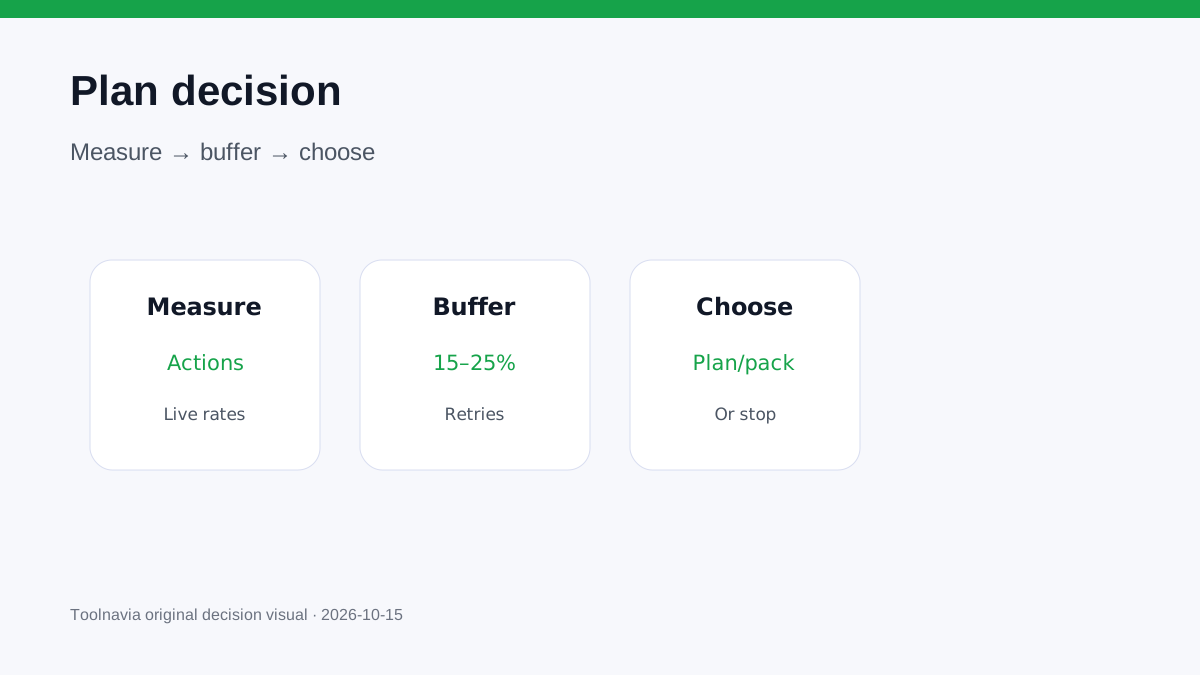
**Quick verdict:** 1,000 Filmora AI credits per month can cover a caption-heavy workflow, but it is not an unlimited-AI allowance. It can disappear quickly when the month includes translation, voice cloning or generative video. Build a monthly action ledger, multiply each action by the current in-app rate, then add a retry buffer before choosing Advanced, Premium or a top-up.
At a glance
- Best for
- Creators sizing recurring Filmora AI work before checkout.
- Price model
- Advanced reference US$59.99/year with 1,000/month; live cart controls.
- Check first
- Rates, model deductions, monthly reset and live pack prices can change.
Start with actions, not the plan name
Write down the AI work you expect in an ordinary month. Count source minutes for transcription, translated minutes, music generations, voice clones, image or video generations, and deliberate retries. Do not start with “1,000 sounds large.” The unit only has meaning after it is attached to a task.
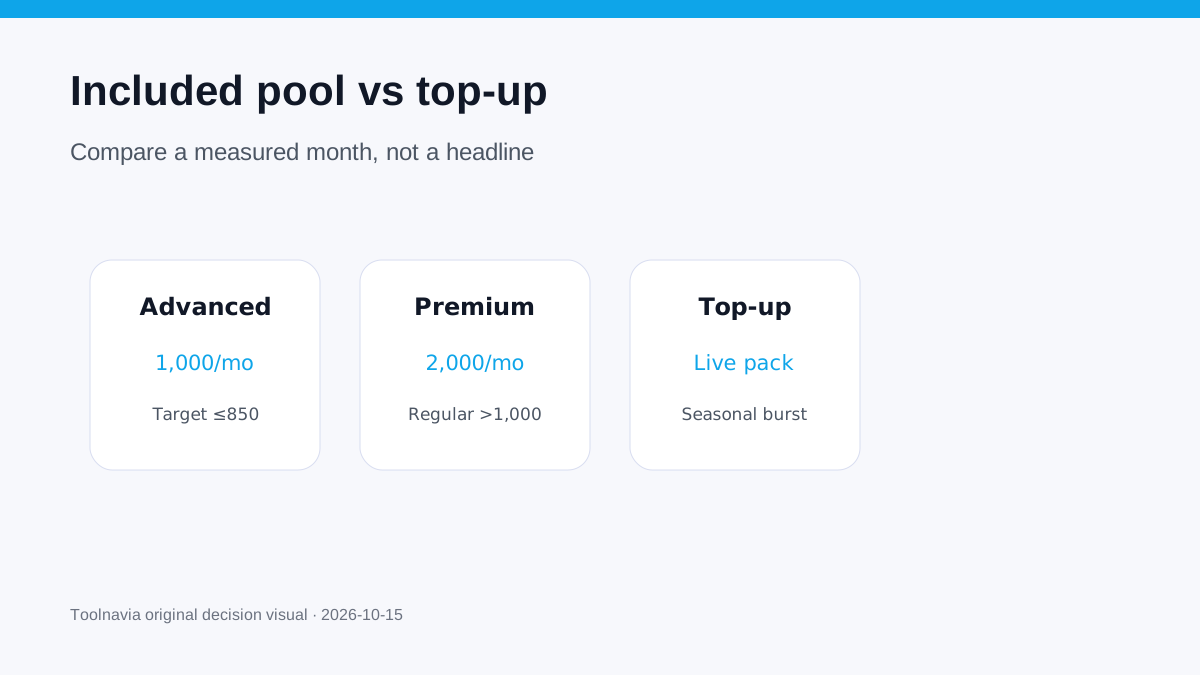
Filmora's current desktop pages list no included credits for Free or Basic, 1,000 each month for Advanced, 1,000 once for Perpetual, and 2,000 each month for Premium. These are included pools, not promises that every AI feature is free. Official support confirms that paid credits can be required, and the live interface can change a model's deduction, so confirm the displayed charge before a production batch.
Convert a real month into credits
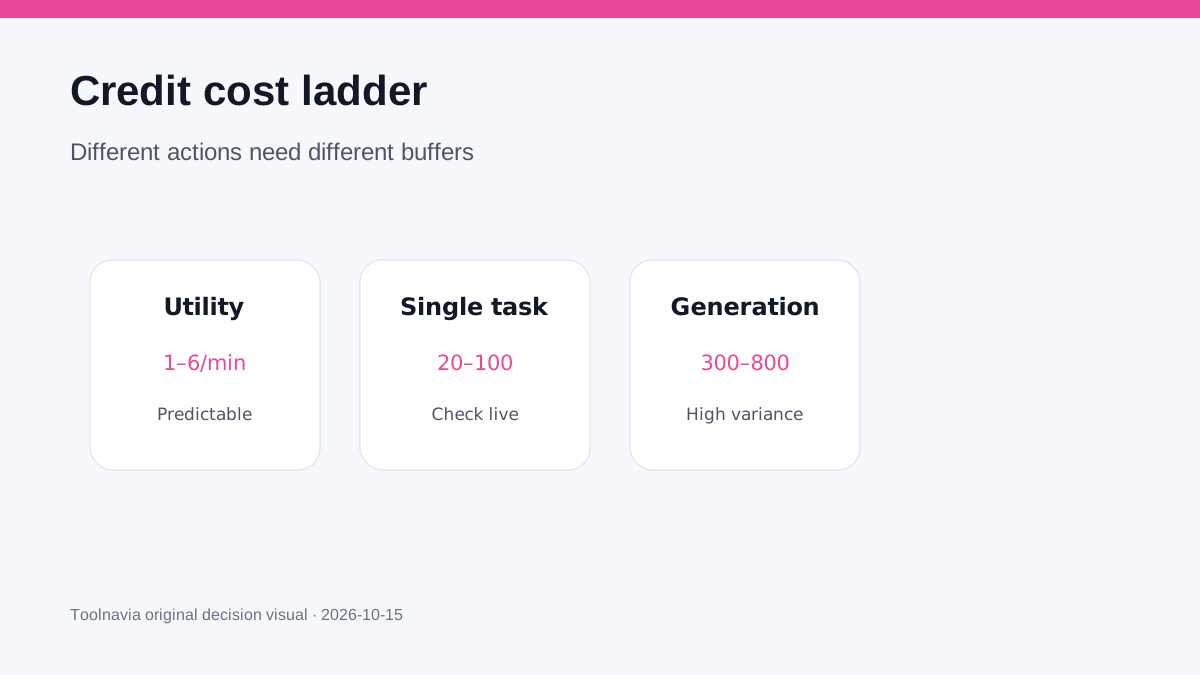
Current PC rules list speech-to-text at 4 credits per source minute. Text-only translation is 5 credits per minute; translating voice and text is 16 per minute, or 21 with lip sync. AI Music is 30 per use, voice cloning 100 per use, AI Video Enhancer 20 per use, Smart Scene Cut 1 per minute and Smart Short Clips 6 per source minute.
A practical moderate month might contain:
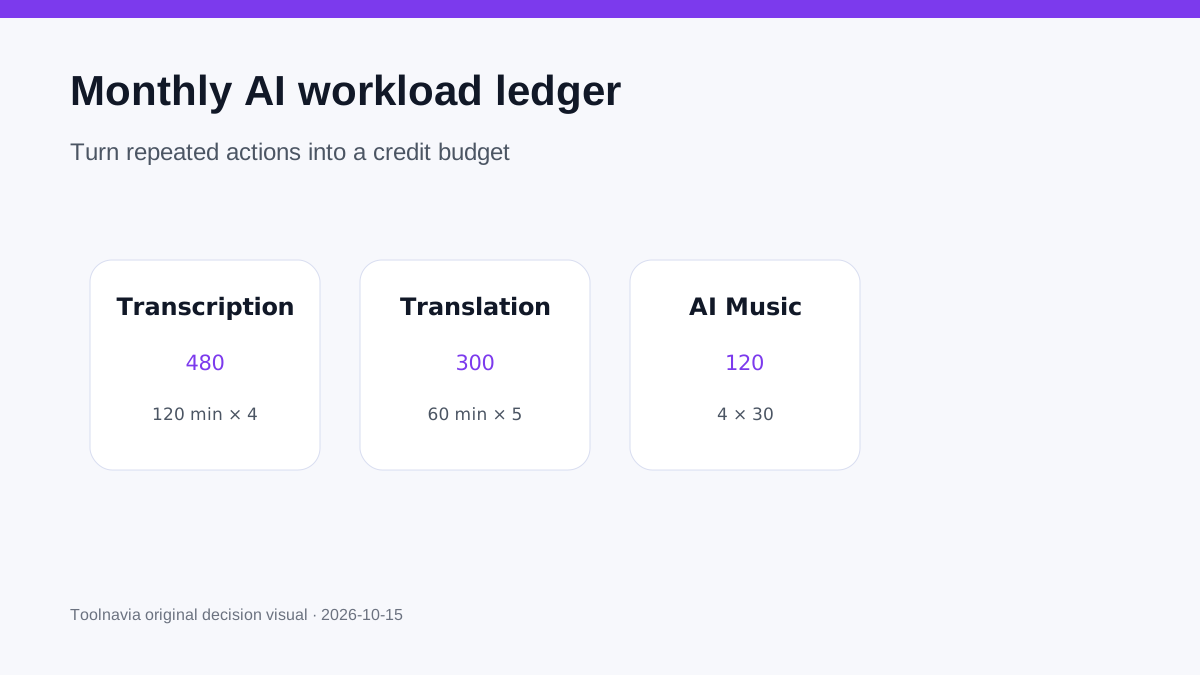
- 120 minutes of transcription: 480 credits. - 60 minutes of text-only translation: 300 credits. - Four AI Music generations: 120 credits.
That subtotal is 900. Add a 20% retry and experimentation buffer and the budget becomes 1,080. Advanced's 1,000 pool is close, but not comfortably sufficient. Removing one music generation or reducing translated minutes may keep it inside the allowance; otherwise compare Premium or a live top-up.
This example is arithmetic, not a benchmark. Your deduction history in Filmora is the evidence that matters.
Generative video changes the answer
The same official rule table says an AI Idea to Video session averages roughly 300–800 credits. Image-to-video scenes can range from 60 to 300 credits depending on the path and complexity. Some text-to-video models cost far more than transcription, and the page warns that actual use varies.
One or two exploratory generations can therefore consume the remainder of a 1,000-credit month. If generative video is central, measure a representative week before buying on the assumption that Advanced will cover the whole month. Keep storyboarding, prompt drafting and scene selection outside the paid generation loop when possible.
Add a retry buffer
The first output is not always usable. Reserve at least 15–25% for changed prompts, rejected takes, alignment fixes and alternate formats. A deterministic caption pass may need a smaller buffer; model-based video needs a larger one.
Use this formula:
**monthly budget = planned deductions + retry buffer + one emergency job**
Track actual balance and history in the Filmora Account Center. After two normal weeks, replace estimates with observed deductions. If the ledger repeatedly exceeds 1,000 before emergency work, the plan is under-sized.
Advanced, Premium, Perpetual or top-up?
Choose **Advanced** when the conventional editor fits and the measured recurring budget stays below 1,000 with a buffer. Its current US page lists US$59.99/year and 1,000 monthly credits, but tax, market, promotion, operating system and renewal terms can change.
Consider **Premium** when a normal month is consistently between 1,000 and 2,000 and its other included benefits replace things you would otherwise buy. Current support lists 2,000 monthly credits; confirm the live desktop offer because packaging and platform prices vary. Independent 2026 reviews corroborate the allowance but do not control checkout.
Choose **Perpetual** for ownership of the listed major version only when recurring AI is not central. Its included 1,000 credits are one-time, not monthly. A perpetual editor plus recurring credit purchases is still a recurring AI-cost workflow.
Use a **top-up** for irregular bursts only after comparing the live pack's price, validity and reset rules with the next plan. Official pages distinguish 30-day subscription credits from longer-lived one-time packs, but the exact cart controls.
Treat monthly credits as expiring capacity
The current desktop pricing page says subscription credits are issued every 30 days and unused credits from the prior period are reclaimed when the new allowance arrives. Do not stockpile monthly capacity in a spreadsheet as if it were cash. Move eligible work into the current cycle only when that improves production—not merely to avoid “wasting” credits.
The mobile rule page and an older or differently scoped support snippet use different scope or legacy figures. This guide uses the current desktop plan and PC consumption pages for the purchase decision. If your account displays different terms, your account and written order terms control.
A five-minute checkout test
Before paying:
1. Record a representative week's exact AI actions. 2. Multiply by the current in-app deductions. 3. Scale to a month and add a retry buffer. 4. Compare the result with 1,000 and 2,000, not with the marketing label. 5. Check the live cart for renewal, platform, pack validity and optional add-ons. 6. Save the order summary and recheck deductions after the first month.
The approved Filmora desktop link below opens the exact official Individual offer; it does not guarantee a tier, price or unlimited AI.
**Pay, hold or stop.**
**Pay for Advanced** when your measured total stays under about 800–850 credits, leaving room for retries and an emergency job. **Compare Premium or a top-up** when the observed total is regularly above 1,000. **Hold** when the work is seasonal and a one-time pack may fit better. **Stop and use non-credit workflows** when generative experiments dominate but have no clear delivery value.
The right answer is not the plan with the largest headline pool. It is the cheapest live option that covers a measured month without turning every retry into a surprise purchase.