TOOLNAVIA / BUYING GUIDE
FileFusion 2026 Free CBE vs Paid: Are Folder Selection and Auto-Scan Worth €29.95?
The short answer
At a glance
- Best for
- Windows users able to test duplicates on disposable same-volume NTFS data before paying for automation.
- Price model
- €29.95 listed vendor price; verify checkout
- Check first
- Activation, offer availability, hardlink independent edits and live cart are unverified.
Quick verdict
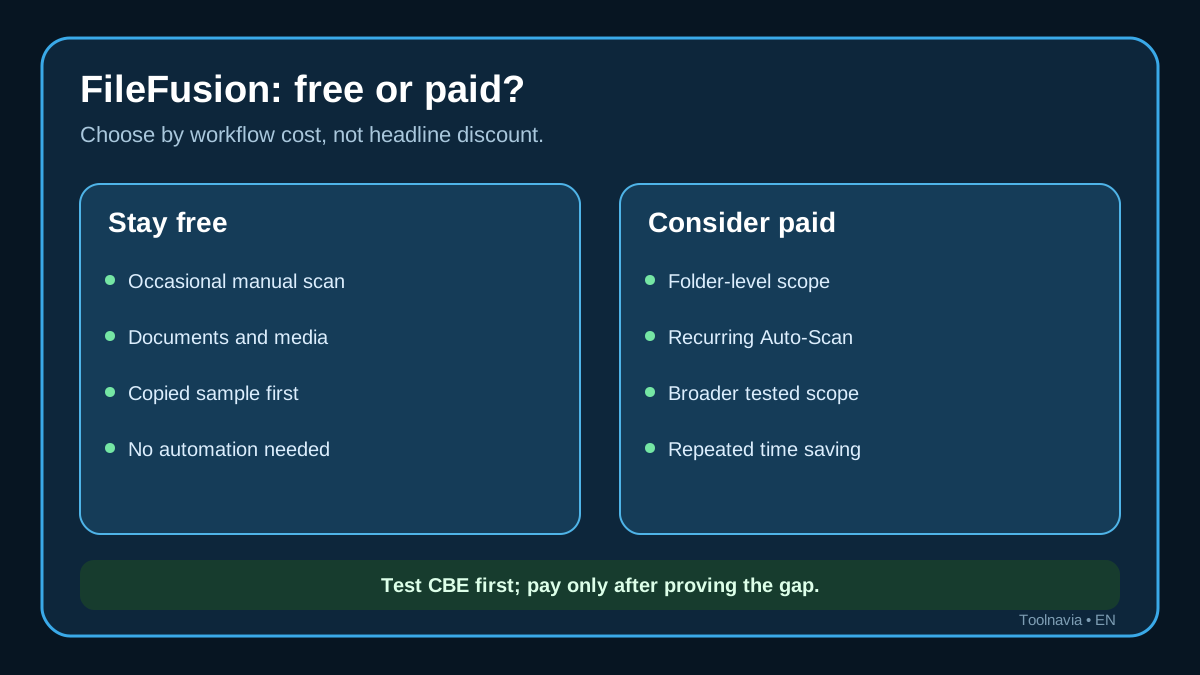
Start with the free FileFusion 2026 COMPUTER BILD Edition (CBE) if you only need an occasional clean-up of copied documents, photos, music or video on one Windows NTFS volume. COMPUTER BILD says this special edition is free, but it removes folder selection and Auto-Scan and does not process system files. Those missing controls—not basic duplicate detection—are the real reason to consider paying.
Consider the paid FileFusion only when repeated folder-scoped work, automated scanning or the broader full-version scope saves enough time to justify it. Abelssoft showed €29.95 when checked, but that is a page price rather than a verified checkout total. Tax, currency, region and the final cart may change what you pay.
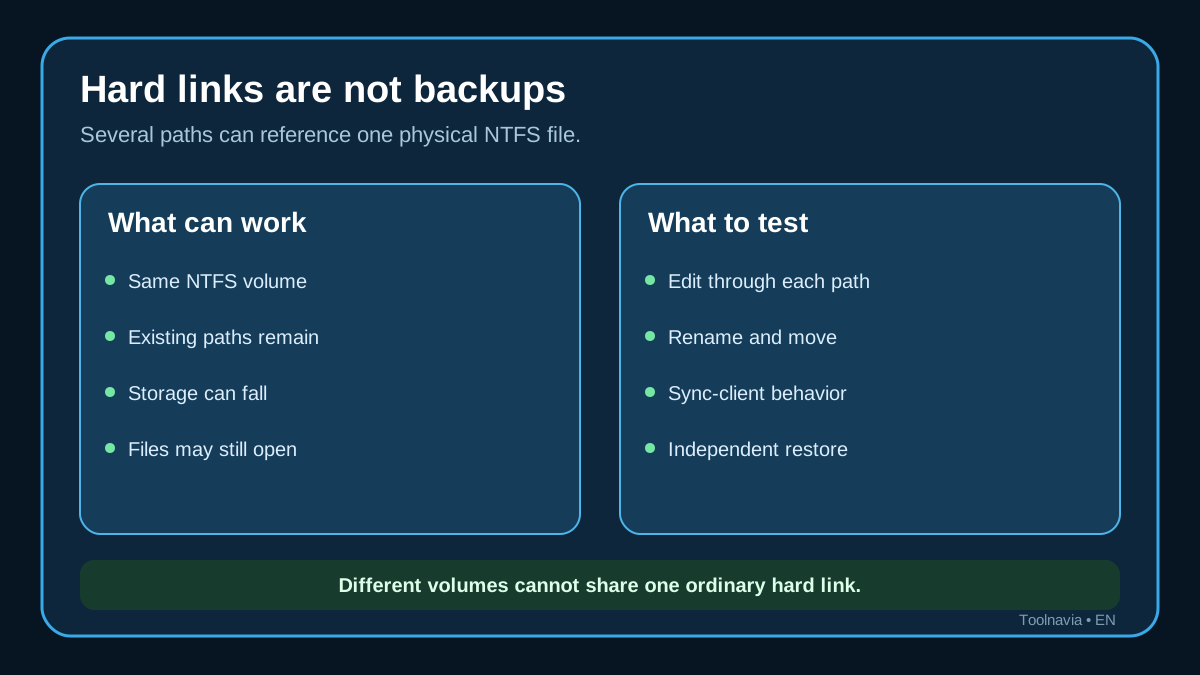
FileFusion is not a backup product. It reduces duplicate storage with NTFS hard links, so several paths can point to one physical file. Keep an independent backup and run the copied-sample test below before any edition touches valuable data.
Free CBE versus the standard 1GB trial
Three boundaries matter:
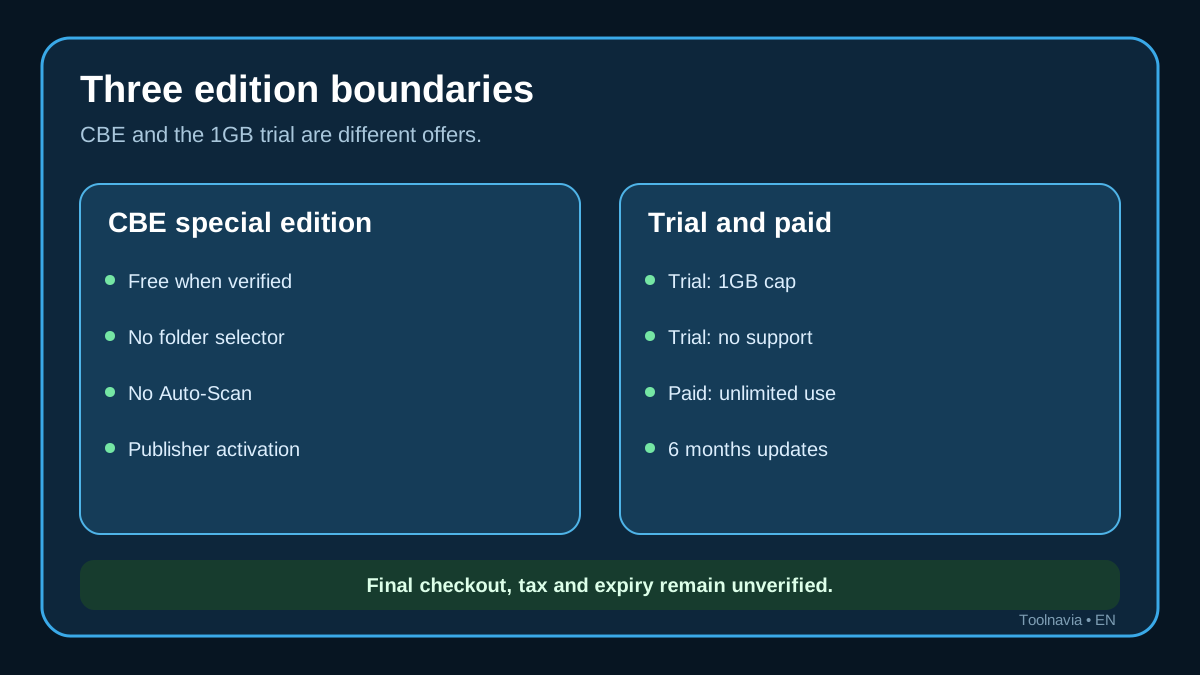
- **COMPUTER BILD Edition:** a publisher special edition presented as free. The publisher says it lacks folder selection and Auto-Scan, works with documents and media rather than system files, and may require email activation. - **Abelssoft standard trial:** the manufacturer says it can clean only 1GB and has no support. - **Paid full version:** Abelssoft describes unlimited use, email support and six months of free updates.
These are not three names for the same offer. The CBE page was visible when verified, but Toolnavia did not install or activate it. Region eligibility, activation longevity and expiry remain unknown. Treat CBE as available at verification time, not as a promise of perpetual access.
What paying changes
**Folder selection** matters on machines with mixed data. A photographer may want to scan an export folder without touching an application cache. An office user may want to limit work to an archive. COMPUTER BILD explicitly names the missing folder selector as a CBE limitation.
**Auto-Scan** matters only when duplicates recur often enough to justify automation. A quarterly manual run may be sufficient. Repeated imports, syncs or editing workflows can make automation useful, but automation also increases the importance of exclusions and recovery testing.
**Broader file scope** is not automatically safer. CBE focuses on documents and media rather than system files. Touching more locations can increase the cost of a mistake. Pay for broader scope only after you can define safe boundaries and verify the result.
NTFS hardlinks and data safety
An NTFS hard link is another directory entry for the same physical file. It works only on the same volume; it cannot combine a file on drive C: with one on drive D: into a single hard-linked object.
Microsoft documents that ordinary hard links point to the same underlying file, so a change through one link is visible through the others. Abelssoft says FileFusion can make an edited reference independent automatically, but Toolnavia did not verify that product-specific interception. Until you test it, do not assume every editor, sync client, rename or move will trigger safe separation.
Abelssoft also markets savings of up to 71% and calls the process 100% secure. Those are vendor claims, not an independent benchmark or guarantee. Results depend on the number of true duplicates, whether they share one NTFS volume, and how applications behave after fusion.
Compare alternative duplicate finders
AllDup supports selected source folders, excluded subfolders and protected source directories. Auslogics Duplicate File Finder offers folder-oriented scans and distinguishes free/manual work from paid selection and recovery features. dupeGuru scans one or more folders and can move, copy or delete matches. Duplicate Cleaner separates basic free features from Pro duplicate-folder detection and advanced filters. Wise Duplicate Finder offers several matching modes and an optional backup-before-delete flow. Glary Duplicate Cleaner emphasizes filters, ignore lists and Recycle Bin removal.
These tools do not prove equivalent hard-link fusion. They show the controls that matter: scope, exclusions, matching method and reversibility. If explicit folder control and Recycle Bin recovery matter more than preserving every duplicate path, a conventional duplicate finder may be the better fit.
A 15-minute safe test
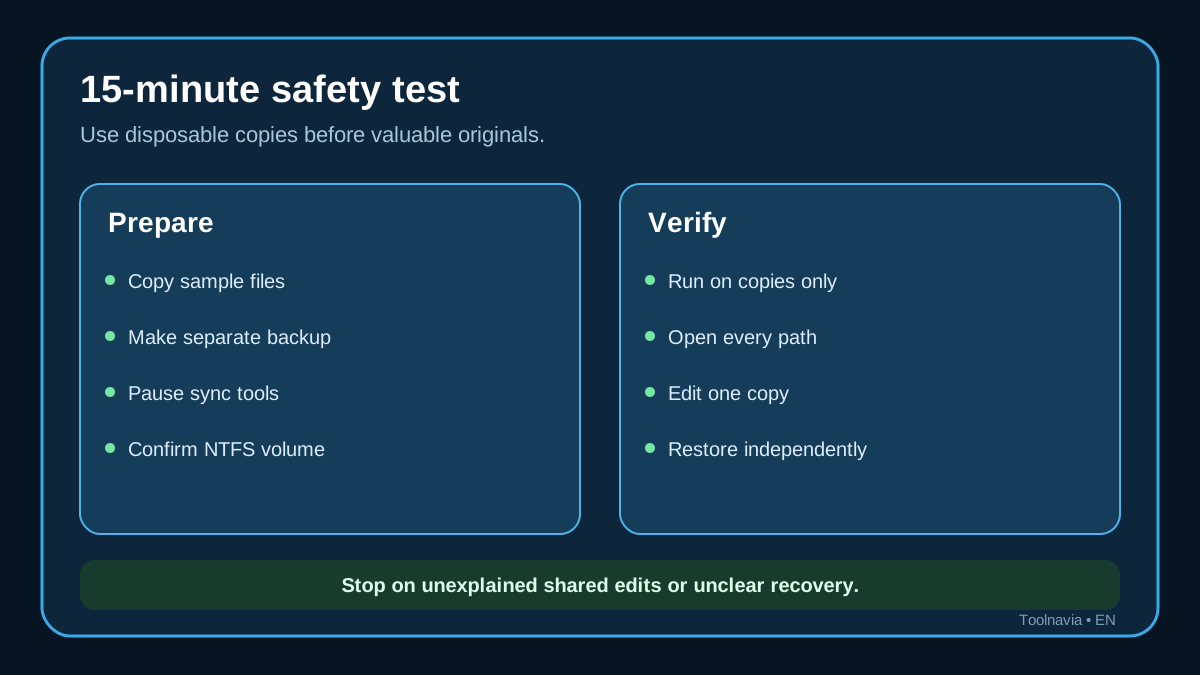
1. Create a disposable folder containing copied documents and media. Keep the originals elsewhere and back them up independently. 2. Put the test folder on one NTFS volume. Pause cloud sync, backup and indexing jobs that might change it. 3. Run CBE only against copied data. Record file counts, paths and reported storage before and after. 4. Open every linked path. Edit one copy with the applications you actually use, then compare all paths. Test rename, move and undo behavior. 5. Restore from the independent backup and prove that you can reverse the experiment without FileFusion.
Stop if any application shows unexplained shared edits, if the scan cannot be limited safely, or if you cannot explain the recovery path. Never begin with irreplaceable originals.
Who should pay and why
Stay with CBE or another free tool for occasional manual clean-ups of documents and media when copied-sample testing is easy and automation is unnecessary. A conventional duplicate finder may be safer when explicit exclusions and reversible deletion are the priority.
Consider paid FileFusion when repeated folder-scoped scans save meaningful time, Auto-Scan replaces a recurring manual task, or the full-version scope is necessary and has passed your test. It is a poor fit when duplicates span different drives, when you need independent historical copies, or when you expect a guaranteed percentage saving.
Price, activation and update caveats
Abelssoft showed FileFusion 2026 v2026.8 and €29.95 at verification time. The page says the full version has unlimited use and six months of free updates. Six months of updates is not the same as a six-month license; renewal terms and final checkout were not verified.
The CBE publisher flow may require an email address, acceptance of terms and a confirmation link. Installation, activation, regional eligibility and expiry were not tested. Recheck the publisher page and paid cart on the day you act.
Affiliate disclosure
Toolnavia may earn a commission from the paid FileFusion link. The commercial CTA is mapped to the approved Abelssoft FileFusion offer. The COMPUTER BILD free-download reference is informational and is not presented as the paid affiliate offer.
**Bottom line:** test CBE on disposable copies first. Pay only if folder control, Auto-Scan or broader scope solves a recurring cost that the free edition or a reversible duplicate finder cannot solve.