TOOLNAVIA / BUYING GUIDE
EdrawMax for Visio Files: Make an Editable Handoff That Holds Up
The short answer
EdrawMax can be an attractive way to keep working with diagrams when a colleague sends Visio files, especially if your own work spans several diagram types. The useful buying test is a small handoff cycle: import a real file, make a meaningful edit and confirm that the recipient can still use what you send back.
At a glance
- Best for
- Diagramming users choosing lower-cost multi-platform subscription versus owning current desktop major version.
- Price model
- General US baseline Annual $99/year; Perpetual $198 one-time; dynamic promotional checkout can differ
- Check first
- Official annual price surfaces differ; perpetual does not make online/mobile/cloud or every future major upgrade permanent; Trial exports watermarked.
Agree on the deliverable before converting
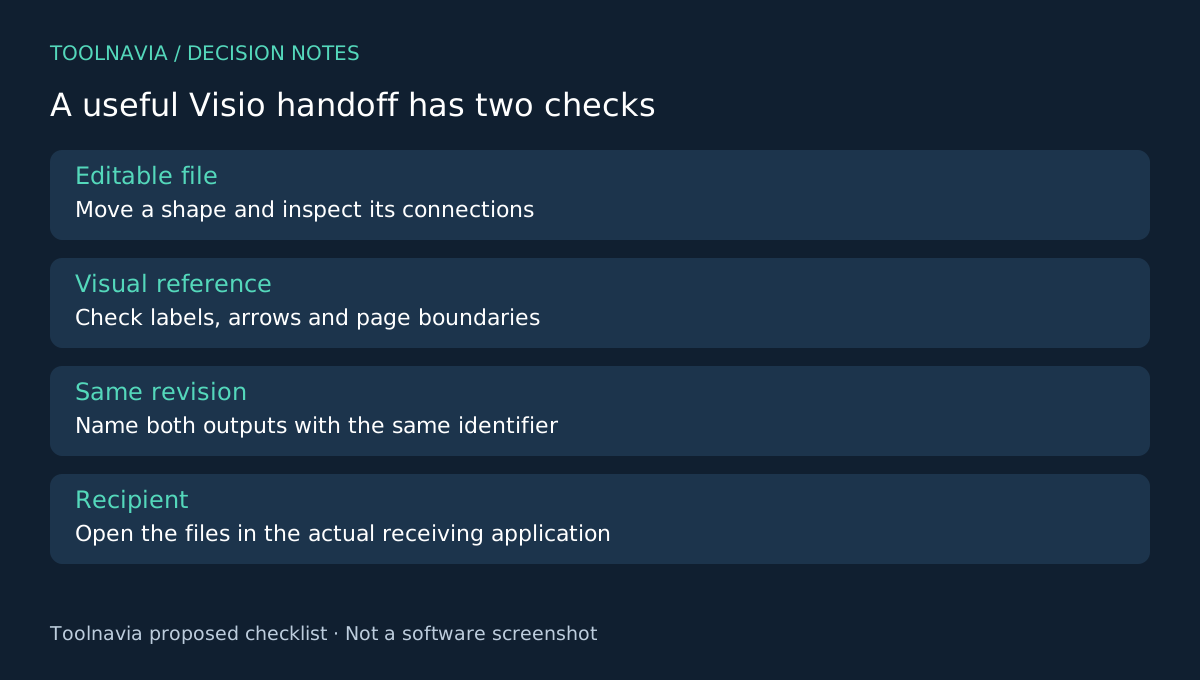
Ask whether the recipient needs an editable Visio file, a PDF reference or both. A PDF that looks correct does not prove that shapes and connectors remain editable. Conversely, an editable file can still have a visual problem that makes a printed reference confusing.
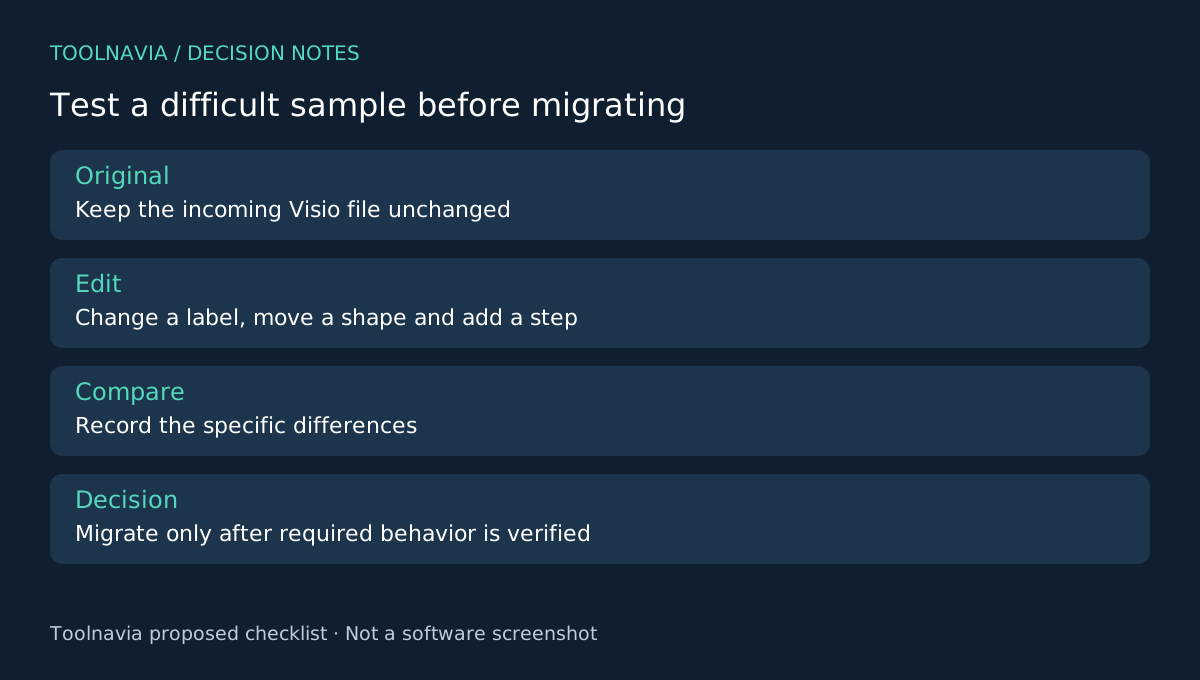
Keep the original Visio document untouched and choose a representative copy. Include the difficult parts of your normal work: a multi-page layout, long labels, connected decisions and a custom symbol if one is used. Do not judge a migration from an empty template.
Four controls that support the handoff
Edraw documents Visio import and export for its desktop workflow. The general export guide also provides PDF or image output, page-range selection and resolution controls. Together, these support editable exchange, a stable visual reference, focused page delivery and output sized for the viewing task.
This is documented format support, not a promise of perfect preservation. Custom behavior and the exact receiving application still need checking. draw.io's own import documentation illustrates that format support is specific to each tool; it is an alternative to evaluate, not evidence about EdrawMax fidelity.
Try a meaningful edit, then reopen the result
Import the representative copy in the desktop edition you intend to use. Change one decision label, move a connected shape and add one process step. These small changes expose more than simply opening and saving a file.
Inspect connector endpoints, arrow direction, text wrapping and page boundaries. If a diagram uses shapes to encode meaning, check that the meaning survives: a decision should not look like an ordinary action after conversion. Keep a short discrepancy list rather than relying on memory.
Export the required editable format and a PDF reference of the same revision. Ask the recipient to open the editable file in their actual application, move the changed shape and inspect its connections. Then compare it with the reference. This is a proposed acceptance exercise; Toolnavia has not performed a Visio round-trip test.
Keep one source of truth after delivery
Name both outputs with the same revision identifier and state which editable source should receive the next change. Without that agreement, a recipient may mark up the PDF while someone else edits an older source file.
Retain the original import and the working EdrawMax file. If a conversion issue appears later, you can compare the specific step where it arose. Do not migrate the whole diagram library until the difficult sample has passed the checks that matter to your team.
Decide whether the annual workflow earns its cost
The free-versus-paid comparison lists default watermarks and import restrictions in the free desktop edition. A trial can reveal compatibility questions, but a clean production delivery may require the paid entitlement.
The general store's annual reference is $99; confirm checkout, renewal and any optional Creative Assets subscription. Visio itself remains a sensible option when native Microsoft features dominate the work. Compare the recurring task, not merely the sticker price.
Choose EdrawMax when the handoff sample works and its broader diagram workflow fits your needs. See the [EdrawMax plan guide](/en/software/edrawmax). Toolnavia may earn a commission through the official affiliate link; no universal Visio compatibility or exclusive discount is claimed.