TOOLNAVIA / BUYING GUIDE
EdrawMax Swimlanes: Turn a Procedure into Clear Team Handoffs
The short answer
A process document becomes useful when a colleague can tell who acts next without asking the author. EdrawMax's swimlane tools are attractive for teams that repeatedly turn informal instructions into clear handoffs. The goal is not a larger flowchart. It is a diagram that makes ownership, decisions and unfinished work visible.
At a glance
- Best for
- Diagramming users choosing lower-cost multi-platform subscription versus owning current desktop major version.
- Price model
- General US baseline Annual $99/year; Perpetual $198 one-time; dynamic promotional checkout can differ
- Check first
- Official annual price surfaces differ; perpetual does not make online/mobile/cloud or every future major upgrade permanent; Trial exports watermarked.
Map one real handoff first
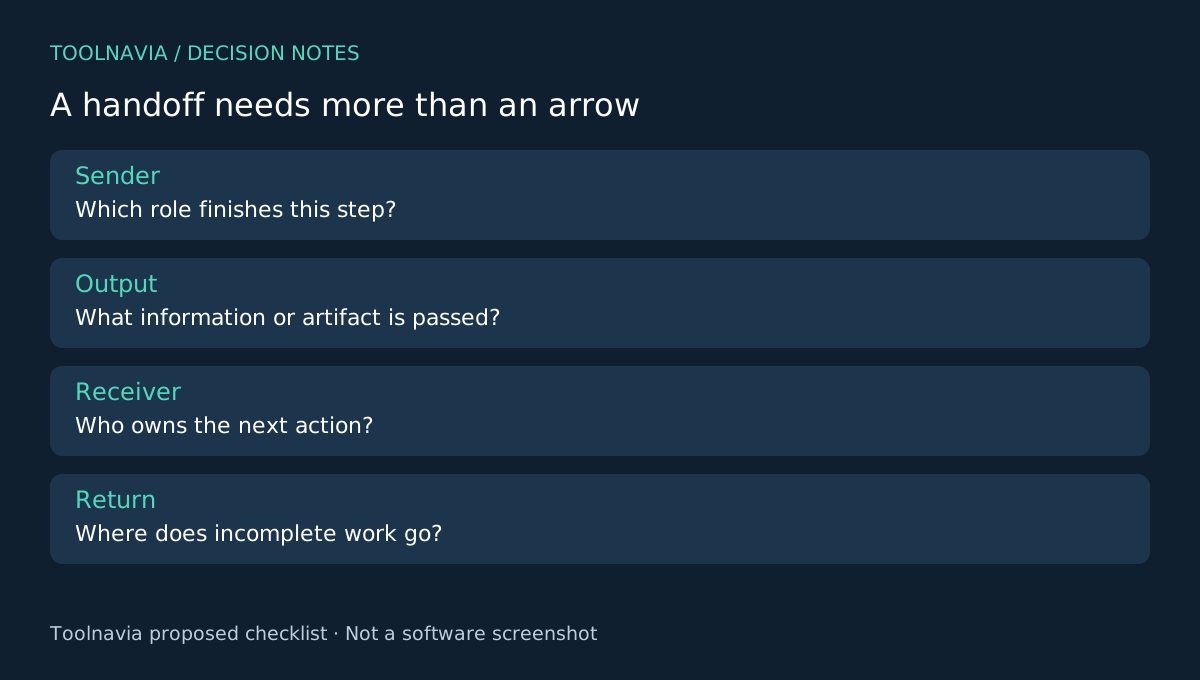
Choose a process with a clear trigger and finish: for example, a customer request moving from intake to review and fulfillment. Name the output that each stage must pass along. Keep the first diagram small enough that the people doing the work can review it in one sitting.
Use roles or teams for lanes rather than individual names when responsibilities should survive staff changes. Describe actions with a verb and object. “Review request” is more useful than “Review,” because it tells a new reader what is being examined.
Four EdrawMax controls support the structure
Cross-functional templates provide horizontal or vertical starting layouts. Lanes organize responsibility, editable process shapes hold the actions and decisions, and attached connectors carry the sequence through the diagram. These capabilities are documented in the swimlane and connector guides.
The connection-point guide explains that attached lines adjust when a shape moves. That can make revisions easier, but inspect the result: a neat line can still connect the wrong business steps. A template supplies structure, not an approved procedure.
Make decisions and returns explicit
At each decision, label the outgoing paths with conditions the reader can actually evaluate. Avoid an unexplained arrow that sends rejected work back to the start. Show who receives the return and what information must be corrected before the process continues.
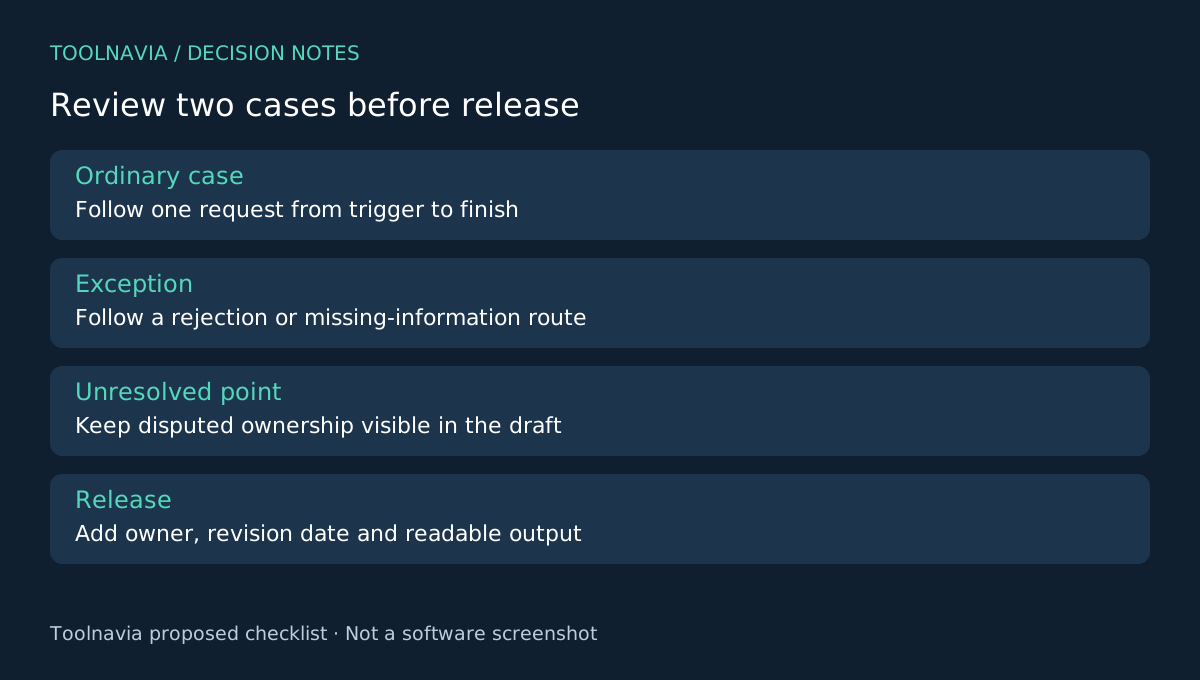
Now follow one ordinary case and one exception from trigger to finish. Ask the person in each lane what they receive, what they do and what they produce. If two lanes both assume the other owns a step, the diagram has found a discussion to resolve before publication.
Mark an unresolved responsibility as unresolved in the working draft. Do not make the chart appear complete by assigning ownership without agreement. This walk-through is a proposed process review, not a measured efficiency improvement or a compliance certification.
Publish a reference people can read
Export a PDF or image at the intended viewing size using EdrawMax's output controls. Check the smallest label and the most crowded crossing. If readers need constant zooming to follow one routine case, split the process into a clear overview and a focused detail page.
Include an owner, revision date and a short scope statement. Keep the editable source beside the released reference so an approved change can be applied deliberately. When a responsibility changes, follow the affected connectors and update the corresponding written instructions too.
Give a colleague who did not draw the chart a sample request. Ask them to identify the next owner and the required handoff information. Their confusion is actionable feedback, even if every shape is perfectly aligned.
Buy for repeated process maintenance
The paid desktop entitlement removes the default export watermark described in the free-edition comparison. That matters for recurring internal guides and client documentation, but it does not make a vague procedure accurate.
Visio also provides cross-functional diagrams, and draw.io offers another diagram workflow with its own format support. Choose EdrawMax when its templates, editing and deliverable checks suit the way you maintain procedures. Review the [EdrawMax plan guide](/en/software/edrawmax) and selected checkout, including optional assets and renewal. Toolnavia may earn a commission through the official affiliate link; no guaranteed productivity gain is claimed.