TOOLNAVIA / BUYING GUIDE
EdrawMax Org Charts: Make the Next Staff Update Easier to Trust
The short answer
The first organization chart is easy to admire; the second version is where the maintenance cost appears. A new manager, a vacant role or a changed department can leave a polished chart misleading. EdrawMax is worth considering when you need to turn an approved staff list into a readable chart and keep later changes traceable.
At a glance
- Best for
- Diagramming users choosing lower-cost multi-platform subscription versus owning current desktop major version.
- Price model
- General US baseline Annual $99/year; Perpetual $198 one-time; dynamic promotional checkout can differ
- Check first
- Official annual price surfaces differ; perpetual does not make online/mobile/cloud or every future major upgrade permanent; Trial exports watermarked.
Decide what the chart is meant to explain
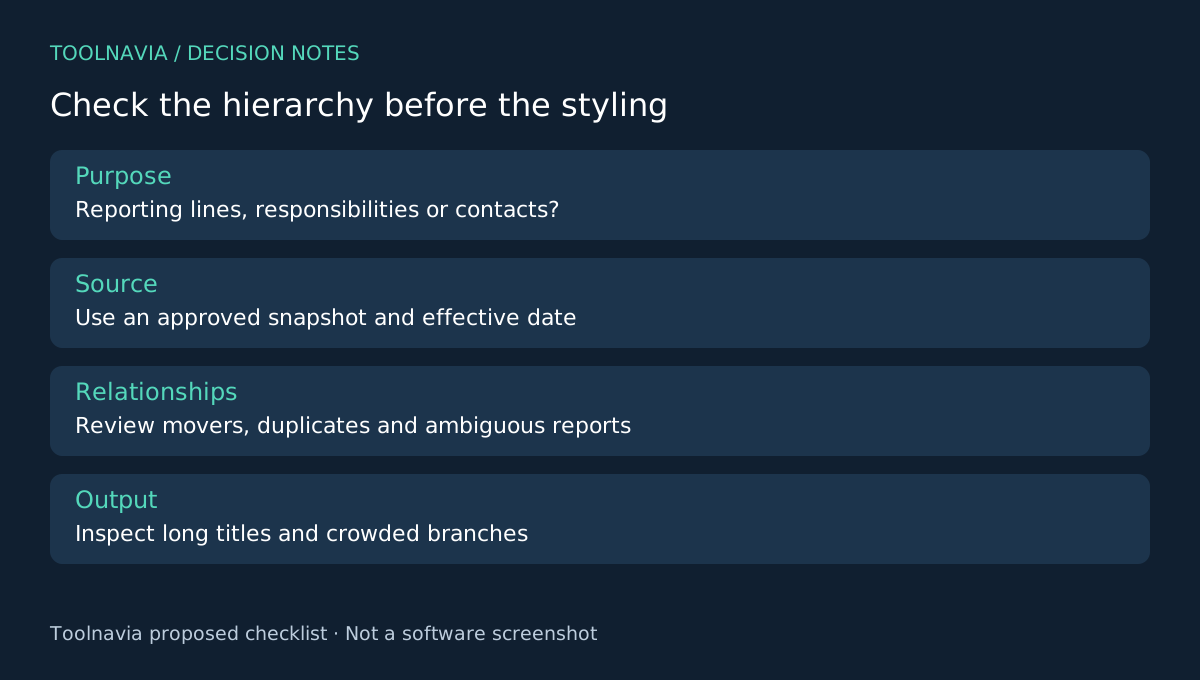
A reporting chart, a project responsibility map and a contact directory answer different questions. Choose one purpose before importing data. For a reporting chart, state the effective date and whether vacant positions belong in the view.
Keep the source list limited to information the intended audience needs. A general internal chart may need names, roles and departments, but not personal details. Use an approved source and resolve duplicate names or uncertain reporting relationships before treating the spreadsheet as authoritative.
Four controls help turn records into a chart
EdrawMax's desktop guide documents employee-data import from Excel and a downloadable template for preparing that data. It also describes layout customization. The Card Information guide lets you choose which fields appear on each shape and adjust display details.
Import reduces repeated typing; the template clarifies preparation; layout helps fit the hierarchy; field selection keeps cards focused. These are authoring controls, not evidence of an automatic connection to your HR system. Do not assume that changing the source spreadsheet silently updates every distributed chart.
Check relationships before polishing colors
Begin with a small department that contains the relationships you need to represent. Include a manager with several direct reports and a known exception, such as a vacant role, if your model uses one. Follow the actual import template rather than inventing column names that the wizard may not recognize.
After import, compare each person with the approved source. Check the top of the hierarchy, the people who moved teams and any repeated names. Count expected records, then investigate both missing and duplicated cards. A matching total alone does not prove that reporting lines are correct.
Ask the responsible owner to review ambiguous relationships before release. If a dotted-line or project relationship cannot be represented clearly in the chosen model, explain it separately instead of disguising it as a normal direct report. This is a proposed review exercise, not a Toolnavia hands-on accuracy test.
Make the next update easier to audit
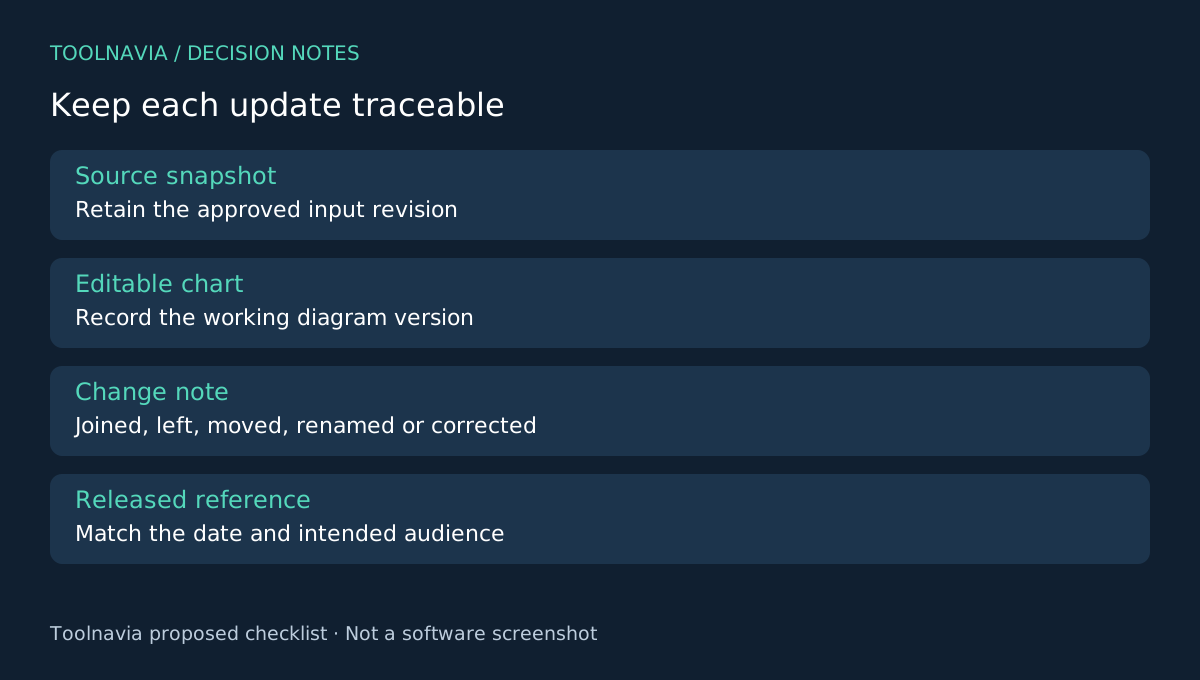
Keep the approved source snapshot, editable diagram and exported reference under one revision identifier. Add a short change note: joined, left, moved, renamed or corrected. That gives the next editor a way to understand why the chart changed.
For each update, revisit affected managers and neighboring branches as well as the changed person. A moved card can alter spacing and readability elsewhere. Export at the intended reading size and inspect the longest job title and most crowded branch using the documented output options.
Publish only the fields needed by the audience. Hiding a field visually is not a substitute for controlling what data you place in a file shared outside the intended group. Prepare the distribution copy deliberately.
Choose a license for recurring maintenance
The free desktop comparison includes watermarks and other limits, while the annual store offer supplies the paid diagramming entitlement. Check the selected plan and optional assets rather than assuming a template requires an extra subscription.
Visio offers organization charts, and draw.io provides another diagram environment with its own import support. Choose EdrawMax if its import, layout and field controls fit your update routine. The [EdrawMax plan guide](/en/software/edrawmax) covers broader licensing. Toolnavia may earn a commission through the official affiliate link; no automatic HR synchronization or guaranteed maintenance savings is claimed.