TOOLNAVIA / BUYING GUIDE
EdrawMax Network Diagrams: Give the Next Maintainer a Clear Map
The short answer
A useful network diagram lets the next person understand what a line means, which device it reaches and how current the information is. EdrawMax can help an individual author turn verified network notes into a clear handoff. Its value is in repeatable diagram production, not in making an undocumented network accurate by drawing it neatly.
At a glance
- Best for
- Diagramming users choosing lower-cost multi-platform subscription versus owning current desktop major version.
- Price model
- General US baseline Annual $99/year; Perpetual $198 one-time; dynamic promotional checkout can differ
- Check first
- Official annual price surfaces differ; perpetual does not make online/mobile/cloud or every future major upgrade permanent; Trial exports watermarked.
Choose one view and one audience
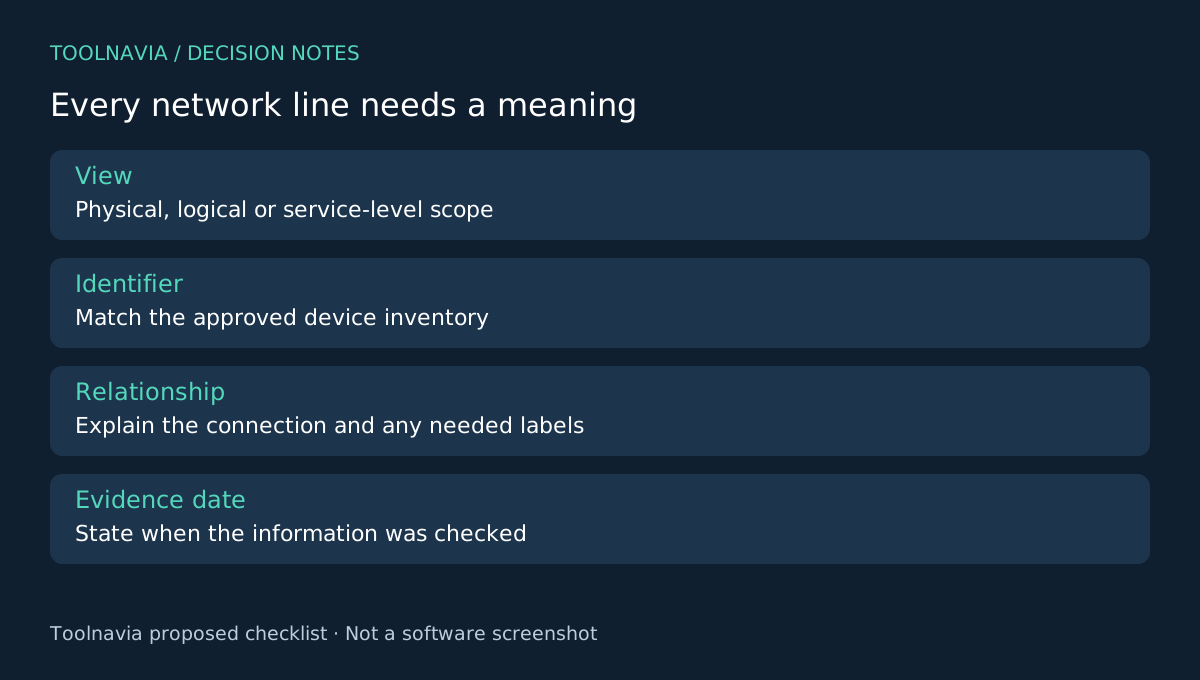
Decide whether the diagram explains physical connections, logical segments or a high-level service path. Mixing all three without a legend can make a small network surprisingly hard to read. State the scope and the date of the information on the page.
Use device identifiers that match the approved inventory. Keep a separate source note for information that has not been verified. A proposed connection should look different from an existing one, and the legend should explain the difference without requiring color alone.
Four authoring controls fit the job
Edraw's network guide offers templates and editable network symbols. Its symbol reference covers device representations and custom symbol creation. The connector guide documents attached connections, and the export guide provides PDF and image output controls.
Templates organize the starting view, symbols establish a visual vocabulary, connectors show relationships and exports create a handoff readers can open. None of these claims establishes automatic network discovery or live synchronization. This article evaluates a manually maintained documentation workflow.
Make every connection answer a question
For each line, ask what relationship it represents. If ports or link labels matter to the recipient, use a consistent convention and record them from an authorized source. Do not infer a connection merely because two devices sit close together on the canvas.
Trace one real path through the diagram with someone who knows the environment. They should be able to identify the devices, the relationship between them and the boundary of the drawing. Record unresolved details as questions for the owner instead of filling them in with plausible guesses.
Then move a connected shape and inspect its endpoints and label placement. A line that remains attached can still become visually ambiguous at a crossing. Use spacing and a legend to make the intended route clear. This is a proposed documentation check, not a network test performed by Toolnavia.
Deliver a package that can be maintained
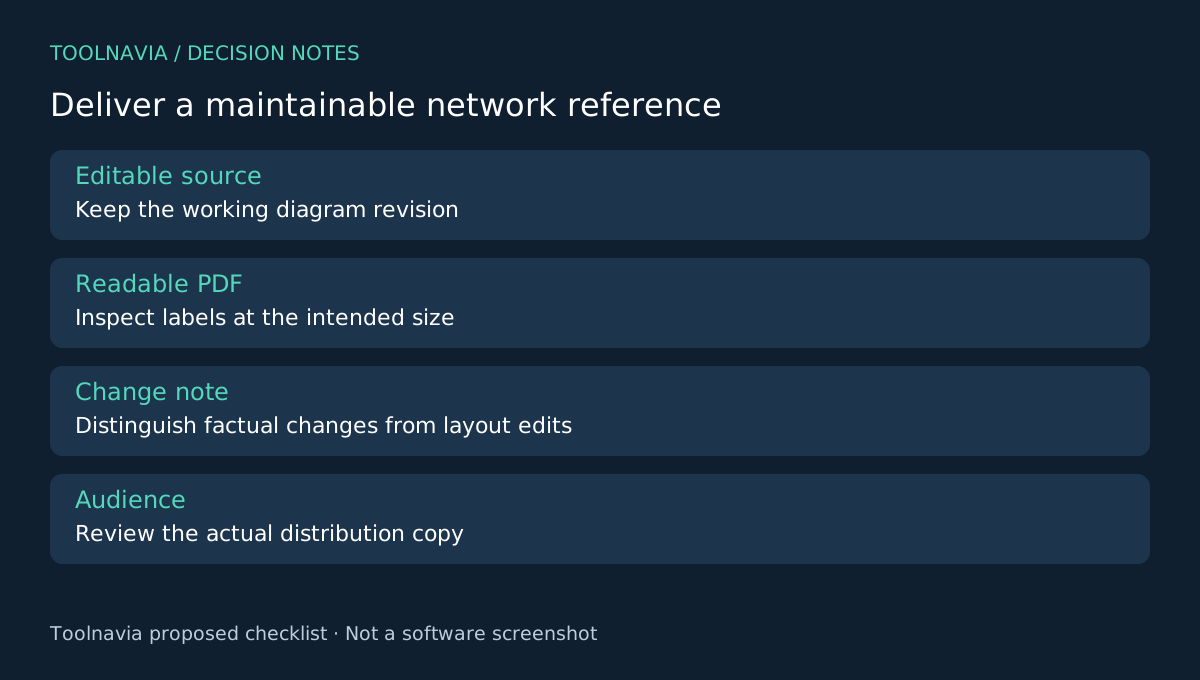
Keep the editable source, a PDF reference and a short change note together. Export the overview at its actual reading size. If device labels are too small, add focused detail views instead of shrinking the entire network to fit one page.
The change note should identify what was added, removed or corrected and who supplied the information. That allows a future editor to distinguish a factual update from a layout-only change. Do not describe a diagram as current unless the relevant information has actually been checked.
Prepare the right version for each audience. An external project overview may not need the same internal addresses and operational detail as an authorized maintenance copy. Review the actual shared file, not just what appears on the visible canvas.
Choose EdrawMax for the authoring work you repeat
Visio also offers detailed network diagrams, while draw.io supports another editable diagram workflow and several import formats. Compare the diagrams you can maintain and hand off comfortably; there is no accuracy or productivity ranking here.
EdrawMax's free desktop edition has export limits including default watermarks. The annual paid offer may fit recurring client or internal documentation when the sample output meets the recipient's needs. See the [EdrawMax plan guide](/en/software/edrawmax), and check renewal and optional assets before purchase.
Toolnavia may earn a commission through the official affiliate link. No automatic discovery, operational validation or guaranteed time saving is claimed.