TOOLNAVIA / BUYING GUIDE
EdrawMax Layers: Hide, Lock or Remove Before Client Handoff?
The short answer
At a glance
- Best for
- Layered diagram authors with a separate client-release review.
- Price model
- Annual individual displayUS$99;confirm renewal,tax and optionalUS$15.90/mo Creative Assets.
- Check first
- Visibility and editing locks are not content removal or confidentiality guarantees.
Verdict: layers organize work; deliverables need review
EdrawMax is a sensible layered-diagram editor when the team keeps an internal master and prepares a deliberate client release. Its desktop guide separates hiding, locking and print participation. None of those labels establishes that confidential content has been removed from a file the client receives.
Choose the product for the authoring workflow it supports, and test the exact delivery route before relying on it. This guide analyzes current official documentation; we did not open a diagram, export a file or share client data.
Review the exact EdrawMax Annual Individual offer. Toolnavia may earn a commission through this approved direct link.
Hide, lock and print solve separate problems
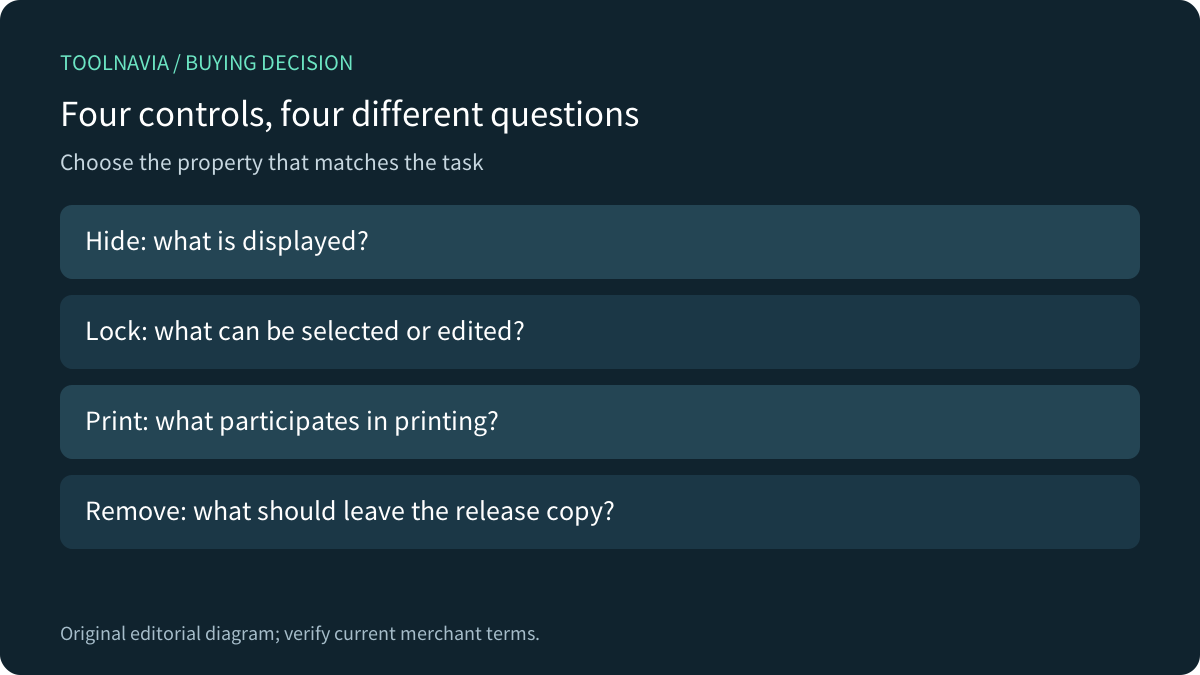
The eye icon hides shapes in a layer. The lock icon prevents selecting or editing them. The active-layer control assigns new shapes, and the print icon excludes layer shapes from printing. These are useful independent authoring properties. A locked layer can still be visible; an editing lock is not a recipient-access policy.
EdrawMax therefore offers four concrete workflow advantages: organized layer visibility, protection from accidental edits, independent print participation, and format/page export controls. The boundary is equally important: a clean view or a nonprinting layer is not proof that every export or shared source excludes the underlying information.
Keep a master and a reviewed external copy
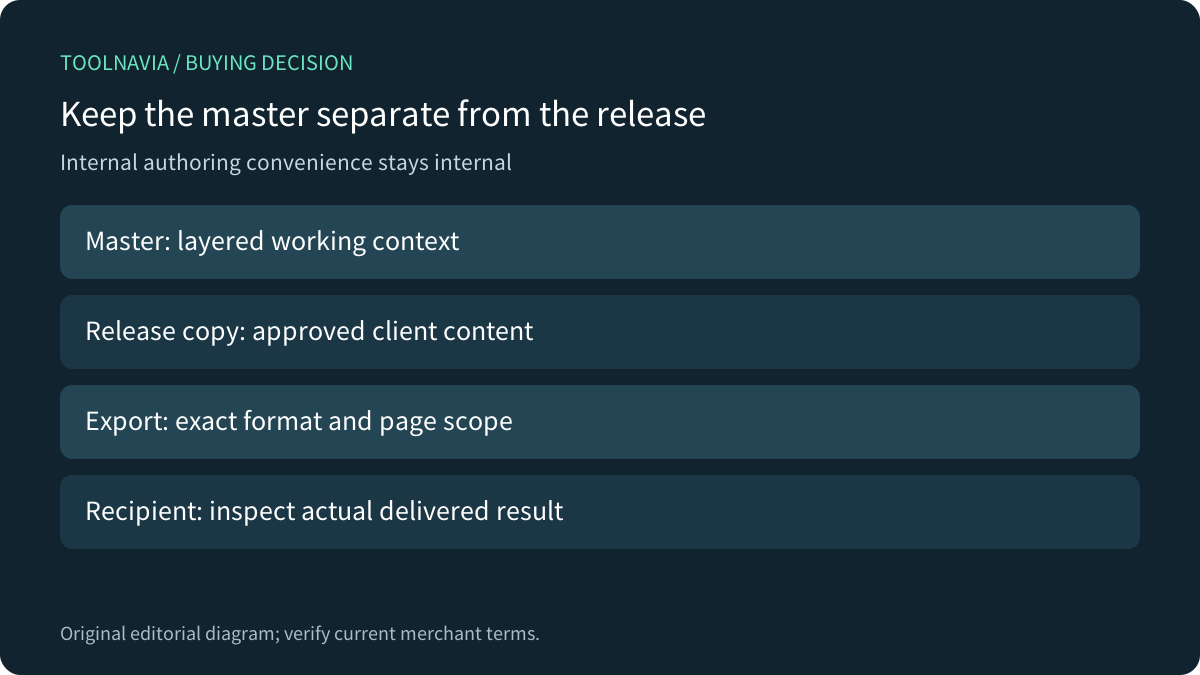
Keep the complete internal diagram under the team's normal access control. Create a separate release copy containing only material approved for the recipient. Where removal is required, remove the unwanted objects from that release copy rather than merely turning off their visibility. Preserve the master separately so this review does not destroy working context.
Review other pages, labels, notes, links, attachments and metadata relevant to the document. This is a handoff recommendation, not a claim that EdrawMax provides a certified sanitization command. For formal redaction requirements, establish a separately verified method that meets the requirement.
Inspect the actual export and sharing route
EdrawMax documents PDF, JPG and PNG export with page ranges, resolution and format-specific settings. It also documents link/email sharing, access-level choices and embedded HTML. File export and cloud sharing are different release routes, and each needs acceptance in the recipient's actual viewer or account.
Do not assume a print exclusion flag governs every PDF/image export setting. Likewise, a recipient who receives the editable master may have capabilities different from someone who receives a reviewed image. Verify the actual artifact and permissions rather than inferring them from the canvas.
Competitor documents expose the right questions
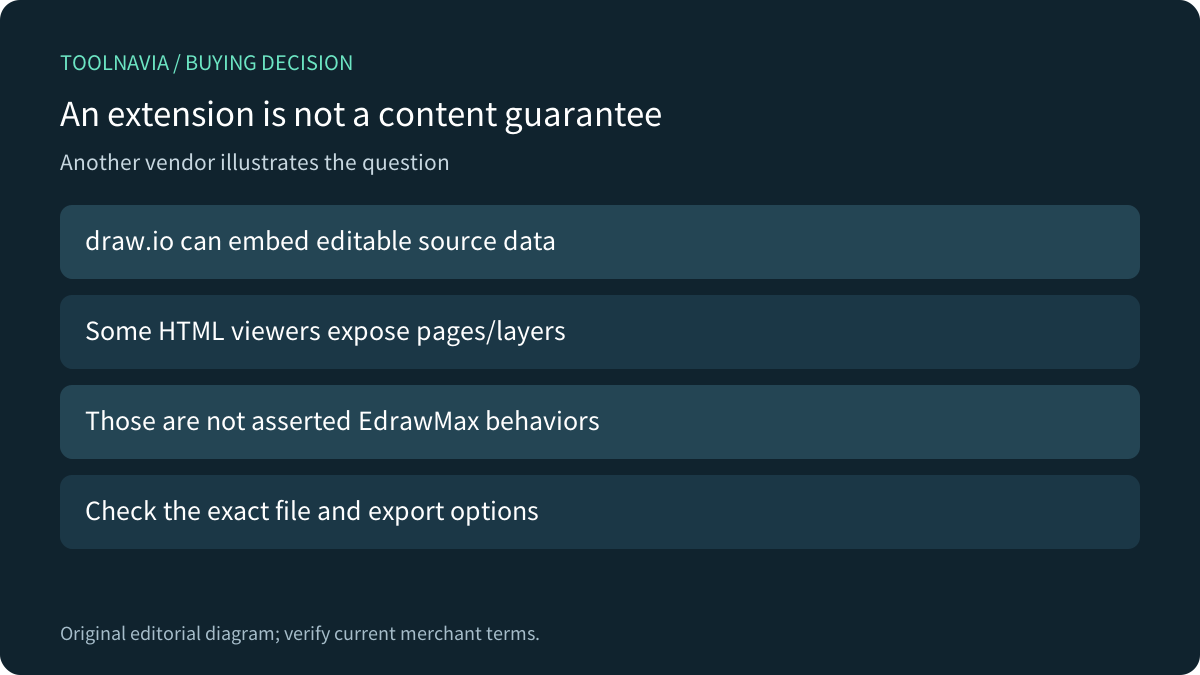
Microsoft Visio also separates visibility, printing and locking, which reinforces the distinction between those operations. draw.io explicitly supports embedding editable diagram data in some PNG, SVG and PDF exports, and its HTML viewer can expose pages or layers according to settings.
Those draw.io behaviors are not asserted EdrawMax implementations. They demonstrate why a familiar extension or screenshot-like appearance cannot, by itself, prove which information a deliverable contains.
Run a harmless recipient test before commitment
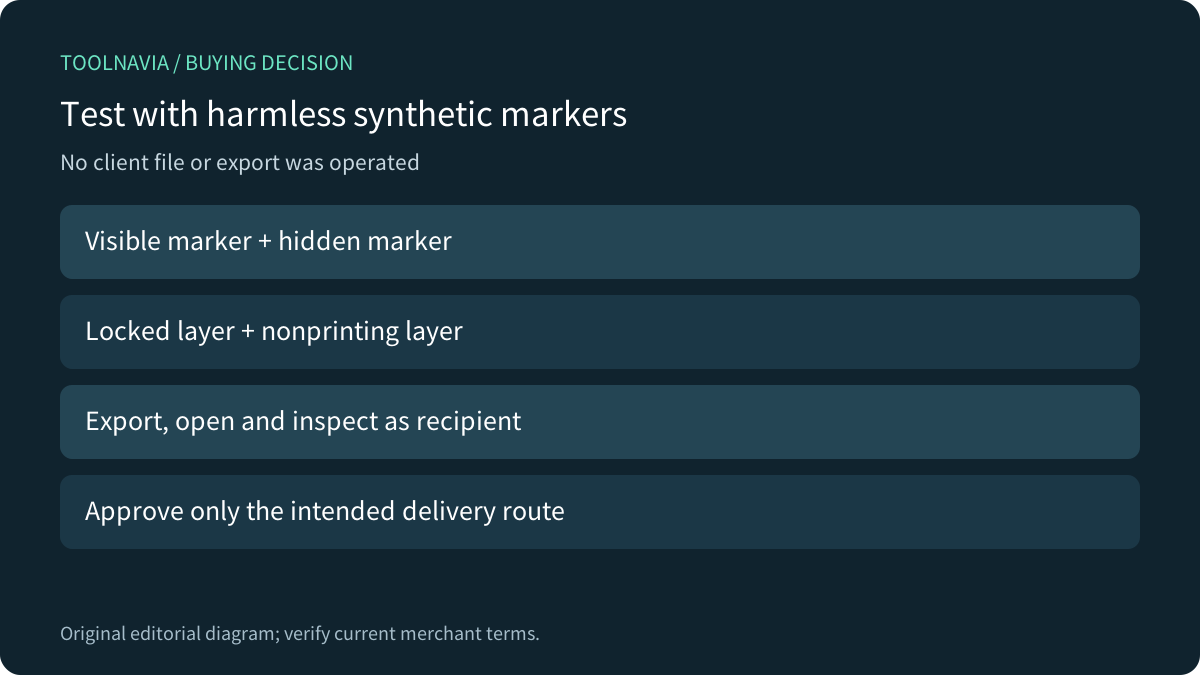
Build a synthetic diagram with a visible marker, a hidden marker, a locked layer and a nonprinting layer. Create the planned release copy and export each intended format. Open it as the recipient would, inspect every page, and search for the synthetic terms where the format supports text. If the delivery must remain editable, reopen the source and inspect its layers and objects.
Record the settings and the expected result. Approve only the route that passes; do not extrapolate a PNG result to a shared editable link. No such application test was performed for this review.
Price the license and review work together
The current official store displays Annual Individual at US$99 against a US$119 reference. It separately offers a Creative Assets trial that becomes US$15.90/month. Confirm the actual renewal, tax, commercial-use suitability and optional selections in the current cart; the reference price is not a guaranteed renewal quote.
Choose EdrawMax when layered authoring and a reviewed client-copy process meet the need. Wait when the requirement is guaranteed confidential removal but the chosen export or sharing route is unproven. Include review and rework time in the cost of each client handoff; hiding an internal layer is faster than proving the final deliverable, but it answers a different question.