TOOLNAVIA / BUYING GUIDE
EdrawMax for BPMN: Visual Diagram or Executable XML?
The short answer
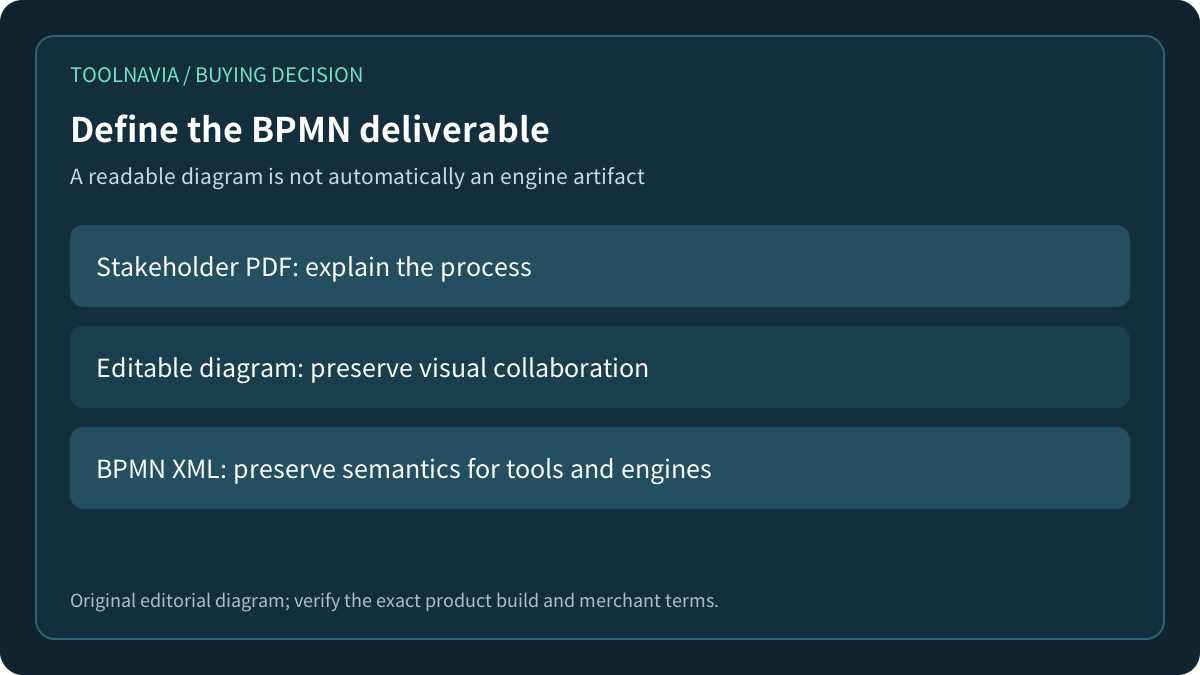
A polished BPMN diagram can be completely understandable to people and still be unusable by a workflow engine. Before buying EdrawMax for process work, define the handoff: a presentation, an editable drawing, a standards-based BPMN 2.0 XML file, or a process that must actually deploy. Those are different deliverables.
At a glance
- Best for
- Visual BPMN documentation with an explicit recipient-format test.
- Price model
- Current checkout controls; no numeric price quoted because the canonical page displays inconsistent numeric sections.
- Check first
- Current public Edraw pages do not establish a certified BPMN 2.0 XML round-trip or engine deployment.
Start with the recipient, not the symbol library
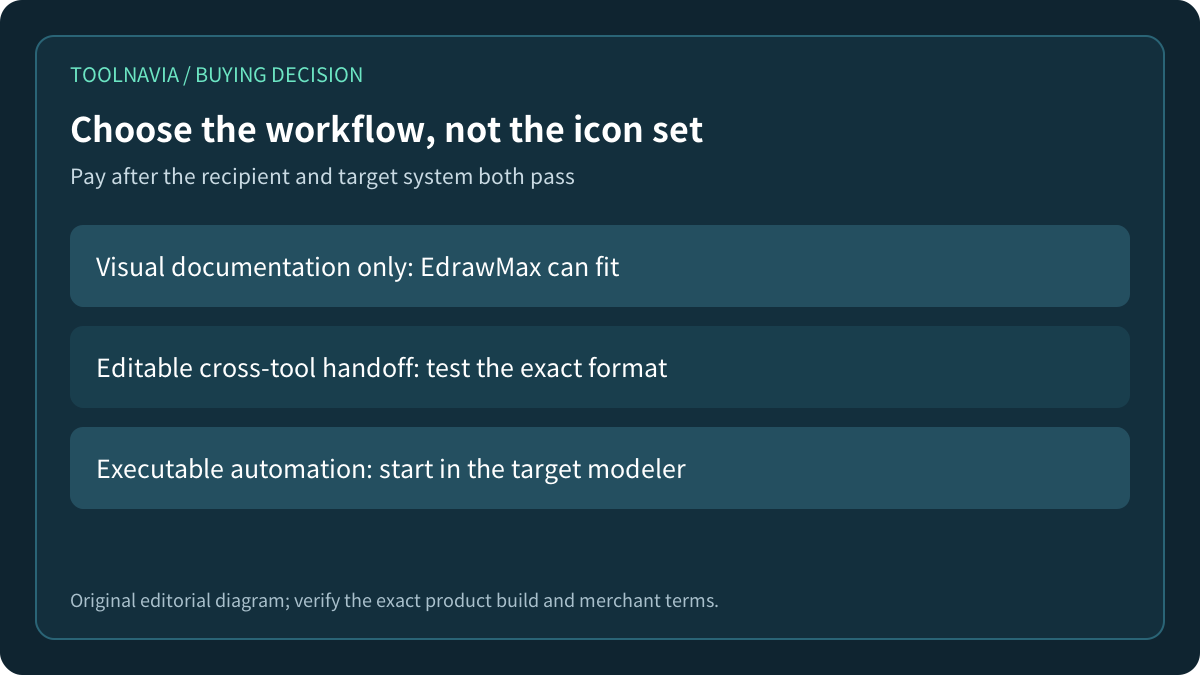
A business workshop may only need lanes, events, tasks and gateways that everyone can discuss. A compliance review may need a stable PDF. Another modeling team may expect a .bpmn file it can reopen. An automation team may require engine-specific extensions, executable flags, forms, variables and connector settings.
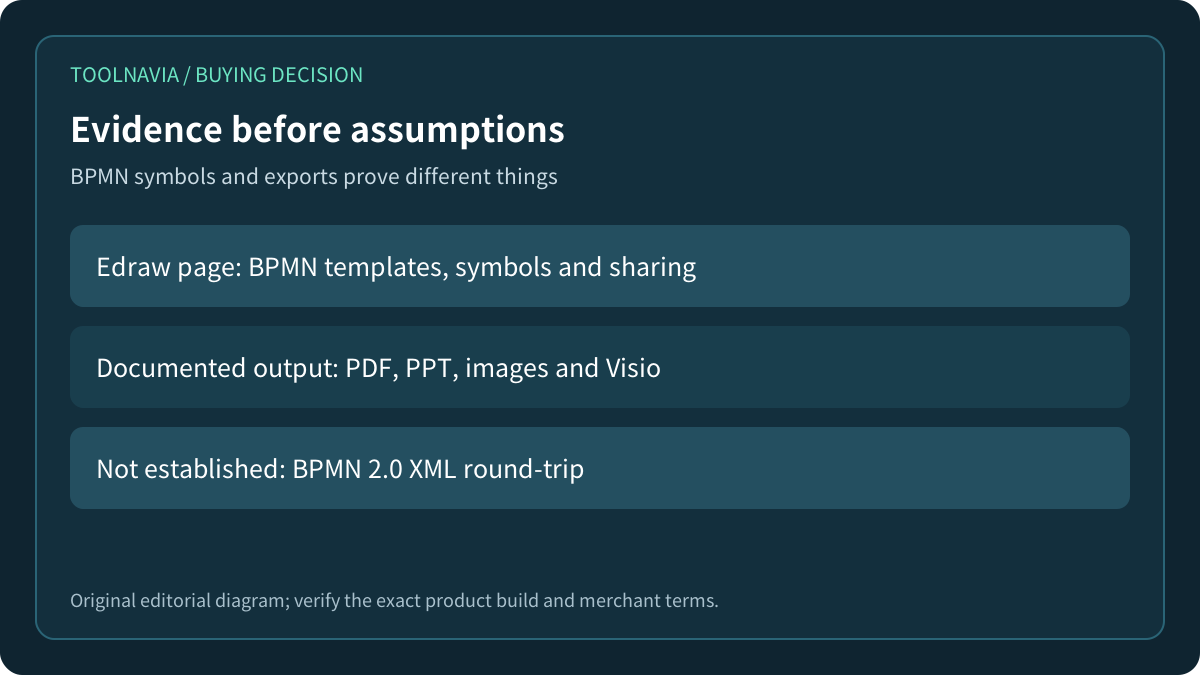
The official EdrawMax BPMN page establishes useful visual work: templates, BPMN symbols, search, presentation and team sharing. It also names common document and graphics exports, including PDF, PowerPoint, images and Visio. That is a strong case for documentation. It is not the same as a published BPMN 2.0 XML import/export contract.
Write the recipient and acceptance object at the top of the project brief. If the answer is “a readable diagram,” visual quality and revision speed dominate. If the answer is “a deployable process,” the target engine owns the acceptance test.

What the current EdrawMax evidence does and does not prove
The current BPMN page says EdrawMax can import and export Visio files and export BPMN work in major presentation or image formats. The current general guide exposes an Import and Export section, while the reviewed page does not document a BPMN 2.0 XML round-trip procedure. A search of the opened BPMN page also produced no “BPMN 2.0” text.
The current tech-spec page lists generic XML among conversion formats, but its product feature table names Visio, SVG and CAD imports and graphics, PDF, Office, HTML, SVG and Visio exports. The official BPMN how-to likewise frames the output as a stakeholder or implementation guide and documents visual or document exports. Neither page identifies BPMN 2.0 XML semantics or executable-engine compatibility, so the generic XML label is an ambiguity to test, not proof of a deployable handoff.
Absence from these pages does not prove that every EdrawMax build lacks an XML route. It means this review cannot certify one. Product editions, desktop builds and online editions may differ, and a sales answer is not a substitute for a file test.
This distinction prevents a costly category error. VSDX is an editable drawing exchange format; PDF, PNG and SVG are presentation formats. None automatically establishes that process IDs, sequence flows, conditions or execution metadata will survive as BPMN XML.

Executable BPMN is more than a diagram that looks correct
The OMG BPMN 2.0 specification includes XML schemas and diagram-interchange structures as well as the notation people see. Camunda describes a BPMN process as an XML document with a visual representation, and its example includes an executable process plus engine-specific task definitions.
That dual nature matters. A diagram can preserve boxes and arrows while losing stable element IDs, boundary-event attachment, gateway conditions, message references or engine extensions. Conversely, a standards-valid file may still fail a particular engine's deployment rules.
Bizagi documents a concrete BPMN 2.0 XML export and says the resulting file can be used by software that supports the format. Its import guide accepts .bpmn files and warns that some exporters may fail to preserve shape coordinates. These pages show the kind of explicit interchange contract to demand. They do not prove an EdrawMax-to-Bizagi or EdrawMax-to-Camunda round-trip.
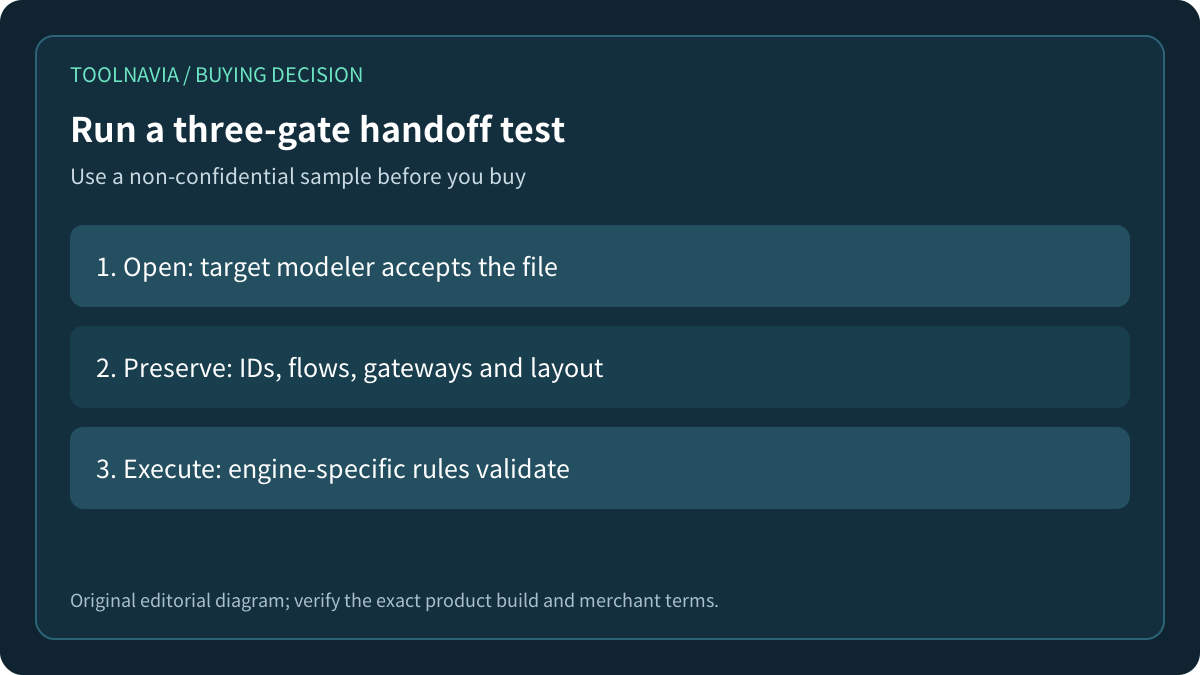
Run a small three-gate handoff test
Use a nonconfidential sample with a start event, a user task, an exclusive gateway, two conditions, a timer boundary event and an end event. Give every object a stable name. If execution is required, add only the minimum metadata demanded by the target engine.
Gate one is opening: export using the exact EdrawMax build and open the result in the target modeler. Record the file extension and any conversion step. A screenshot or PDF does not pass this gate when the recipient requires BPMN XML.
Gate two is preservation: compare element IDs, sequence flows, gateway conditions, boundary-event attachment, labels and layout. Re-export from the recipient tool and reopen it. Note every warning and every manual repair. A file that opens but silently changes meaning has failed.
Gate three is execution: validate or deploy in a nonproduction target environment. Check engine-specific extensions, variables, forms, connectors and retries. Toolnavia did not run this product test; these are purchase acceptance steps.

Price the repair loop, not just the first diagram
The current official pricing page presents annual and perpetual choices, device and cloud entitlements, and optional AI Assets trial/renewal language. Its visible price sections are internally inconsistent, so this article does not quote a numeric checkout price. Open the selected annual offer and verify the cart, renewal, tax, devices and any optional add-on before payment.
The economic question is not “can EdrawMax draw BPMN?” The official page supports that visual job. The real question is how many handoff repairs occur after the first draft. Count the analyst's correction time, the automation engineer's rebuild time, and the risk of maintaining two divergent sources: a presentation diagram and an executable model.
If the recipient only needs a PDF, EdrawMax can earn its cost through broader diagramming work. If every process must be rebuilt in another modeler, start in the target modeler unless EdrawMax's visual collaboration saves more time than the rebuild consumes.
Choose the workflow, not the icon set
Buy EdrawMax for BPMN when the verified deliverable is visual documentation, presentation, or an editable format your recipient actually accepts. Preserve the native source and version the approved output.
Pause when machine-readable BPMN 2.0 XML or engine deployment is mandatory but no exact-build round-trip has passed. In that case, make the target modeler the source of truth and use EdrawMax only for a separately governed visual artifact.
After the three-gate sample passes, review the [approved EdrawMax annual offer](https://www.anrdoezrs.net/click-101895278-14099230) and retain the exact order terms. Do not infer BPMN XML or executability from the presence of BPMN symbols alone.

*Affiliate disclosure: Toolnavia may earn a commission on eligible purchases. This review used current public documentation and did not perform an EdrawMax checkout, .bpmn round-trip or engine deployment.*