TOOLNAVIA / BUYING GUIDE
EdrawMax BOM Export: Count the Right Shapes Before Quoting
The short answer
At a glance
- Best for
- Maintained custom-symbol quotations with reviewed scope, quantities and unit prices.
- Price model
- Annual Individual currently US$99; confirm renewal and optional Creative Assets charges.
- Check first
- Exported drawing data does not establish physical inventory or complete project cost.
Verdict: buy for a maintained quotation, not an automatic survey
EdrawMax can fit installers and designers who repeatedly turn maintained diagram symbols into material quotations. Its desktop BOM guide supports custom properties and explicit export scopes. The purchase question is whether the resulting list represents the intended project: exporting one page does not include the rest of the file, and counting symbols does not discover unrecorded physical equipment.
This is documentation analysis. No diagram, workbook, quotation, import or product test was operated.
Review the approved Annual Individual offer. Toolnavia may earn a commission on an eligible purchase; confirm commercial license suitability for the actual buyer.
Give the symbol catalog a clear meaning
The BOM guide imports an Excel symbol file with properties. A header row is required; regardless of the labels, the first two columns are interpreted as Symbol Name and Tooltip. The image column must be named Product Images, and each image must fit fully inside its cell. Additional property headers can be customized. Follow that structure rather than assuming arbitrary columns are interchangeable.
As an editorial practice, assign an owner to device identity, unit price, currency and source date. A symbol copied from an old job can remain visually convincing after its price becomes stale. The diagram cannot establish supplier availability, installation labor, tax or other unrepresented allowances by itself.
Select the project scope before merging rows
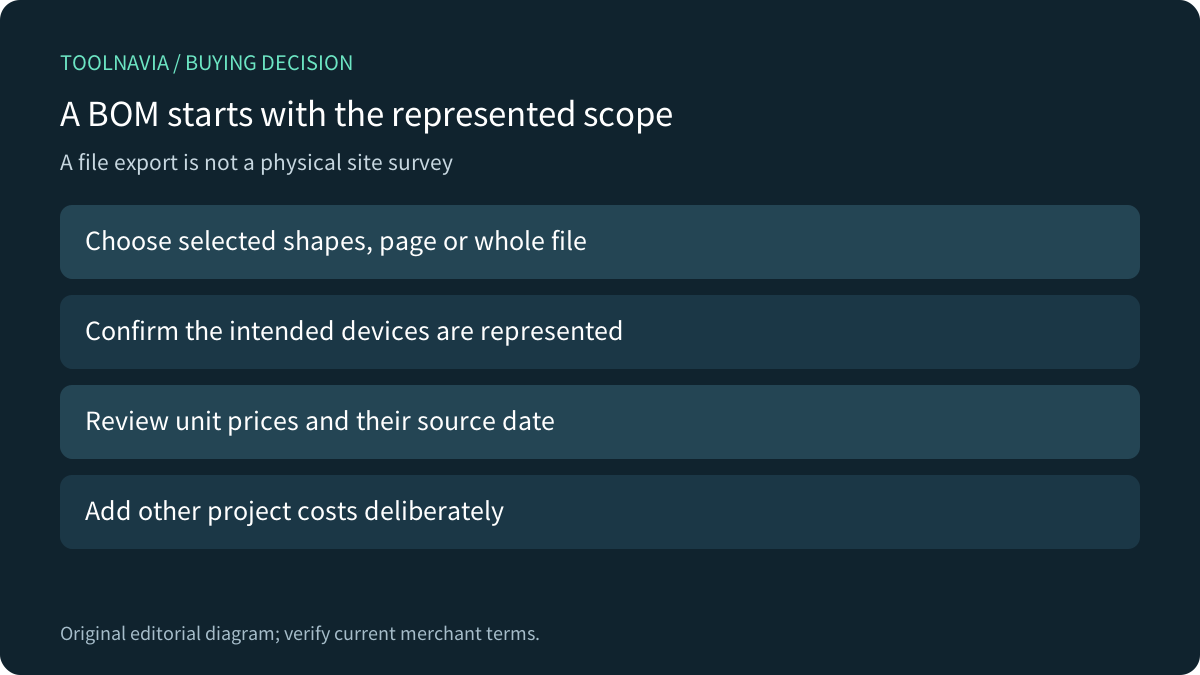
EdrawMax documents selected-shape, current-page and all-shapes-in-file quotation exports. On a multi-page project, choose according to the approved scope rather than whichever page happens to be active. Optional image inclusion is a presentation choice, not evidence that the quantities are complete.
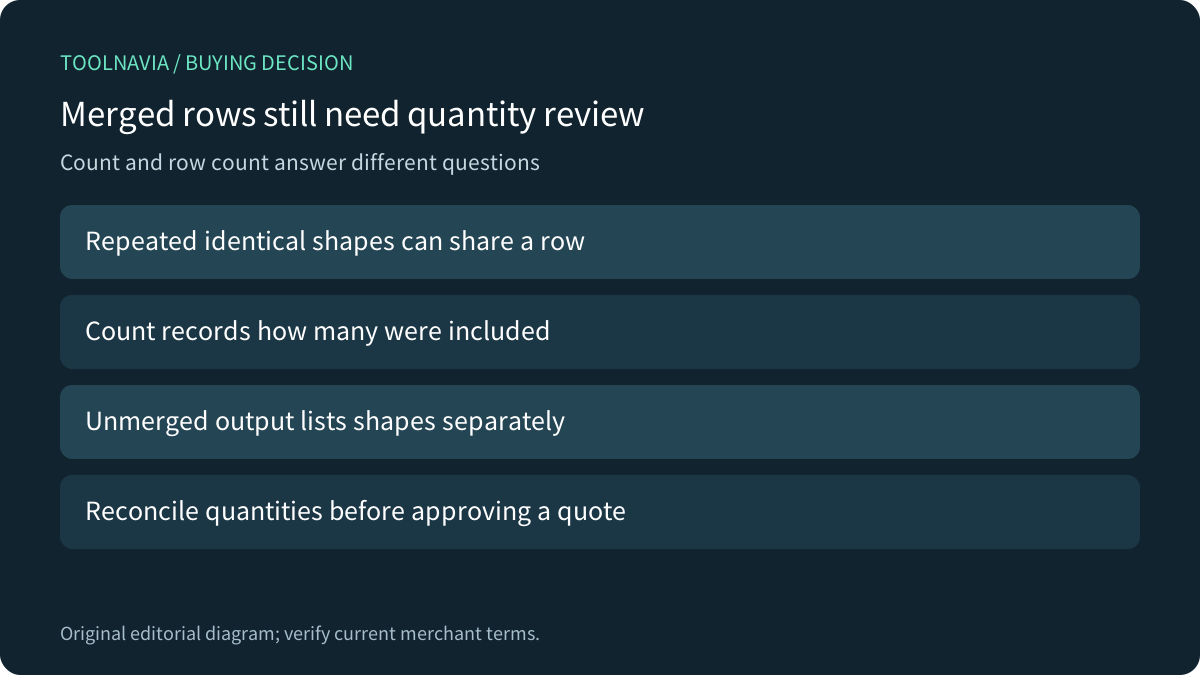
Merge identical shapes combines repeated symbols into a row with Count; declining the merge lists symbols separately. Row count and device quantity therefore answer different questions. Reconcile the identifiers and quantities rather than interpreting a shorter spreadsheet as fewer devices.
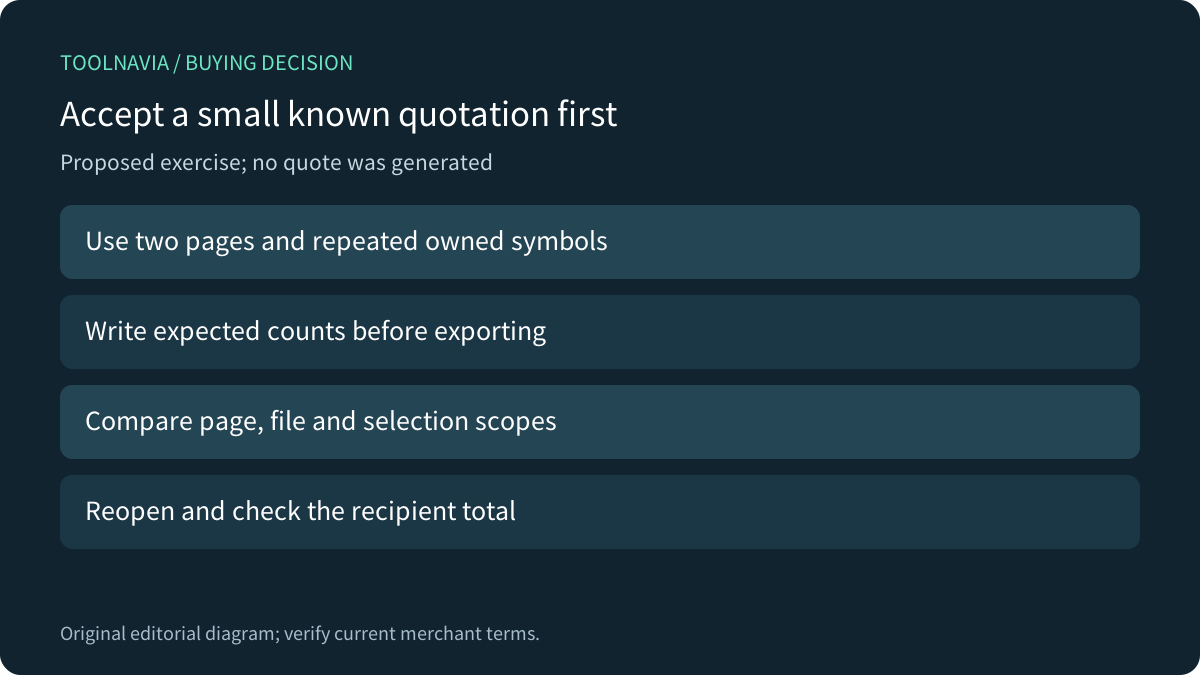
For an illustrative independent check, two known items at a hypothetical unit price of 100 should total 200 before other costs. This is arithmetic, not a supplier quote or observed Edraw result. Use an independently expected total to assess the exported fields.
Inspect the recipient spreadsheet, not just the preview
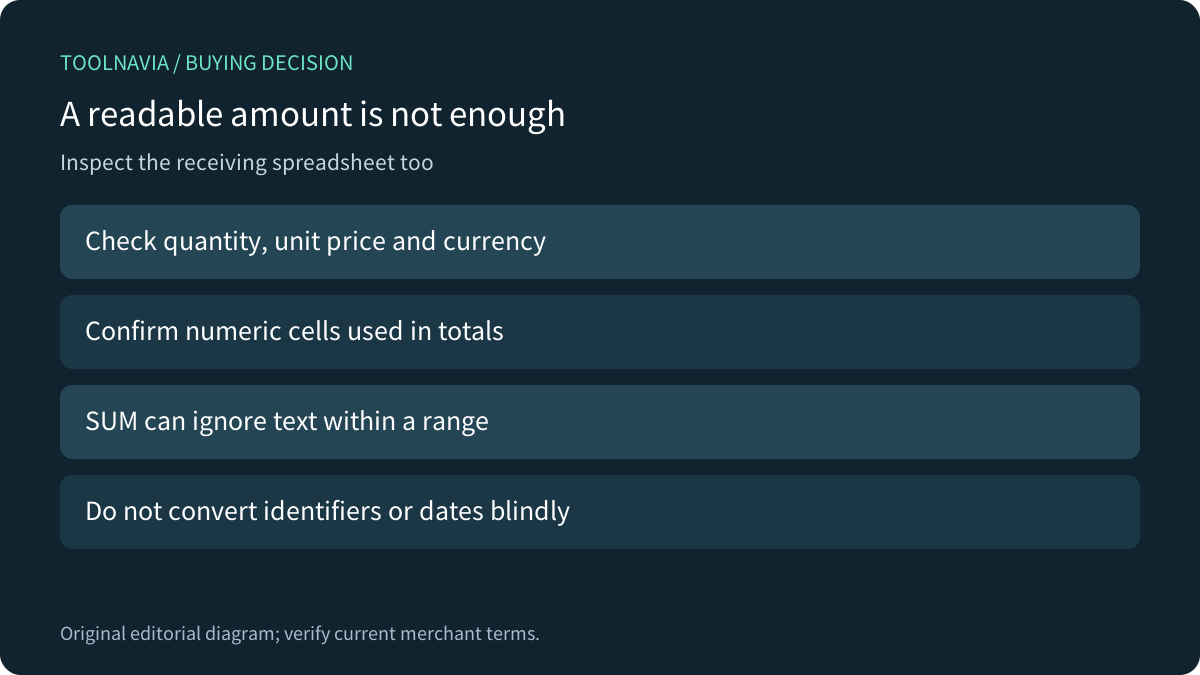
The official guide expressly asks users to open the quotation and inspect Price and Count before sending it. Verify what each exported column means, the currency, numerical types and any formula ranges in the recipient's actual application.
Microsoft Excel and LibreOffice Calc document that SUM ignores text in referenced ranges. A plausible total can therefore omit text values without proving completeness. Google Sheets VALUE converts recognized strings, including dates and times, and errors on unrecognized strings. Blindly converting an entire report can change identifiers or meanings. These are general spreadsheet checks, not a discovered Edraw export defect.
Compare the complete reporting workflow
Visio also reports text and data associated with shapes using report definitions. Its documented Excel and embedded-worksheet report routes require Excel installed. Confirm the applicable release and recipient route rather than assuming every diagram editor produces the same report or needs the same companion software.
For a proposed authorized exercise, use two disposable pages with known repeated symbols and one item deliberately outside a selected region. Record expected quantities, compare selection/page/file exports, then reopen the required output and independently check totals. No exercise was performed here.
A corrected library price also needs a deliberate revision check. Edraw's FAQ explains changing a symbol and replacing its library entry; that does not establish universal propagation to every previously placed instance. Check the actual project before releasing a revised quote.
Confirm the license after the quotation is accepted
Four relevant capabilities are custom-symbol properties, explicit export scope, merged Count and inspectable Price/Count output. Their value depends on maintained records and a recipient-ready result. Keep a suitable spreadsheet-based process when it already meets the requirement.
The current store lists Annual Individual at US$99 against a US$119 reference. Its optional Creative Assets seven-day trial renews at US$15.90/month separately. Confirm the selected cart, renewal, tax, device terms and individual/business eligibility; the reference price does not establish future renewal. Choose the tool when repeated diagram and quotation work justify the complete cost.