TOOLNAVIA / BUYING GUIDE
EaseUS Todo Backup Yearly vs Lifetime: Is $79.95 the 2-Year Break-Even?
The short answer
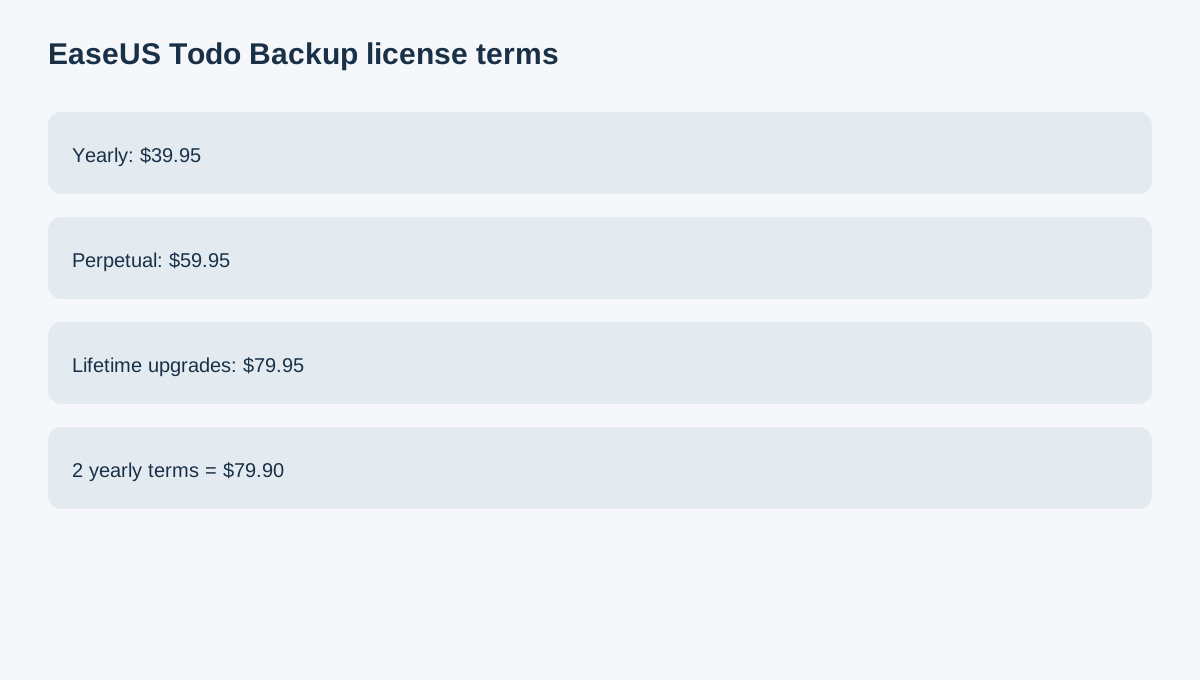
Once EaseUS Todo Backup Home is already the right feature tier, the next decision is license term. The current product-specific page lists $39.95 yearly, $59.95 perpetual and $79.95 lifetime upgrades for one computer.
At a glance
- Best for
- A buyer who expects to keep Todo Backup Home for multiple major versions and wants to understand when lifetime upgrades justify the higher upfront price.
- Price model
- $39.95 yearly / $59.95 perpetual / $79.95 lifetime upgrades
- Check first
- Final cart controls exact price and entitlement; future yearly price can change.
Two yearly terms nearly equal lifetime upgrades
Two current yearly terms total $79.90, only five cents below the current $79.95 lifetime-upgrades price. That makes lifetime upgrades easy to compare for a buyer who expects to stay beyond roughly two paid yearly periods.
This is arithmetic using today's prices, not a promise that future yearly renewal stays $39.95.
Perpetual and lifetime are not the same
The $59.95 perpetual license does not expire for the purchased version, but the product-specific page says it does not include free future major upgrades. The $79.95 lifetime-upgrades license does.
That $20 difference is therefore an upgrade-rights decision, not simply subscription versus ownership.
Confirm that Home itself is necessary
Home adds cloning, cloud and Outlook backup, WinPE media, event triggers and filters beyond Free. Support documentation confirms one-computer personal licensing and system-transfer features. If Free already covers the real job, term optimization on Home is solving the wrong problem.
Resolve price conflicts with the product-specific checkout
A separate EaseUS store page has displayed a different Home price without a clearly captured term. The product-specific purchase page and final cart should therefore control the actual license, term, tax and upgrade entitlement.

Compare other backup license models
AOMEI Backupper offers yearly and lifetime licensing, while MiniTool ShadowMaker and Macrium Reflect Home use their own paid backup models. Different vendors package future upgrades differently, so compare rights rather than only upfront price.
An independent PCWorld review covers EaseUS workflow and licensing context, but Toolnavia does not reuse its performance benchmark.
Buying rule
Choose yearly when you only expect one year or want the lowest upfront cost. Choose perpetual when you want to keep the purchased major version and accept paying separately for future major upgrades. Choose lifetime upgrades when you expect multi-version long-term use and the current $79.95 upfront cost makes more sense than repeated yearly payments. Verify the final cart and upgrade rights before purchase.