TOOLNAVIA / BUYING GUIDE
EaseUS Todo Backup Home Windows Backup: Free Limits vs Paid Cloning
The short answer
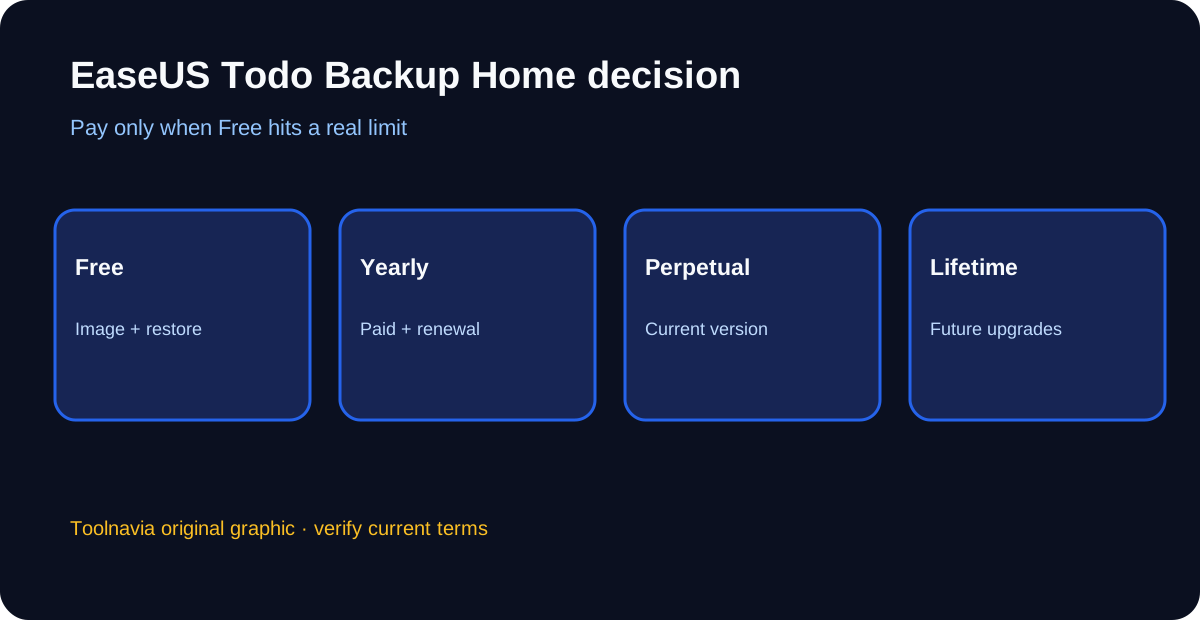
EaseUS Todo Backup Home is worth paying for when a Windows PC needs scheduled image backups, system or disk cloning, or event-based automation that the Free edition does not include. Stay with Free if simple file, disk, or system images and manual recovery cover the job. A recent PCWorld review observed $39.95 yearly, $59.99 perpetual for the current version, and $79.99 with lifetime upgrades; the official store is dynamic, so confirm the selected license, tax, renewal status, and next charge at checkout.
At a glance
- Best for
- One personal Windows PC needing paid cloning, event automation or dissimilar-hardware recovery after a rescue test.
- Price model
- Observed: $39.95 yearly, $59.99 perpetual, $79.99 lifetime upgrades
- Check first
- Dynamic checkout; personal license; recovery compatibility must be tested; cloud is separate.
Four paid workflows that can justify Home
Home adds disk and system cloning for an SSD replacement. That can save reinstall time, but the destination may be overwritten, so identify both drives by model and capacity, independently back up the destination, and keep the original disk untouched until the replacement boots and representative files open.
Event-based scheduling can start a backup after a defined system event instead of relying only on a calendar. This helps a frequently changing work folder, but automation is not proof of recovery: review logs, keep more than one generation, and test a harmless restore.
Email notification and backup exclusion rules make recurring jobs easier to monitor and keep unnecessary temporary files out of an image. They reduce maintenance, not storage planning; watch image growth and keep at least one copy outside the PC.
Home also supports dissimilar-hardware recovery and a Security Zone protection area that Free does not provide. Those features can help after hardware failure or ransomware, but driver, boot-mode, encryption, and storage-controller compatibility still need a rescue-media rehearsal.
Free, yearly, perpetual, or lifetime upgrades
The official purchase page offers annual, perpetual, and lifetime-upgrade choices, while current indexed pricing from PCWorld lists $39.95, $59.99, and $79.99 respectively. Perpetual normally means continued use of the purchased version, not every future major release; EaseUS separately documents upgrade eligibility and lifetime-upgrade licensing.
Yearly has the lowest observed entry cost but can renew. Perpetual costs about $20 more than one observed annual payment, while lifetime upgrades cost another $20 above perpetual. Those differences are arithmetic, not a promise that prices or promotion terms stay fixed. Record the exact cart wording and cancellation route before paying.
Recovery boundaries before you trust the plan
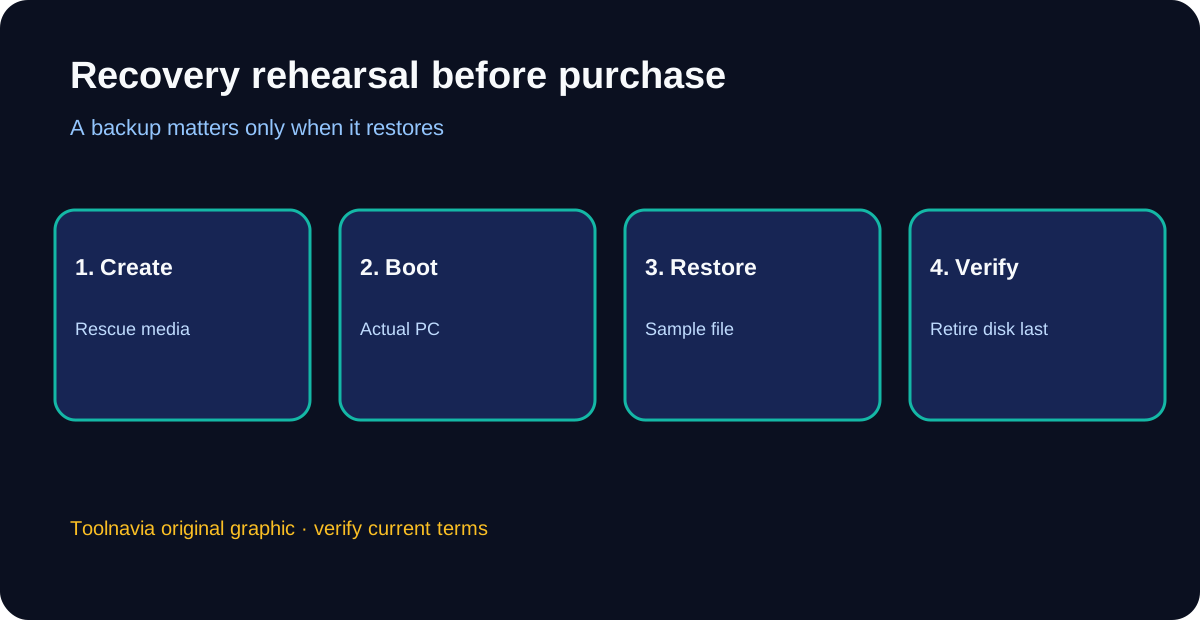
Todo Backup can create file, disk, partition, and system images, and its rescue environment can reach backups when installed Windows does not start. Keep recovery media current, boot it on the actual PC, confirm that it sees the internal drive and backup destination, and restore a sample file to a separate folder.
EaseUS support documents capacity up to 16 TB and both EaseUS and public cloud targets. Cloud capacity, retention, and transfer time are separate purchase and recovery questions. A local clone on the same desk is not an off-site backup, and synchronization is not a dated recovery history.
What independent reviews add
Recent reviews praise the approachable interface, imaging, cloning, scheduling, and recovery-media support, while noting interface oddities, sync bugs, paid feature gates, and the need to validate restores. These reports help define test questions; Toolnavia does not claim its own speed or hardware benchmark.
Affiliate and license limits
EaseUS publishes an open cash-paying affiliate program, but Toolnavia has not been approved, so tracking remains disabled. Home is for personal Windows use; business deployment, multiple machines, or server workloads require the relevant license.
Next step
Start with Free and create one image plus one sample-file restore. Pay for Home only if cloning, event automation, dissimilar-hardware recovery, or the paid monitoring controls remove a specific obstacle. Before retiring an old disk, complete a rescue-media boot and recovery check.